





























Your world · crew aboard
Pick the power you need
Choose the CPU, memory and NVMe storage your server runs on, and add more when your company grows.

Run your own world of ships, crews and island claims, with the rates, rules and mods you pick, set up from one panel.
Powering
Find your plan
Tell us about your server and we'll recommend a plan.
Let's find your plan
No per-slot fees. Choose your own slot limit. To help us recommend the right plan for you, tell us how many friends are joining you!

Best fit
Brigantine8 GB RAM, 200% CPU
$21.49/mo
Pick your plan
Or build your own. Then choose where it runs and deploy.
 CustomChoose your own plan!
Billing
Secure Backups Included
Brigantine
Billed monthly. Cancel any time.
Switch your ATLAS server to any of 445 other games, right from the panel, whenever you want!*
Included with
every plan
Your own rates, rules and mods, on a world that stays online for your crew.
Choose the CPU, memory and NVMe storage your server runs on, and add more when your company grows.
Your ships and bases stay put when you log off, and the server is protected from DDoS attacks.
Order and the server downloads ATLAS and sets up a world on its own. Nothing to set up on your side.
GameUserSettings.ini, without the typing
Set the message of the day, autosave interval, idle kick time and tamed creature limit, and turn the map, crosshair, health bars, damage numbers, hit markers and building decay on or off.
 GameUserSettings.ini - Physgun VS Code main
For the power users
Connect with real developer tools and edit your config files directly. Or skip it and use the panel.
Set how fast players earn XP, how much each hit harvests and how fast creatures tame.
Let crews raid ships and settlements, or pick PvE so players cannot harm each other, their ships or their buildings.
List Steam Workshop mods or collections by ID or link. They load in your order and update on each start.
One place for your whole world: name, passwords, player limit, PvP or PvE, rates and Workshop mods in the startup settings, a config editor for your server and gameplay rules, schedules you set for restarts and backups, subusers for your crew, a file manager with SSH and VS Code, and every other universal tool.

Accurate, blazing-fast output piped directly from the container. Paired with complete SSH access inside the Panel!
1 / 10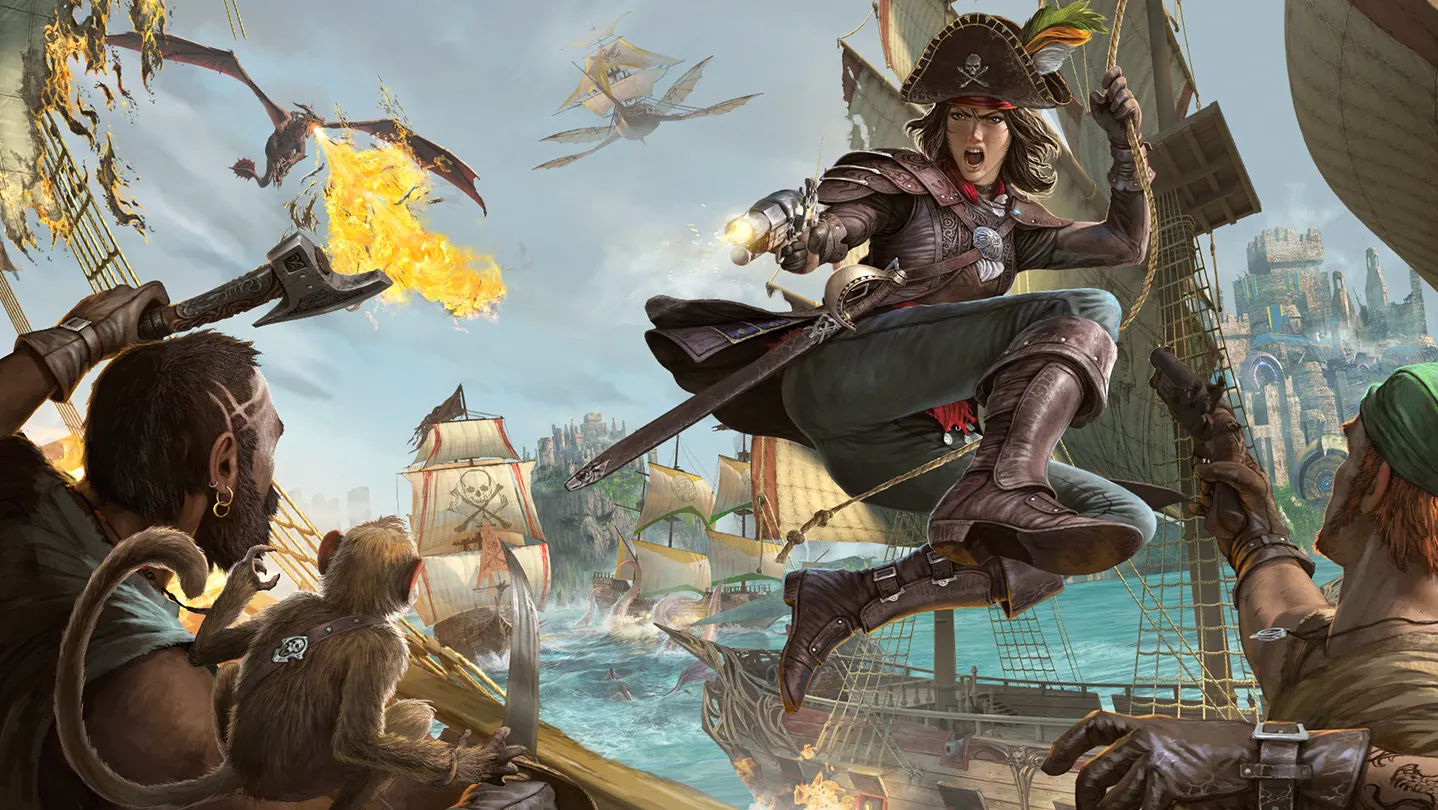
New to ATLAS?
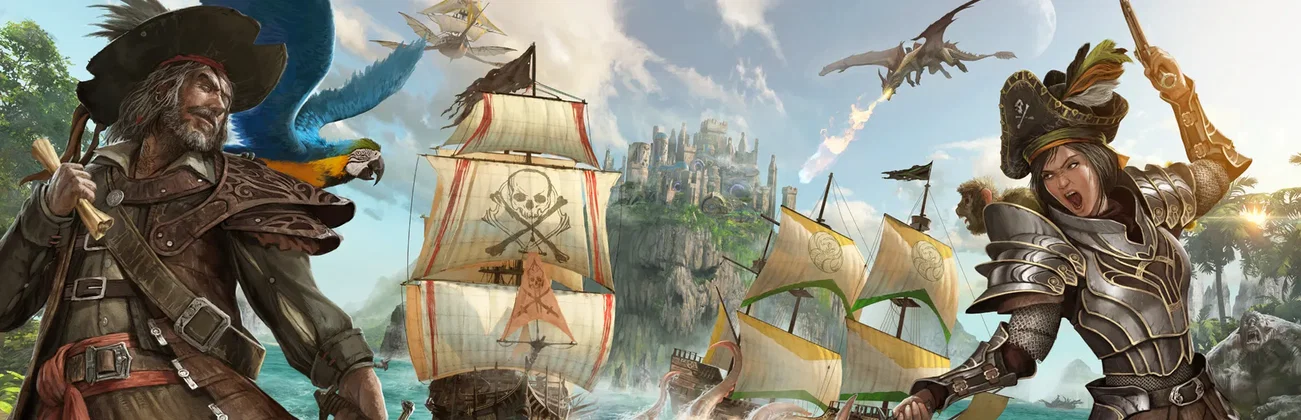
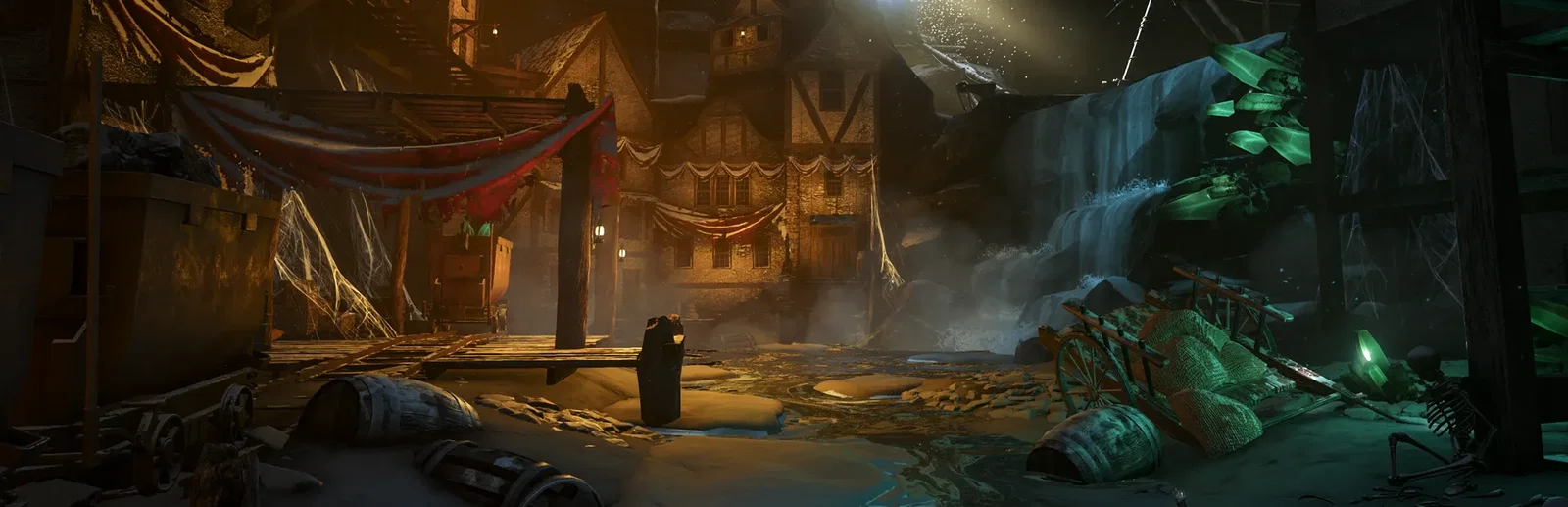
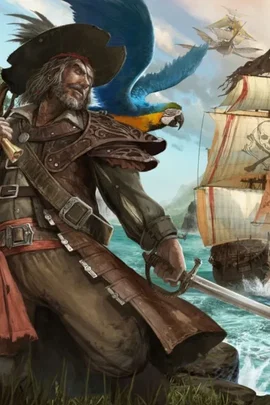
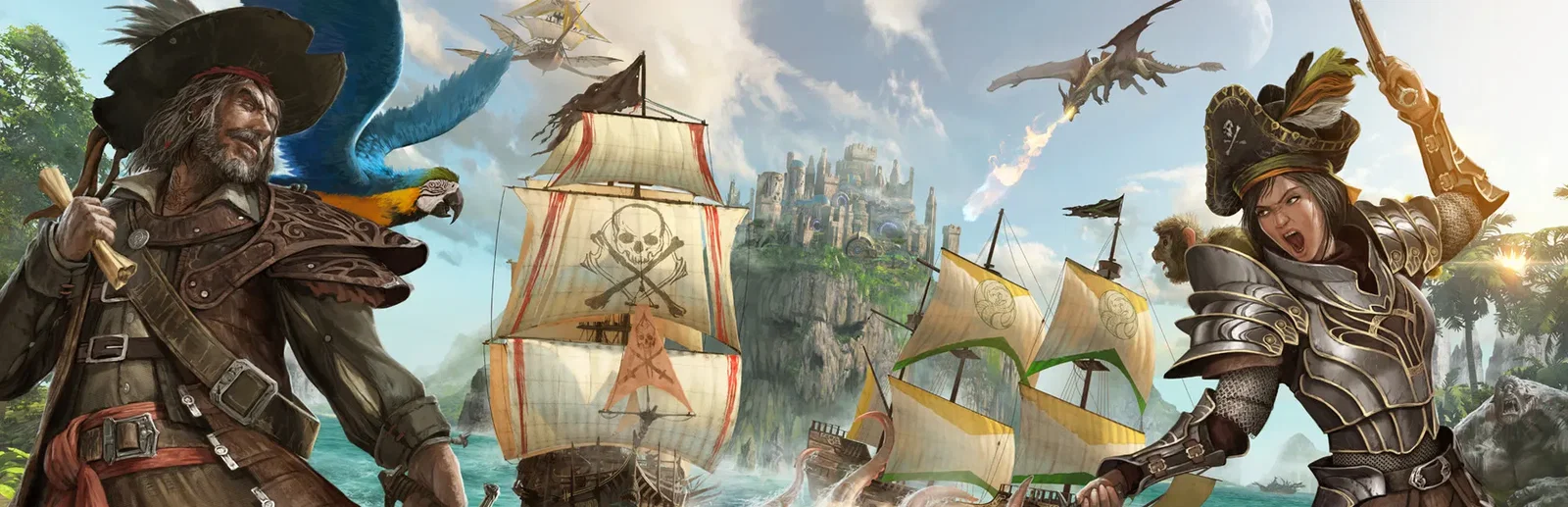
ATLAS is a pirate survival sandbox from Grapeshot Games, the makers of ARK: Survival Evolved. You gather and craft, build a base, then put to sea: from rafts and dinghies up to frigates and galleons, built piece by piece in a shipyard with your own sails, masts and gunports. Recruit players or hire NPC crew, tame creatures, hunt buried treasure, and fight at sea with cannons and boarding, all the way to the Golden Age Ruins and the Kraken.
Lay out every plank, mast and gunport, name your ship and design its sails.
Sail with friends or hired NPCs, and build a company with its own settlement.
Why rent a server?
An ATLAS dedicated server keeps your world online around the clock, so your ships, bases and tames are there whenever your crew logs in, and more than the 8 players of a private session can play. On our servers you set the server name, passwords, player limit, PvP or PvE and your XP, harvest and taming rates in the panel, server and gameplay rules in the config editor, list Steam Workshop mods to load, and get full file access over SFTP and SSH.
Your world stays up when you log off, and the server saves it when it stops.
Set your rates, rules and passwords, pick PvP or PvE, and add Workshop mods.
Straight answers before you order. Still stuck? Real people are here around the clock.
 Physgun
Set your own rates and rules, and your ships and bases stay put while you are offline.