
































CPU
Memory
Storage
CPU · memory · NVMe storage
Sized to your server
Pick the CPU, memory and NVMe storage your server gets, and change them as your community grows.

Keep the Proving Grounds online for your squad. Set the team sizes, maps and rules, and your server stays up around the clock.
Powering
Find your plan
Tell us about your server and we'll recommend a plan.
Let's find your plan
No per-slot fees. Choose your own slot limit. To help us recommend the right plan for you, tell us how many friends are joining you!
Best fit
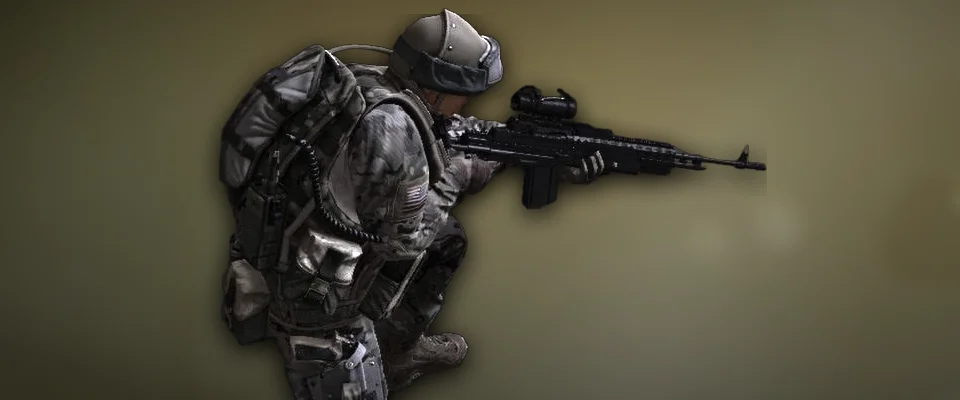
Designated Marksman1 GB RAM, 150% CPU
$3.49/mo
Pick your plan
Or build your own. Then choose where it runs and deploy.
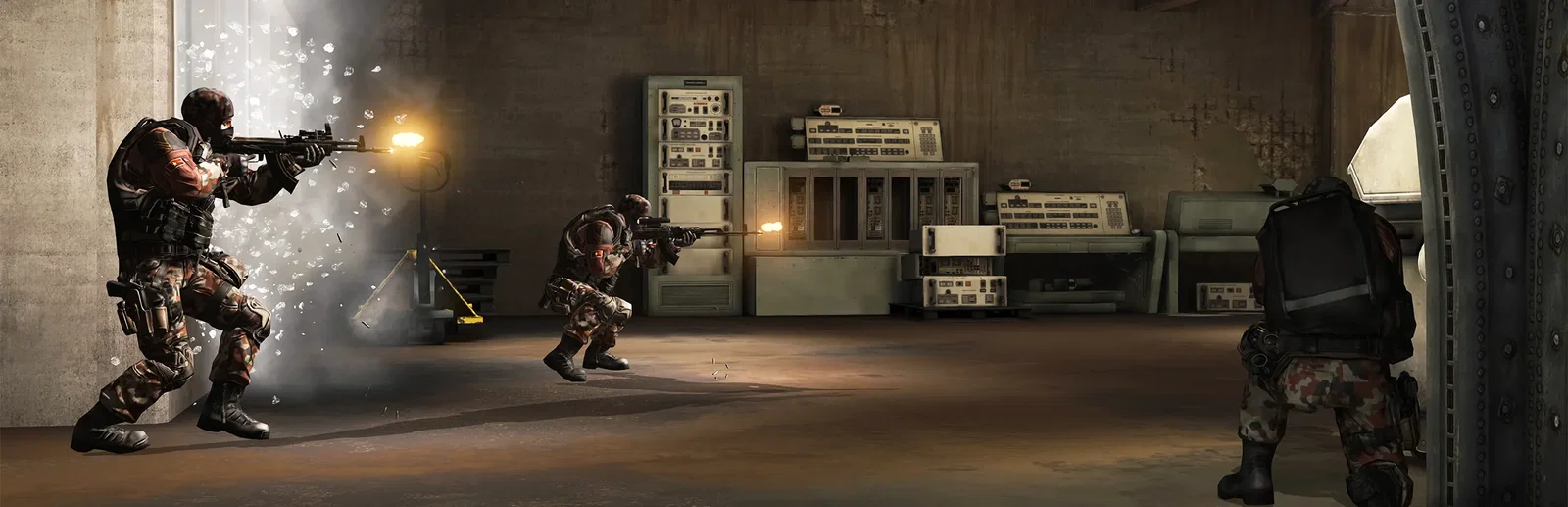 CustomChoose your own plan!
Billing
Secure Backups Included
Designated Marksman
Billed monthly. Cancel any time.
Switch your America's Army: Proving Grounds server to any of 610 other games, right from the panel, whenever you want!*
Included with
every plan
Official servers are gone, so the game lives on community servers. Keep yours online with your maps, your team sizes and your rules.
Pick the CPU, memory and NVMe storage your server gets, and change them as your community grows.
99.9% uptime, and every server is protected from DDoS attacks.
Order, and the server downloads the game and applies your settings on the first start.
Rounds, gameplay and voting
Turn on hardcore mode, set bleed out, revives and friendly fire, and choose the rounds per match and round times for FLO and BDX maps. Decide what players can vote on, from kicks to map changes, and write your own message of the day. It is all in the config editor, with no files to edit.

Steam Workshop
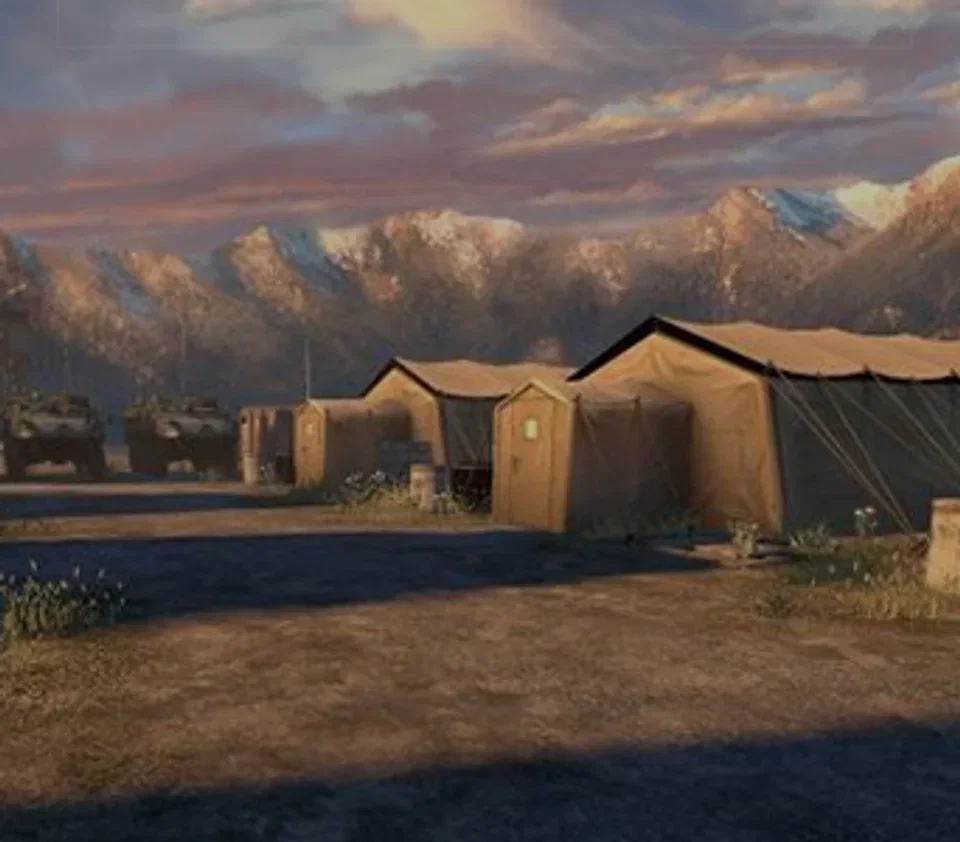
Browse the game's Steam Workshop in our panel, with pictures, search and tags like Take and Hold and C4. Add a map with one click, or remove it, and your server downloads it on its next start and keeps it up to date, ready for your map rotation or vote list.
Start on any of the game's 111 stock maps, and set the team size for the large FLO maps and the small BDX maps on their own.
Give your admins and moderators their own login to the panel with limited access. No password sharing.
Back up your settings and maps on a schedule you set or on demand, and restore them in a few clicks.
 Your server
Set a server password so only your squad gets in, or leave it empty and open the server to everyone.
One place for your whole server: a config editor for rounds, gameplay and voting, startup settings for the name, password and team sizes, a Workshop page where you add maps in one click, scheduled restarts and backups, subusers for your admins, a file manager with SSH and VS Code for your maps, and every other universal tool.
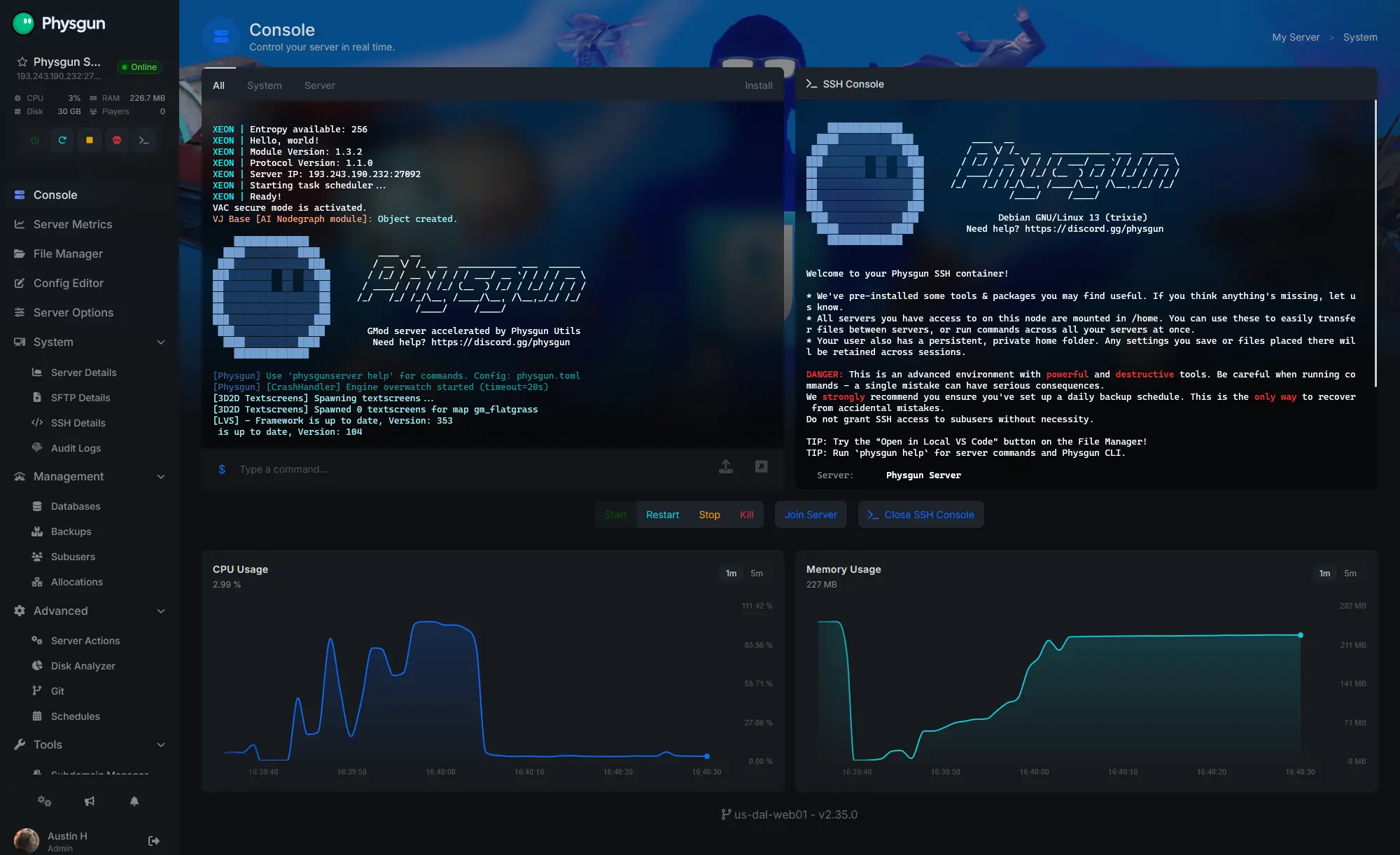
Accurate, blazing-fast output piped directly from the container. Paired with complete SSH access inside the Panel!
1 / 10New to America's Army: Proving Grounds?
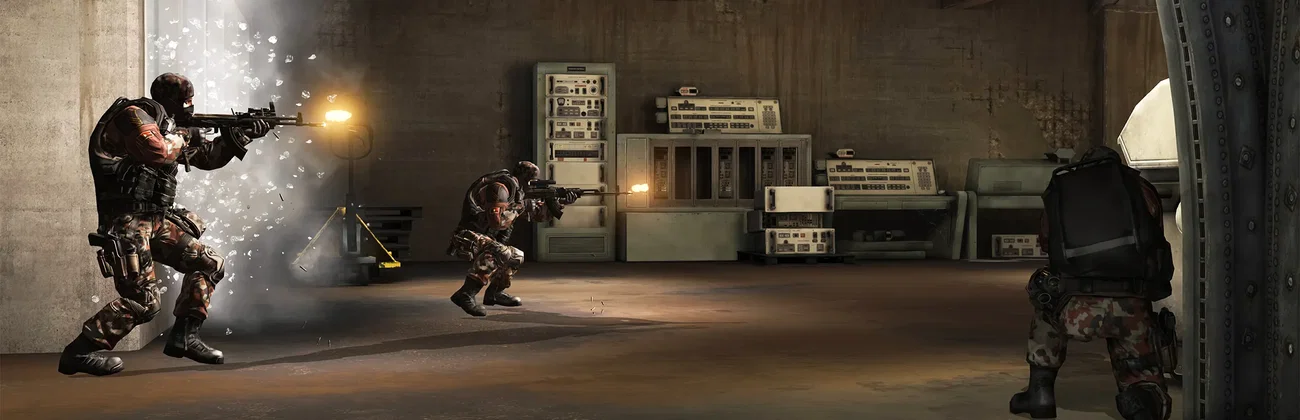
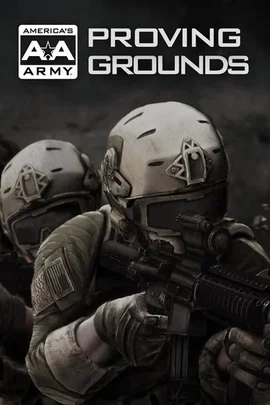
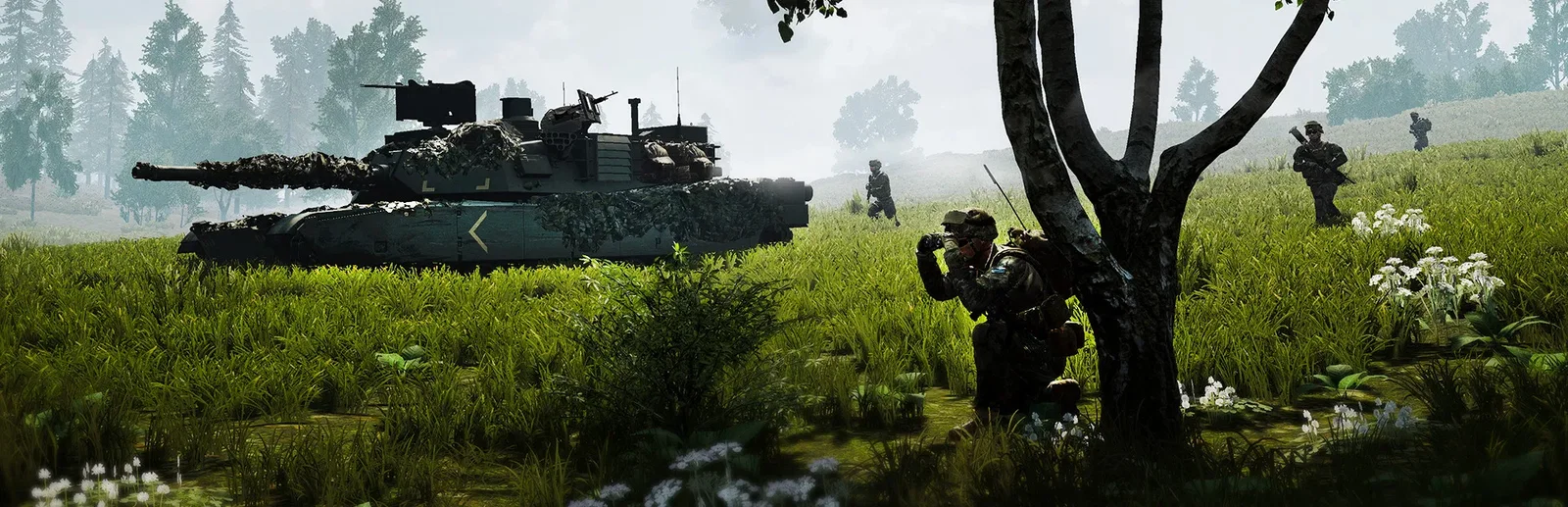
America's Army: Proving Grounds is the official game of the U.S. Army, a tactical first-person shooter about small unit maneuvers. You play an 11B Infantryman training at JTC Griffin, a mock town built for combat practice. Two teams fight over objectives in short rounds with few respawns, so teamwork and careful movement win over run-and-gun play. Between rounds you customize your character and weapons, and the Mission Editor and Steam Workshop keep new maps coming. The game left the Steam store in May 2022, but anyone who already has it in their Steam library can still install and play it.
Small unit fights over objectives, where every life and every callout counts.
Fan favorites, new maps and Workshop maps made with the Mission Editor.
Why rent a server?
The U.S. Army shut down the official servers in May 2022, so today every match runs on a community server. With your own, your squad always has a server to join, with the team sizes, map and rules you choose. Start on any stock map, add Steam Workshop maps in one click, and set rounds, revives, friendly fire and voting in the config editor. With Physgun the server installs itself and stays online around the clock.
Your server stays up 24/7, so your squad can join whenever they play.
Team sizes, maps, rounds, hardcore mode and votes, changed whenever you like.
Straight answers before you order. Still stuck? Real people are here around the clock.
PhysgunSet your team sizes, maps and rules, and keep your server online for your squad.