
2fort · round live
Pick the power you need
Choose the CPU, memory and NVMe storage your server runs on, and add more when it grows.

Run your own server for 2Fort, Well or Dustbowl, for friends, pickup games or a public community, with the map, match rules and passwords set from the panel.
Powering
Find your plan
Tell us about your server and we'll recommend a plan.
Let's find your plan
No per-slot fees. Choose your own slot limit. To help us recommend the right plan for you, tell us how many friends are joining you!
Best fit
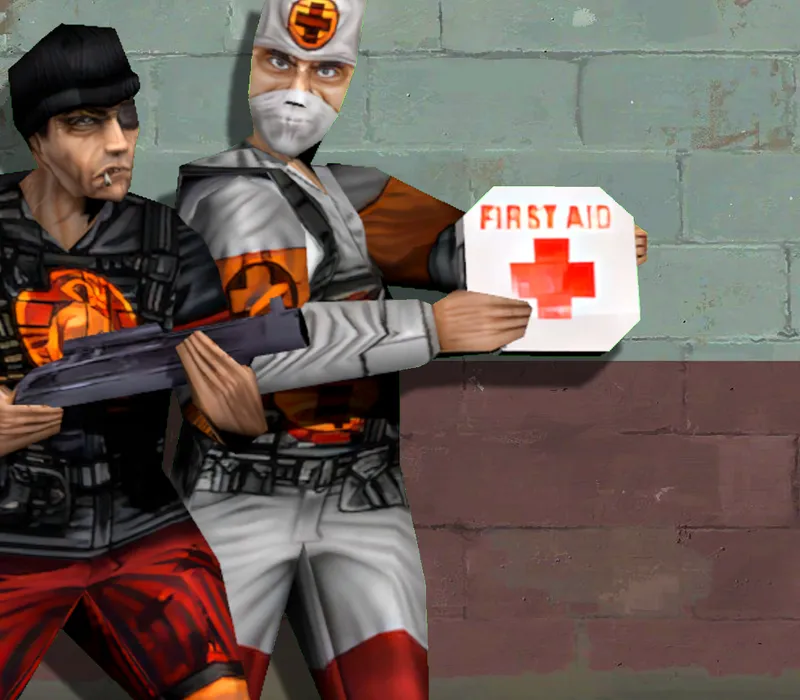
Medic1 GB RAM, 100% CPU
$2.99/mo
Pick your plan
Or build your own. Then choose where it runs and deploy.
 CustomChoose your own plan!
Billing
Secure Backups Included
Medic
Billed monthly. Cancel any time.
Switch your Team Fortress Classic server to any of 445 other games, right from the panel, whenever you want!*

 Minecraft
 Hytale
 Assetto Corsa
 BeamMP
 Clone Hero
 DDraceNetwork
 Dune 2000
 Half-Life
 Half-Life: Opposing Force
 Hollow Knight: Silksong
 Just Cause 2: Multiplayer Mod
 Kingdom Come: Deliverance II
 Quake Live
 Soldat
 Trackmania
 Among Us
 Base Defense
 Call of Duty: Modern Warfare 3 (2011)
 Command & Conquer: Red Alert
 Counter-Strike
Included with
every plan
Your start map, your rules and your plugins, on a server you run from one panel.
Choose the CPU, memory and NVMe storage your server runs on, and add more when it grows.
Your server stays up when you log off, and it is protected from DDoS attacks.
Your server deploys itself the moment you order. No setup, no waiting.
server.cfg, without the typing
Time and frag limits, friendly fire, respawn delay, clan match mode, team balance and all talk, grouped and labelled in the panel.
 server.cfg - Physgun VS Code main
For the power users
Connect with real developer tools and edit server.cfg, your map cycle or plugin configs directly. Or skip it and use the panel.
Set the start map, max players, tick rate and passwords, and run the current build, or the one from before the 25th anniversary update.

Switch to Team Fortress Classic (AMX Mod X) for admin plugins, reserved slots and map votes, and keep your files.
Give your admins their own login with limited access. No password sharing.
One place for your whole server: start map, max players and passwords in the startup settings, a config editor for your match and team rules, restarts and backups on a schedule you set, subusers for your admins, a file manager with SSH and VS Code for plugins, and every other universal tool.

Accurate, blazing-fast output piped directly from the container. Paired with complete SSH access inside the Panel!
1 / 10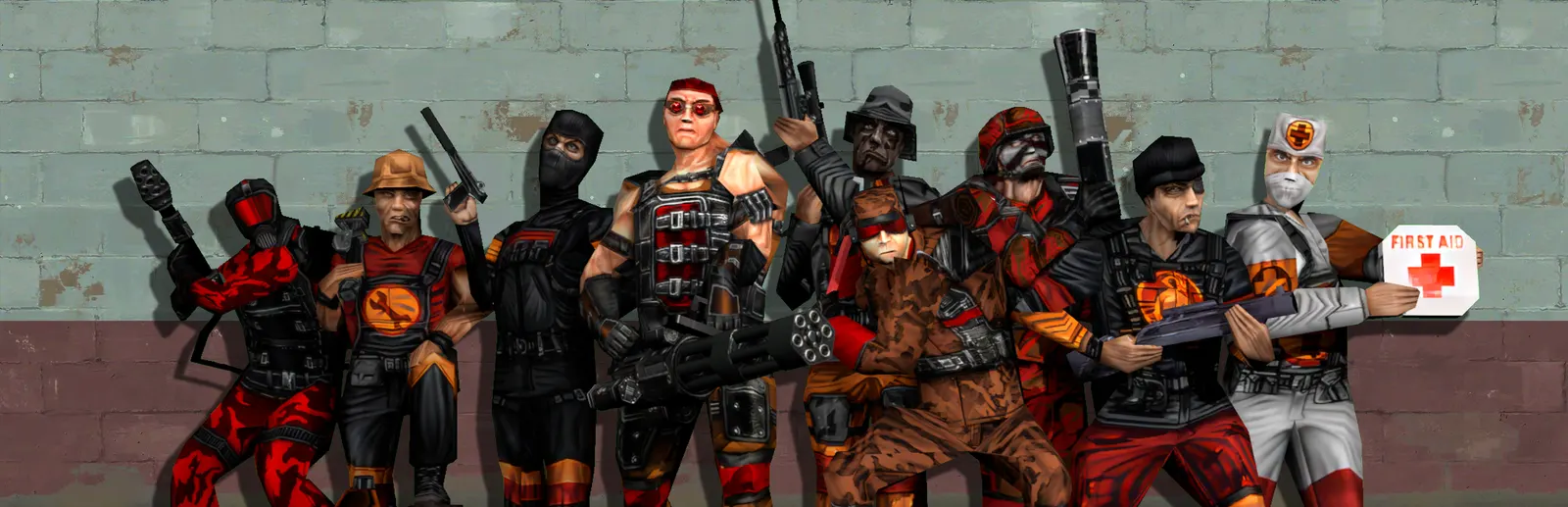
New to Team Fortress Classic?
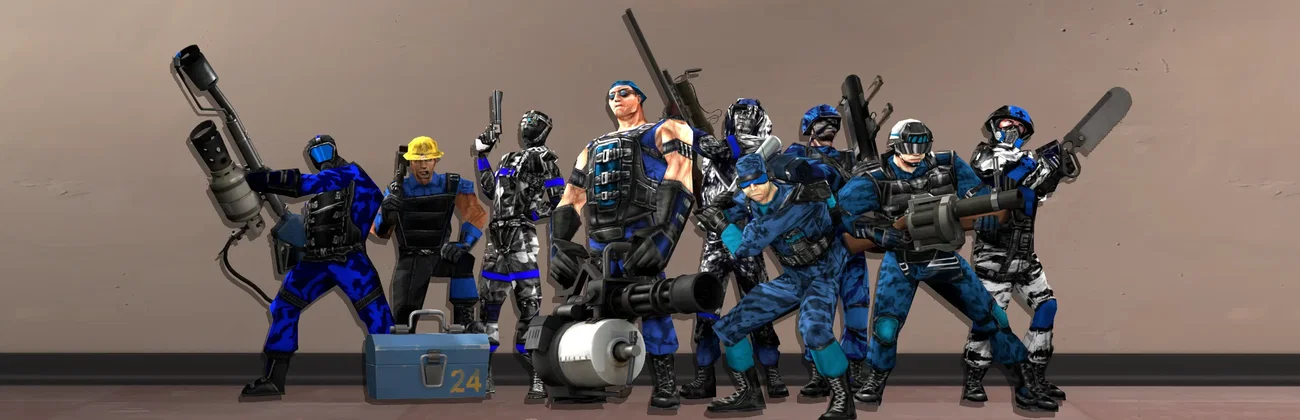
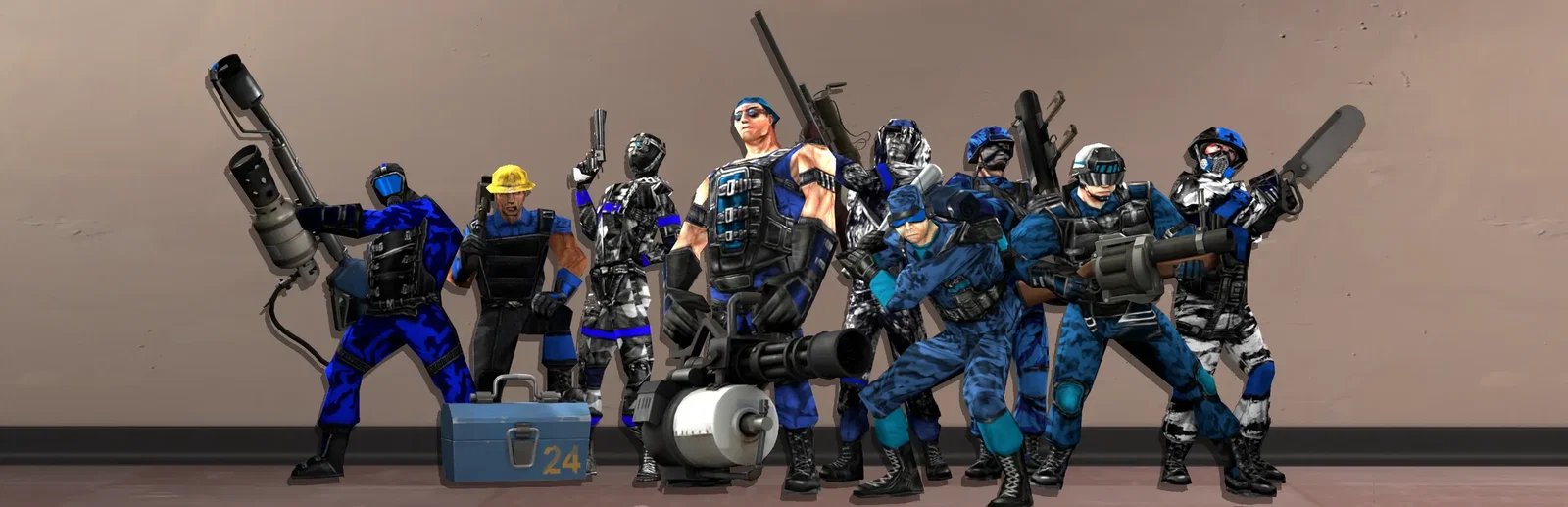
Team Fortress Classic is Valve's 1999 team shooter, first a Half-Life mod and the game that came before Team Fortress 2. Two teams pick from nine classes, from Scout and Medic to Spy and Engineer, each with its own weapons and abilities, and play the map's objective: steal the enemy flag on 2Fort, capture points in order on Dustbowl, or escort the VIP on Hunted. A small, dedicated community still plays it, mostly on servers its members run.
Engineers build sentries, Medics heal, Spies disguise as the enemy. Players switch class to fit what the team needs.
Capture the Flag on 2Fort and Well, Control Points on Dustbowl, and Escort on Hunted.

Why rent a server?
A dedicated server keeps your game online without anyone leaving a game open, and with no router setup at home. With Physgun it deploys in minutes, with the start map, max players, game version and passwords in the panel, match and team rules in the config editor, a choice of vanilla or AMX Mod X, and full file access over SFTP and SSH for your plugins.
Your server stays up when you log off, so friends, pickup games and your community can play any time.
Set your map, rules and passwords, and play vanilla or with AMX Mod X.
Straight answers before you order. Still stuck? Real people are here around the clock.
 Physgun
Set your start map, match rules and plugins on a server that stays up when you log off.