






















































Axis vs Allies - round live
Pick the power you need
Choose the CPU, memory and NVMe storage your server runs on, and add more when your matches grow.

Run Axis vs Allies objective matches for your clan or a public crowd, with your map rotation, your game type and your round rules, all set up from one panel.
Powering
Find your plan
Tell us about your server and we'll recommend a plan.
Let's find your plan
No per-slot fees. Choose your own slot limit. To help us recommend the right plan for you, tell us how many friends are joining you!

Best fit
Loper1 GB RAM, 75% CPU
$2.74/mo
Pick your plan
Or build your own. Then choose where it runs and deploy.
 CustomChoose your own plan!
Billing
Secure Backups Included
Loper
Billed monthly. Cancel any time.
Switch your Return to Castle Wolfenstein server to any of 539 other games, right from the panel, whenever you want!*
Included with
every plan
Your maps, your round rules and your clan's home server, run from one panel.
Choose the CPU, memory and NVMe storage your server runs on, and add more when your matches grow.
Your server stays up when you log off, and it is protected from DDoS attacks.
Order and the server installs the game's multiplayer files on its own, with a map rotation ready to play.
server.cfg, without the typing
Time limit, respawn times, lives, friendly fire, warmup, votes and reserved slots, grouped and labelled in the panel.
 server.cfg - Physgun VS Code main
For the power users
Connect with real developer tools and edit server.cfg and your map rotation directly. Or skip it and use the panel.
Set the server name, password, max players, starting map and game type in the startup settings, and restart to apply them.
Play Objective, Stopwatch or Checkpoint rounds, picked from a list in the panel.

Omni-bot bots fill empty slots, and RtCWPro runs competitive matches, each one click away in the panel.
One place for your whole server: name, passwords, max players, starting map and game type in the startup settings, a config editor for round times, respawns, lives, votes and reserved slots, a live console, schedules you set for restarts and backups, subusers for your clan admins, a file manager with SSH and VS Code, and every other universal tool.
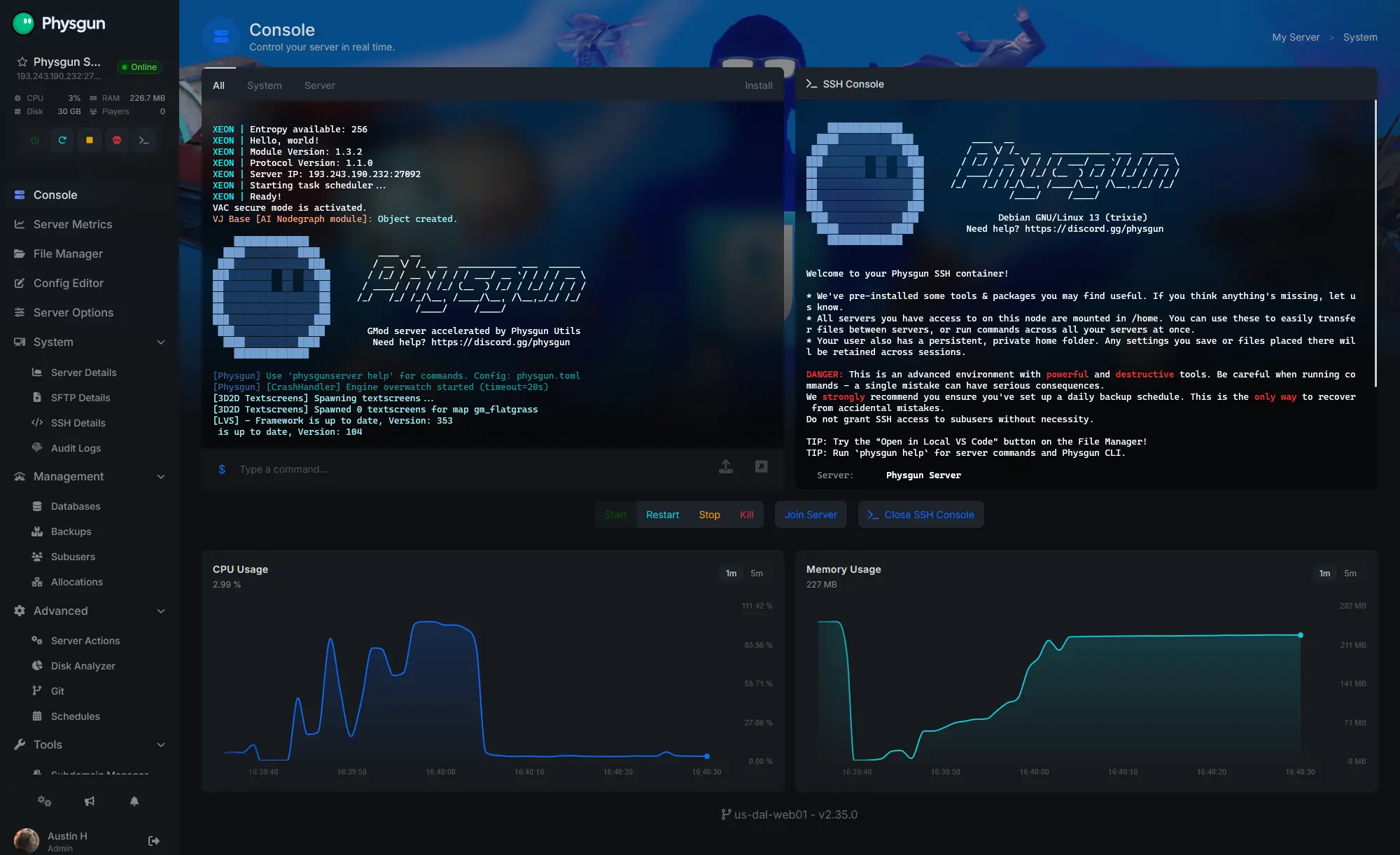
Accurate, blazing-fast output piped directly from the container. Paired with complete SSH access inside the Panel!
1 / 10
New to Return to Castle Wolfenstein?
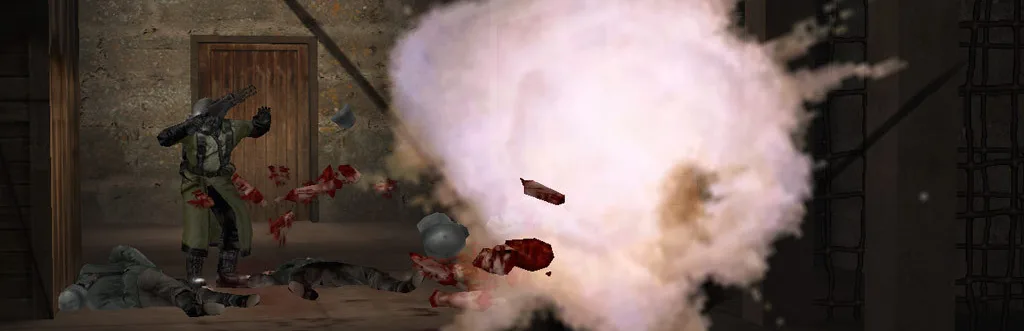
Return to Castle Wolfenstein is an action and horror first-person shooter from 2001, built on the Quake III Arena engine. Its campaign sends US Army Ranger B.J. Blazkowicz against an occult army of the undead and experimental soldiers. Its multiplayer is team-based and objective-focused: pick Axis or Allies, choose a class, and steal documents, blow a gate or hold the flag before the clock runs out.
Pick Soldier, Medic, Engineer or Lieutenant: Medics revive, Engineers build and destroy, Lieutenants call in airstrikes.
One team attacks, the other defends, then the sides swap and the times are compared.
Why rent a server?
There are no official RTCW servers: every match runs on a server someone in the community hosts. A Return to Castle Wolfenstein server of your own stays online without a PC left on at home and with no port forwarding. With Physgun you set the name, passwords, player limit, starting map and game type in the panel, tune rounds, respawns, lives, votes and reserved slots in the config editor, and get full file access over SFTP and SSH.
Your server stays up when you log off, so your clan can play any time.
RtCWPro brings referees, shoutcasters and match settings, one click away in the panel.
Straight answers before you order. Still stuck? Real people are here around the clock.
 Physgun
Set your map rotation, game type and round rules, and your server stays up for your clan when you log off.