



























Server online · world running
Pick the power you need
Choose the CPU, memory and NVMe storage your server runs on, and add more as your clan grows.

Run your own Draconia world for your clan or community. Set the game mode, player limit and world settings, and size the server yourself.
Powering
Find your plan
Tell us about your server and we'll recommend a plan.
Let's find your plan
No per-slot fees. Choose your own slot limit. To help us recommend the right plan for you, tell us how many friends are joining you!
Best fit
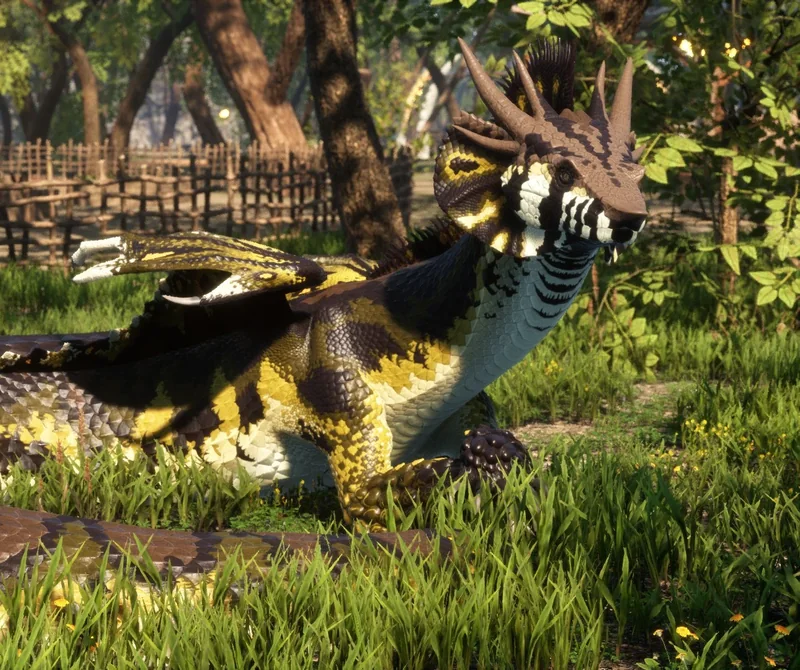
Yggaron6 GB RAM, 200% CPU
$16.49/mo
Pick your plan
Or build your own. Then choose where it runs and deploy.
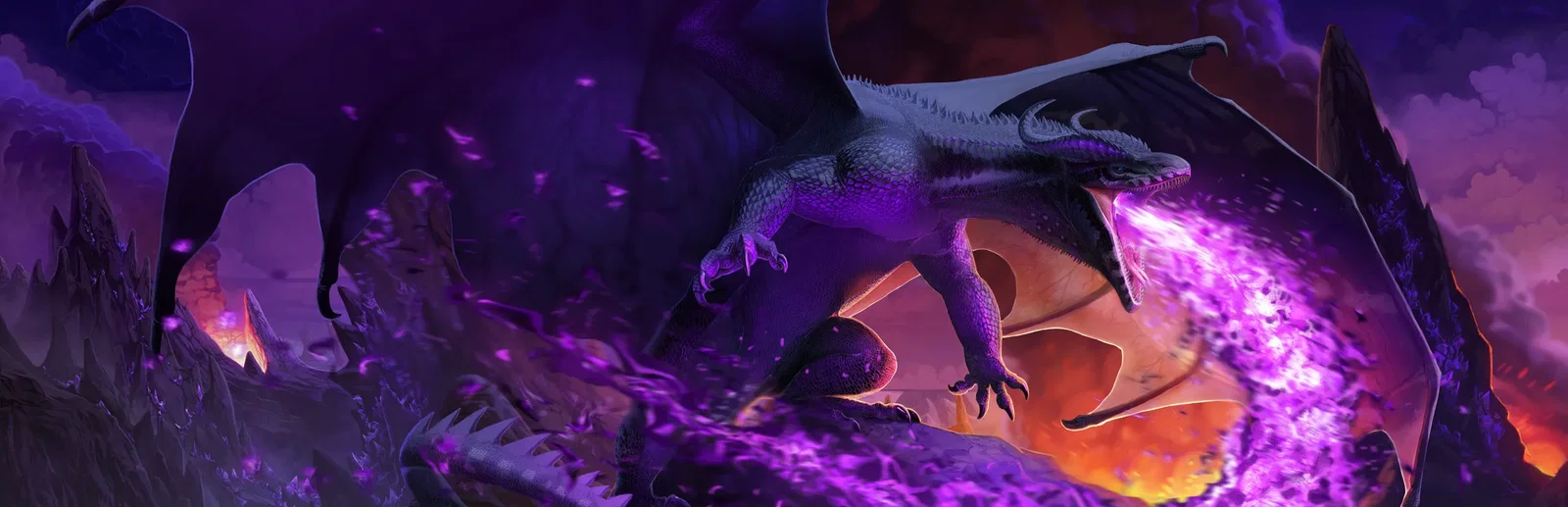 CustomChoose your own plan!
Billing
Secure Backups Included
Yggaron
Billed monthly. Cancel any time.
Switch your Draconia server to any of 445 other games, right from the panel, whenever you want!*
Included with
every plan
Your world, your game mode and your rules, on a server that stays up for your whole clan.
Choose the CPU, memory and NVMe storage your server runs on, and add more as your clan grows.
Your clan can fly, hunt and quest whenever they log in, and the server is protected from DDoS attacks.
Your server deploys itself the moment you order, and downloads the latest server version each time it starts.
Your rules, without the ini file
Write the message players see when they join, set how long an in-game day lasts and the time the world starts at, and tune how fast structures decay, all labelled in the panel.
 ServerSettings_Dedicated_1.ini - Physgun VS Code main
For the power users
Connect with real developer tools to edit the server's settings file directly, or keep your own copies of your files. Or skip it and use the panel.
Run PvE, PvP or PvPvE, or the Roleplay version of any of them, and change it whenever your community does.
Give your server its own name, and change it whenever your clan does.
Choose how many players can be online at once, from a small group of friends to a whole community.
One place for your whole server: name, password, player limit and game mode in the startup settings, a config editor for the welcome message, day length and structure decay, scheduled restarts and backups, subusers for your admins, a file manager with SSH and VS Code, and every other universal tool.

Accurate, blazing-fast output piped directly from the container. Paired with complete SSH access inside the Panel!
1 / 10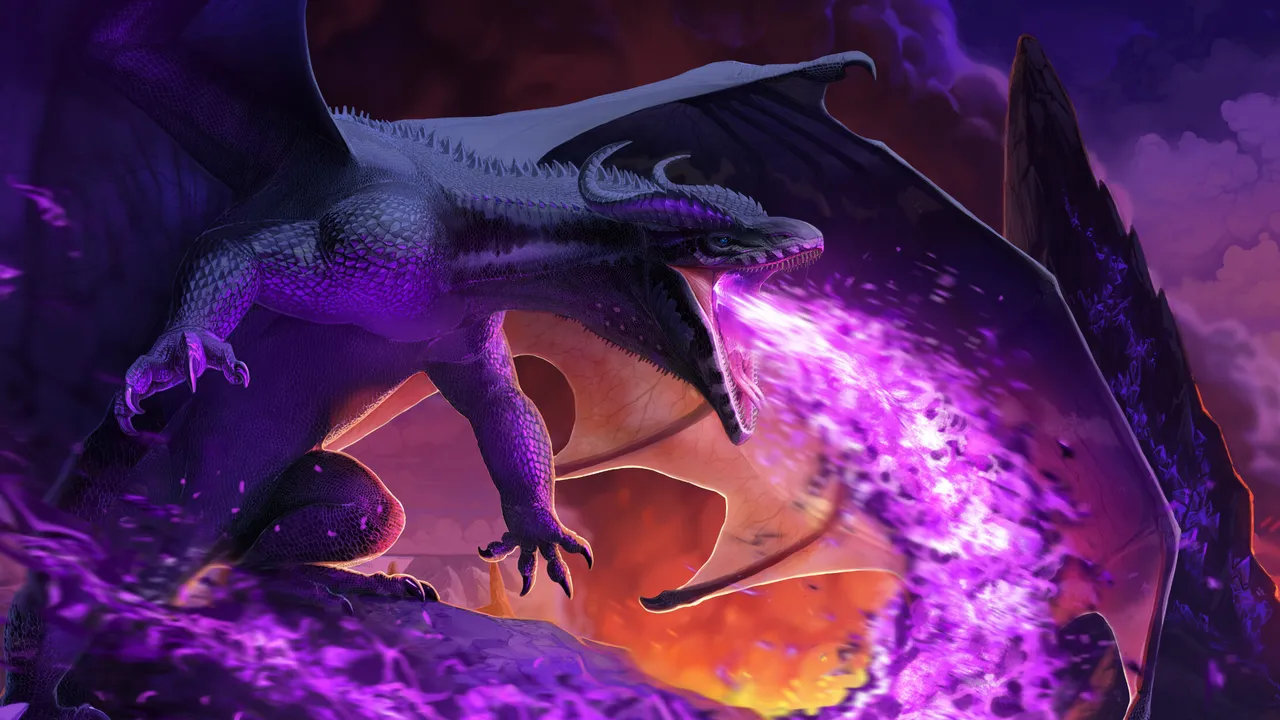
New to Draconia?
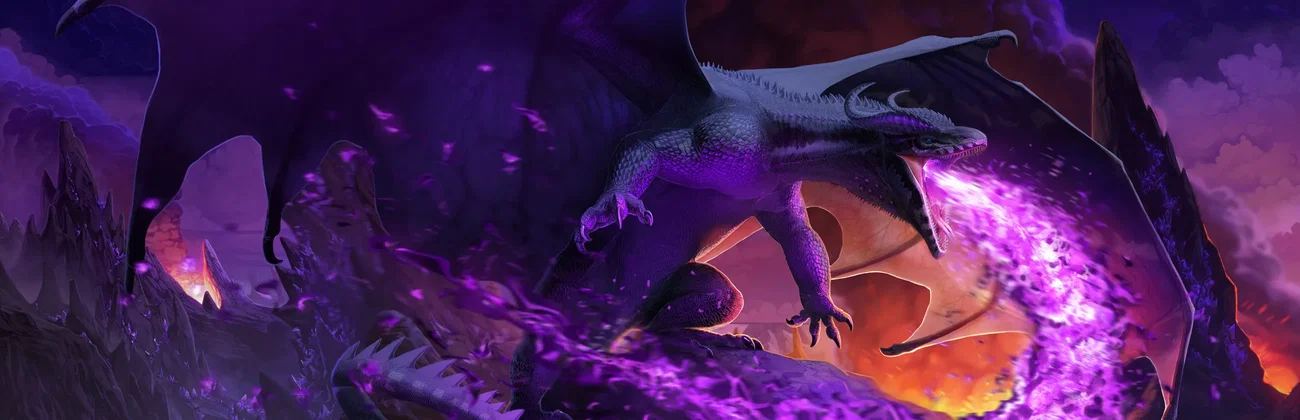
Draconia is an open-world fantasy game where you play as the dragon. Pick a species such as Vodros, Yggaron, Fyrrwin or Hokura, give it a name, colours, horns, tail tips and claws, then fly or walk the islands to find food and water. Gather materials, craft items, build a hoard and level up through quests and battles, up to level 50. Explore in PvE, or turn on PvP in your character profile when you want a fight.
Choose your species and customize it, from its colours to its horns and claws.
Find food and water to survive, gather resources and craft items that make your dragon stronger.
Why rent a server?
A session hosted from the game's menu closes when the host leaves, and a dedicated server cannot run on the same PC as the game. Your own server stays up for your group at any hour, and you choose how it plays: the game mode, the player limit, the password, the welcome message, how long a day lasts and how fast structures decay. With us it deploys in minutes, and you size the CPU, memory and storage yourself.
Your server stays up around the clock, so your clan can play whenever they like.
Set the game mode, player limit, day length and structure decay in the panel.
Straight answers before you order. Still stuck? Real people are here around the clock.
 Physgun
Pick your game mode, player limit and password, on a server that stays up for your whole clan.