



































Settlement online, raid inbound
Pick the power you need
Choose the CPU, memory and NVMe storage your world runs on, and add more as your settlements grow.

Keep your settlement online for the whole group, with Workshop mods, world rules and your Necesse version set from one panel.
Powering
Find your plan
Tell us about your server and we'll recommend a plan.
Let's find your plan
No per-slot fees. Choose your own slot limit. To help us recommend the right plan for you, tell us how many friends are joining you!

Best fit
Cryo Queen4 GB RAM, 200% CPU
$11.49/mo
Pick your plan
Or build your own. Then choose where it runs and deploy.
 CustomChoose your own plan!
Billing
Secure Backups Included
Cryo Queen
Billed monthly. Cancel any time.
Switch your Necesse server to any of 576 other games, right from the panel, whenever you want!*
Included with
every plan
Your world, your rules and the Workshop mods you pick, on a server that stays up for the whole group.
Choose the CPU, memory and NVMe storage your world runs on, and add more as your settlements grow.
Your world stays up when the host logs off, and it is protected from DDoS attacks.
Order and the server installs Necesse on its own, then updates to the latest version each time it starts.
Steam Workshop, in the panel
Search the Necesse Workshop right in the panel, with each mod's picture and tags. Add or remove a mod with one click, and the server downloads and loads it on its next start.
worldSettings.cfg, without the typing
Pick a difficulty from Casual to Brutal, and choose what players lose when they die, how often raids come and whether PvP is forced, grouped and labelled in the panel.
Set the world name, a password, the max players and the owner in the startup settings. A new name starts a new world.
Run the latest Necesse, or stay on an older version so it matches your mods. With auto update on, a restart brings the newest update.
Cap settlements per player and settlers per settlement in the config editor, and unload settlements nobody is near.
One place for your whole Necesse world: a Workshop page to browse and add mods, the world name, password, owner and version in the startup settings, a config editor for difficulty, raids, PvP and settlement limits, schedules you set for restarts and backups, subusers for your group, a file manager with SSH and VS Code, and every other universal tool.
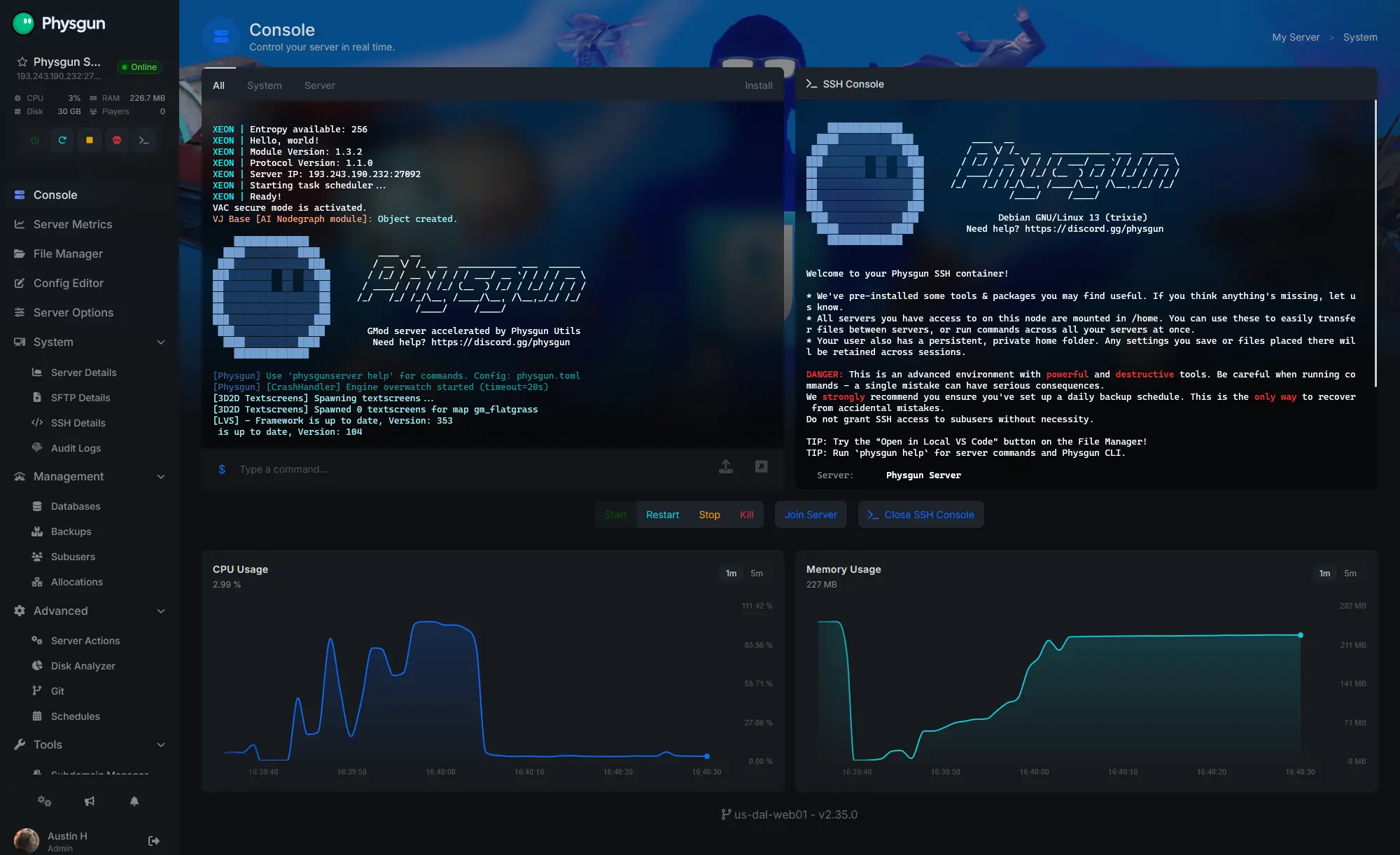
Accurate, blazing-fast output piped directly from the container. Paired with complete SSH access inside the Panel!
1 / 10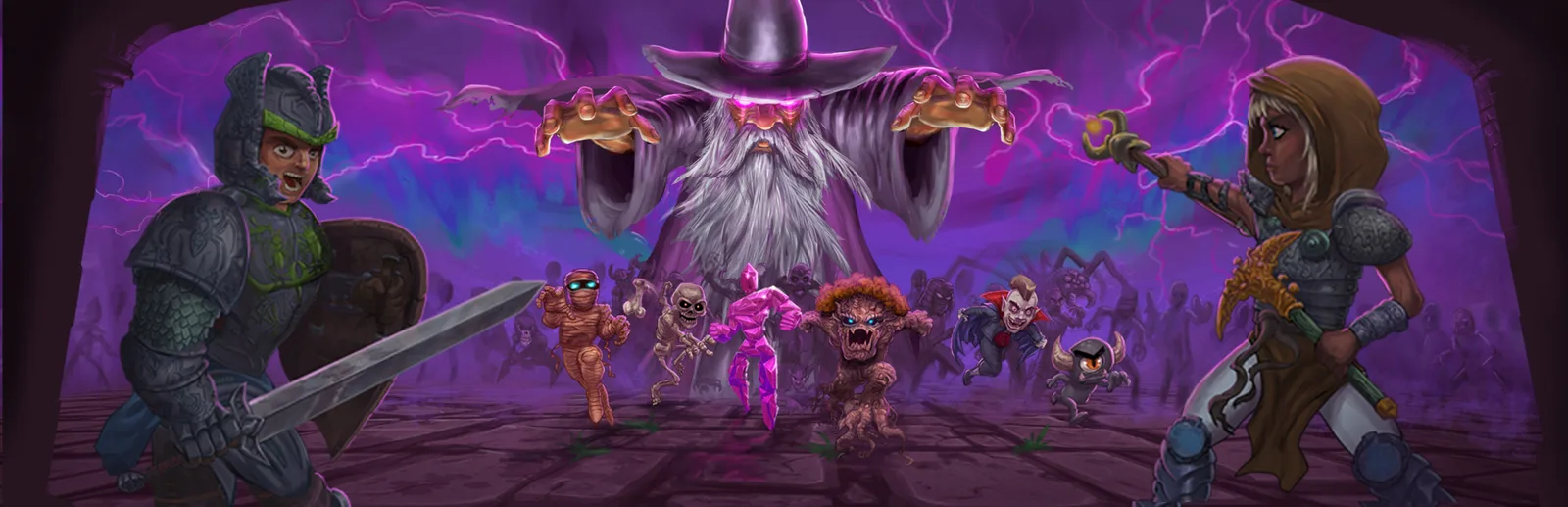
New to Necesse?
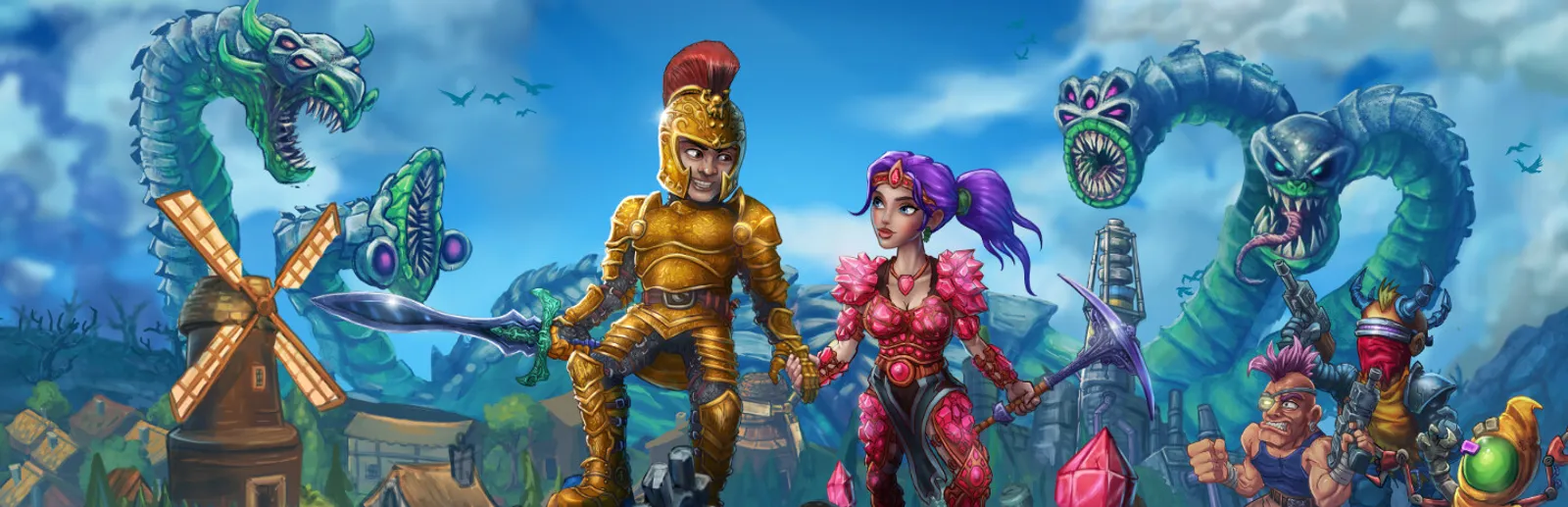
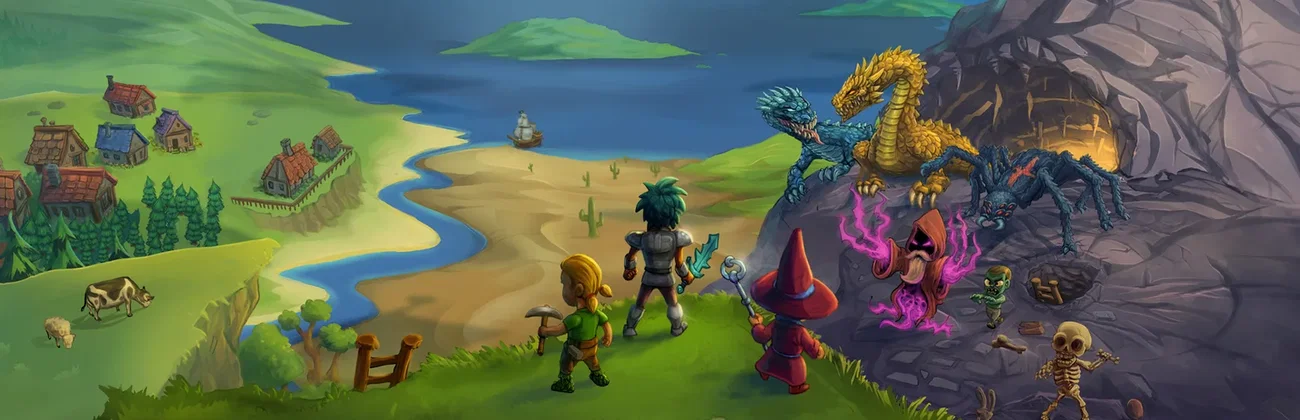
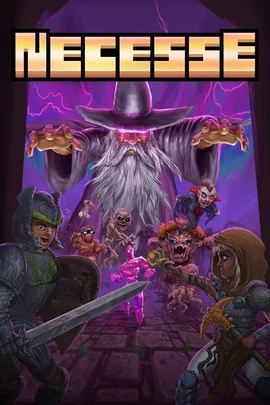
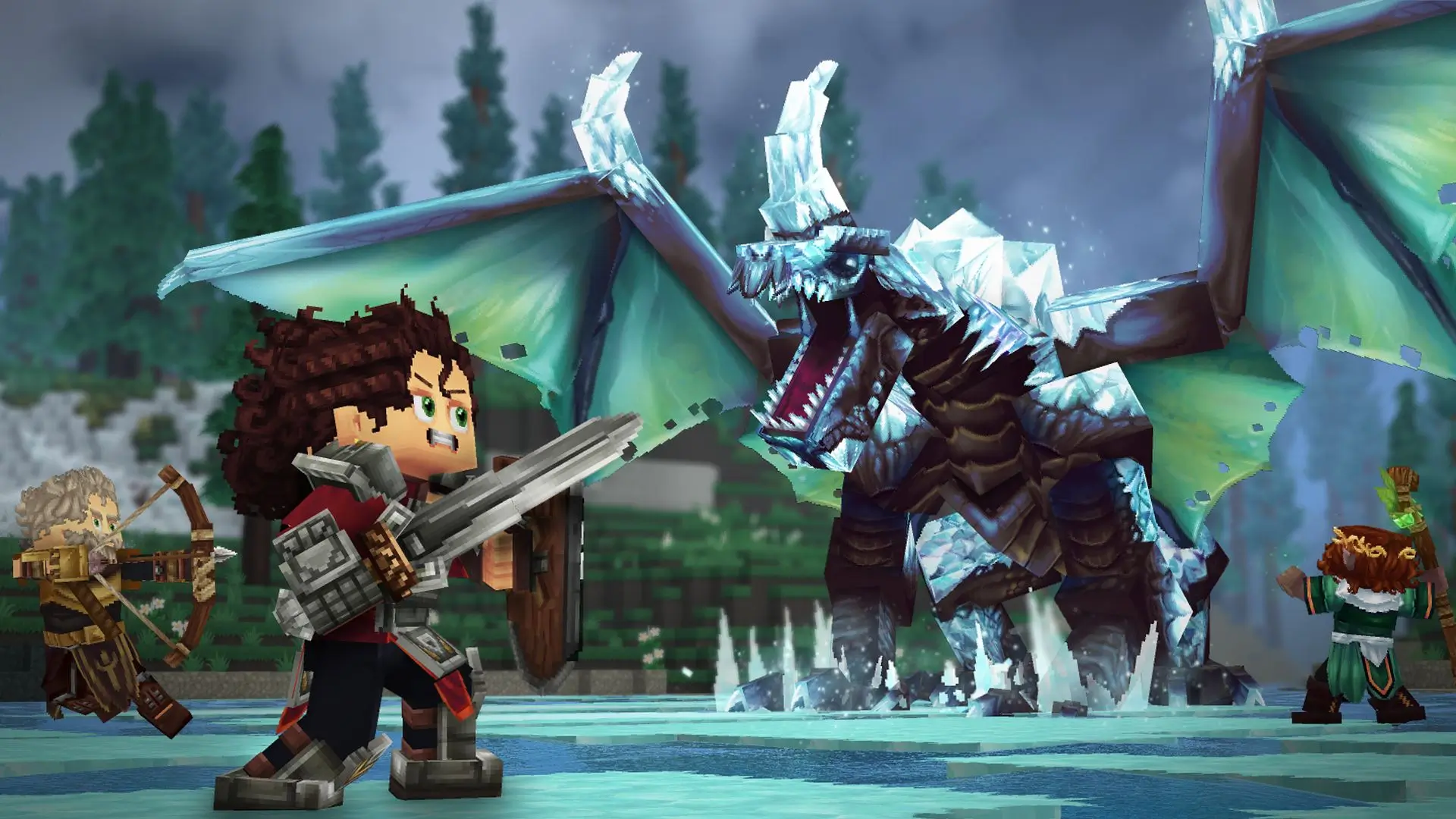
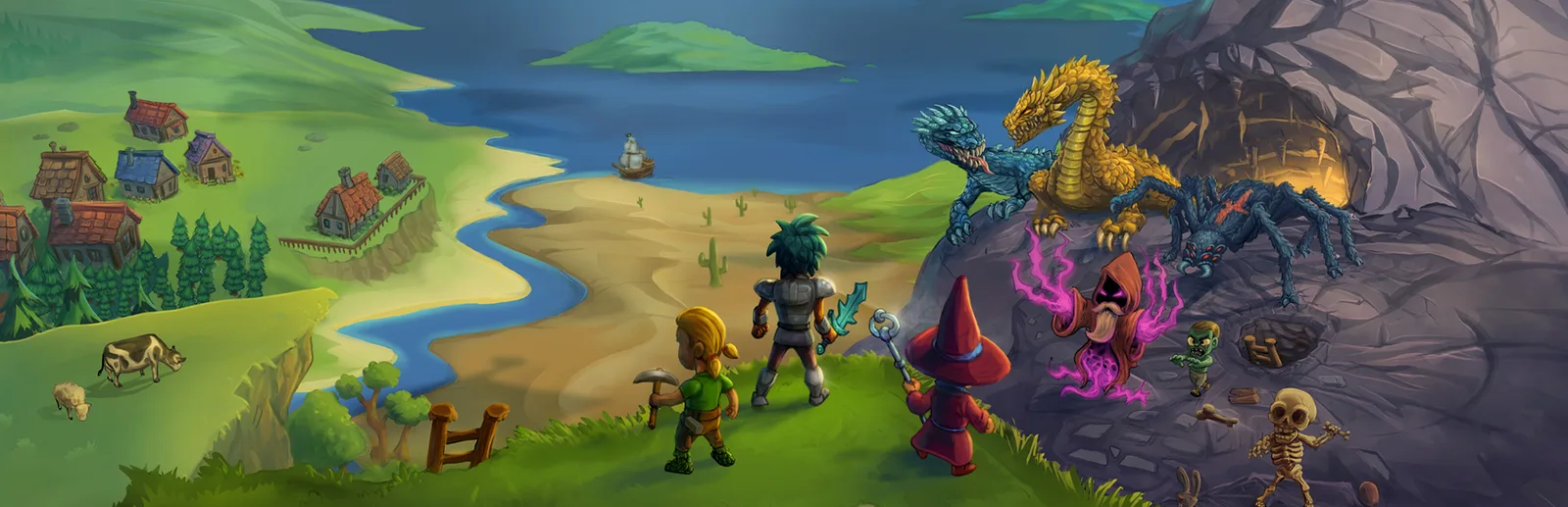
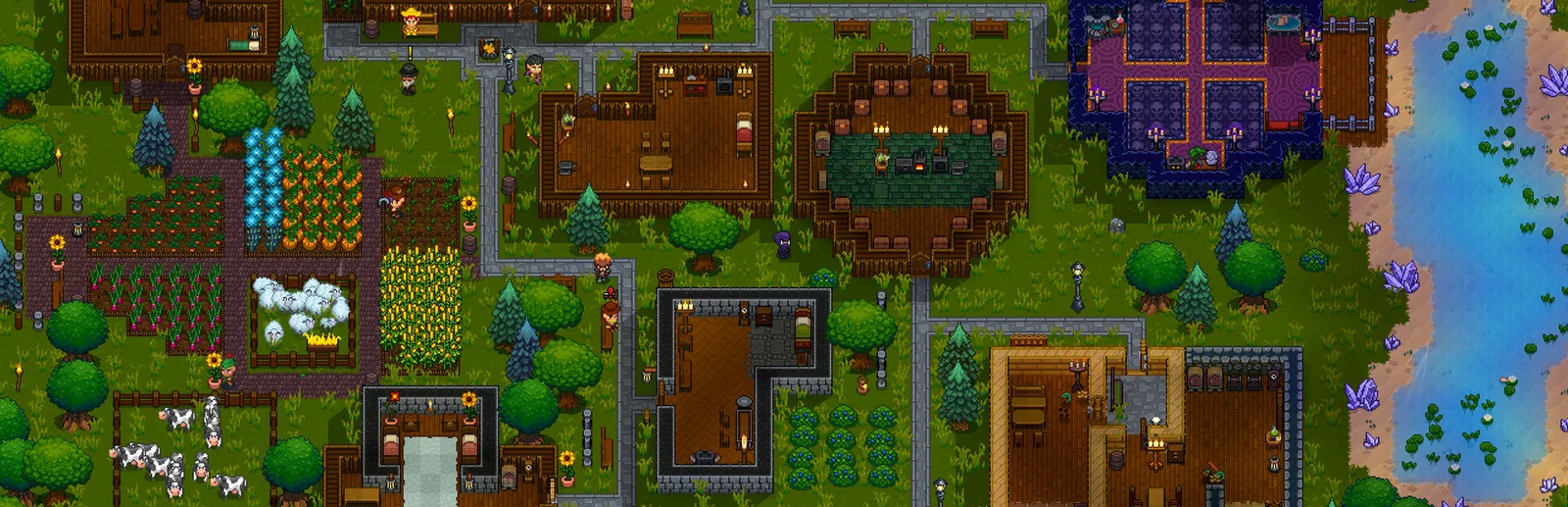
Necesse is a top-down sandbox action RPG from Fair Games, set in an infinite, procedurally generated world. You gather wood, ore and herbs, craft gear at workshops and grow a settlement. Recruit settlers who farm, tend animals and gather resources while you explore caves and dungeons. Take on bosses like the Pirate Captain, the Cryo Queen and the Fallen Wizard, and use their drops to unlock better gear. Play as an archer, a melee champion, a mage or a summoner, with friends in one shared settlement or in rival ones.
From the Queen Spider to the Deep Caves and beyond, every boss unlocks better gear.
Settlers farm, tend animals and gather resources while your group goes adventuring.
Why rent a server?
When a player hosts from their own game, the world only runs while they are online, and if their game closes or crashes, everyone is kicked out. A dedicated Necesse server keeps the world online on its own, so anyone in your group can drop in to build, farm or push the next boss on their own schedule, and nobody has to forward ports. With Physgun you add Workshop mods from the panel's Workshop page, set the world, password, owner and version in the startup settings, and tune difficulty, raids, PvP and settlement limits in the config editor. Full file access over SFTP and SSH lets you bring the world you already play.
Your settlement stays online when the host logs off, so the group can play whenever they like.
Add Workshop mods and set the difficulty, raids and PvP your group plays with.
Straight answers before you order. Still stuck? Real people are here around the clock.
 Physgun
Keep your settlement online for the whole group, with the Workshop mods and the rules you pick.