



























Surface
Caves
Surface and Caves online
Both worlds, one server
The surface world and the Caves run side by side on your server, not on a player's PC. Turn the Caves off to save memory.

Keep your world in the Constant online for the whole group, with game mode, Caves and Workshop mods set from the panel.
Powering
Find your plan
Tell us about your server and we'll recommend a plan.
Let's find your plan
No per-slot fees. Choose your own slot limit. To help us recommend the right plan for you, tell us how many friends are joining you!

Best fit
Bearger4 GB RAM, 200% CPU
$11.49/mo
Pick your plan
Or build your own. Then choose where it runs and deploy.
 CustomChoose your own plan!
Billing
Secure Backups Included
Bearger
Billed monthly. Cancel any time.
Switch your Don't Starve Together server to any of 445 other games, right from the panel, whenever you want!*
Included with
every plan
Your world and the Caves stay online for the whole group, set up the way you play.
The surface world and the Caves run side by side on your server, not on a player's PC. Turn the Caves off to save memory.
99.9% uptime, and every Don't Starve Together server is protected from DDoS attacks.
Your server deploys itself the moment you order. Add your Klei server token and start it.
Set up from the panel
Name your server, set a password and a player limit, and pick Survival, Endless or Wilderness. Turn the Caves on or off, list your Workshop mods, and choose the current release or the public beta.
 cluster.ini - Physgun VS Code main
For the power users
Connect with real developer tools and edit cluster.ini, your admin list or a world's mod settings directly. Or skip it and use the panel.
Turn on PvP, pause the world while nobody is online, and set autosave, rollback saves and tick rate without opening a file.
Pick the version your group plays. Run the public beta only when your players are on it too.
Give friends or admins their own login with limited access. No password sharing.
One place for your whole world: game mode, Caves and Workshop mods in the startup settings, a config editor for cluster.ini, scheduled restarts and backups, subusers for your group, a file manager with SSH and VS Code, and every other universal tool.

Accurate, blazing-fast output piped directly from the container. Paired with complete SSH access inside the Panel!
1 / 10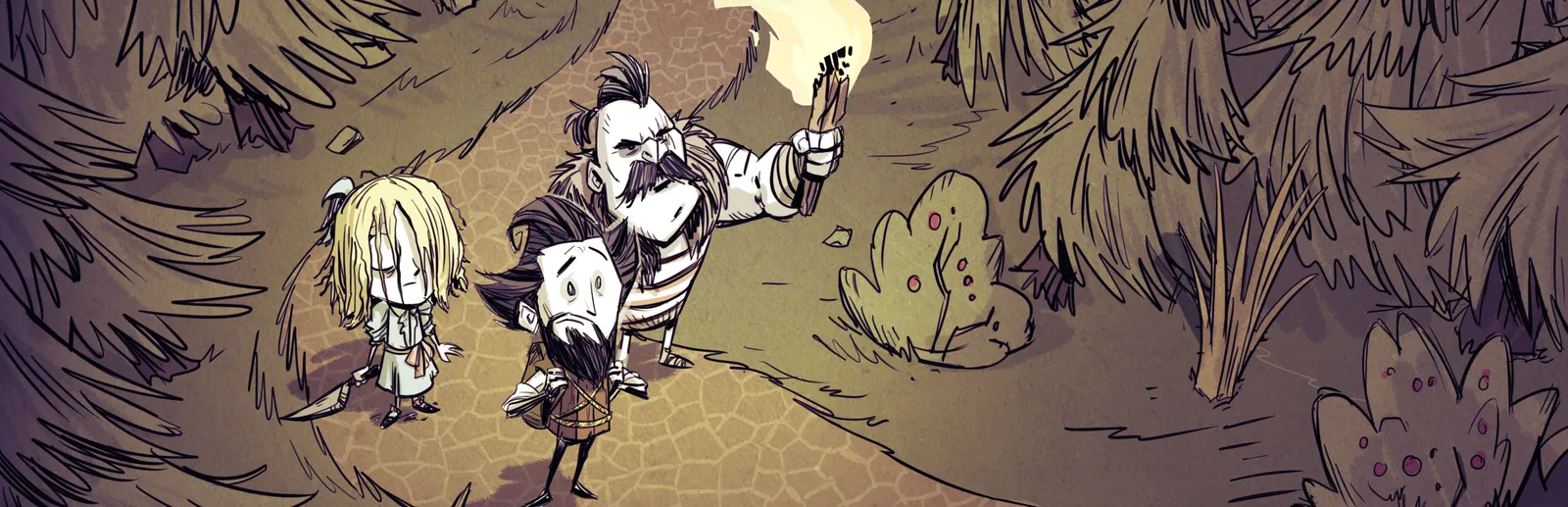
New to Don't Starve Together?
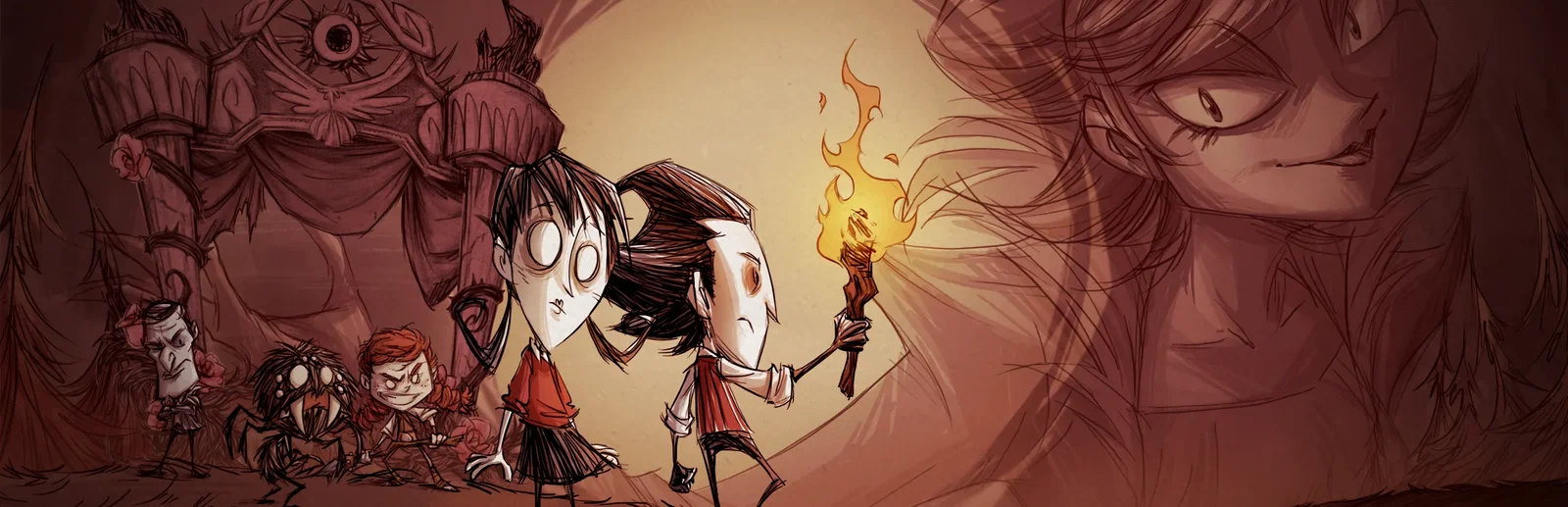
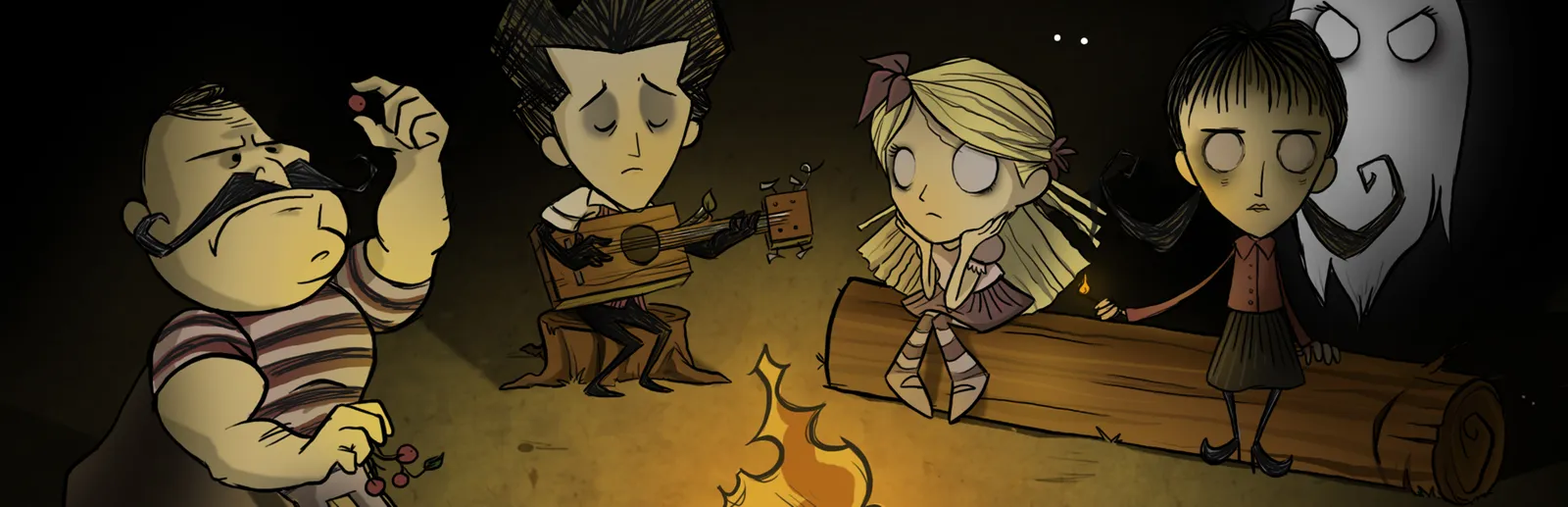
Don't Starve Together is the standalone multiplayer version of Klei's wilderness survival game Don't Starve. You enter a strange world full of odd creatures, hidden dangers and ancient secrets, and you keep your hunger, sanity and health up while you gather, craft, farm and cook. Each season brings its own threat, from freezing winters to scorching summers, along with giant bosses like Deerclops and Bearger. Below the surface lie the Caves and the Ruins. Characters play differently, so a group splits up the farming, fighting and exploring.
Share the work of keeping everyone fed, warm and sane through every season.
Work together against the wilds, or turn on PvP and strike out on your own.
Why rent a server?
When one player hosts, the world and the Caves both run on their PC next to the game itself, and the world is gone when they log off. A dedicated Don't Starve Together server runs both worlds on its own, so the group can play when it suits them, and the world can pause while nobody is online. With Physgun you pick the server name, password, player limit, game mode, Caves and Workshop mods in the panel, set PvP, autosave and tick rate in the config editor, add your Klei server token, and get full file access over SFTP and SSH.
Your world stays online when the host logs off, and can pause until someone comes back.
Set game mode, Caves, PvP and Workshop mods, and run the current release or the public beta.
Straight answers before you order. Still stuck? Real people are here around the clock.
 Physgun
Launch a Don't Starve Together world that stays online for your whole group.