How To Equip Rock Skins Rust
Learn how to equip a rock skin in Rust with our comprehensive guide. This guide will explain how to obtain skins, provide insight into the skin trading market, and how to equip them in-game.
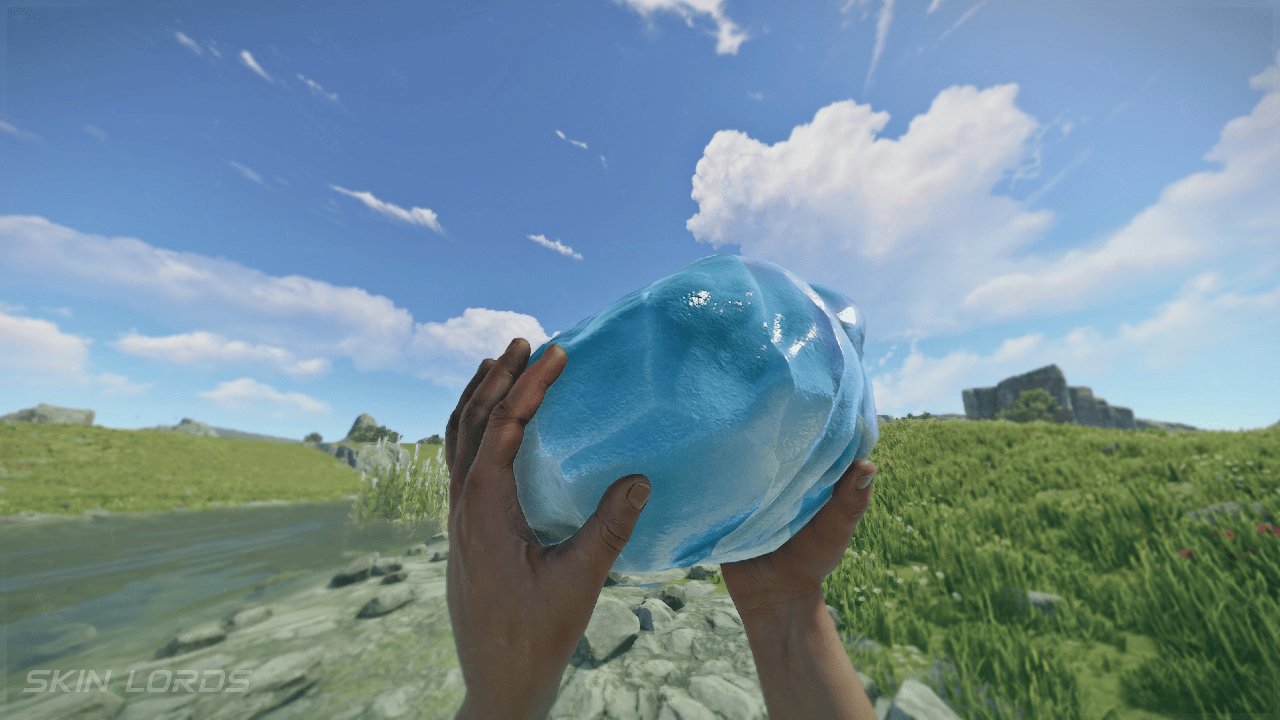
Rock skins are cosmetic items in Rust that change the appearance of the default rock every player starts with. While they don’t provide any gameplay advantages, they allow players to personalize one of the most commonly used and iconic tools in the game. Many players collect skins because they look cool, can increase in value over time, and offer another way to customize their Rust experience.
This guide explains how to equip rock skins in Rust, troubleshoot common issues if your skin isn’t appearing in-game, and help you learn more about Rust’s cosmetic system.
What Are Rust Rock Skins?
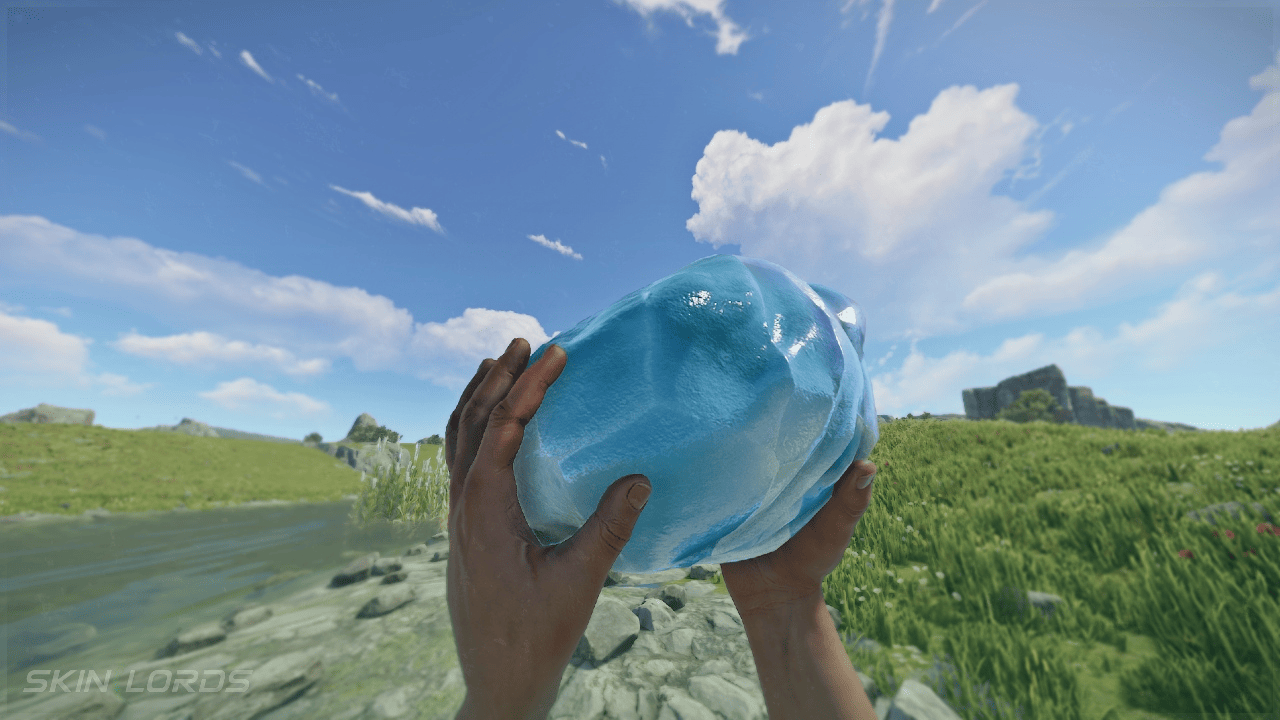
Rock skins are simply cosmetic skins that change the visual appearance of the starter stone without affecting its functionality.
Like other Rust skins, rock skins:
-
Do not increase damage.
-
Do not improve gathering rates.
-
Do not affect durability.
-
Are purely cosmetic.
Once equipped, the skin will automatically be applied whenever you spawn with a rock.
Obtaining and Trading Skins
Before you can equip a rock skin, you’ll need to own one.
Rock skins can be obtained through:
-
Buying skins from the Rust Item Store
-
The Steam Community Market page
-
Trading with other players
-
Limited-time Rust events and drops
-
Trading on third-party sites
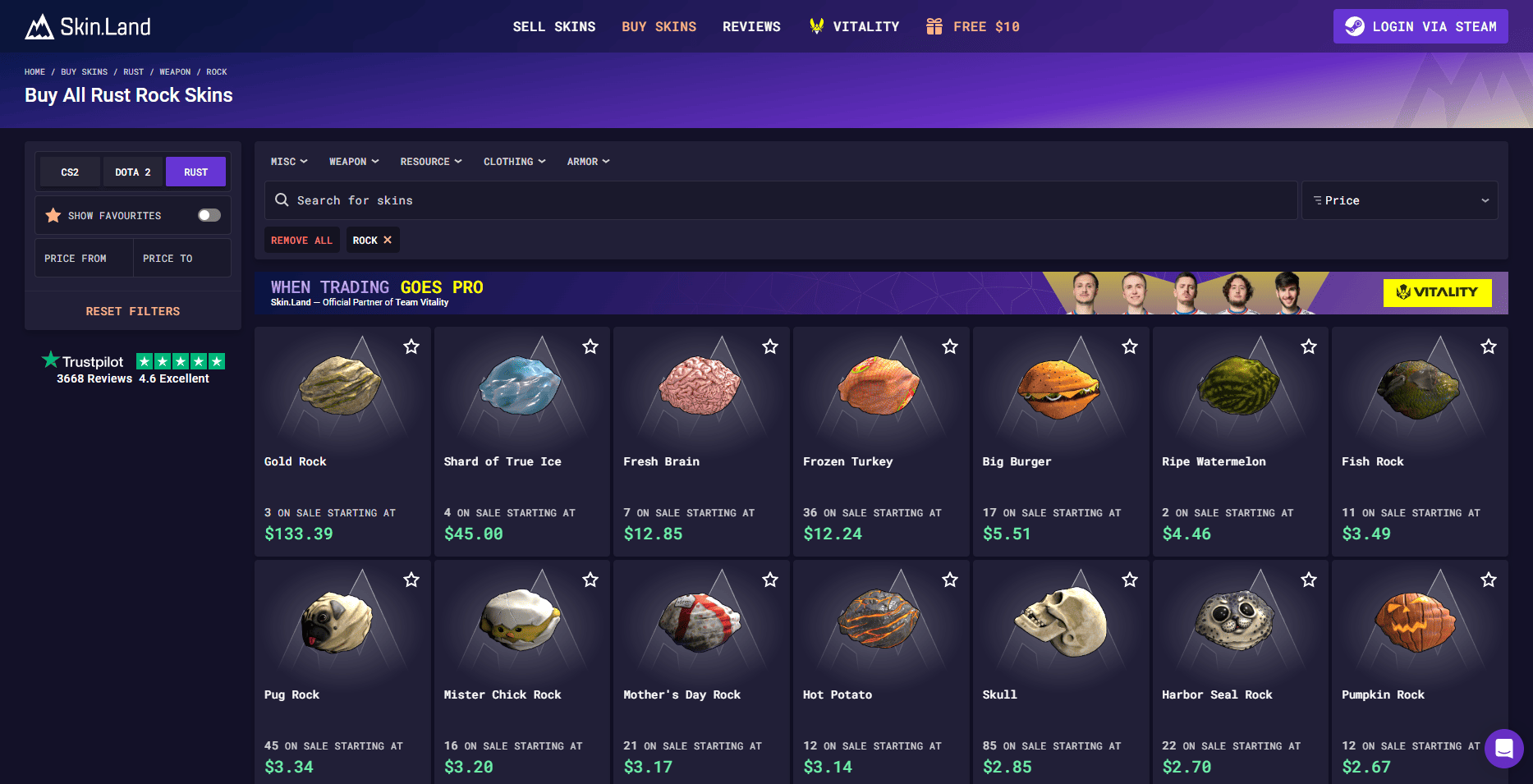
Players can buy, trade, and even sell skins for a bit of real cash through various marketplaces. Some rare skins have a higher price than others due to demand, rarity, or limited-time release events. While some players collect skins for appearance, others buy and sell them for profit or to maintain a Steam wallet balance.
During seasonal events and special sales, players can often find cosmetic items at reduced prices.
Before purchasing skins with money or trading skins on the marketplace, make sure you’re signed into the correct Steam account, as all cosmetic items are tied directly to that account.
After acquiring a skin, it will be added to your Steam inventory and linked to your Rust account.
How To Equip A Rock Skin
To equip a rock skin in Rust:
-
Launch Rust.
-
Join a server or enter a local game from the main menu.
-
Open your inventory.
-
Locate your starter rock.
-
Click the skin icon or right-click the rock.
-
Select Change Skin.
-
Choose the rock skin you want to use.
-
Confirm your selection.
You can equip skins on any server that supports Rust’s cosmetic system. The process is quick and easy, requiring only a few clicks once you’re in-game.
The rock’s appearance will immediately update to the selected skin.
Using the Repair Bench
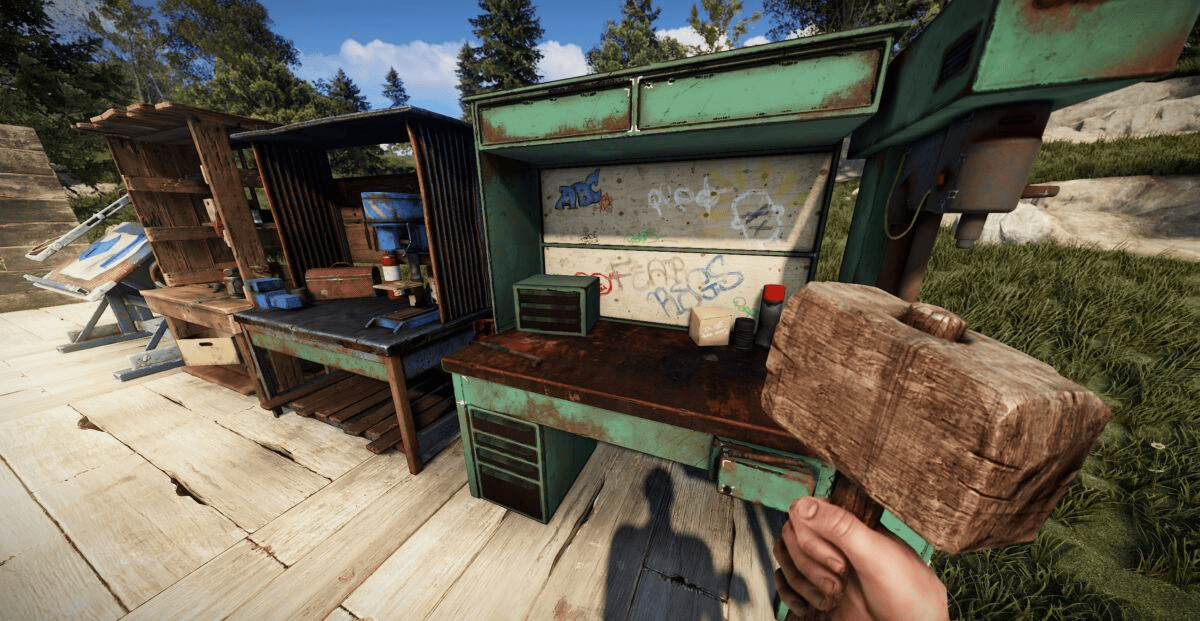
Another way to apply skins is through a Repair Bench.
To change a rock skin using a Repair Bench:
-
Place or locate a Repair Bench.
-
Open the Repair Bench interface.
-
Move your rock into the input slot.
-
Select the desired skin from the available options.
-
Apply the skin.
The Repair Bench is normally used to repair and upgrade certain items, but it also provides a convenient way to apply skins to existing equipment.
This method is commonly used when changing skins on existing items after spawning.
Why Your Rock Skin Isn’t Showing
If your skin isn’t appearing correctly, it could mean several things:
The Skin Isn’t Owned
Make sure the skin is present in your Steam inventory and associated with the account you’re currently using.
Inventory Hasn’t Updated
Recently purchased skins may take a few minutes to synchronize with Rust.
Newly purchased skins may require a short waiting period before they appear in-game. If you’re unable to find your skin, try logging out and back into Steam.
Try:
-
Restarting Rust.
-
Reconnecting to the server.
-
Restarting Steam.
Server Restrictions
Some community servers use plugins or custom configurations that affect cosmetic items. If a skin works on one server but not another, the server may have restrictions in place.
Steam Connection Issues
If Rust cannot verify ownership of cosmetic items through Steam, skins may temporarily fail to appear until the connection is restored. Steam authentication systems help protect player inventories and cosmetic purchases from unauthorized access.
Can Other Players See Your Rock Skin?
Yes. Rock skins are visible to other players on most servers.
Once equipped, anyone who sees your character holding the rock will see the cosmetic skin you’ve selected. This allows players to customize their appearance and show off rare or limited-edition skins obtained from events, item drops, or special crates.
Do Rock Skins Provide Any Advantages?
No. Rock skins are entirely cosmetic.
All rock skins:
-
Deal the same damage.
-
Gather resources at the same rate.
-
Have the same durability.
-
Function identically to the default rock.
Although a rock functions as a basic melee weapon and gathering tool, skins do not affect its damage output, gathering speed, or ability to break resources.
The only difference is appearance.
Managing Your Rust Skins
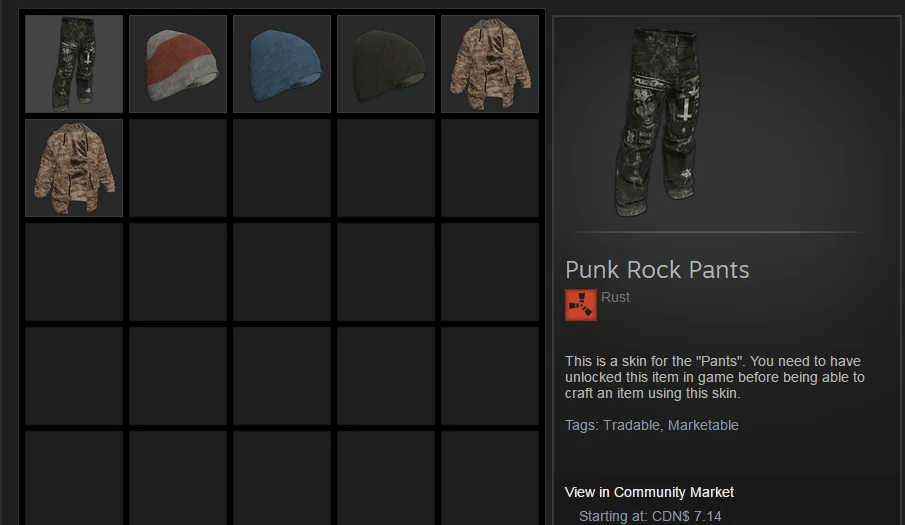
Rust allows players to collect and manage a large number of cosmetic items.
Rust’s skin system includes a large amount of cosmetic content that can be applied through the inventory interface, Repair Bench, or occasionally through the crafting menu for supported items.
Popular skin categories include:
-
Rocks
-
Torches
-
Weapons
-
Armor
-
Doors
-
Storage Boxes
-
Building Skins
Rust skins are available across Steam-supported platforms, with all owned cosmetics tied to your Steam account rather than a specific server.
Players looking to expand their collection can search the Steam Marketplace or their preferred trading website to find skins that match their style.
You can swap between owned skins at any time, allowing you to customize your gear to match your preferred style.
Final Thoughts
Equipping a rock skin in Rust is a simple and fast way to personalize your character and stand out from other players. Whether you’ve purchased a skin from the Rust Item Shop, traded for a rare collectible, or picked up a seasonal cosmetic, applying it only takes a few clicks.
Some players collect skins because they enjoy the appearance, while others view them as digital collectibles with potential value. Regardless of your reason, once equipped, your chosen skin will automatically appear whenever you spawn with a rock, letting you carry your favorite cosmetic item throughout your adventures in Rust.
Was this article helpful?
Thanks for the feedback!