How To Setup Turrets In Rust
Learn how to effectively set up turrets in Rust for strong defense. Boost your base security with practical tips. Read the full guide now!
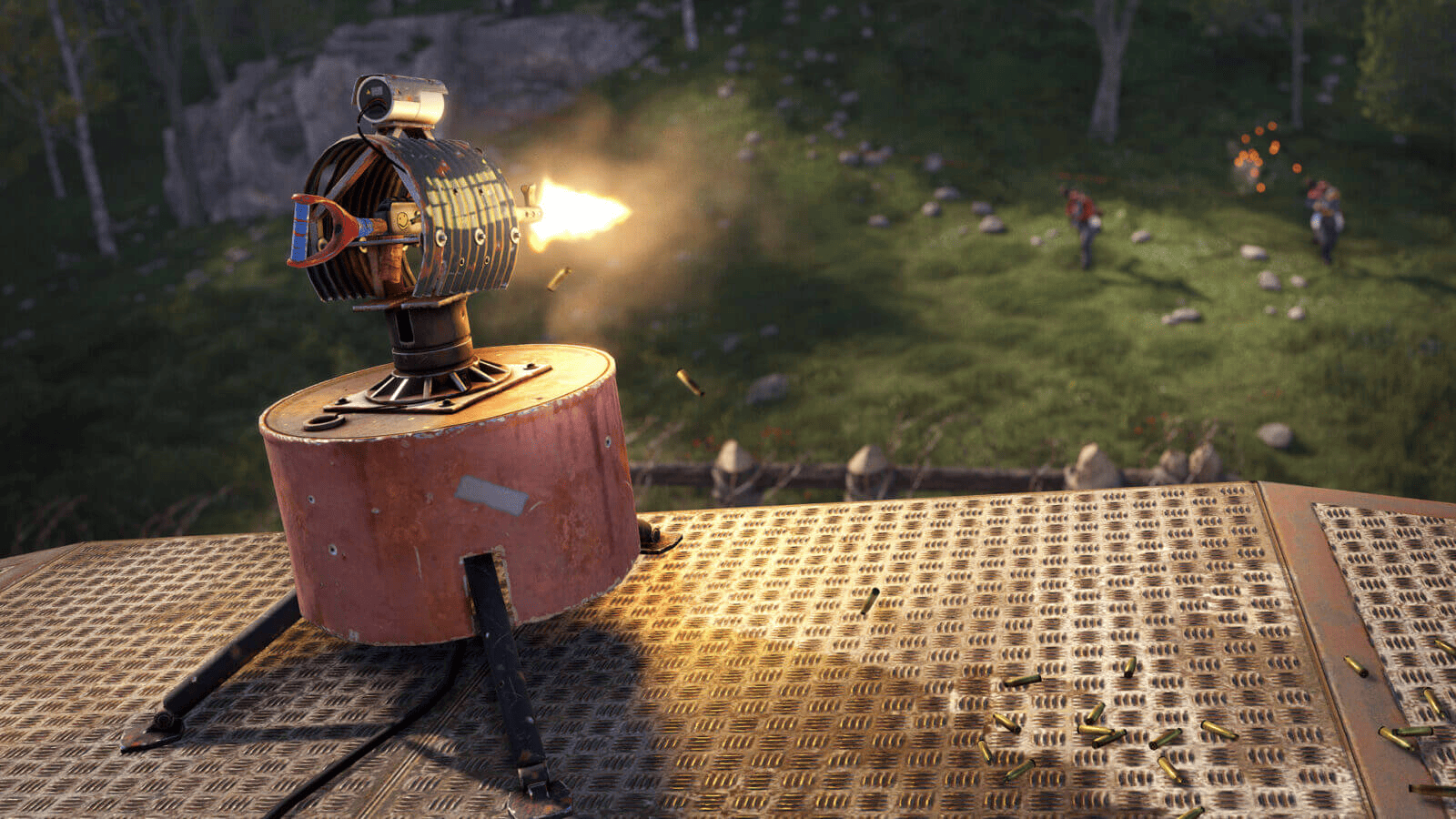
Auto Turrets are one of the most effective defensive tools available in Rust. Whether you’re protecting a small starter base, a large compound, or valuable loot rooms, turrets provide automated security that can engage hostile players even when you’re offline. Auto Turrets in Rust are especially valuable for base defense and PvP protection, automatically detecting hostile players within their range and engaging targets without requiring player input.
This guide explains how Rust turrets work, how to set them up, and how to get the most out of them.
What Is An Auto Turret?
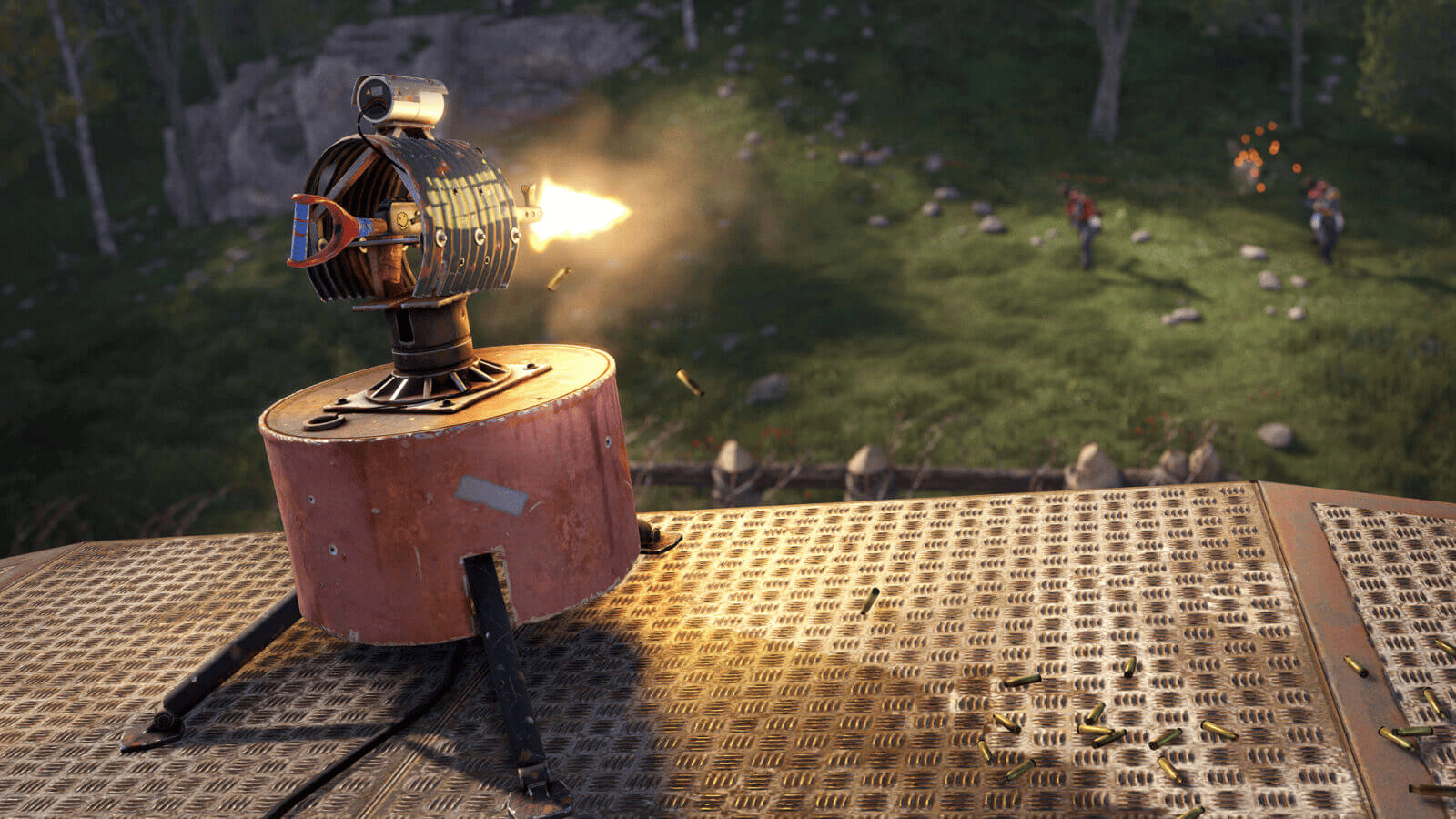
An Auto Turret is an automated defensive structure that can detect and shoot hostile players within its field of view. Once powered and loaded with a weapon and ammunition, the turret will automatically engage targets that are not authorized.
Turrets can:
-
Automatically attack enemy players
-
Protect entrances, loot rooms, and compounds
-
Operate while you’re offline
-
Be integrated into Rust’s electrical system
-
Work alongside other traps and defenses
-
Be integrated into the Rust+ app
Because turrets require electricity, they won’t function unless they’re connected to a reliable power source.
Crafting An Auto Turret
To craft an Auto Turret, you’ll need the following resources to cover the cost:
-
10 High Quality Metal
-
1 CCTV Camera
-
10 Targeting Computers
You must also unlock the blueprint through the Workbench progression system or research an existing turret.
Before investing the scrap required to unlock the blueprint, many players search monuments and military crates for turret components. However, crafting remains the most reliable method of obtaining a turret.
Once crafted, place the turret in your desired location and begin configuring it.
Finding Auto Turrets
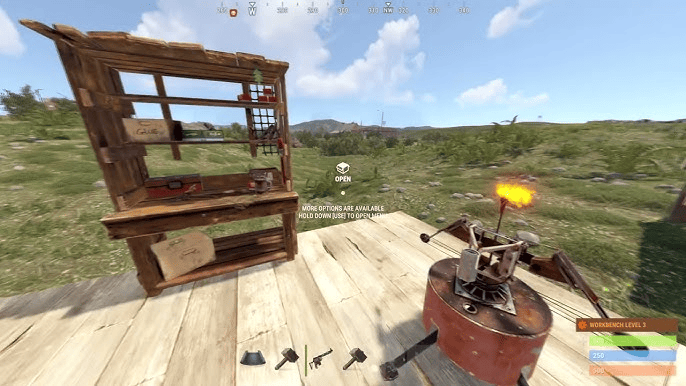
While crafting is the most reliable way to obtain a turret, players can occasionally find valuable components and high-tier loot through monument exploration.
Popular locations include:
-
Launch Site
-
Military Tunnels
-
Oil Rig
-
Locked crates
-
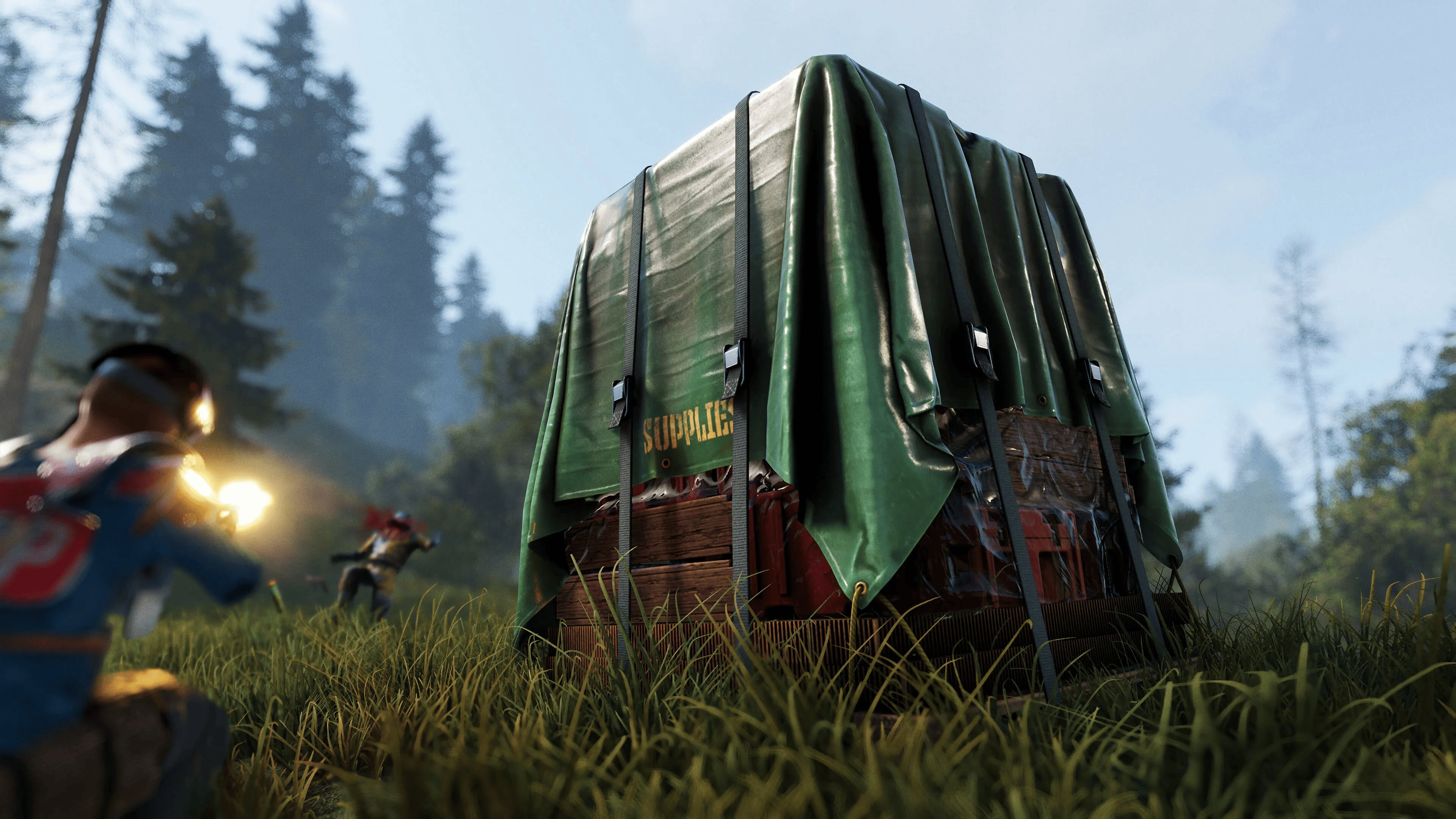
Supply Drop events
-
Areas protected by APC Bradley
Searching these locations can sometimes reduce the amount of scrap needed before you’re able to set up your own defenses.
Additionally, the safest and fastest method is to trade at the Outpost for auto turrets.
Powering The Turret
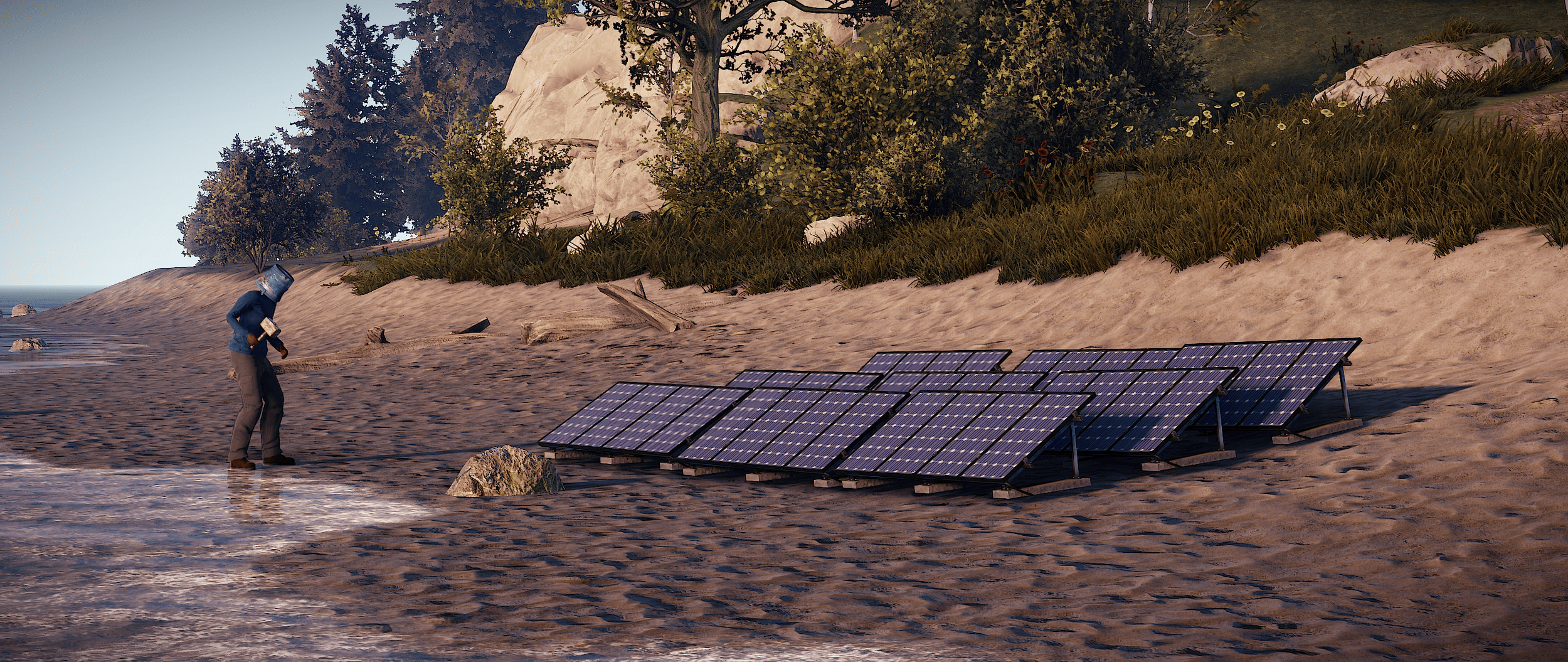
Auto Turrets require 10 power to operate.
Common power sources and electrical devices include:
-
Solar Panels
-
Wind Turbines
-
Generator
-
Large Rechargeable Batteries
-
Small Rechargeable Batteries
-
Electrical branches and circuits
The simplest setup is:
Solar Panel → Battery → Auto Turret
This ensures the turret remains hooked up at night by drawing power from the battery when solar generation stops.
You could also hook them up to a switch so you can enable or disable them when needed.
If power is interrupted, the turret will immediately retract until electricity is restored.
Adding A Weapon
After placing and powering the turret:
-
Open the turret inventory.
-
Insert a compatible weapon.
-
Add ammunition.
-
Turn the turret on.
Most firearm weapons can be used, including:
-
Assault Rifle
-
Semi-Automatic Rifle
-
M39 Rifle
-
MP5A4
-
Thompson
-
Custom SMG
Turrets support a variety of firearms, though many players prefer rifles over shotguns due to their superior engagement distance and target acquisition range.
The weapon’s performance directly affects the turret’s effectiveness. Higher damage weapons generally provide better defensive coverage.
Loading Ammunition
A turret requires ammunition before it can fire.
Simply place the appropriate ammo type inside the turret inventory.
Examples include:
-
5.56 Rifle Ammo
-
High Velocity 5.56 Ammo
-
Pistol Ammo
-
High Velocity Pistol Ammo
Make sure to regularly check ammunition levels and fill supplies after raids. A turret that isn’t properly stocked cannot protect your base, regardless of how much power it receives.
Keep an eye on ammunition levels, especially if your base sees frequent raids or player activity. A powered turret with no ammo is effectively useless.
Authorizing Players
By default, a turret treats everyone as hostile.
To prevent friendly fire:
-
Open the turret menu.
-
Press Authorize.
-
Have teammates authorize themselves as well.
Authorized players can move through the turret’s detection area without being targeted.
You can manage authorization settings through the turret’s options wheel, allowing you to quickly add or remove authorized players.
If a teammate is not authorized, the turret will attack them just like any other player.
Alternatively, you can put the turret into peacekeeping mode to only attack PVP players.
Best Turret Placement
Placement often matters more than the number of turrets you own.
Good locations to display your turrets include:
Base Entrances
Position turrets to watch doors, gates, and common entry points while covering multiple possible attack directions. Raiders frequently focus on these areas first.
Loot Rooms
Protecting your most valuable loot with a turret can punish players who successfully breach outer defenses.
Roof Defenses
Roof-mounted turrets can deter ladder users, minicopter landings, and players attempting to gain high-ground access.
Compound Corners
Turrets placed at compound corners can create overlapping fields of fire that make it difficult for attackers to find safe positions.
Using Multiple Turrets
Large bases often benefit from layered defenses.
Instead of clustering every turret in one location, spread them throughout your base:
-
Cover entrances with one turret.
-
Protect inner hallways with another.
-
Secure loot rooms separately.
-
Watch external compound walls.
Properly placed turrets create overlapping fields of fire that make it difficult for attackers to find cover while advancing toward your base.
Overlapping coverage forces attackers to deal with multiple firing angles simultaneously.
Protecting Your Turrets
Turrets themselves can be destroyed, making protection important.
Consider:
-
Placing turrets behind windows or embrasures.
-
Using elevated positions that are difficult to reach.
-
Hiding electrical wiring.
-
Creating shooting angles that expose attackers while keeping the turret partially protected.
If a turret survives an attack, use a hammer to begin repairing it and restore durability using the required materials.
A well-protected turret can survive significantly longer during a raid.
Common Mistakes When Setting Up Auto Turrets in Rust
Many players make the same mistakes when setting up base defenses.
Avoid:
-
Forgetting to supply power.
-
Running out of ammunition.
-
Failing to authorize teammates.
-
Placing turrets where attackers can easily destroy them.
-
Relying on a single turret for all base defense.
-
Leaving wiring exposed.
-
Forgetting to activate the turret after placing it.
-
Failing to refill ammunition after extended combat.
-
Ignoring weapon durability and maintenance.
Regularly checking your electrical network and ammunition reserves helps ensure your defenses remain operational.
Rust App Integration
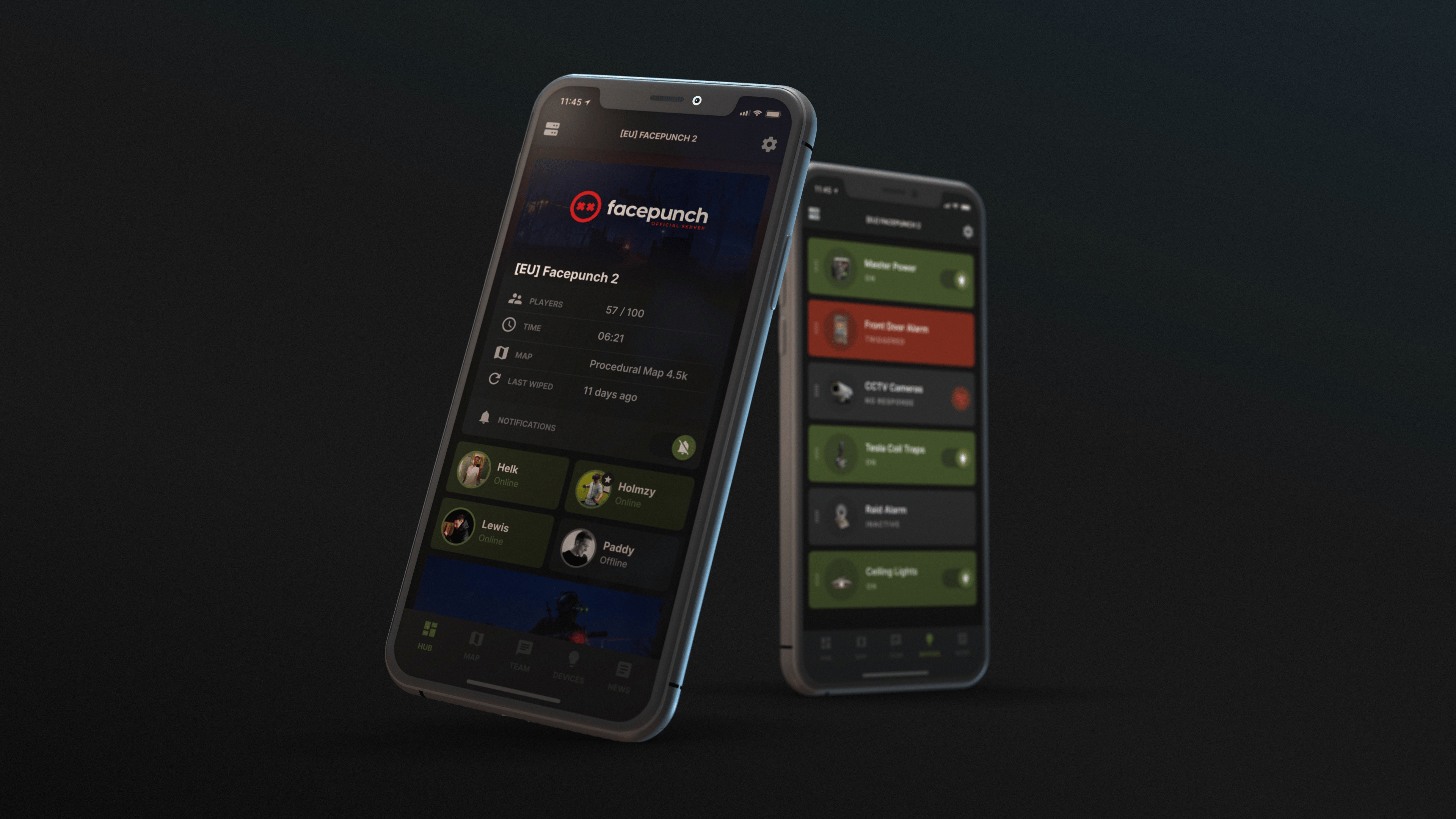
One of the most useful features of Auto Turrets is their integration with Rust+, allowing you to monitor and manage your defenses remotely from your phone.
To use Rust+ with turrets:
-
Install and connect the Rust+ app to your Rust server.
-
Connect your turret to Rust’s electrical system.
-
Use a Smart Alarm or other smart components.
-
Pair the device with Rust+ through the in-game pairing process.
Once configured, Rust+ can send notifications whenever a connected alarm is triggered. Many players connect Smart Alarms to their turret systems so they’re alerted when a turret detects or engages an enemy player.
Common Rust+ turret setups include:
-
Raid Detection Systems
-
Offline Defense Alerts
-
Remote Monitoring
-
Automated Base Security
These systems can notify players when a turret detects enemies, making them particularly useful for monitoring player run shops, compounds, and other high-traffic areas.
For larger bases, Rust+ can provide valuable early warning of raids or unauthorized players entering your compound, giving you time to log in and respond before significant damage is done.
Using Smart Alarms With Turrets
A popular setup is connecting a Smart Alarm to an Auto Turret’s output signals. When the turret spots an enemy or begins firing, the Smart Alarm can send a push notification directly to your phone through Rust+.
This setup is especially useful for:
-
Solo players who spend time away from their base.
-
Clan leaders monitoring large compounds.
-
Players who want instant raid notifications.
-
High-population servers where raids can happen at any time.
When triggered, the Smart Alarm sends a notification through the Rust+ app, allowing players or a server owner to monitor activity even while away from the game.
While Rust+ won’t stop a raid on its own, the information it provides can be invaluable for protecting your base and coordinating a response with teammates.
For more information on setting up Rust+, head over to our website and check out this article, or visit our YouTube channel and watch this video.
Final Thoughts
Auto Turrets are among the strongest defensive tools in Rust when used correctly. A properly powered, well-positioned turret can slow down raiders, protect valuable loot, and provide security while you’re offline.
By combining reliable electricity, adequate ammunition, smart placement, Rust+ monitoring, and multiple overlapping defenses, you can significantly increase your base’s survivability and make attacks far more costly for hostile players.
Whether you’re defending a small starter base or a large compound, learning how to set up Auto Turrets properly can greatly improve your chances of surviving raids and protecting valuable loot obtained from monuments, supply drops, and other high-risk activities.
Was this article helpful?
Thanks for the feedback!