ZLevels Remastered is a popular Rust server plugin that introduces a player-leveling and skill-based progression system. Players earn XP through everyday actions like gathering, mining, and crafting — leveling up skills that increase their output over time. Server admins get full control over XP rates, skill bonuses, UI appearance, and more.
The installation process is straightforward and takes only a few minutes, but editing the configuration incorrectly or using the wrong file locations can break things. This guide covers the essential setup to get ZLevels running correctly:
- Configuring XP gain rates and skill bonuses
- Setting up the in-game UI
- Managing permissions and common commands
Step 1: Install ZLevels Remastered
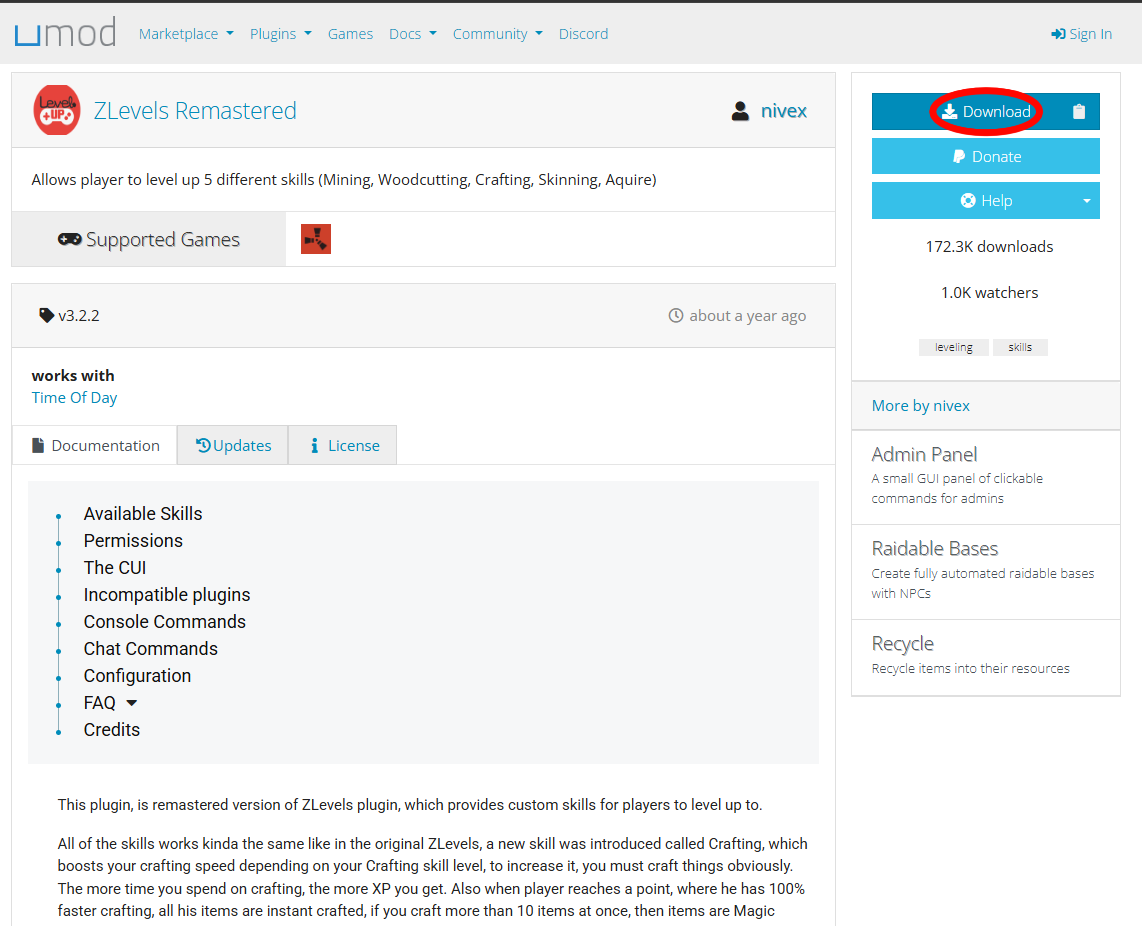
- Download the ZLevels Remastered plugin from uMod.
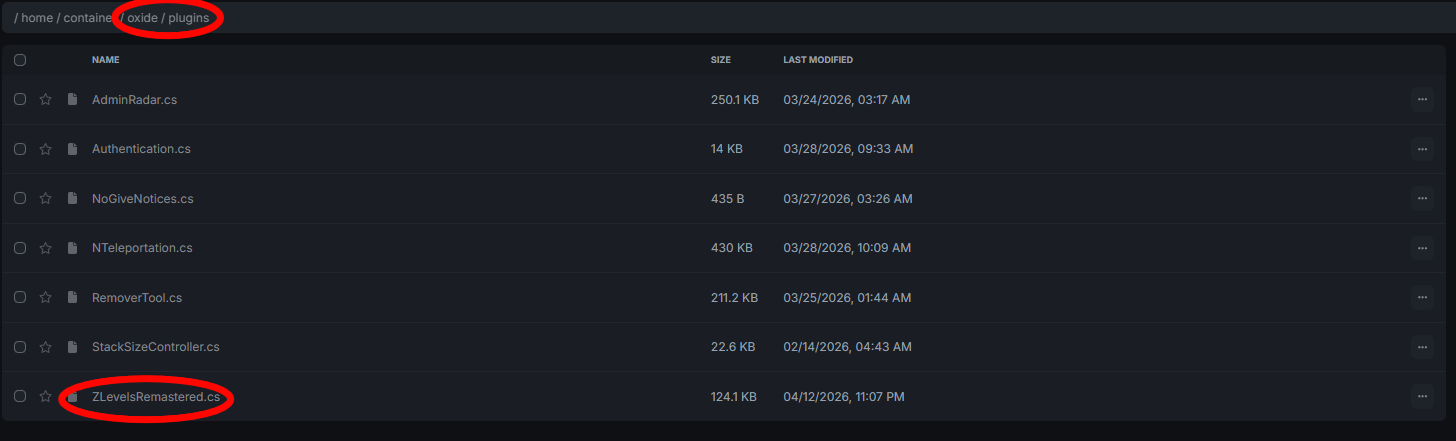
- Open your server panel or connect via FTP.
- Navigate to
/oxide/plugins/and upload the.csplugin file. - Restart your server.
On first startup, ZLevels Remastered automatically generates its required config files with all default settings in place.
Step 2: Verify the Plugin Loaded
Open your server console or RCON interface and look for:
Loaded plugin ZLevelsRemasteredIf it doesn’t appear, reload it manually:
oxide.reload ZLevelsRemasteredA missing or failed load usually means the file isn’t in the correct directory or has a syntax error. Confirm the file was uploaded correctly and the server has the necessary permissions.
Step 3: How It Works
Players earn XP automatically from actions like:
- Gathering resources (wood, stone, ore, etc.)
- Crafting items
- Using tools and performing other supported actions
As XP accumulates, a UI element (typically in the bottom-right corner) displays current skill levels, XP progress, and estimated time to the next tier. The color-coded skill levels in the UI are customizable in the config.
Players can view their full stats at any time with:
/statsThis shows all skill levels, total XP, current level, and required XP for the next level.
Step 4: Configure ZLevels Settings
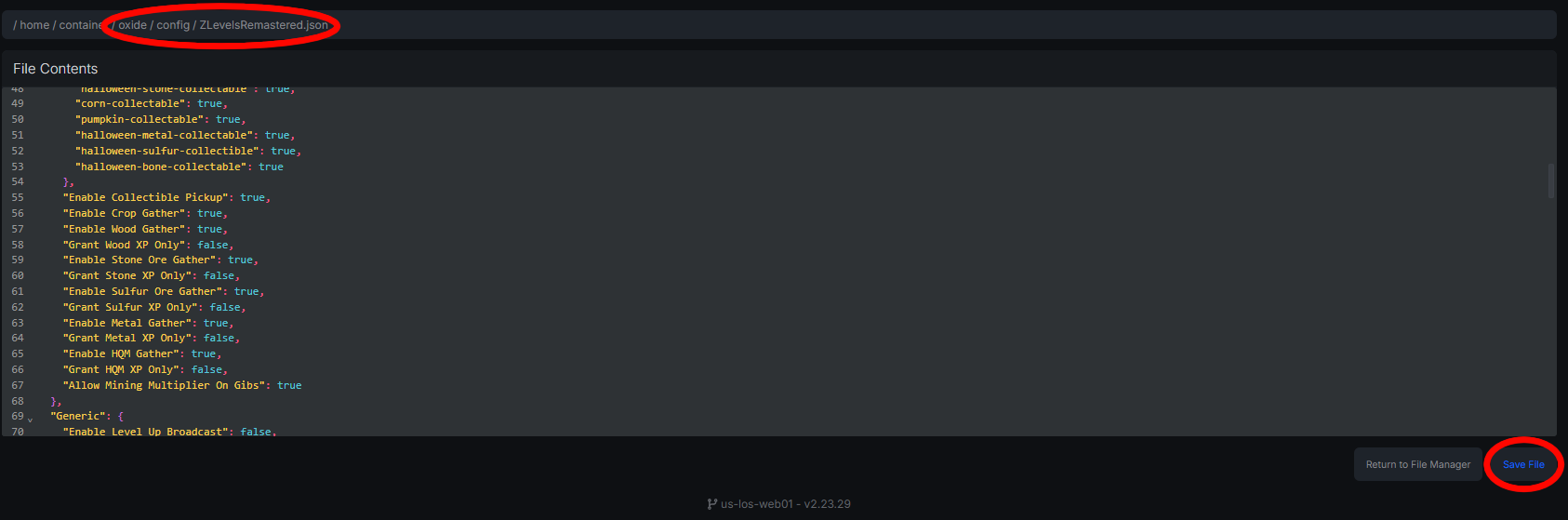
- Open the config file at
/oxide/config/ZLevelsRemastered.json. - Adjust the following key settings:
XP & Progression
- XP Gain Rates — How much XP players earn per action.
- XP Loss on Death — Whether players lose XP when killed.
- Skill Bonuses — Gather speed, crafting efficiency, and mining yield multipliers.
UI
- UI Position & Colors — Where the HUD appears and how it’s styled.
- Save the file (ensure the JSON is valid — use proper quotes and brackets) and reload:
oxide.reload ZLevelsRemasteredAlways validate your JSON before saving. Invalid syntax will cause the plugin to fail silently or not load at all.
Step 5: Permissions
To protect players (such as VIPs) from XP loss on death:
oxide.grant group vip zlevelsremastered.noxplossAdmins are automatically exempt from most restrictions including XP loss and skill caps.
Step 6: Common Commands
- /stats — View your skill levels and XP progress.
- oxide.reload ZLevelsRemastered — Reload the plugin after config changes.
Troubleshooting
Plugin not loading
- Confirm the
.csfile is in/oxide/plugins/. - Restart the server completely and check the console for errors.
UI not showing
- Verify UI settings are correct in the config.
- Check for conflicts with other UI plugins.
XP not being awarded
- Confirm the relevant actions are enabled in the config.
- Check for conflicting plugins that may override XP logic.
Config errors
- Invalid JSON will break the plugin silently.
- Run your config through a JSON validator before saving.
Known Conflicts
- Hunt RPG
- CraftingController
- Other skill-based or progression plugins
Only run one progression system at a time to avoid data corruption or gameplay bugs.