





































Njarovik · bandits inbound
Pick the power you need
Choose the CPU, memory and NVMe storage your world runs on, and add more when your group grows.

Run your own Njarovik for friends, with your day and night, weather and AI settings, on a world that keeps going when you log off.
Powering
Find your plan
Tell us about your server and we'll recommend a plan.
Let's find your plan
No per-slot fees. Choose your own slot limit. To help us recommend the right plan for you, tell us how many friends are joining you!
Best fit
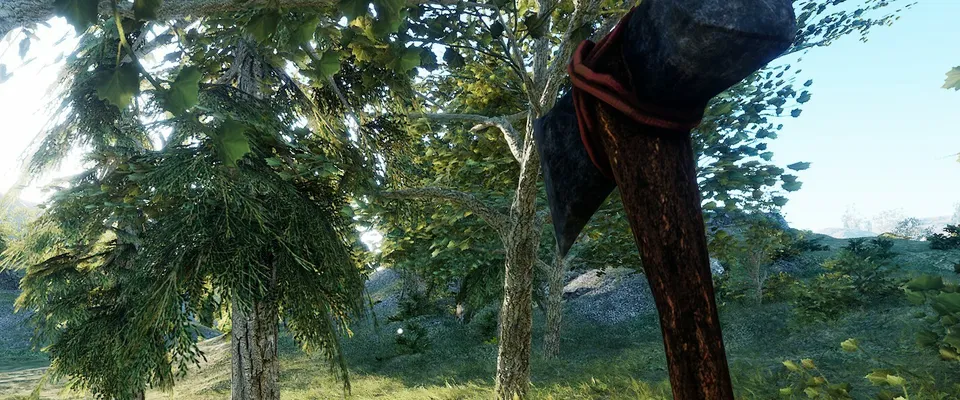
Stone Axe8 GB RAM, 150% CPU
$20.99/mo
Pick your plan
Or build your own. Then choose where it runs and deploy.
 CustomChoose your own plan!
Billing
Secure Backups Included
Stone Axe
Billed monthly. Cancel any time.
Switch your Your Journey of Survival server to any of 534 other games, right from the panel, whenever you want!*
Included with
every plan
Your rules for day, night, weather and AI, and a world that keeps going, on a server you run from one panel.
Choose the CPU, memory and NVMe storage your world runs on, and add more when your group grows.
Your world stays up when you log off, and it is protected from DDoS attacks.
Order and the server installs Your Journey of Survival on its own, then fetches game updates each time it starts.
Config.json, without the typing
Day and night length, weather, animals and hostile AI, grouped and labelled in the panel.
 Config.json - Physgun VS Code main
For the power users
Connect with real developer tools and edit Config.json directly. Or skip it and use the panel.
Set the server name, max players and welcome message in the startup settings, and restart to apply them.
Random weather, lightning, storms and how fast the sky changes, all in the config editor.
The game saves every minute, and a stop waits for that save before the server shuts down.
One place for your whole world: server name, max players and welcome message in the startup settings, a config editor for day and night, weather and AI, schedules you set for restarts and backups, subusers for your admins, a file manager with SSH and VS Code, and every other universal tool.
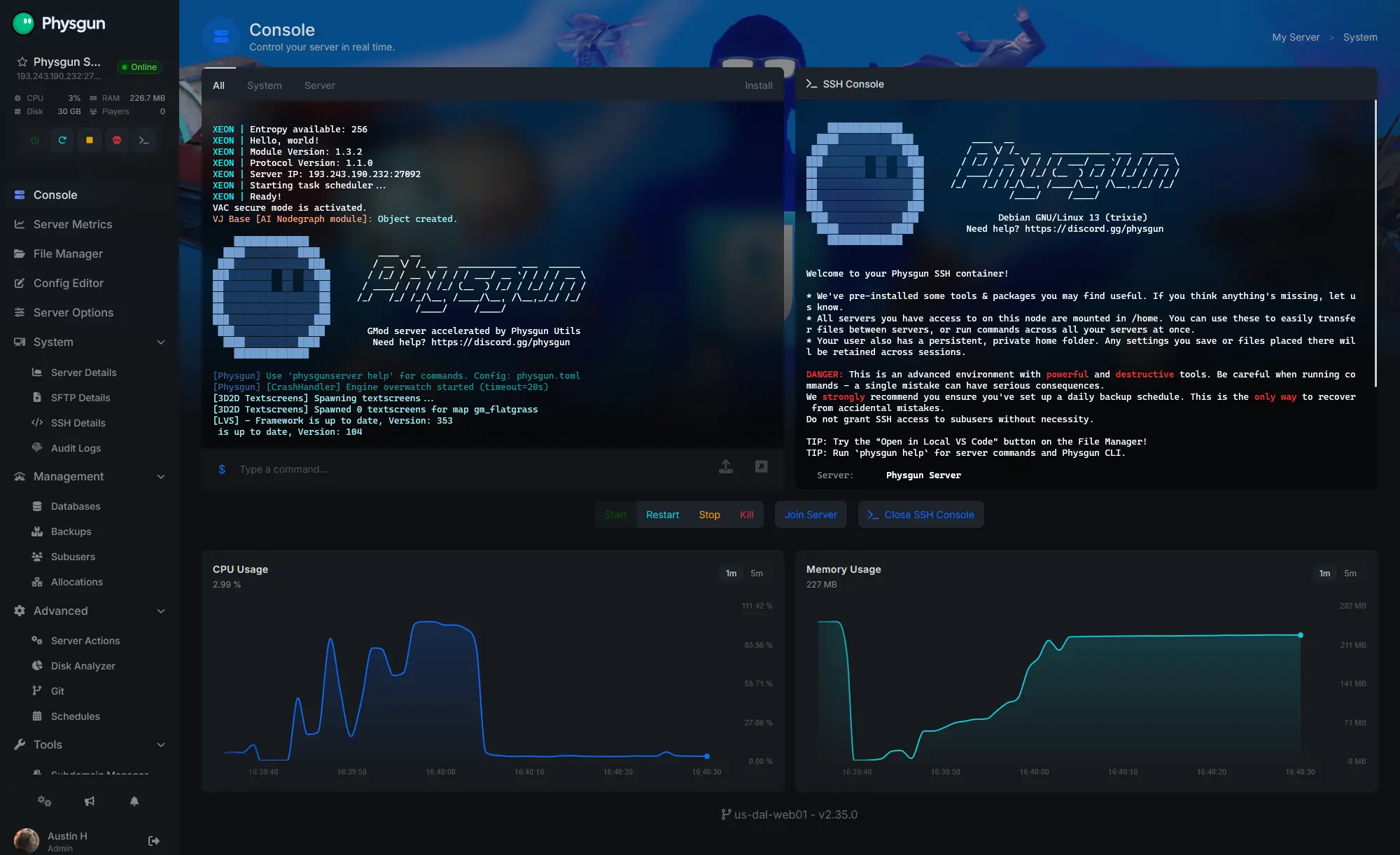
Accurate, blazing-fast output piped directly from the container. Paired with complete SSH access inside the Panel!
1 / 10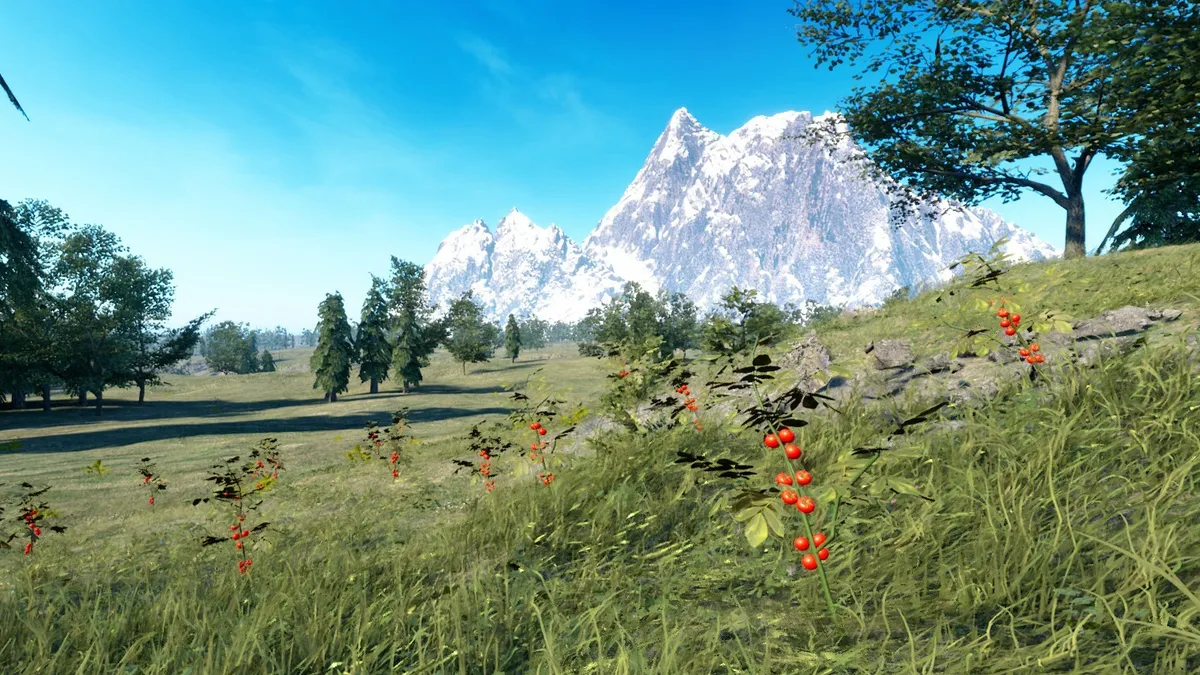
New to Your Journey of Survival?
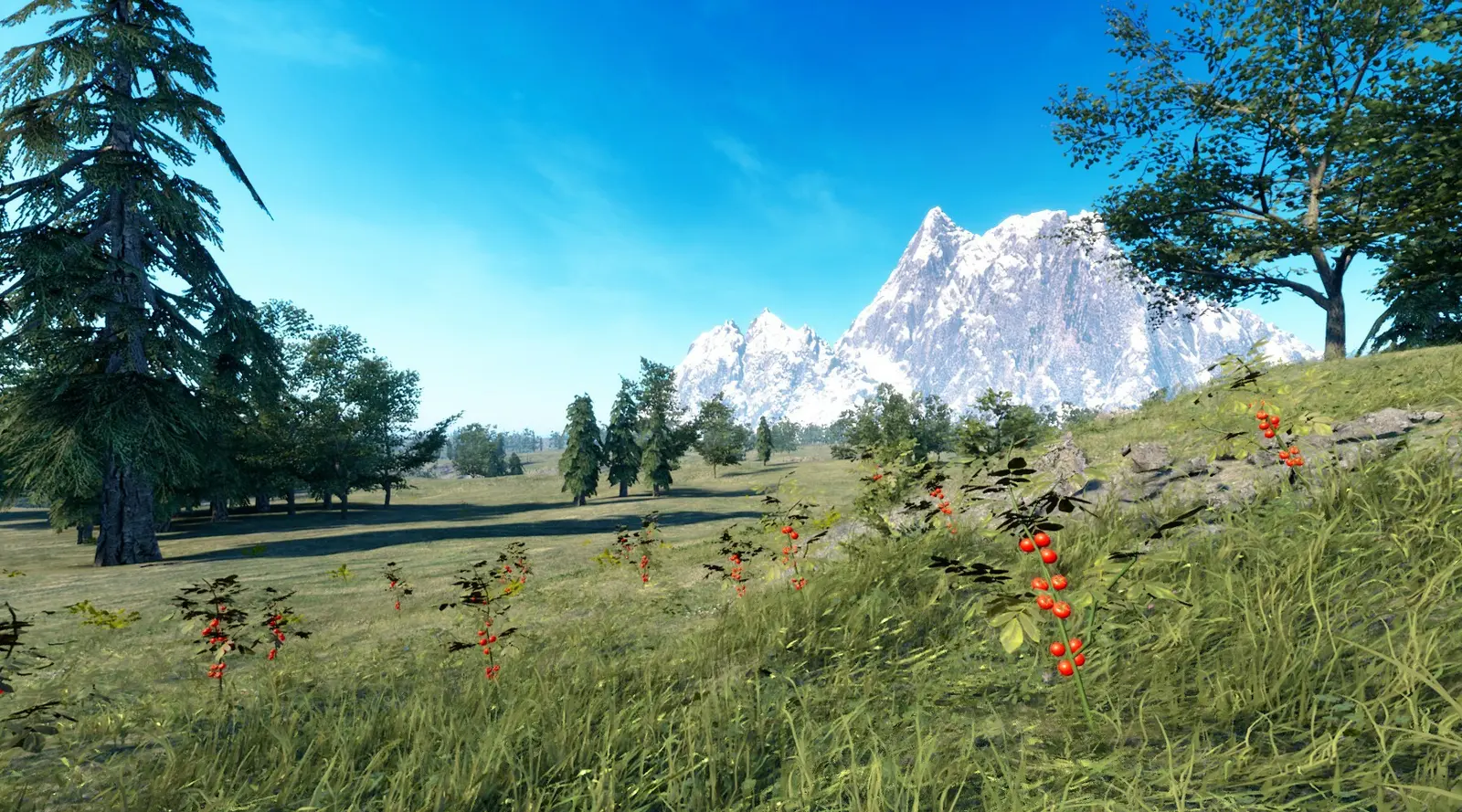
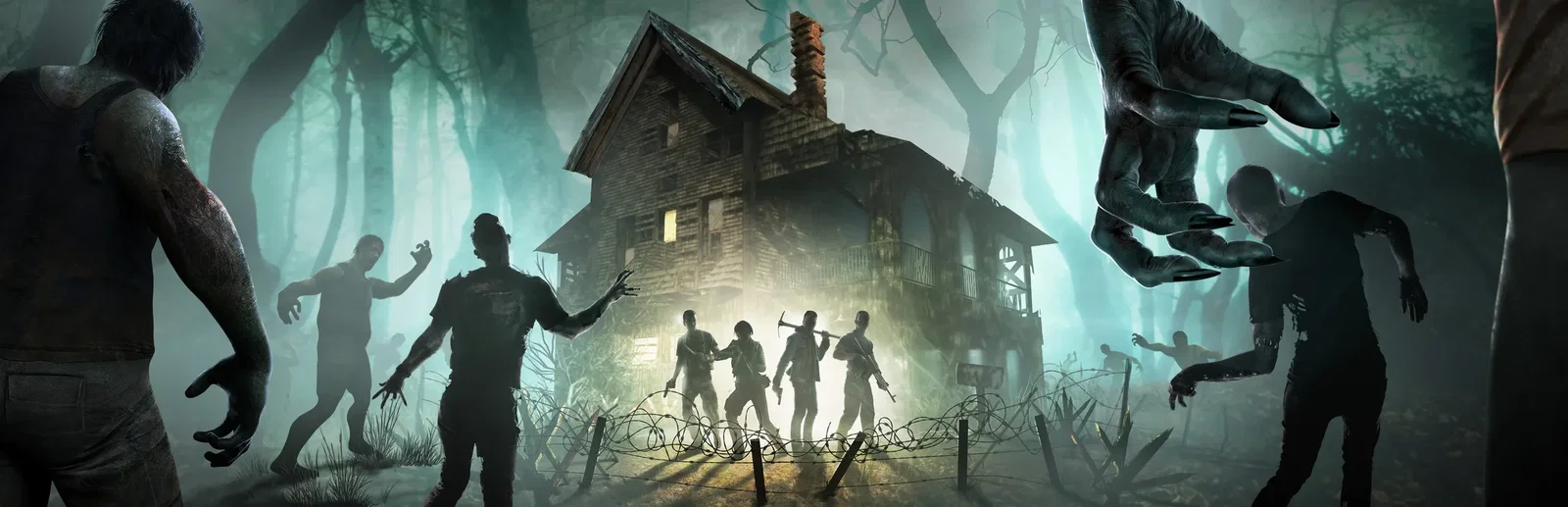
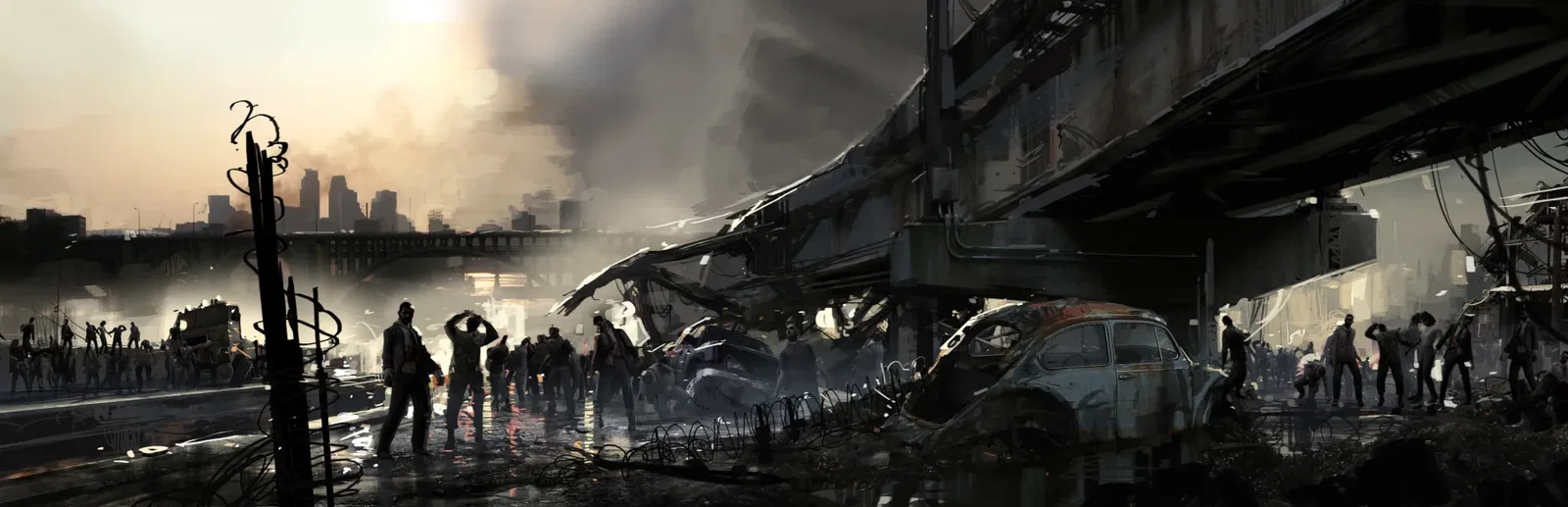
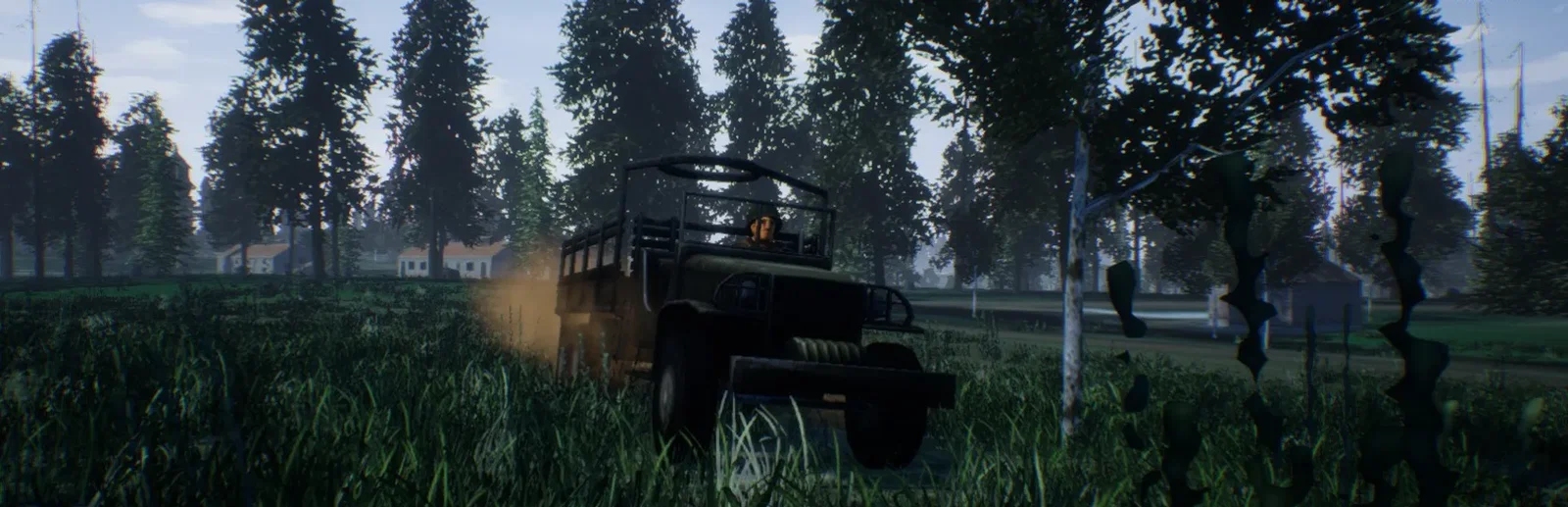
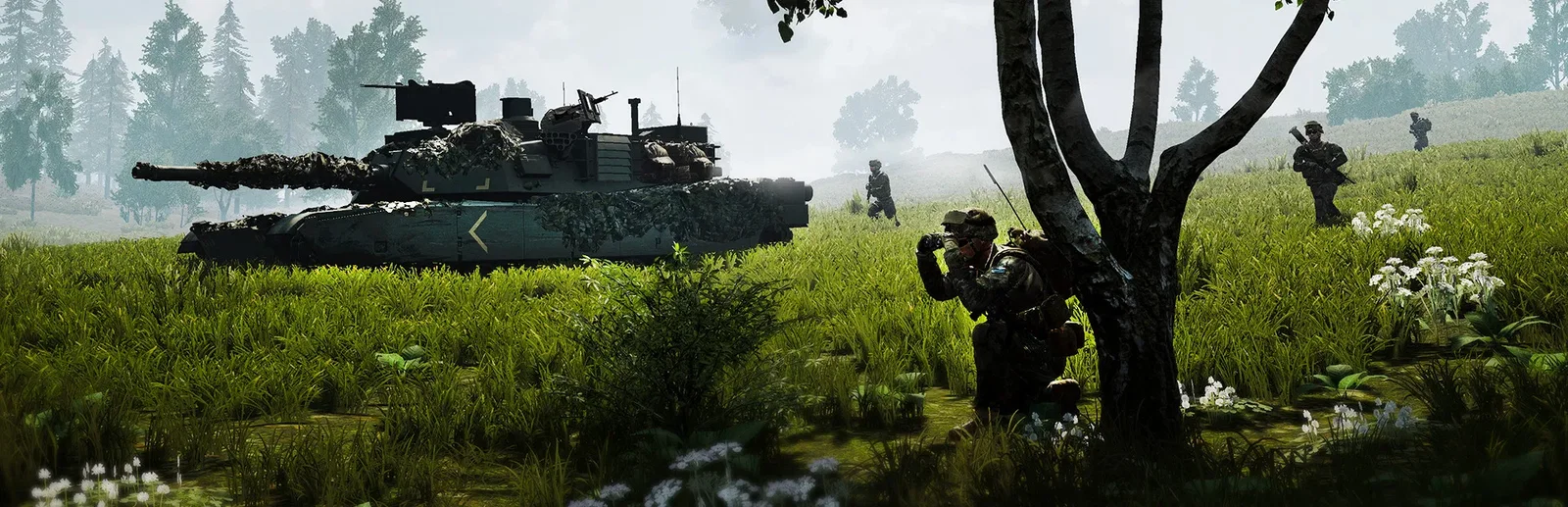
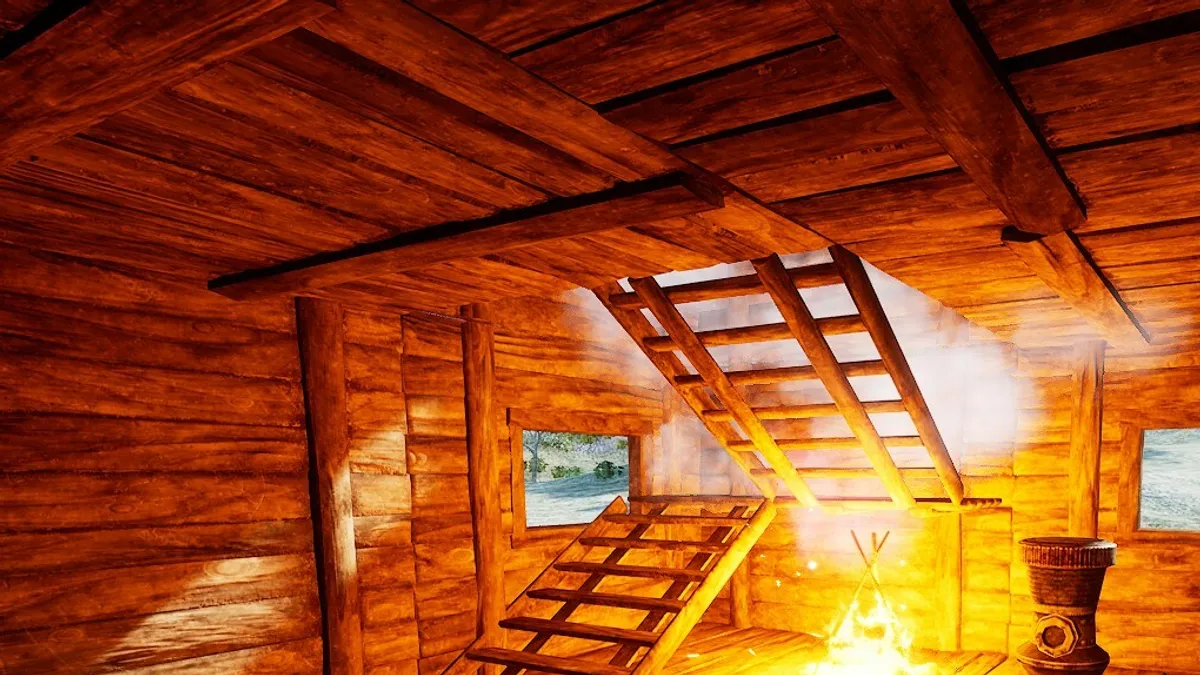
Your Journey of Survival is an open-world sandbox from Bytewerkz that mixes FPS, survival and RPG games. It is the year 2400, and you wake in the wilderness of Njarovik with nothing but your underwear. Scavenge for resources, craft tools, clothes and weapons, find food and water, and ride out rain, snow and hail. Build bases that have to stand up to gravity, farm and hunt, and fight bandits, wildlife and other players.
From a torch to an assault rifle, and structures as big as you can make stand.
Fight bandits and wildlife, or raid other players' bases.
Why rent a server?
A dedicated server keeps your world online without a PC left on at home, so your group can play whenever they like. With us it installs itself and fetches game updates each time it starts. You set the server name, max players and welcome message in the panel, tune day and night, weather, animals and hostile AI in the config editor, and get full file access over SFTP and SSH.
Your world stays up when you log off, so friends can join any time.
Longer days, harsher weather or more hostile AI, set in the panel.
Straight answers before you order. Still stuck? Real people are here around the clock.
 Physgun
Run a world of your own with your day, night, weather and AI settings, online when you log off.