


































CPU
Memory
Storage
CPU · memory · NVMe storage
Room for a growing tribe
Pick the CPU, memory and NVMe storage your world needs, and size up as your tribe and your base grow.

Run a Soulmask world for up to 70 players that stays online, so your tribe keeps working while you are away.
Powering
Find your plan
Tell us about your server and we'll recommend a plan.
Let's find your plan
No per-slot fees. Choose your own slot limit. To help us recommend the right plan for you, tell us how many friends are joining you!
Best fit
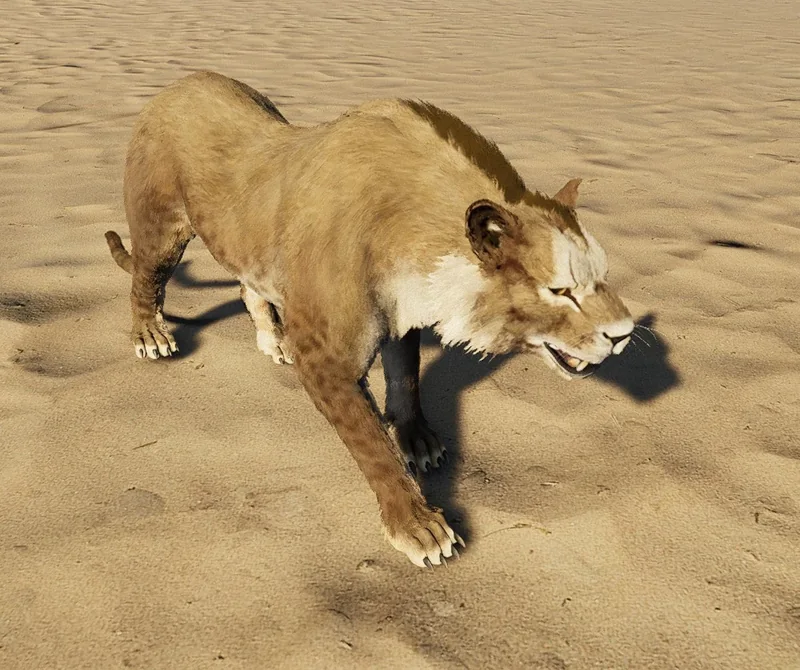
Wild Lion16 GB RAM, 200% CPU
$41.49/mo
Pick your plan
Or build your own. Then choose where it runs and deploy.
 CustomChoose your own plan!
Billing
Secure Backups Included
Wild Lion
Billed monthly. Cancel any time.
Switch your Soulmask server to any of 609 other games, right from the panel, whenever you want!*
Included with
every plan
Your tribe keeps working while you are offline, in a world with your rules that is saved when it stops.
Pick the CPU, memory and NVMe storage your world needs, and size up as your tribe and your base grow.
99.9% uptime, and every server is protected from DDoS attacks.
Your server installs itself the moment you order. No setup, no waiting.
Map, mode and rates
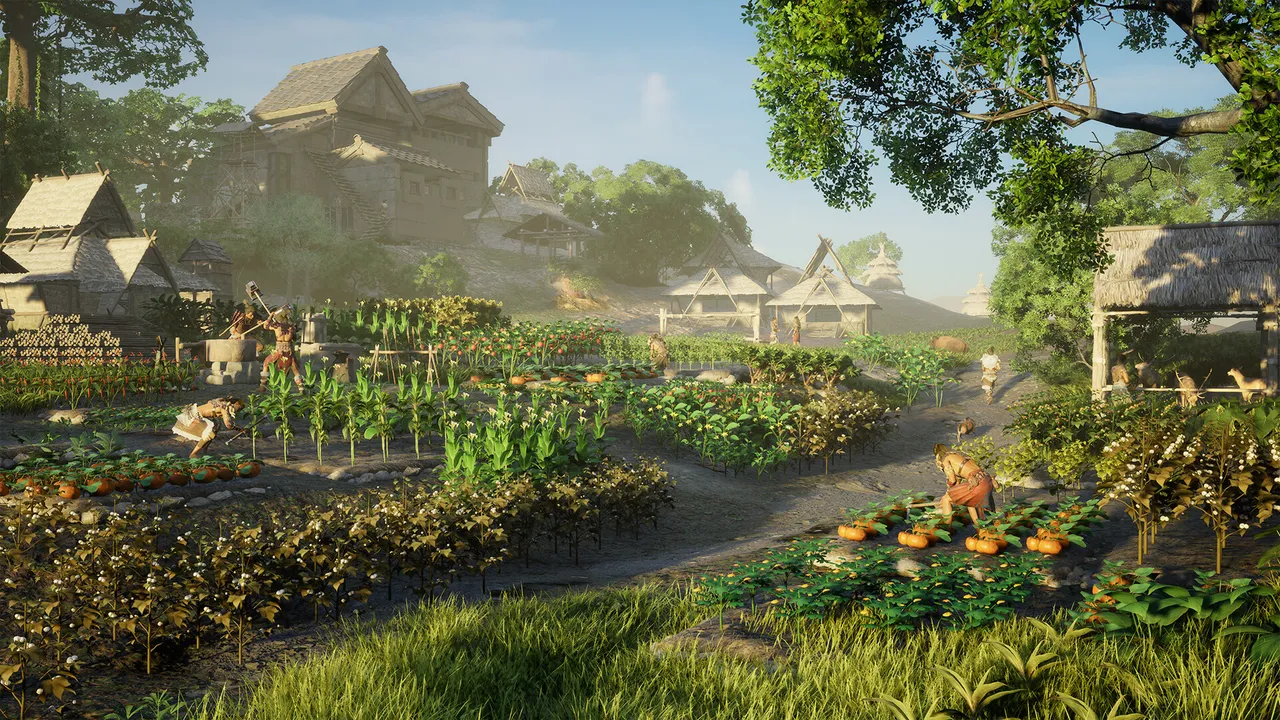
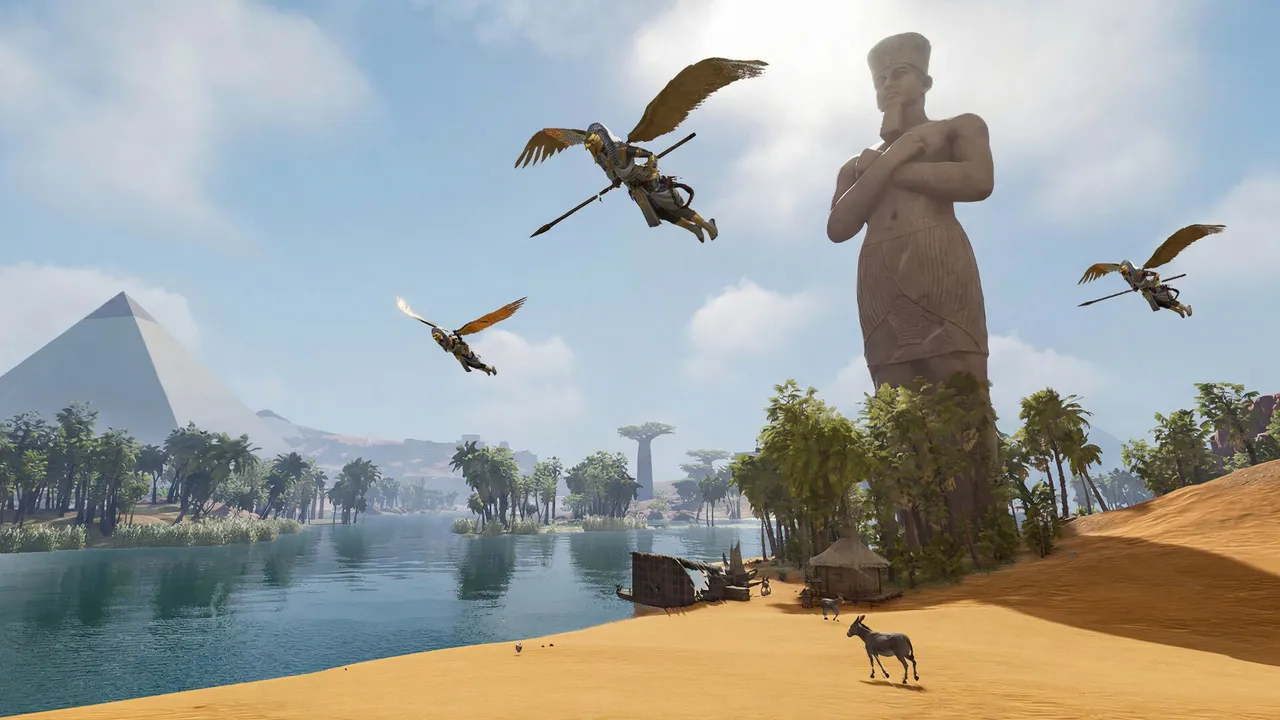
Pick Cloud Mist Forest or Shifting Sands, choose PvE or PvP, and set the XP and gathering rates. Decide how many players fit in one tribe, and turn monster raids and building decay on or off.
Steam Workshop in the panel
Browse Soulmask's Steam Workshop right in our panel, with pictures, search and tags. Find new structures, bigger stacks and chests, armor sets and recruitable bosses, and add or remove each one with a click. Your server downloads and loads them on its next start.
Give your friends their own login with limited access. No password sharing.
Set up a backup schedule in the panel, take a backup whenever you like, and restore one in a few clicks. Backup storage is included.
[update] Getting the latest update
[update] Up to date
[server] Server started, players can join
> lp
[server] Listing the players online
[stop] Saving the world before it stops
[stop] World saved, server stopped
Your server gets the latest Soulmask update each time it starts and saves the world before it stops. Commands you type in the console go straight to the server.
One place for your whole tribe's world: map, PvE or PvP, rates, tribe size, raids and decay in the startup settings, a Workshop page to add mods in one click, a console that talks to the server, schedules you set for restarts and backups, subusers for your admins, a file manager with SSH and VS Code, and every other universal tool.
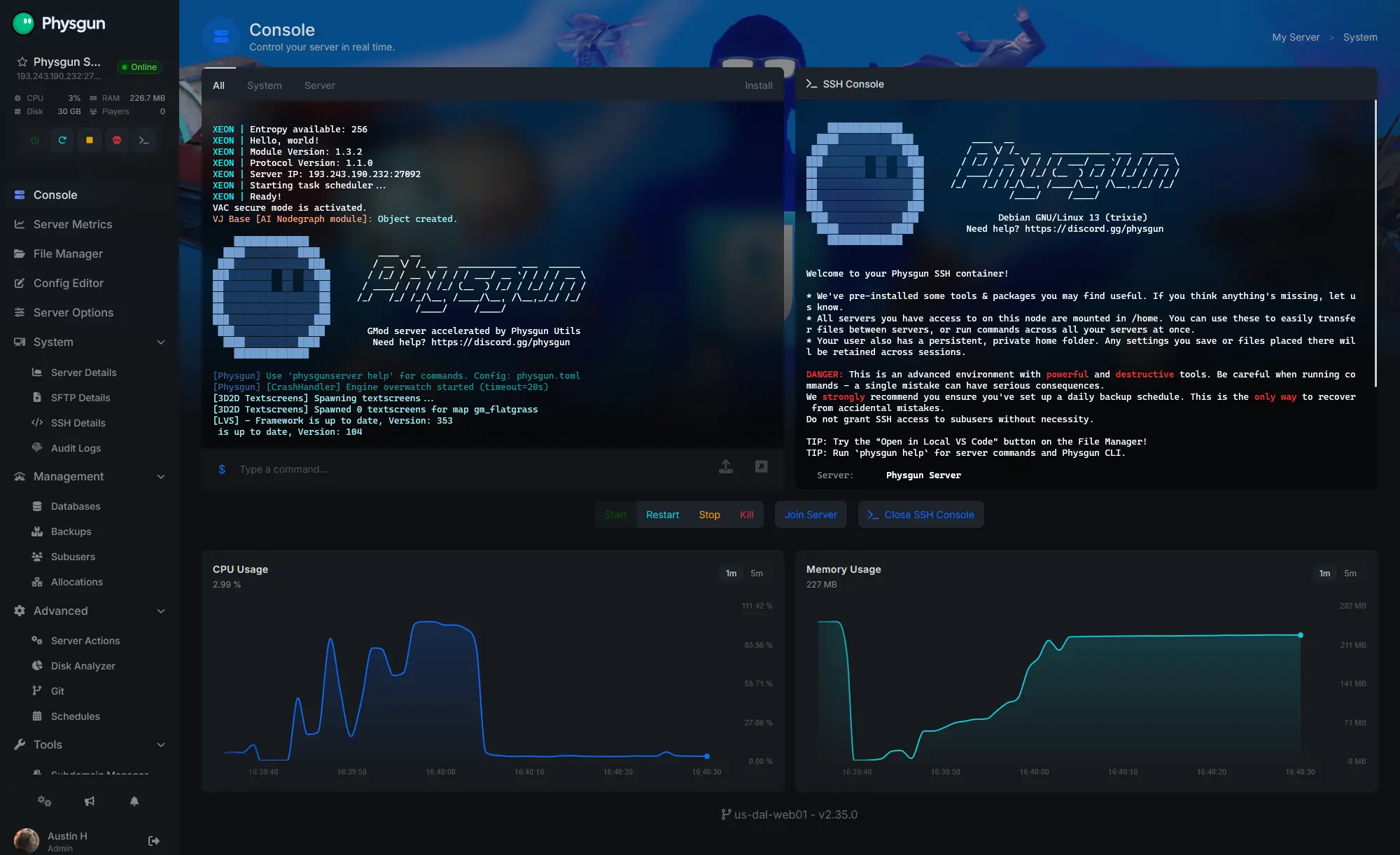
Accurate, blazing-fast output piped directly from the container. Paired with complete SSH access inside the Panel!
1 / 10New to Soulmask?
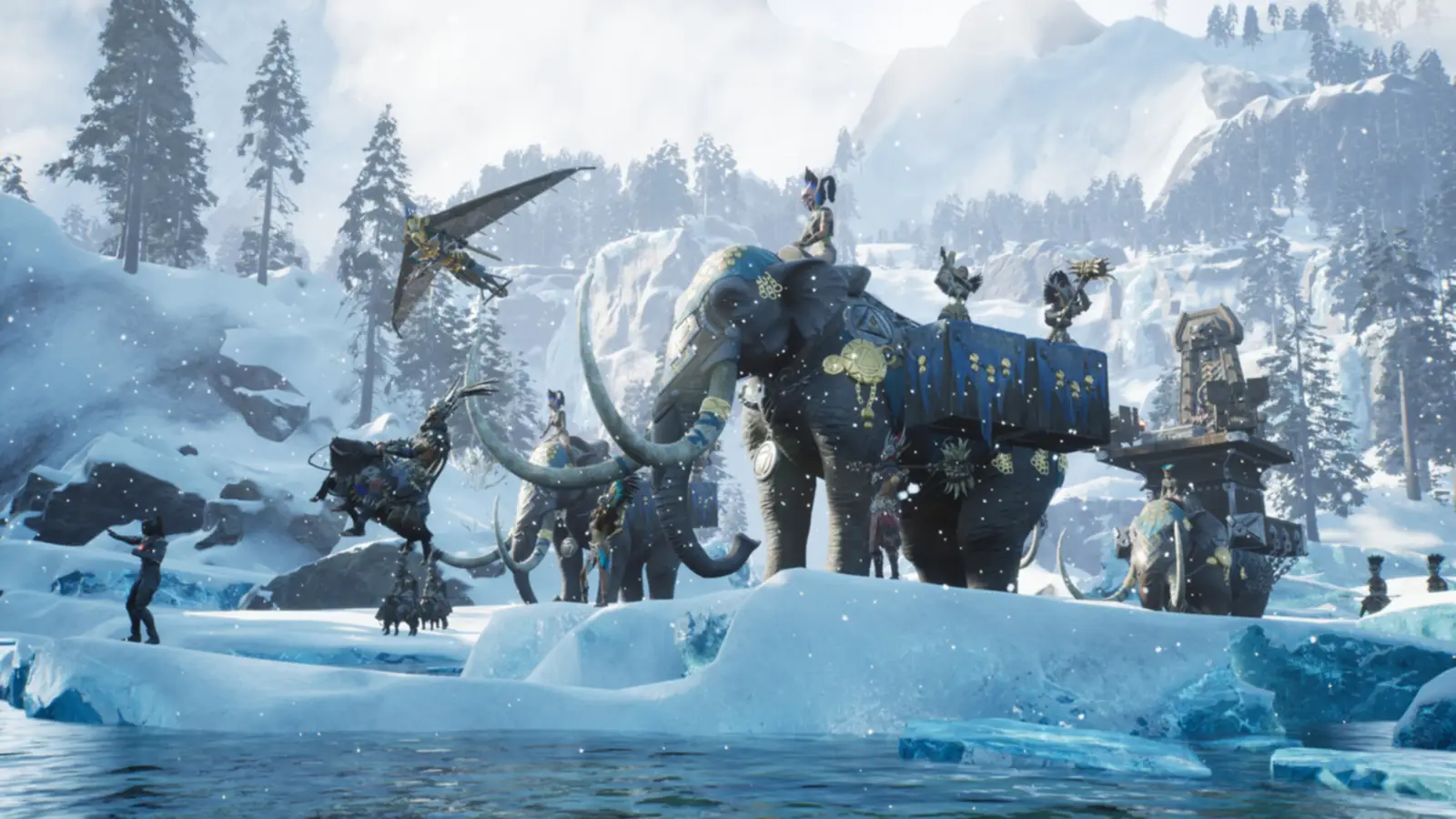
Soulmask is a survival crafting game from CampFire Studio, set in ancient open worlds. You are a survivor whose soul is tied to a mysterious mask. Recruit barbarians with their own talents, possess any of them through the mask, and put the rest to work gathering, farming, crafting and guarding. Grow your camp from thatch huts to blackstone forts, explore ruins and labyrinths, and fight bosses for new masks across two worlds: Cloud Mist Forest and Shifting Sands.
Possess any member of your tribe, and wield the powers of the mask in battle.
Give your tribesmen jobs, from gathering to assembly lines, and the base runs itself.
Why rent a server?
A co-op session only runs while its host is online. A dedicated server holds up to 70, stays online around the clock and runs on its own hardware, so friends can join any time and your tribesmen keep working while nobody is playing. With Physgun it installs in minutes and gets the latest game update on every restart. You set the map, PvE or PvP, rates, tribe size, raids and decay, add Workshop mods from the panel in one click, and get backups, schedules, subusers and full file access over SFTP.
Your base and your tribe keep going, whether or not you are online.
Map, PvP, rates, raids and decay, set in the panel and changed whenever you like.
Straight answers before you order. Still stuck? Real people are here around the clock.
 Physgun
Pick your map and your rules, and give your tribe a world that stays online.