



























Strategy · round in progress
Pick the power you need
Choose the CPU, memory and NVMe storage your server runs on, and add more when your matches get bigger.

Run your own Silica server for clan nights and public rounds. It stays up without a host, runs the game mode you pick, and you size it yourself.
Powering
Find your plan
Tell us about your server and we'll recommend a plan.
Let's find your plan
No per-slot fees. Choose your own slot limit. To help us recommend the right plan for you, tell us how many friends are joining you!
Best fit
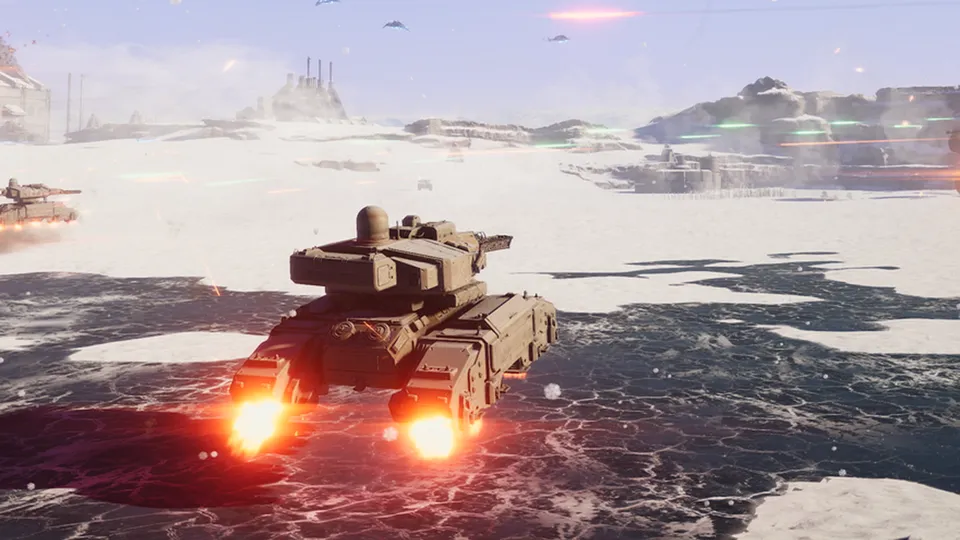
Hover Tank12 GB RAM, 300% CPU
$32.49/mo
Pick your plan
Or build your own. Then choose where it runs and deploy.
 CustomChoose your own plan!
Billing
Secure Backups Included
Hover Tank
Billed monthly. Cancel any time.
Switch your Silica server to any of 445 other games, right from the panel, whenever you want!*
Included with
every plan
Your game mode, your players and your rules, on a server that stays up without a host.
Choose the CPU, memory and NVMe storage your server runs on, and add more when your matches get bigger.
No more matches that end when the host quits. Your server keeps running, and it is protected from DDoS attacks.
Your server deploys itself the moment you order, and fetches game updates each time it starts.
Set it in the panel
Pick the game mode, the player limit, the name players see and a password, and choose Stable or Beta. We write them to the server's settings each time it starts.
 ServerSettings.xml - Physgun VS Code main
For the power users
Connect with real developer tools to edit your map rotation, admins and match settings in the server's files. Or skip it and use the panel.
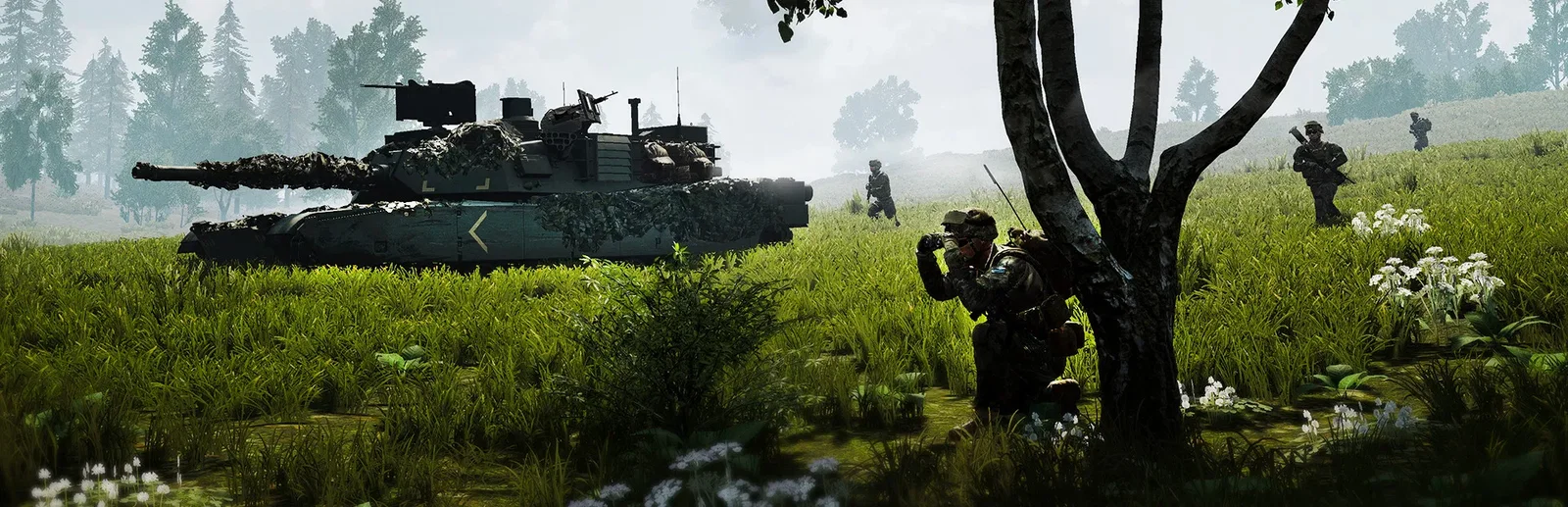
Run Strategy with commanders, or switch to Strategy Co-op, Arena, Sandbox or Scenarios from the panel.
Pick the name players see in the server browser, and set a password to keep the server to your clan.
Run the stable game, or switch to Beta to play new updates before they are released to everyone.
One place for your whole server: name, password, game mode, player limit and game branch in the startup settings, scheduled restarts and backups, subusers for your admins, a file manager with SSH and VS Code for your maps and admin list, and every other universal tool.

Accurate, blazing-fast output piped directly from the container. Paired with complete SSH access inside the Panel!
1 / 10
New to Silica?
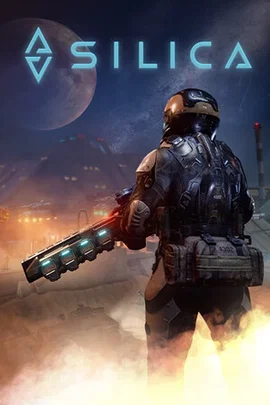
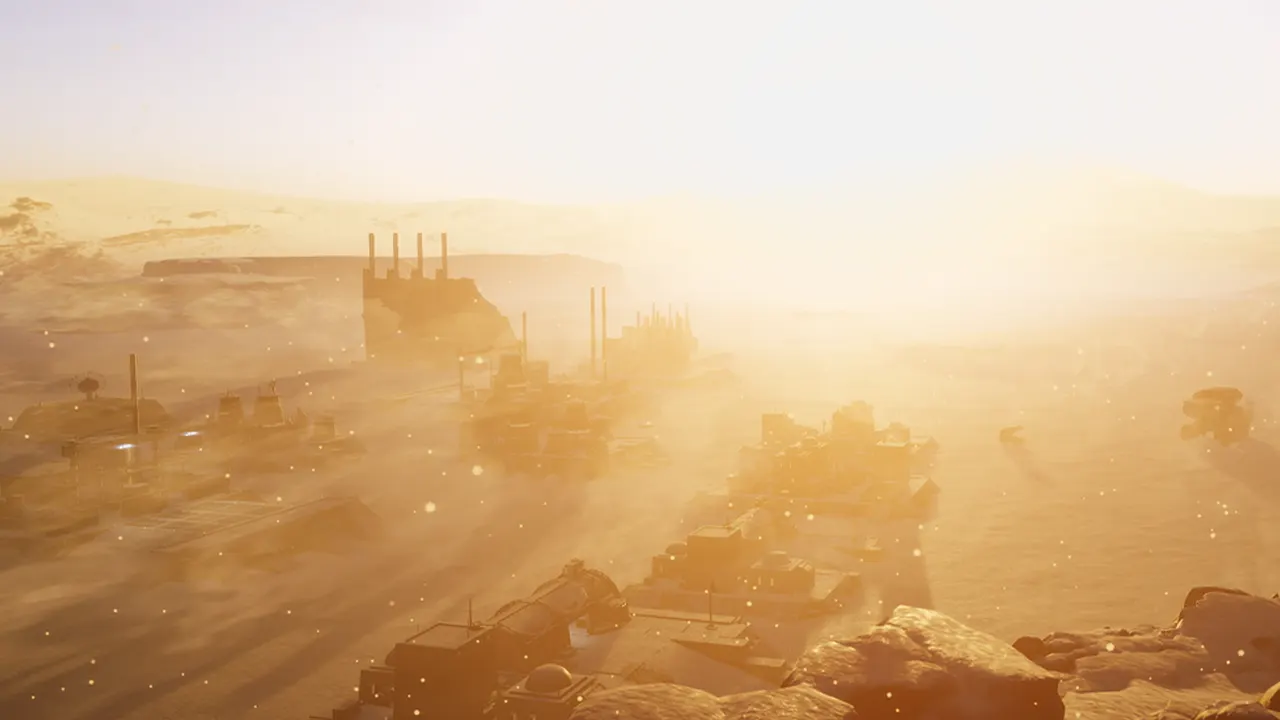
Silica is a crossover of FPS and RTS from Bohemia Interactive, set on the sandy dunes of the planet Baltarus. Humans and aliens fight for control in combined arms battles. Each team has a commander who places buildings, harvests resources and orders units from a top-down view, while everyone else fights on the ground as infantry or crews land and air vehicles. Matches end when a team's base falls.
Lead your team as the RTS commander, or join the assault as a soldier in the same match.
Play the Sol or Centauri humans, or the aliens, in matches of up to three factions.
Why rent a server?
A Silica dedicated server is a battlefield your group controls, online whether or not anyone is hosting. When a player hosts from the game, their PC runs the whole match, so a weak host lags everyone and the round can end when they leave. A dedicated server runs on its own hardware and keeps your community's home in the server browser. You pick the game mode, the player limit, the name, the password and Stable or Beta, and edit your maps and admins in the server's files. With Physgun it deploys in minutes, and you size the CPU, memory and storage yourself.
Your server stays up around the clock, so players can join without a host in the game.
Run Strategy, Strategy Co-op, Arena, Sandbox or Scenarios, with your own password and player limit.
Straight answers before you order. Still stuck? Real people are here around the clock.
 Physgun
Run your own Strategy rounds for your clan or community, on a server that stays up when you log off.