














Period 2 · match live
Pick the power you need
Choose the CPU, memory and NVMe storage your server runs on, and add more when it grows.

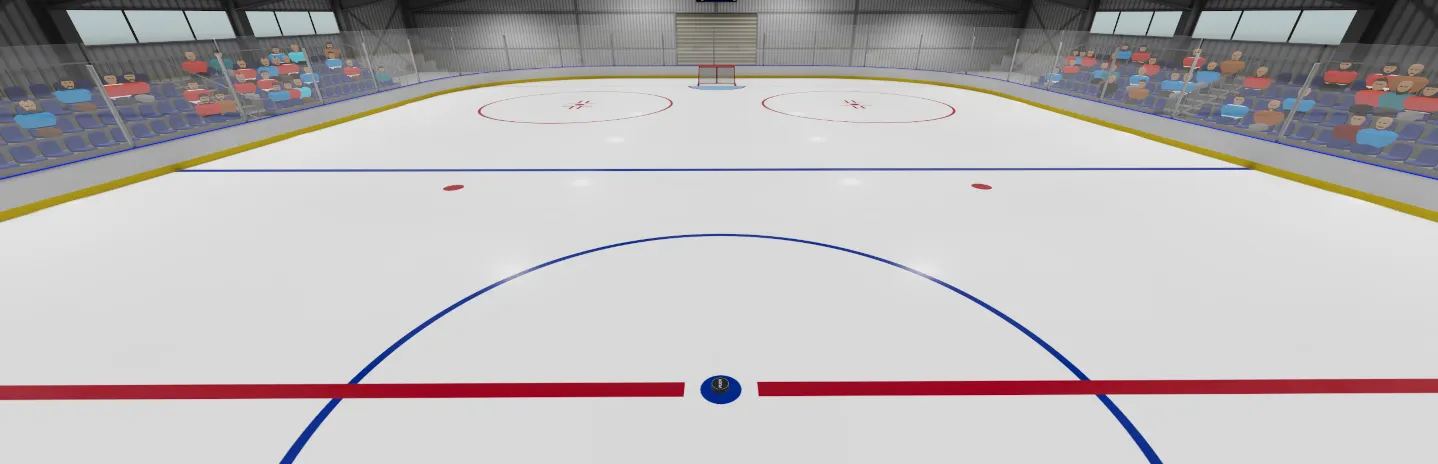
Run your own Puck rink for pickup games or league nights, with your rules, your mods and your tick rate, set up from one panel.
Powering
Find your plan
Tell us about your server and we'll recommend a plan.
Let's find your plan
No per-slot fees. Choose your own slot limit. To help us recommend the right plan for you, tell us how many friends are joining you!
Best fit
Defenseman2 GB RAM, 150% CPU
$5.99/mo
Pick your plan
Or build your own. Then choose where it runs and deploy.
 CustomChoose your own plan!
Billing
Secure Backups Included
Defenseman
Billed monthly. Cancel any time.
Switch your Puck server to any of 576 other games, right from the panel, whenever you want!*
 Minecraft
 Team Fortress 2
 Hytale

 TTT Classic

 nanos world

 Minecraft: Bedrock Edition

 The Planet Crafter
 Klaus Veen's Treason

 Escape from Tarkov

 Factorio

 Counter-Strike: Source

 BeamMP

 Left 4 Dead 2

 Kingdom Come: Deliverance II

 BattleRush
 Bloody Good Time

 Among Us

 Call of Duty: Modern Warfare 3 (2011)
 Counter-Strike

 E.Y.E: Divine Cybermancy
Included with
every plan
Your rules, your mods and your players, on a rink you run from one panel.
Choose the CPU, memory and NVMe storage your server runs on, and add more when it grows.
Your rink stays up when you log off, and it is protected from DDoS attacks.
Order and the server installs Puck on its own. It checks for a game update every time it starts.
Mods with one click
Browse Puck's Steam Workshop right in the panel, with pictures, search and tags. Add a stat tracker, a goalie switcher or competitive rule tweaks with one click, or remove one just as fast. The server downloads and loads them on its next start.
Your rules, without the typing
Set the number of periods and the length of each period, warmup, intermission and face-off. Change the goal replay, the respawn delay, goalie crease protection and goal slow motion too, all labeled in the panel.
Set how often the server updates the game, and pick Public for open pickup games or Competitive for organized matches with set teams.
 saved
Connect with real developer tools and edit your server config and admin list directly. Or skip it and use the panel.
Name your server, set a password for a private rink, and choose whether it shows in the server browser and whether voice chat is on.
One place for your whole rink. Add Steam Workshop mods with one click, set your match length and rules in the config editor, and schedule restarts and backups. Give your league admins their own access, and edit files in the file manager or over SSH and VS Code.
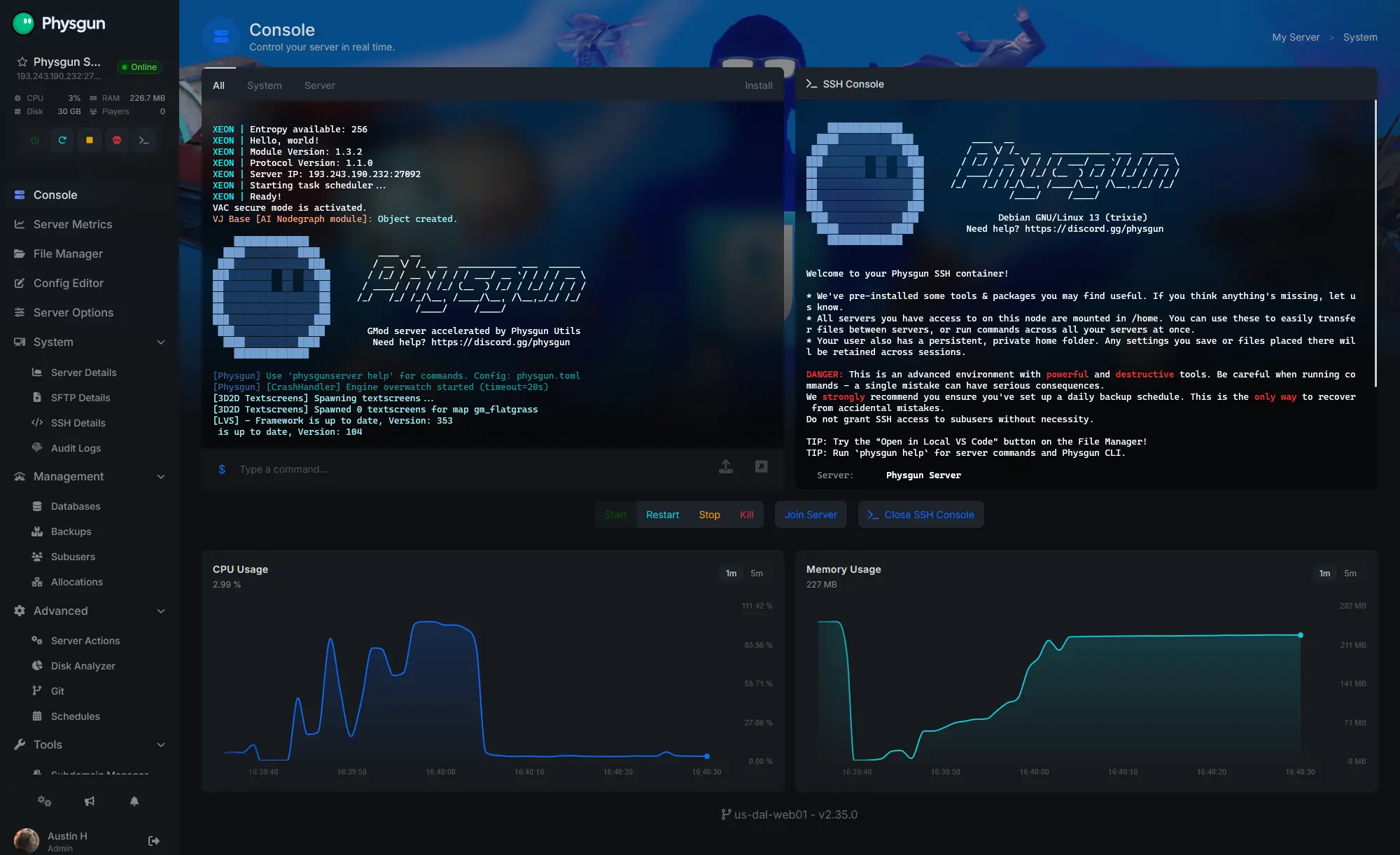
Accurate, blazing-fast output piped directly from the container. Paired with complete SSH access inside the Panel!
1 / 10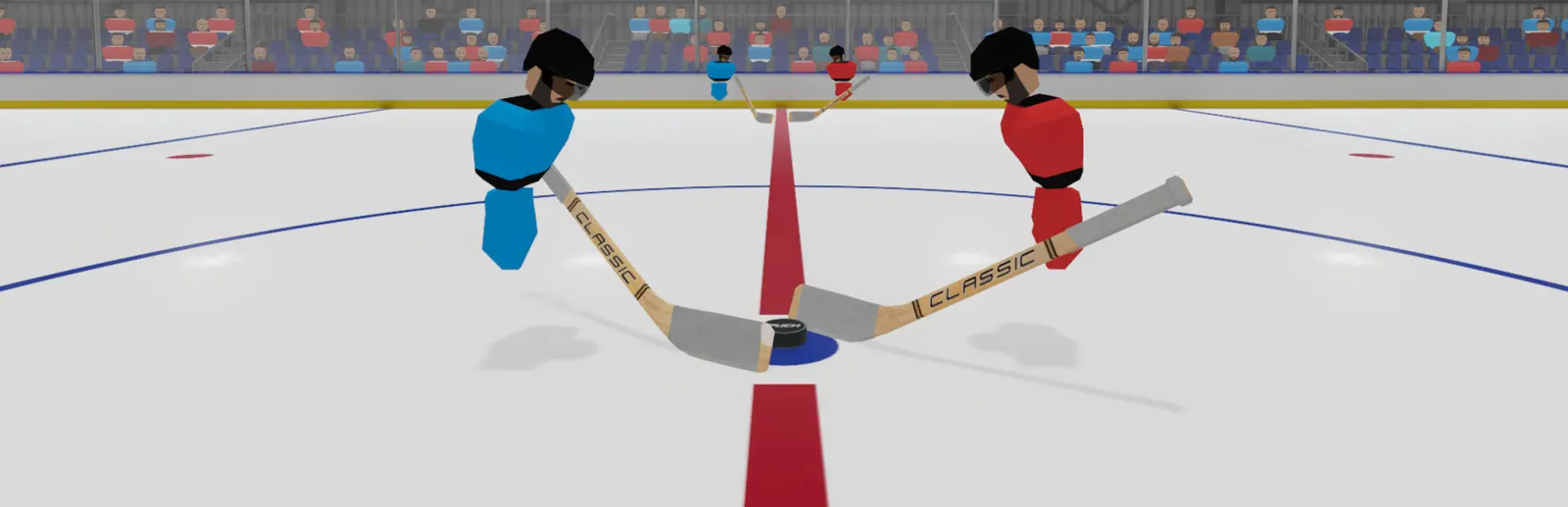
New to Puck?
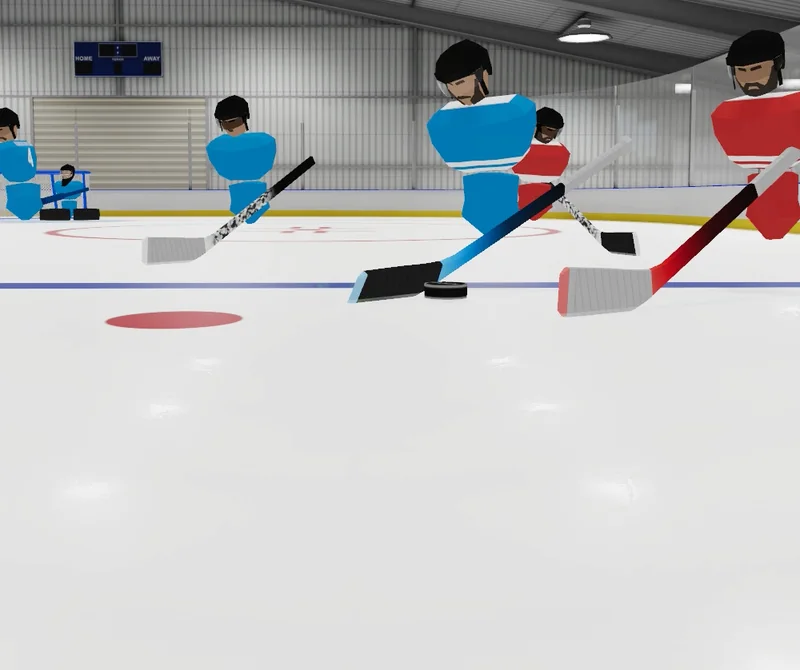
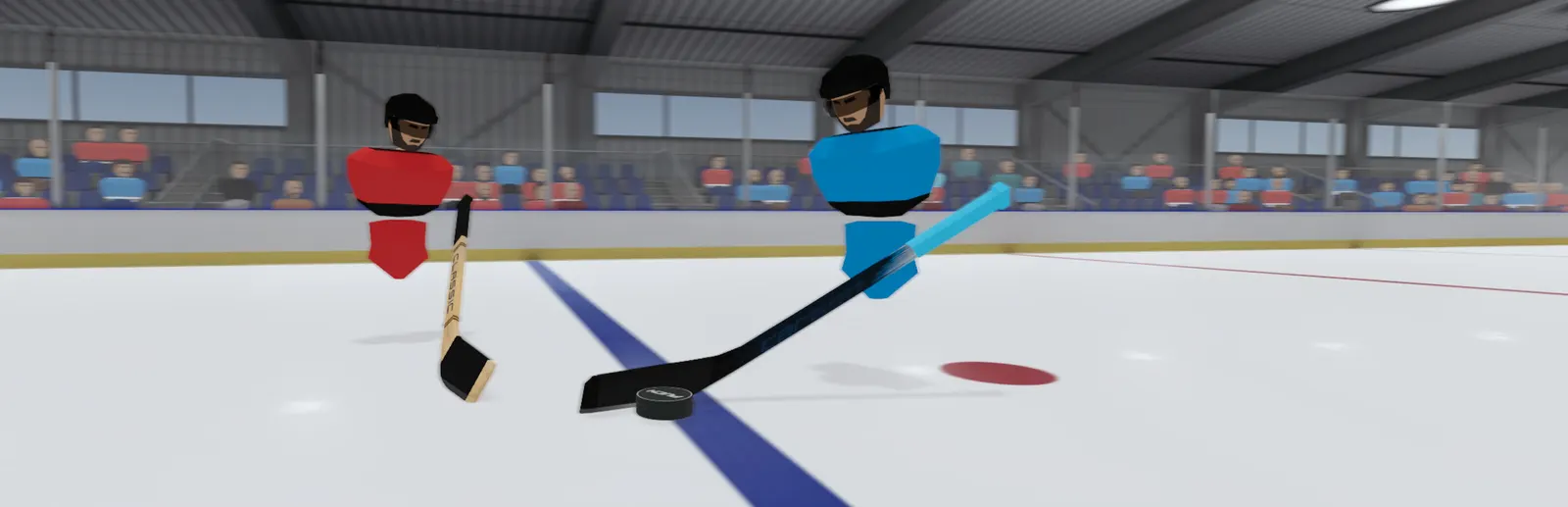
Puck is a free-to-play, physics-based hockey game from NS7. Every pass, shot and body check runs on real physics instead of canned animations, so each play comes down to skill. You control the stick directly, pick your role as a forward, defenseman or goalie, and work with your team to thread passes, set up one-timers and score.
Precise stick handling and real puck physics reward practice, not luck.
Skate as a forward or defenseman, or guard the net as a goalie.
Why rent a server?
A Puck dedicated server keeps your rink online around the clock, with no PC left on at home and no port forwarding. On our servers you set the server name, password, max players, game mode, tick rate and voice chat in the panel. You change periods, phase lengths and rules in the config editor, and add Steam Workshop mods with one click. Your admin list and every other file are yours over SFTP and SSH.
Your rink stays up when you log off, so your group can play any time.
Set your rules, mods and tick rate for pickup games or league nights.
Straight answers before you order. Still stuck? Real people are here around the clock.
 Physgun
Set your match length, rules and Workshop mods on a rink that stays up when you log off.