




























tames fed · cubes standing
Room for every tame and every cube
PixARK keeps your whole world, its tames and your bases in memory. Pick the CPU and memory it needs, and add more as it grows.

Run your own PixARK server. Pick the world and the seed, boost the rates, choose PvE or PvP, and keep your tribe's world online around the clock.
Powering
Find your plan
Tell us about your server and we'll recommend a plan.
Let's find your plan
No per-slot fees. Choose your own slot limit. To help us recommend the right plan for you, tell us how many friends are joining you!
Best fit
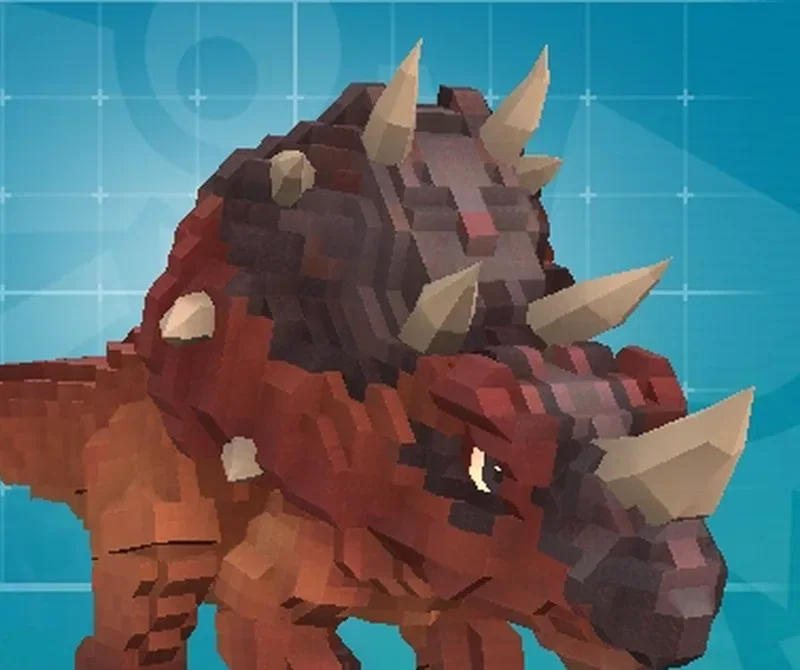
Triceratops8 GB RAM, 250% CPU
$21.99/mo
Pick your plan
Or build your own. Then choose where it runs and deploy.
 CustomChoose your own plan!
Billing
Secure Backups Included
Triceratops
Billed monthly. Cancel any time.
Switch your PixARK server to any of 445 other games, right from the panel, whenever you want!*
Included with
every plan
Your world, your seed, your rates. Set them in the panel and your tribe's world keeps running while you sleep.
PixARK keeps your whole world, its tames and your bases in memory. Pick the CPU and memory it needs, and add more as it grows.
99.9% uptime, and every PixARK server is protected from DDoS attacks.
Your server installs the moment you order. The first start builds your world, and then your tribe can join.
Your world, your rules
Pick the PixARK, Skyward or Terracrypt world, choose PvE or PvP, and set experience, taming and harvest rates. Enter a seed for a world you know, or leave it empty for a random one. Name a new world to start fresh and keep the old one.
 GameUserSettings.ini - Physgun VS Code main
For the power users
Connect with real developer tools and edit GameUserSettings.ini directly. Or skip it and use the config editor for hardcore mode, building decay, crafting speed, chat and autosaves.
Set up a backup schedule in the panel, and secure backup storage is included. Restore your world when you need it.
Every action on your server, logged with who did it and when. No blind spots on a shared admin team.
Give your tribe's admins their own login with limited access. No password sharing.
One place for your whole PixARK server: world, seed, PvE or PvP and rates in the startup settings, a config editor for gameplay, chat and autosave settings, scheduled restarts and backups, subusers for your tribe's admins, a file manager with SSH and VS Code, and every other universal tool.

Accurate, blazing-fast output piped directly from the container. Paired with complete SSH access inside the Panel!
1 / 10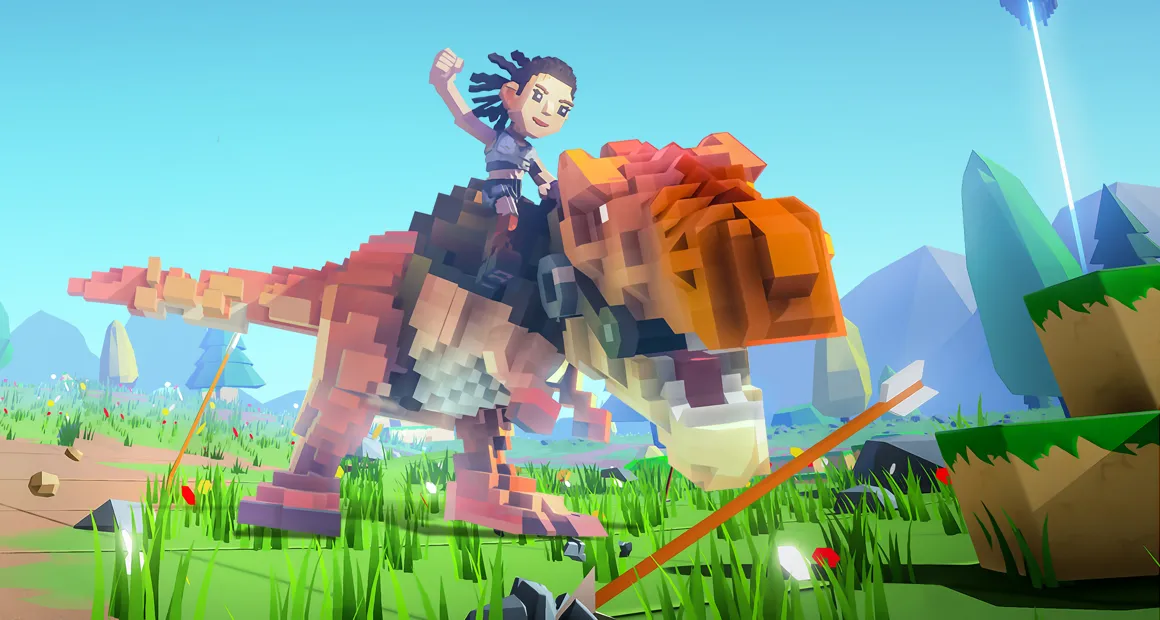
New to PixARK?
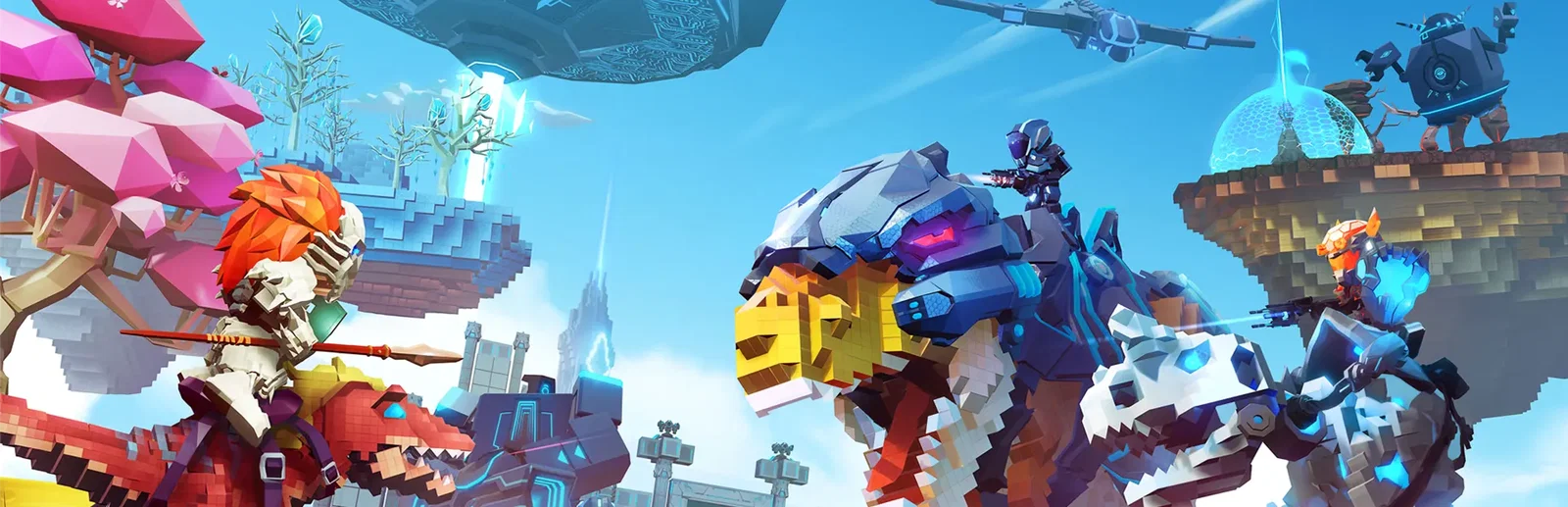
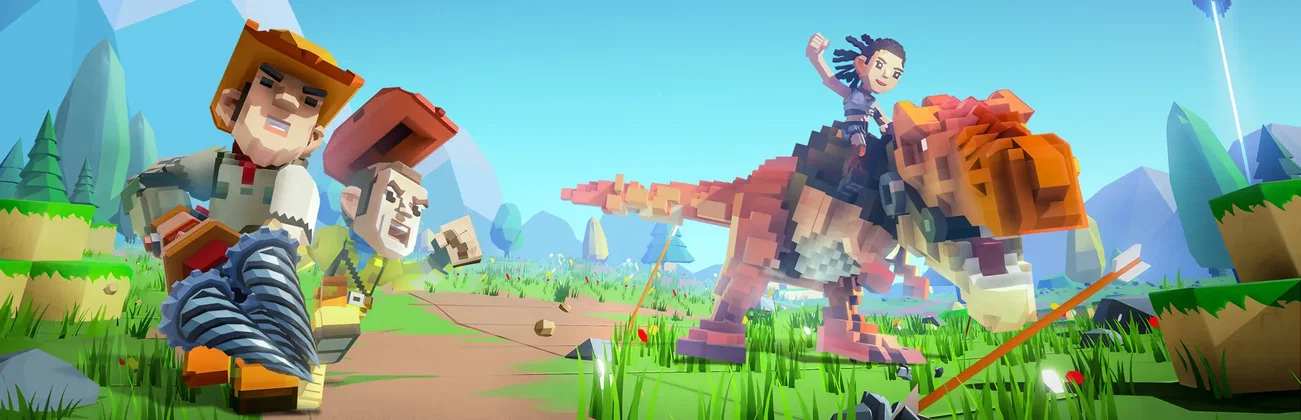
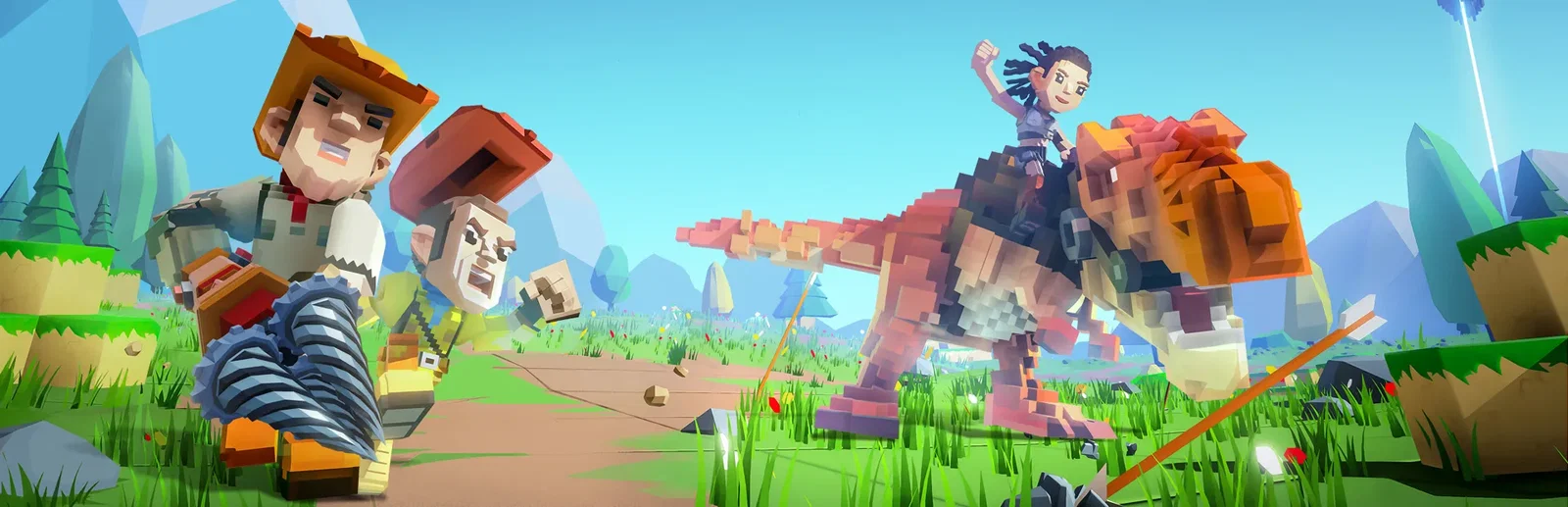
PixARK is a survival game set in a wild voxel world full of dinosaurs and mythical creatures. You gather materials, craft tools, and build your base out of cubes, then tame over 100 creatures to train and ride: fly on the back of a dragon, or ride a T-Rex into battle. Every map is made from a seed, so a new seed gives you a new world. Play alone, team up with a tribe, or build freely in Creative Mode.
Tame dinosaurs, dragons and other beasts, and ride them across the world.
Dig into the terrain and build anything with the voxel block system.
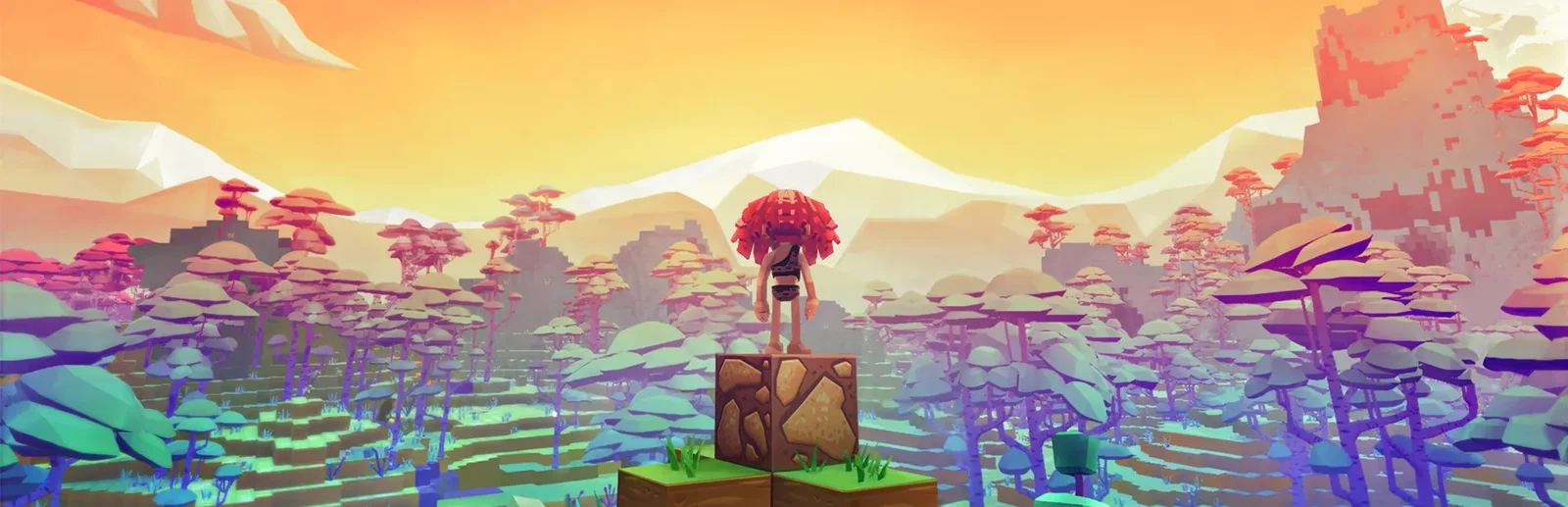
Why rent a server?
A hosted PixARK server keeps your world running when you are offline. A game hosted from the menu only lasts while the host plays. A dedicated server stays up around the clock, so your tribe logs in on its own schedule, and you decide the rules: the world, the seed, the rates, PvE or PvP, and who gets in.
Your tames and your base are still there, whether or not the host is online.
Set the world, seed and rates, and add CPU or memory as your tribe grows.
Straight answers before you order. Still stuck? Real people are here around the clock.
 Physgun
Pick your world, set your rates and bring your tribe. Your PixARK server installs the moment you order.