































Escalation · mission running
Pick the power you need
Choose the CPU, memory and NVMe storage your server runs on, and add more when your battles get bigger.

Run your own Nuclear Option server for co-op and PvP. It stays up without a host, plays your mission rotation, and you size it yourself.
Powering
Find your plan
Tell us about your server and we'll recommend a plan.
Let's find your plan
No per-slot fees. Choose your own slot limit. To help us recommend the right plan for you, tell us how many friends are joining you!
Best fit
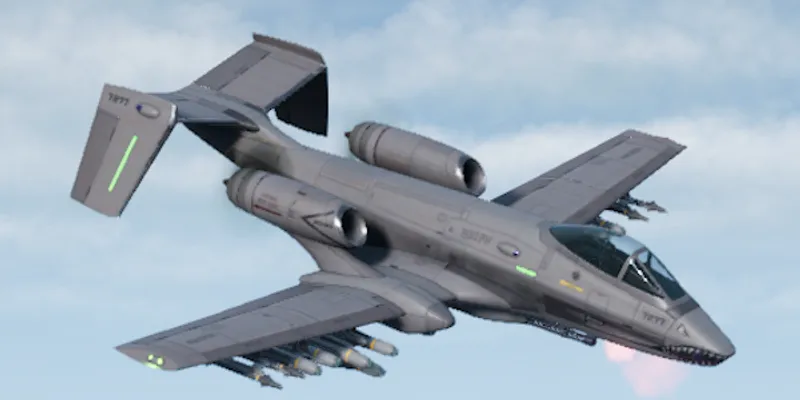
A-19 Brawler6 GB RAM, 200% CPU
$16.49/mo
Pick your plan
Or build your own. Then choose where it runs and deploy.
 CustomChoose your own plan!
Billing
Secure Backups Included
A-19 Brawler
Billed monthly. Cancel any time.
Switch your Nuclear Option server to any of 445 other games, right from the panel, whenever you want!*
Included with
every plan
Your missions, your rotation and your rules, on a server that stays up without a host.
Choose the CPU, memory and NVMe storage your server runs on, and add more when your battles get bigger.
No more missions that end when the host quits. Your server keeps running, and it is protected from DDoS attacks.
Your server deploys itself the moment you order, and fetches game updates each time it starts.
Your rules, without the JSON
Set the mission order, how long an empty mission keeps running, vote kick rules and whether the server shows in the list, all labelled in the panel.
 DedicatedServerConfig.json - Physgun VS Code main
For the power users
Connect with real developer tools to edit your mission rotation, ban list and custom missions directly. Or skip it and use the panel.
Line up built-in missions, Workshop missions and ones you made in the mission editor, and play them in order or shuffled.
Pick the name players see in the server list, set a password, or hide the server so only friends can join.
Choose how many times per second the server updates. Higher is smoother, and you have the CPU for it.
One place for your whole server: name, password, player limit and frame rate in the startup settings, a config editor for your mission order and vote kicks, scheduled restarts and backups, subusers for your admins, a file manager with SSH and VS Code for your custom missions, and every other universal tool.

Accurate, blazing-fast output piped directly from the container. Paired with complete SSH access inside the Panel!
1 / 10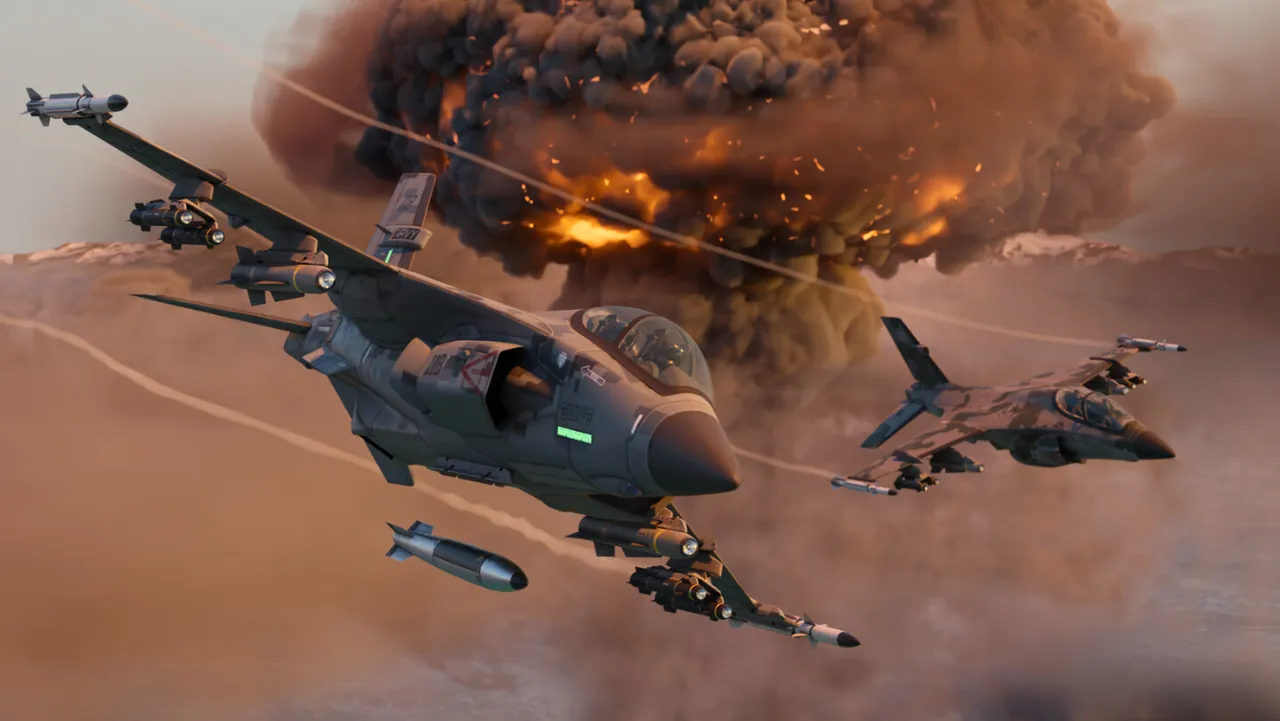
New to Nuclear Option?
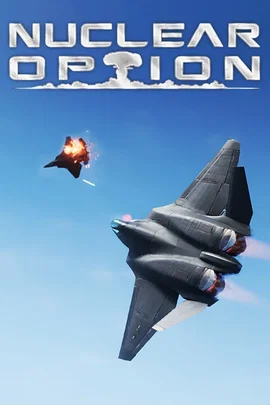
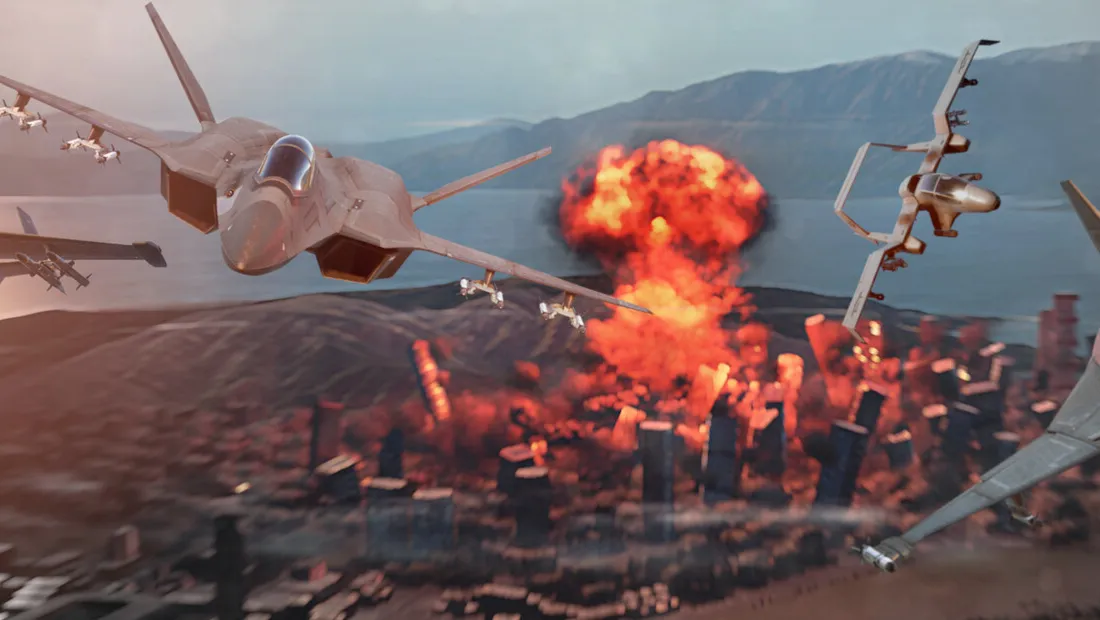
Nuclear Option is a combat flight game from Shockfront Studios, set on a dynamic battlefield of the near future. Pick a side, take off from an airbase or a carrier, and fly interceptions, close air support, bombing runs or electronic warfare while AI ground, air and naval units fight around you. Every aircraft is built from dozens of simulated parts, so damage changes how it flies, and the biggest battles end with tactical and strategic nuclear weapons.
From the T/A-30 Compass trainer to the KR-67 Ifrit and the SFB-81 Darkreach strategic bomber.
Points earned in the fight unlock bigger assets, all the way up to thermonuclear weapons.
Why rent a server?
A Nuclear Option dedicated server is a battlefield your group controls, online whether or not anyone is hosting. When a player hosts from the game, the mission ends the moment they leave. A dedicated server keeps your squadron's home in the server list, plays your mission rotation, and frees every pilot to just fly. You pick the missions, the order they play in, the player limit and the vote kick rules. With Physgun it deploys in minutes, and you size the CPU, memory and storage yourself.
Your server stays up around the clock, so pilots can join without a host in the game.
Run built-in, Workshop and custom missions, with your own password, player limit and vote kicks.
Straight answers before you order. Still stuck? Real people are here around the clock.
 Physgun
Keep your missions running for your squadron, whether or not anyone is hosting.