



































CPU
Memory
Storage
CPU · memory · NVMe storage
Room for your world
Pick the CPU, memory and NVMe storage your server needs, and size up as your world and your group grow.

Run Horizon, the open-source Rust rewrite of Minecraft: Java Edition, on a world that stays online for your friends, with your game mode, difficulty and whitelist.
Powering
Find your plan
Tell us about your server and we'll recommend a plan.
Let's find your plan
No per-slot fees. Choose your own slot limit. To help us recommend the right plan for you, tell us how many friends are joining you!
Best fit
Iron2 GB RAM, 200% CPU
$6.49/mo
Pick your plan
Or build your own. Then choose where it runs and deploy.
 CustomChoose your own plan!
Billing
Secure Backups Included
Iron
Billed monthly. Cancel any time.
Switch your Minecraft (Horizon) server to any of 445 other games, right from the panel, whenever you want!*
Included with
every plan
Your world stays online while you are away, with your rules, and it is saved before the server stops.
Pick the CPU, memory and NVMe storage your server needs, and size up as your world and your group grow.
99.9% uptime, and every server is protected from DDoS attacks.
Your server installs Horizon the moment you order. Upload your prepared Minecraft game files and start playing.
Game mode, difficulty and whitelist
Choose the game mode new players start in, how dangerous mobs are and how many players can be online, and write the description players see in their server list. Turn on the whitelist to keep the server to your friends. Seed, hardcore and view distance are in our config editor.
[Server] Preparing level "world"
[Server] Done! For help, type "help"
> list
[Server] There are 3 of a max of 20 players online
> difficulty hard
[Server] The difficulty has been set to Hard
[Server] Saving all dimensions, then stopping
The console
Type the commands you already know into the console and the server runs them, from listing who is online to changing the difficulty. When you stop the server, it saves every dimension first, so your builds are there when it starts again.
Give your friends their own login with limited access. No password sharing.
Set up a backup schedule in the panel. Backup storage is included.
Run the latest Horizon release, or pin the version your group plays on.
One place for your whole Minecraft (Horizon) world: server description, player limit, game mode, difficulty, whitelist and Horizon release in the startup settings, a config editor for seed, hardcore and view distance, schedules you set for restarts and backups, subusers for your friends, and every other universal tool.

Accurate, blazing-fast output piped directly from the container. Paired with complete SSH access inside the Panel!
1 / 10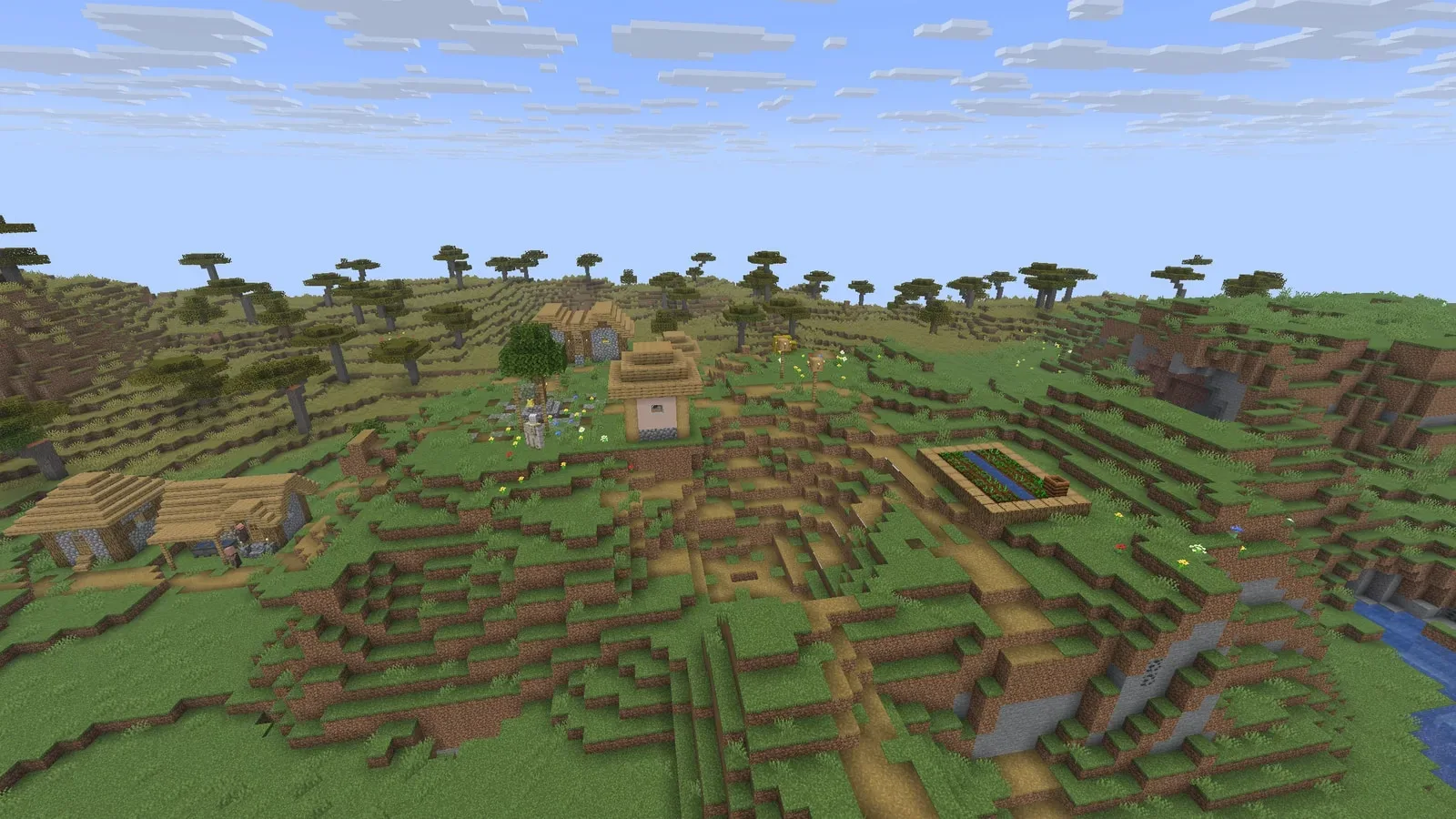
New to Horizon?
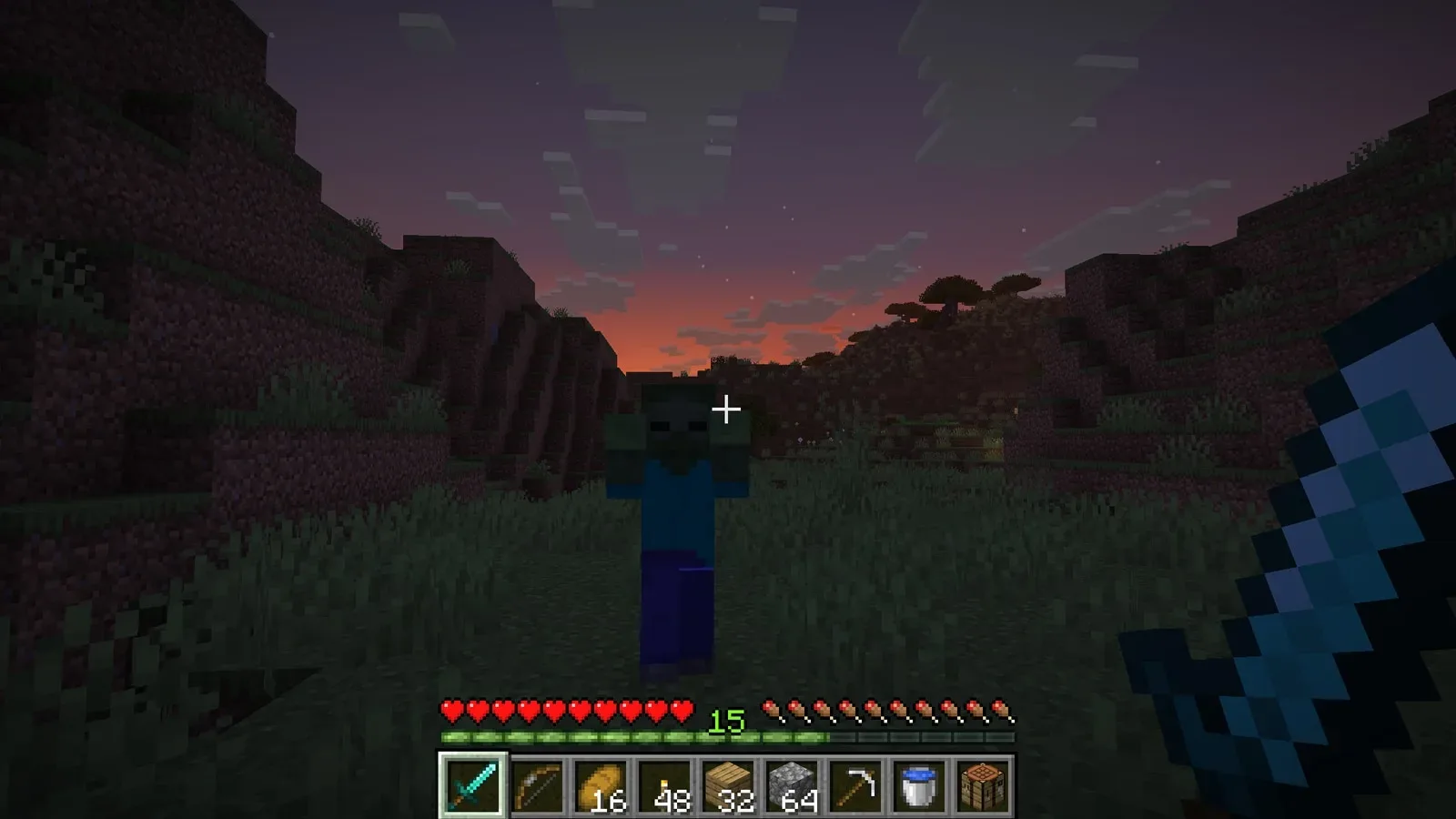
Horizon is a free, open-source rewrite of Minecraft: Java Edition, written in Rust. It reads the same worlds, follows the same rules and generates the same terrain as the Java game. You gather wood, stone and ore, craft tools, build, farm, explore caves, fight mobs and travel through the Nether and the End, alone or with friends. Horizon is an independent project, not made by Mojang, so each player needs their own copy of Minecraft: Java Edition.
Vanilla worlds, rules and terrain, on a server that runs without Java.
Mine, craft, farm and build in survival, or switch to creative.
Why rent a server?
A Minecraft (Horizon) server keeps your world online without a PC left on at home, so your group can play whenever they like. With Physgun it installs itself when you order. You upload your prepared Minecraft game files, then set the server description, player limit, game mode, difficulty and whitelist in the panel, change seed, hardcore and view distance in the config editor, and get backups, schedules, subusers and full file access over SFTP.
Your world stays online, so friends can join whenever they like.
Set the game mode, difficulty and whitelist for your group.
Straight answers before you order. Still stuck? Real people are here around the clock.
 Physgun
Run a Minecraft: Java Edition world with Horizon that stays online for your friends, with your rules.