






















NVMe storage · your CPU and memory
Resources you pick
Set the CPU, memory and NVMe storage your station gets, and change them later as your crew grows.

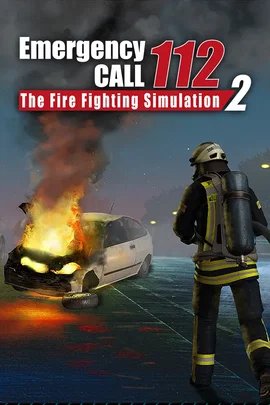
Run your own fire station. A dedicated Emergency Call 112 - The Fire Fighting Simulation 2 server that stays online for your crew, with your own name, password and brigade.
Powering
Find your plan
Tell us about your server and we'll recommend a plan.
Let's find your plan
No per-slot fees. Choose your own slot limit. To help us recommend the right plan for you, tell us how many friends are joining you!
Best fit
Command Vehicle7 GB RAM, 200% CPU
$18.99/mo
Pick your plan
Or build your own. Then choose where it runs and deploy.
 CustomChoose your own plan!
Billing
Secure Backups Included
Command Vehicle
Billed monthly. Cancel any time.
Switch your Emergency Call 112 - The Fire Fighting Simulation 2 server to any of 445 other games, right from the panel, whenever you want!*
Included with
every plan
Your own fire station that stays online, set up the way your crew plays.
Set the CPU, memory and NVMe storage your station gets, and change them later as your crew grows.
99.9% uptime with DDoS protection on every Physgun server.
Your server installs itself the moment you order. No setup and no port forwarding.
Startup settings
Name your server, lock it with a password or leave it open, and set how many firefighters can join at once. Give your admin password to the people who run your missions, and they get admin rights in game.
Brigade and shift
Play as the professional fire brigade, or switch to the volunteer brigade from the free Volunteer Firefighters DLC. Start a fresh shift each time the server starts, or carry on at the saved in-game time.
Set up a backup schedule in the panel and roll your station back when something goes wrong. Backup storage is included.
Switch the server to another game your box can run. A switch reinstalls, so the panel offers a backup first.
Give your admins their own login to the panel with limited access. No password sharing.
One place for your whole fire station: server name, passwords, player limit, brigade and shift in the startup settings, schedules you set for restarts and backups, subusers for your admins, a file manager with SSH and VS Code, and every other universal tool.

Accurate, blazing-fast output piped directly from the container. Paired with complete SSH access inside the Panel!
1 / 10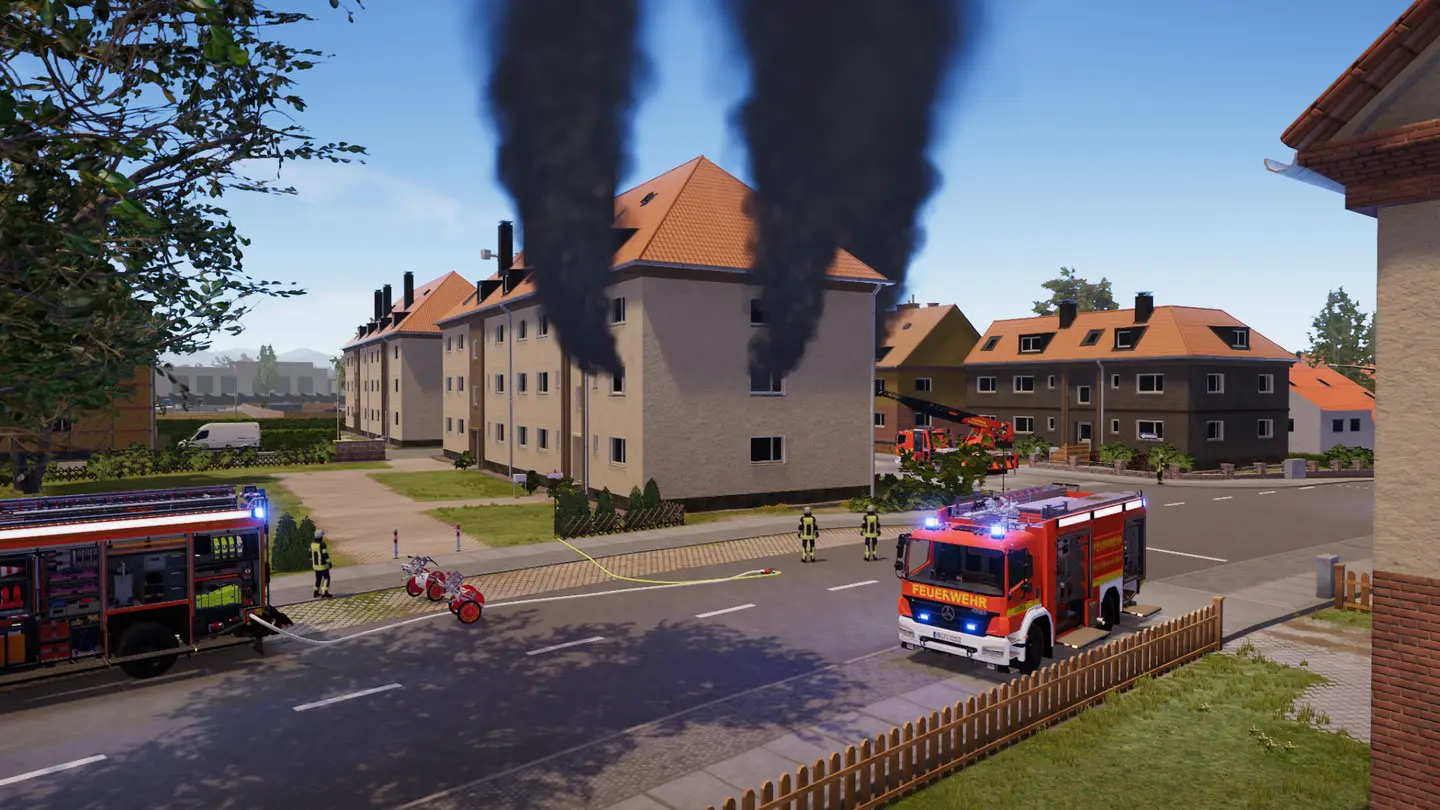
New to Emergency Call 112?
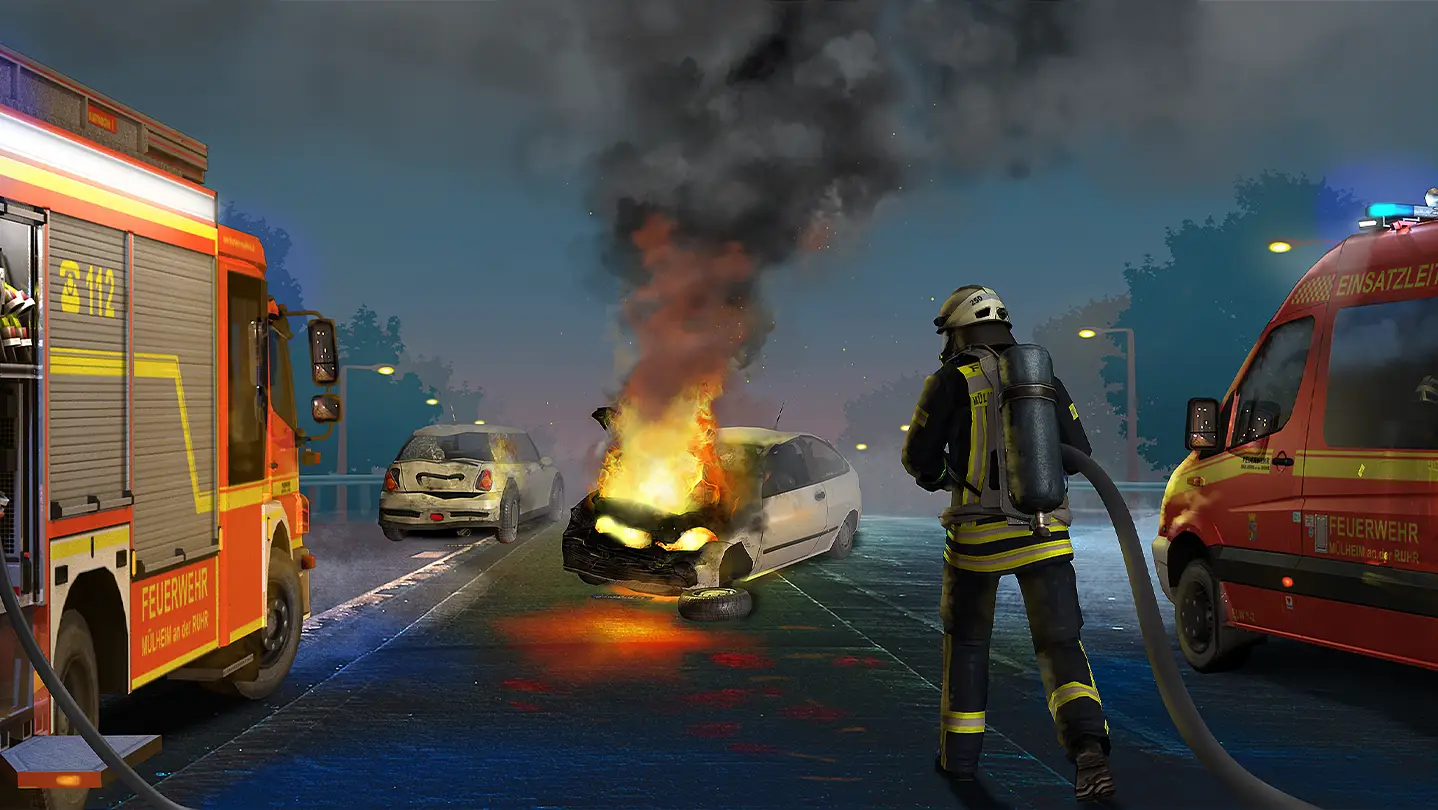
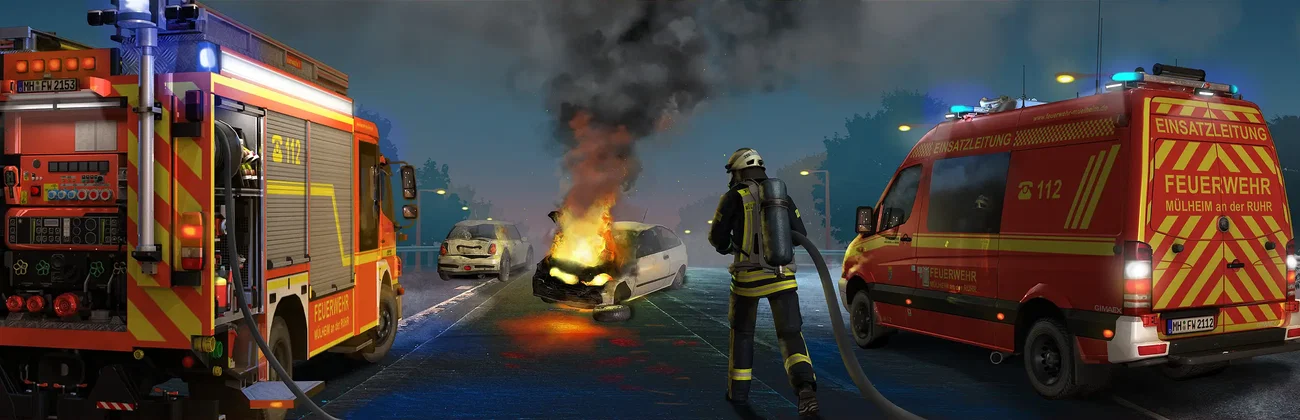
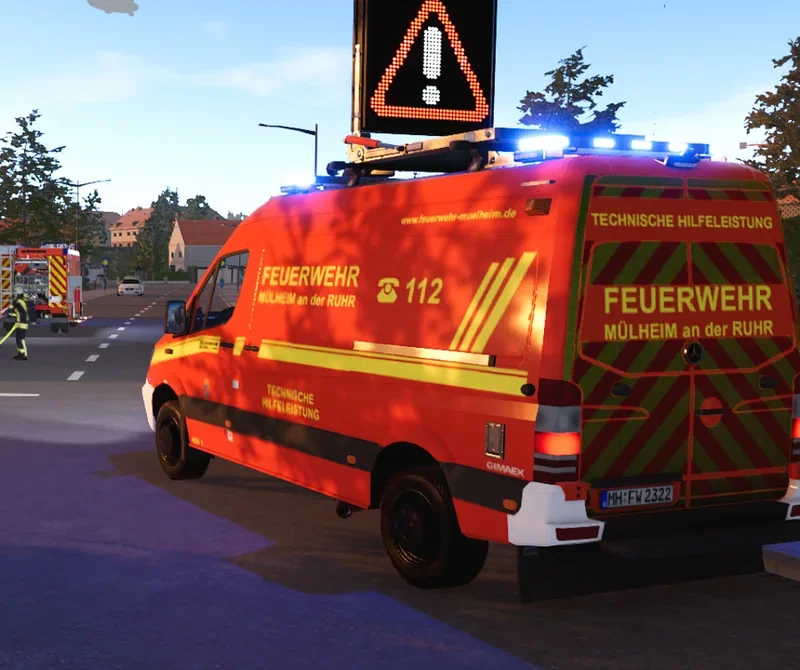
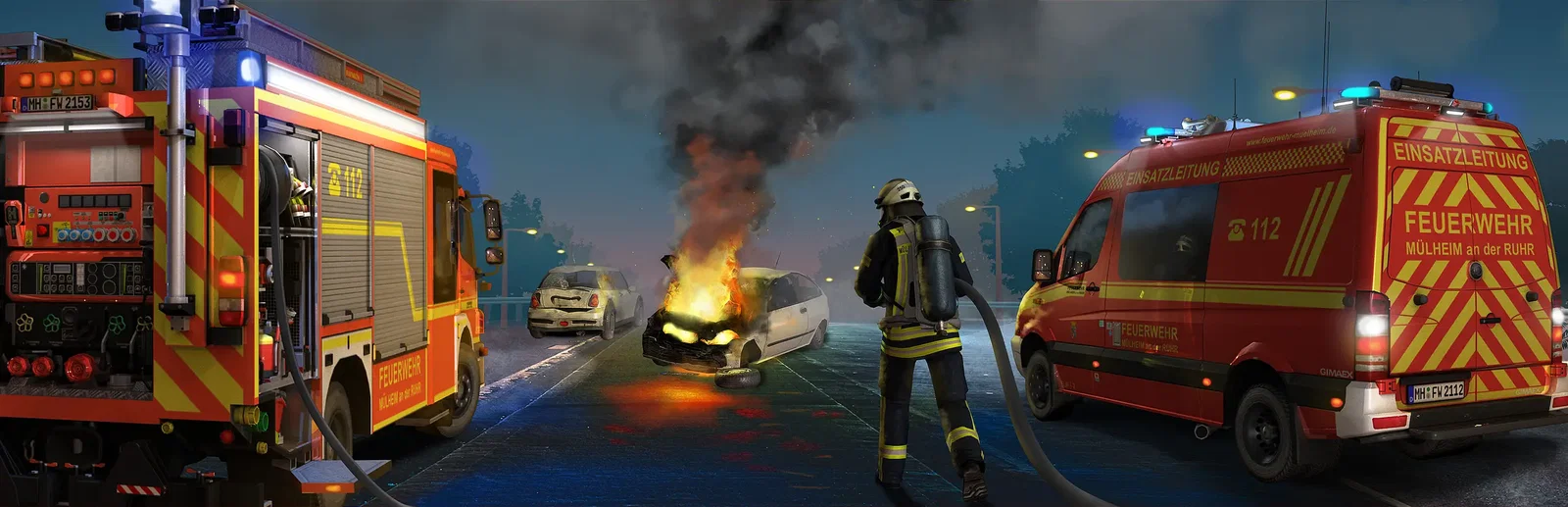
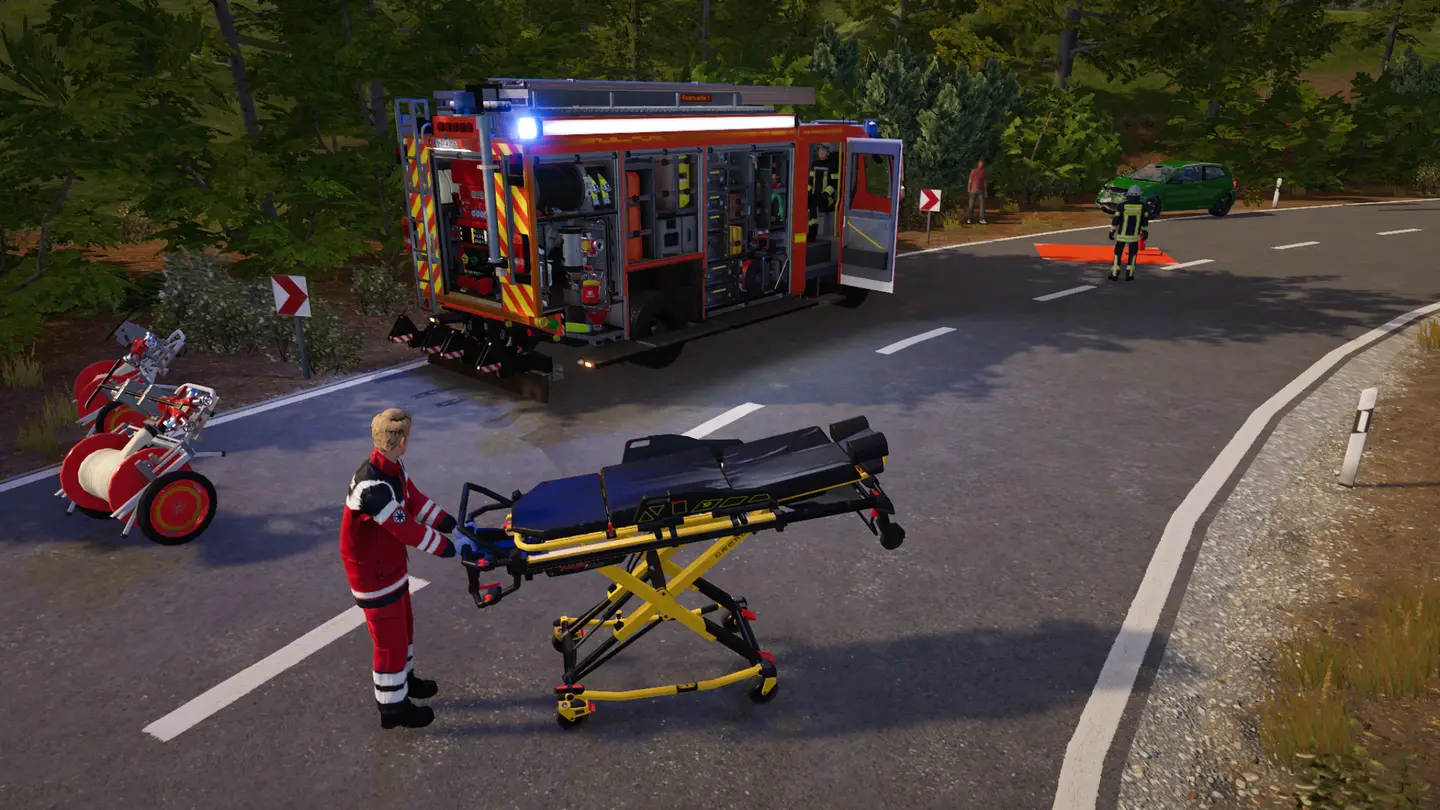
Emergency Call 112 - The Fire Fighting Simulation 2 shows how a German professional fire brigade works. Your 24-hour shift starts at a replica of fire station 1 in Mülheim an der Ruhr, made with the city's fire department. When the alarm goes, you drive to the scene with special traffic rights and radio traffic, then put out car, container, apartment and roof truss fires, rescue people from traffic accidents, open doors, rescue animals and clear oil traces. Take the role of any firefighter at any time, or give orders from the tactical overview and the AI crews carry them out.
Drive and run the command car, command vehicle, ladder truck, LF24, tank fire engine, small emergency vehicle and ambulance.
Players share one fire brigade and take its roles, and AI crews fill the ones nobody plays.
Why rent a server?
Multiplayer in Emergency Call 112 has hot-join, so firefighters can come and go while the shift carries on. A dedicated server keeps that shift online without one player hosting it on their own PC, with no ports to forward. With us, it installs itself the moment you order. You name it, set a password, a player limit and an admin password, pick the professional or volunteer brigade, and choose the CPU, memory and storage it gets.
Your station stays online when you log off, and saves progress when the server stops.
Set the name, passwords, player limit, brigade and shift from the panel.
Straight answers before you order. Still stuck? Real people are here around the clock.
 Physgun
Run your own fire station that stays online for your crew, with its name, password and brigade set from the panel.