



































Colony online · conveyors running
Sized for your colony
Conveyors, pipes and machines all run on the server. Pick the CPU and memory your colony needs, and add more as it grows.

Build your colony with up to 20 friends on a server that stays online when the host logs off.
Powering
Find your plan
Tell us about your server and we'll recommend a plan.
Let's find your plan
No per-slot fees. Choose your own slot limit. To help us recommend the right plan for you, tell us how many friends are joining you!

Best fit
Plasma Thruster5 GB RAM, 150% CPU
$13.49/mo
Pick your plan
Or build your own. Then choose where it runs and deploy.
 CustomChoose your own plan!
Billing
Secure Backups Included
Plasma Thruster
Billed monthly. Cancel any time.
Switch your Astro Colony server to any of 445 other games, right from the panel, whenever you want!*
Included with
every plan
Your own colony, your own rules, and a panel that puts every setting in one place.
Conveyors, pipes and machines all run on the server. Pick the CPU and memory your colony needs, and add more as it grows.
99.9% uptime, and every Astro Colony server is protected from DDoS attacks.
Your server installs Astro Colony the moment you order. No setup, no waiting.
Config editor
Turn shared research, oxygen consumption, free construction and sandbox mode on or off from the panel, with every setting named in plain words. Save, start the server, and your colony plays by your rules.
 ServerSettings.ini - Physgun VS Code main
For the power users
Connect with real developer tools and edit ServerSettings.ini and the rest of your server's files directly. Or skip it entirely and use our simple panel.
The server fetches the latest Astro Colony version every time it starts. A restart is all it takes.
Name your server, add a password for a private colony, and allow up to 20 players.
Give your crew their own login with limited access. No password sharing.
One place for your whole colony: server name, password and player limit in the startup settings, a config editor for your world, gameplay rules, autosaves and admins, scheduled restarts and backups, subusers for your crew, a file manager with SSH and VS Code for your saves, and every other universal tool.

Accurate, blazing-fast output piped directly from the container. Paired with complete SSH access inside the Panel!
1 / 10
New to Astro Colony?
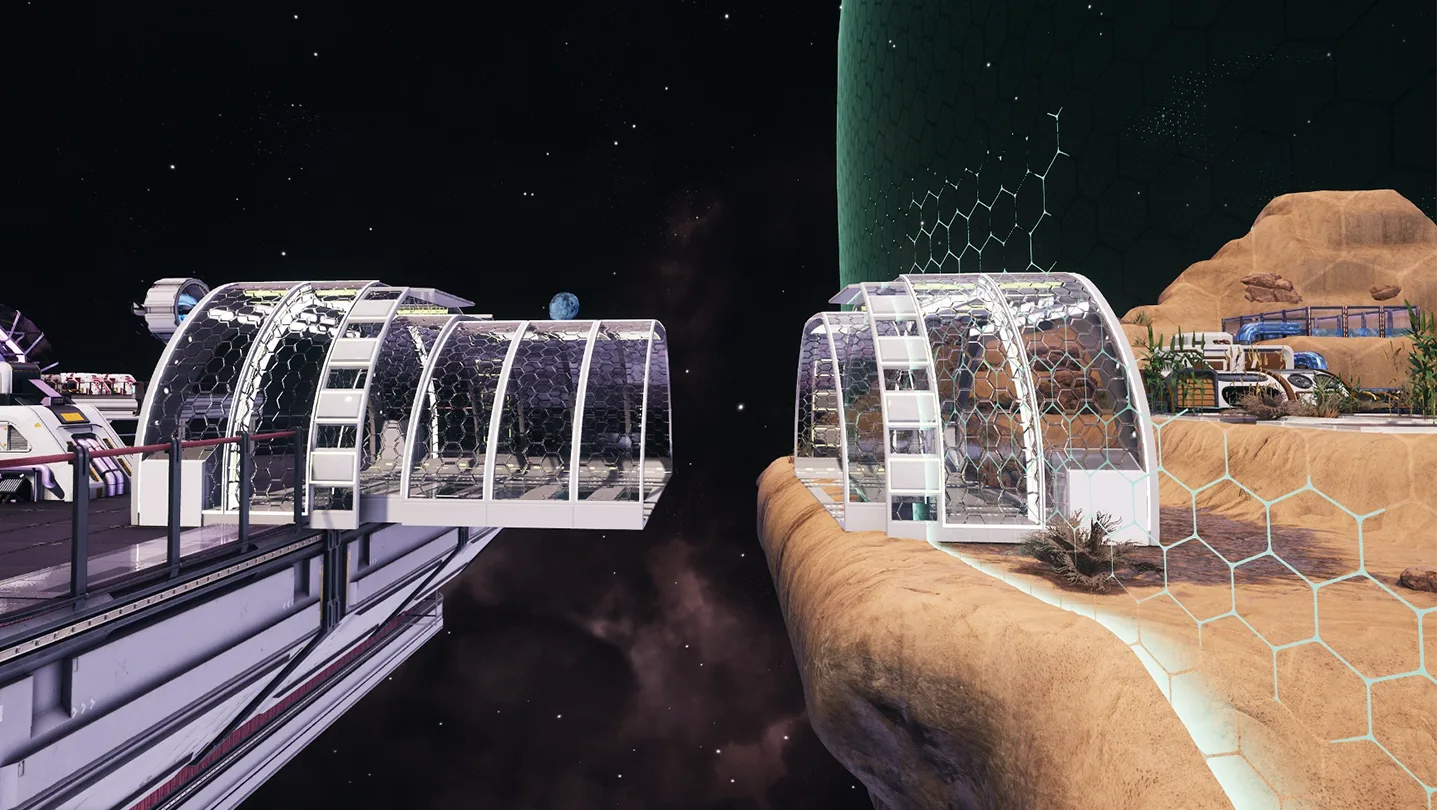
Astro Colony is a game of automation and exploration from Terad Games, set in an endless, procedurally generated universe of fully destructible voxel planets. You mine ore and catch asteroids, build conveyor belts and pipes to automate production, and recruit astronauts who need oxygen, food and shelter. Research over 70 technologies, fit your stations with engines, and dock them together into a network of colonies. Play solo or in co-op with friends.
Link machines with conveyor belts and pipes, and research your way to bigger factories.
Recruit astronauts, give them roles, and keep them supplied with oxygen, food and shelter.

Why rent a server?
In co-op without a server, one player hosts the game and the colony is only open while they play. A dedicated server takes the host's PC out of it: the world lives on the server, so everyone can join whenever they like, and nobody has to forward ports at home. With us, it installs the moment you order, updates itself on every restart, and puts your gameplay rules, autosaves and admins in the panel's config editor.
Your colony stays online, so your crew can play on their own schedules.
Pick the seed, set the rules and admins, and give the server more CPU and memory as your colony grows.
Straight answers before you order. Still stuck? Real people are here around the clock.
 Physgun
Build your colony with friends on a server that stays online when the host logs off.