







Valheim Server Admin Commands List (Complete 2026 Guide)
The complete valheim server admin commands list: setup, moderation, world, teleport, spawning, and cheat commands, plus real game-data facts wikis get wrong.
The fastest way to get a complete valheim server admin commands list is straight from the console itself: type help after you’ve been granted admin access, and Valheim prints every command your current permission level can run. That list is short on context though, so here’s the full breakdown: every admin, moderation, world, teleport, spawning, and cheat command a Valheim dedicated server supports, what each one actually does, and which ones need devcommands turned on first.
This guide covers getting admin access working in the first place, the complete command tables organized by what you’re actually trying to do, and the specific reasons commands silently fail even when you’re sure you did everything right. If you’re running your own box, our Valheim server hosting hands you a panel console and file manager that make most of the setup below a lot less fiddly.
Let’s start with the part every other command depends on: actually getting admin access.
Setting Up Admin Access On Your Valheim Server
Before any admin command works, the server has to know you’re an admin, and your client has to have its console open. Both steps are separate, and skipping either one is the single most common reason commands don’t work.
Add your SteamID64 to adminlist.txt. This is a plain text file on the server, one SteamID64 per line, no display names. Find yours through your Steam profile or any SteamID lookup tool. Two sibling files are worth knowing too: bannedlist.txt blocks specific SteamIDs outright, and permittedlist.txt works as an allowlist if you’ve locked the server down to invite-only.
Enable the console on your client. Current Valheim builds have a console toggle in the in-game settings menu. If you don’t see it, add -console to your launch options in Steam instead. Either way, press F5 once it’s enabled to open the console window in-game.
Run devcommands. Being on adminlist.txt automatically unlocks moderation commands like kick, ban, and save. It does not unlock cheat commands like god, spawn, or goto. For those, type devcommands in the console. It’s session based, so you’ll need to type it again every time you reconnect.
If you’d rather not dig through SFTP every time you promote a friend to admin, our File Manager gives you full root access to edit adminlist.txt straight in the browser, bookmarked for quick access, no separate FTP client required.
The Complete Valheim Admin Commands List
These are the commands available to anyone on adminlist.txt, no devcommands needed:
| Command | What It Does |
|---|---|
help | Lists every command your current permission level can run |
kick <name/IP/ID> | Removes a player from the server immediately |
ban <name/IP/ID> | Blocks a player from reconnecting |
unban <name/IP/ID> | Reverses a ban |
banned | Prints the current ban list |
info | Shows live server performance stats (zones, objects, network) |
ping | Reports your connection latency to the server |
lodbias <0-2> | Adjusts render distance for level-of-detail objects on your client |
devcommands | Unlocks every cheat and debug command below for your session |
Everything past this point needs devcommands active first.
Moderation And Player Management Commands
kick and ban both accept a player’s name, IP, or SteamID64, matched against whoever’s currently connected (or, for ban, whoever’s ever connected). SteamID64 is the most reliable option since names can collide and IPs change:
ban 76561198000000000
kick PlayerName
unban 76561198000000000
Bans persist in bannedlist.txt on the server, so they survive restarts without you doing anything extra. banned is the quickest way to sanity-check the list before a session, especially if more than one person on your team has ban authority.
If more than one admin is active on your server, our Audit Logs record every kick, ban, restart, and file change with who did it and when, so you’re not left guessing who banned someone at 2 a.m. And kicking a single griefer doesn’t stop someone from just flooding your connection instead. That’s a network-layer problem, and it’s why our DDoS protection filters known attack traffic before it ever reaches your box, on top of whatever moderation you’re doing in-game.
World, Weather, And Time Commands
| Command | What It Does |
|---|---|
tod <0-1> | Locks the day/night cycle to a fixed point, expressed as a fraction |
env <name> | Forces a specific weather environment (Clear, Rain, and ThunderStorm are the most common) |
resetenv | Clears a forced environment and lets weather cycle naturally again |
skiptime <seconds> | Fast-forwards the server clock by the given number of seconds |
None of these touch your world file, so they’re safe to experiment with. What they don’t do is change your world’s difficulty or modifiers permanently, that’s a launch-time setting, not a console command. If what you actually want is a harder or easier world, our Config Editor lets you change world modifiers and server settings directly in the panel instead of hand-editing start scripts and hoping you got the flag syntax right.
Teleport, Camera, And Movement Commands
| Command | What It Does |
|---|---|
goto <x> <z> | Teleports you to specific world coordinates |
location <name> | Teleports you to the nearest instance of a named location type; run it with no arguments to print valid location names for your world |
pos | Prints your current coordinates |
freefly | Detaches the camera for a free-floating view, independent of your character |
ghost | Makes you invisible and untargetable to enemies while you keep moving normally |
debugmode | Enables noclip flight and instant, resource-free building |
exploremap | Reveals the entire map immediately |
resetmap | Clears your explored map back to unrevealed |
pos is worth bookmarking even outside of building context. It’s the fastest way to hand a teammate exact coordinates for a base site or a bug report without eyeballing the map.
Spawning, Removing, And Testing Commands
| Command | What It Does |
|---|---|
spawn <prefab> <amount> | Spawns an item or creature by its internal name near you |
killall | Kills every creature currently loaded near you |
removedrops | Deletes item drops on the ground in the loaded area |
tame | Instantly tames the nearest tameable creature |
event <name> / stopevent / randomevent | Manually triggers, stops, or randomizes a world event like a raid |
Exact optional parameters on spawn (level, stack size) shift a little between patches, so run help in console to confirm the current syntax before you script anything around it.
Testing Boss Fights With Admin Commands
If you’re spawning bosses to gear-check a build, don’t trust the resistance numbers off the first wiki result, several are stale. Pulling the actual values out of Valheim’s game files shows a different picture than most guides claim:
- The Elder is very weak to fire.
- Bonemass is weak to blunt and frost, not poison, despite the swamp theming throwing people off.
- Moder is weak to fire.
- Eikthyr, Yagluth, The Queen, and Fader don’t have a bonus weakness to any damage type at all. Eikthyr also carries zero resistances, so it takes full damage across the board.
Spawn a boss with spawn <bossname>, throw god on first if you don’t want to eat a death during setup, and build your test loadout around that list instead of a wiki’s guess.
Character, Skill, And Stat Commands
| Command | What It Does |
|---|---|
god | Toggles invulnerability and removes stamina drain |
resetcharacter | Resets your character’s skills back to zero |
raiseskill <skill> <amount> | Adds XP to a specific skill, reflected immediately |
resetskill <skill> | Zeroes out one specific skill instead of the whole character |
players <n> | Simulates the difficulty scaling of n players, for solo-testing group content |
puke | Instantly clears your active food buffs |
hair / beard / model | Cosmetic swaps only, no gameplay effect |
raiseskill is convenient for testing, but know what you’re actually granting before you max something out. In the real skill curve, going from level 90 to 100 costs 4,673 XP, more than double the entire 0 to 40 climb (2,108 XP), though still short of the full 0 to 60 stretch combined (5,724 XP). A flat raiseskill 100 skips a grind that isn’t actually flat.
puke is handy for retesting food combos without waiting out a timer. Valheim’s food buffs decay on a curve, stats scale with your remaining time as a fraction raised to the 0.3 power, so a food keeps most of its benefit for most of its duration and only craters right near the end. That’s also why you can re-eat the same food once you’re under half its duration left: the curve, not a hidden cooldown, is what’s gating it.
Back Up Before You Touch Any Of This
None of the commands above edit your world file directly, but resetmap, resetcharacter, or a killall in the wrong spot can undo hours of progress if you get the target wrong. Before you experiment on a world your group actually plays on, take a backup first.
Our Valheim plans include automated Backups on top of manual ones, so a bad resetcharacter costs you a two-minute restore instead of a rebuild from scratch. Our Valheim server hosting sets that up automatically the moment your server deploys, no separate backup plugin to configure.
Common Reasons Admin Commands Don’t Work
- You’re not actually on adminlist.txt. A double-check beats a guess, open the file and confirm your exact SteamID64 is there.
- The server hasn’t restarted since you edited the file. adminlist.txt changes apply on restart, not live. If you just added yourself, restart before testing.
- You used the wrong ID. adminlist.txt wants your 17-digit SteamID64, not your display name or your profile’s vanity URL.
- Your console isn’t open. F5 does nothing if the console toggle or
-consolelaunch option isn’t set on your client. That’s separate from being an admin. - You skipped
devcommands. Admin status alone unlocks kick, ban, and save. It doesn’t unlock god, spawn, or goto. Typedevcommandsevery session before you try cheat commands.
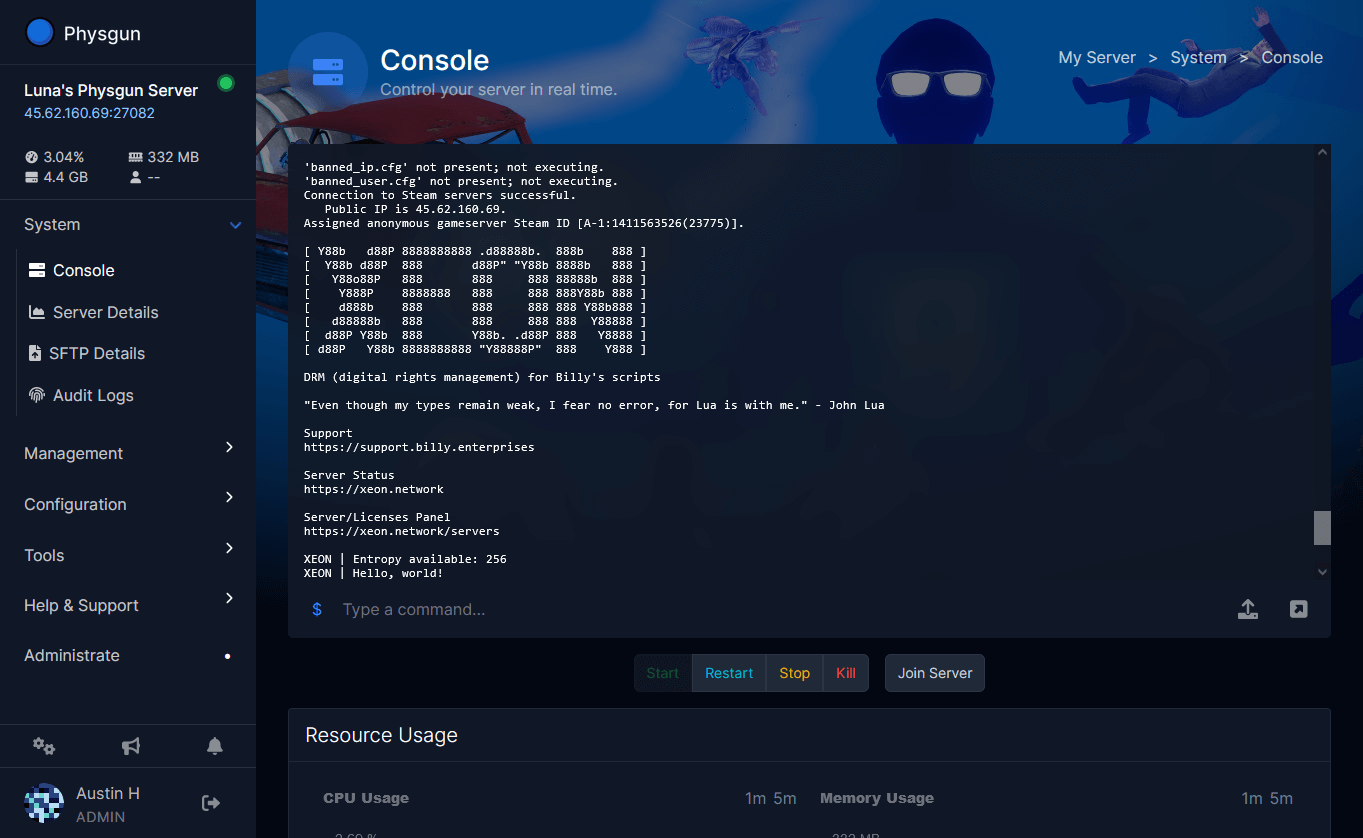
If you’re troubleshooting a command that seems to silently fail, watching the raw server output usually tells you why faster than guessing. Our gamepanel streams True Console output directly from the server container in real time, so you can see the exact line where a bad command or a bad config edit gets rejected instead of restarting blind and hoping.
Running Admin Commands Without Breaking Your World
Get your SteamID64 into adminlist.txt, restart, enable your client’s console, and run devcommands every session before reaching for cheat commands. Back up before anything destructive, resetcharacter and stray killall calls don’t ask for confirmation twice. Lean on the panel for the fiddly parts: File Manager for adminlist.txt, Config Editor for world modifiers, Audit Logs for tracking who did what, and automated Backups for when a command goes sideways anyway. Our Valheim server hosting bundles all four in on every plan, so the command list above is the hard part, not the setup around it.
Was this article helpful?
Thanks for the feedback!