How to Auto Equip Clothes in Rust
Master gear management in Rust with our simple guide to auto equip clothes. Streamline your gameplay and enhance your survival skills. Read more now!
Managing your gear quickly can mean the difference between surviving a fight and losing all your loot. Whether you’ve just killed a geared player, looted a monument, or found clothing inside a crate, Rust includes a convenient feature that allows players to automatically equip clothing without manually dragging every item into their inventory slots.
While playing Rust, this simple mechanic is excellent for saving time and getting back into the action faster. Instead of spending precious seconds organizing gear, you can quickly equip armor and clothing and focus on the next fight.
What Is Auto Equipping?
Auto equipping is a Rust feature that allows players to instantly wear compatible clothing and armor directly from loot containers. Instead of dragging items into the appropriate clothing slots, a simple key combination automatically equips them to your character.
This quality-of-life update helps streamline inventory management and improves overall gameplay. Whether you’re looting enemies, sorting equipment after a raid, or preparing for a large-scale battlefield encounter, auto-equipping can help you gear up more efficiently.
How to Auto Equip Clothes
Using the feature is simple.
Step 1: Open a Loot Container
Open any container that contains wearable clothing or armor. This can include:
-
Player corpses
-
Storage boxes
-
Crates
-
Loot containers
-
Vehicles with storage
Step 2: Hover Over the Clothing Item
Move your cursor over the clothing or armor piece you want to equip.
Step 3: Hold ALT and Right-Click
Hold the ALT key and press the right mouse button while hovering over the item.
The clothing piece will automatically move into the appropriate equipment slot and be equipped on your character.
This hotkey is one of the fastest ways to manage equipment in Rust and is especially useful when you’re under pressure.
Using Custom Keybinds
Some players use custom controls instead of the default ALT key.
The auto-equip function is tied to Rust’s Head Look binding. If you’ve changed your controls, you’ll need to use whatever key you currently have assigned to that function.
If the default control doesn’t work, open your settings and check your current keybinds. This is often the first thing to figure out when troubleshooting the feature.
Why Auto Equip Is Useful
Auto equipping clothing provides several advantages.
Faster Looting
Instead of dragging multiple items individually, you can gear up almost instantly.
Better PvP Survival
After defeating an enemy, quickly equipping their armor can dramatically increase your protection before additional enemies arrive.
Reduced Inventory Management
The feature removes much of the manual work involved in moving armor and clothing between containers and equipment slots.
Faster Monument Runs
Players exploring monuments can quickly select better armor and continue looting without wasting time managing inventory.
Auto Equipping Full Gear Sets
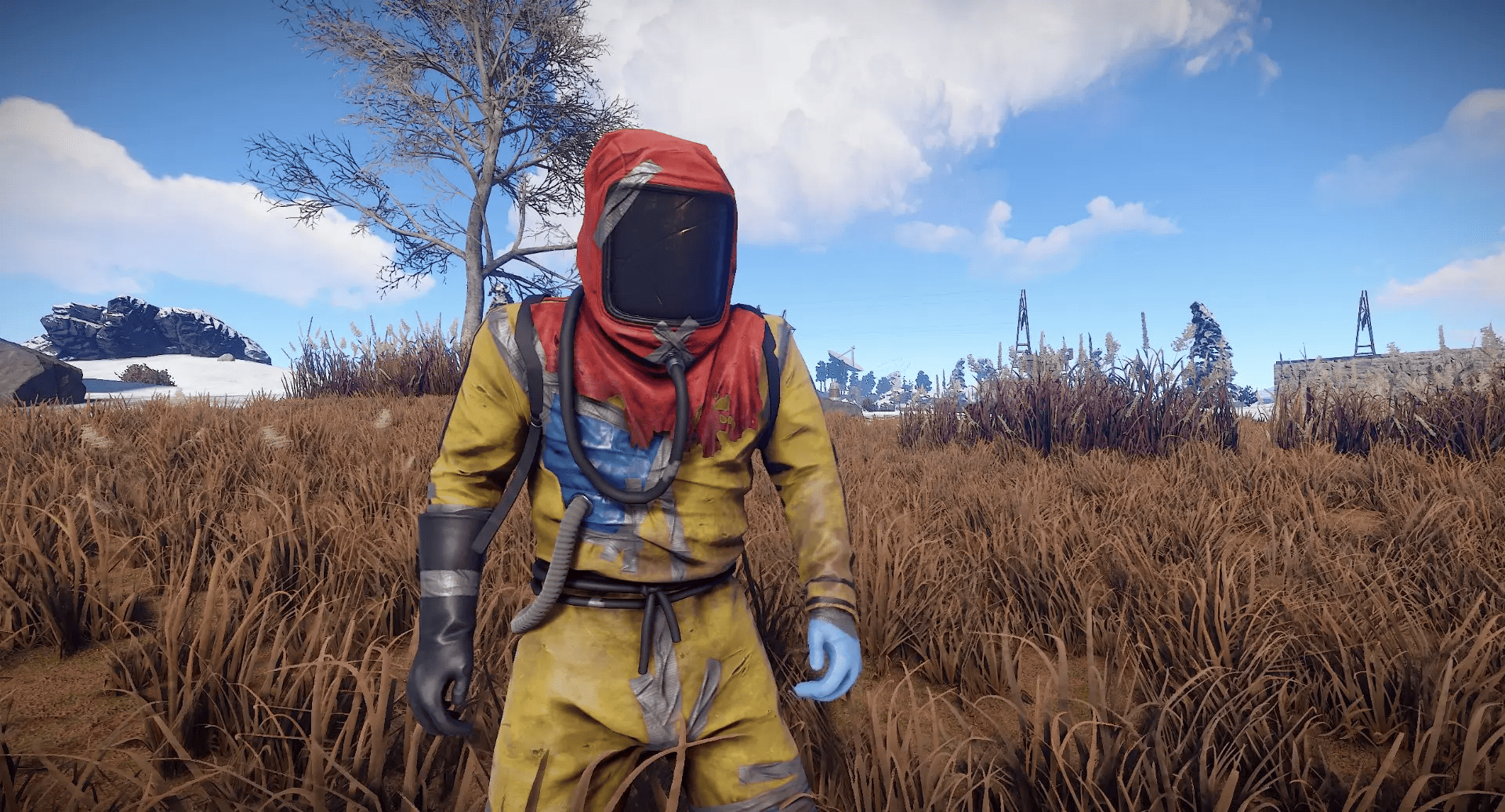
One of the most common uses of this feature is upgrading from a Hazmat Suit to a full armor set.
For example, if you kill a player carrying high-tier armor and weapons, you can rapidly swap into their gear and continue fighting. Many experienced players rely on auto-equip during PvP because every second matters.
This is especially useful when you need to react quickly after being ambushed by an arrow from another player or when multiple enemies are approaching.
Alternative Method: Lockers
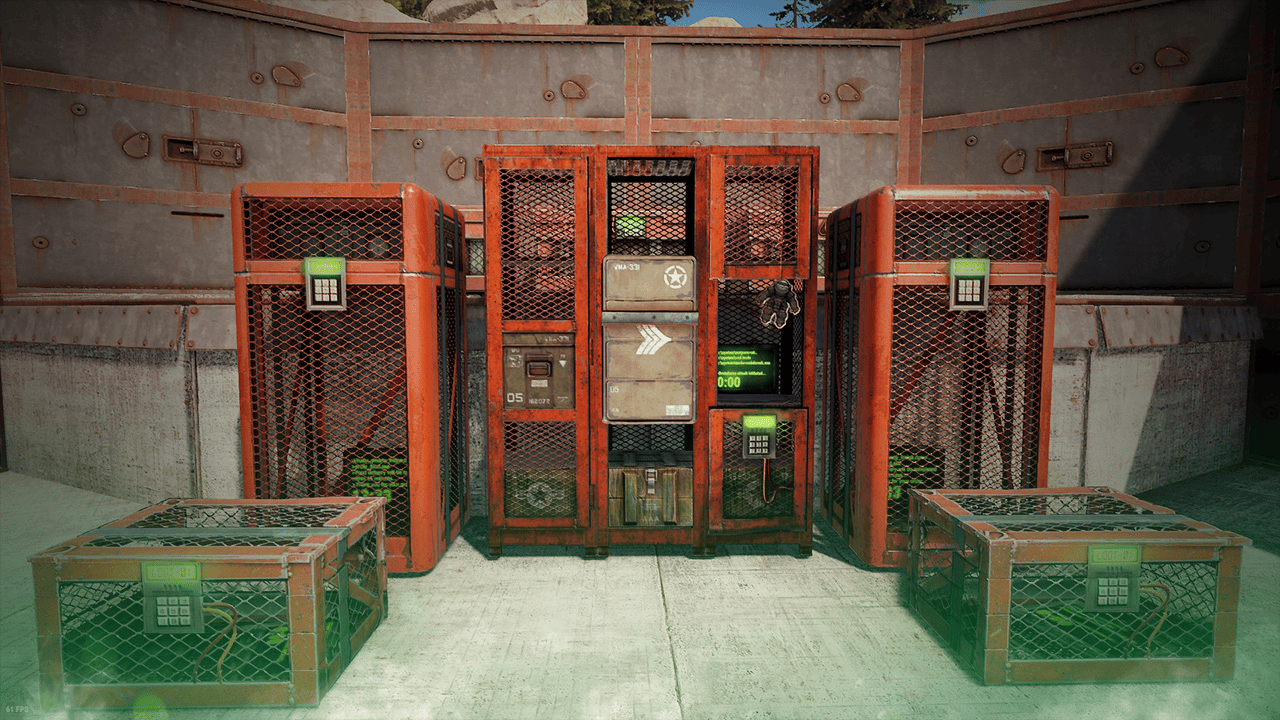
If you’re looking for an even faster way to swap gear inside your base, consider using a Locker.
Lockers allow players to store complete equipment loadouts and instantly swap between saved kits. Many players create dedicated roaming kits, farming kits, and raid defense kits for quick access.
Unlike auto-equipping from containers, Lockers are designed specifically for fast loadout management.
What About Skins?
Auto equip works regardless of whether an item has custom skins applied. As long as the item is compatible with an available clothing slot, Rust will equip it normally.
This allows players to keep their favorite cosmetic items while still taking advantage of fast inventory management features.
Common Problems
ALT + Right Click Doesn’t Work
If the feature isn’t working:
-
Verify your Head Look keybind.
-
Check whether you’ve changed default controls.
-
Ensure you’re hovering over a wearable item.
-
Confirm the clothing piece is compatible with an available clothing slot.
Item Won’t Equip
Certain clothing combinations cannot be worn together because they occupy the same slot.
Custom Keybind Issues
If you’ve changed your controls since you first started playing Rust, you may need to review your settings and adjust the correct option before the feature will work properly.
Frequently Asked Questions
Does Auto Equip Work on Every Server?
Yes. Auto equipping is a client-side feature and generally works on any Rust server, whether it’s official, community-run, or modded.
Can Auto Equip Weapons?
No. Auto equip is primarily designed for clothing and armor. Most weapons still need to be manually moved into your hotbar.
Can I Use This With Crafted Gear?
Absolutely. Whether you loot an item, craft it yourself, or obtain it from another player, the feature works the same way.
Final Thoughts
Auto-equipping clothes in Rust is one of the game’s most useful quality-of-life features. By simply hovering over a clothing item and using the appropriate key combination, you can instantly equip armor and clothing without dragging items into your inventory.
For players playing Rust, this feature is excellent for saving time, improving gameplay, and reducing inventory management frustration. Whether you’re looting monuments, defending your base, or gearing up after a fight, auto-equip helps you spend less time in menus and more time surviving.
So if you haven’t tried it yet, let’s get you geared up faster and back into the action.
Was this article helpful?
Thanks for the feedback!