How To Fly In Garry's Mod
Learn how to fly in singleplayer, or multiplayer Garry's Mod.
Garry’s Mod gives you a sandbox where the sky isn’t the limit; you can literally take to the air.
It’s important for players, including server owners and administrators, to know how to fly in Garry’s Mod for effective navigation, server management, and overall gameplay enjoyment. Players can use flying for testing maps, scouting builds, or simply having fun exploring the environment. Below is a practical rundown of the built‑in noclip mode, console tricks, key rebinding, and popular addons that turn you into a jet‑propelled pilot.
Noclip: the built‑in “fly” cheat in Garry’s Mod
Noclip lets you move freely through the world without colliding with anything. It’s the fastest way to get airborne without installing extra content.
Default key and basic behavior
The default key to activate Noclip in Garry’s Mod is V. Pressing V toggles noclip mode on and off. While enabled you can:
-
Use WASD to glide forward, backward, left and right.
-
Hold Space to ascend, Ctrl to descend.
-
Look around with the mouse as usual; the camera follows instantly.
Because the engine disables collision checks, you’ll pass straight through walls, props, and the ground. The movement feels “floaty” – you’re not bound by gravity, yet you still have a speed ceiling set by the server.
When noclip isn’t available
Most public servers lock noclip behind admin or rank permissions. If you join a map with strict rules, hitting V will simply do nothing. In those cases you’ll need either a rank that’s allowed to noclip, or an addon that provides a similar flight mechanic.
Using the console to toggle noclip
The developer console offers more control than the default key, especially on servers that require explicit permission.
Opening the console
-
Open the main menu → Settings → Keyboard → Advanced….
-
Tick Enable developer console (~) and press OK.
-
Press the tilde key (~) during gameplay to bring up the console prompt.
Core commands
| Command | What it does |
|---|---|
| noclip | Toggles noclip for the calling player. |
| sbox_noclip 1 | Allows any player to use noclip (requires sv_cheats 1). |
| sv_cheats 1 | Enables cheat commands on the server; many hosts keep this off for public play. |
Tip: On a single‑player map you can type sv_cheats 1 first, then noclip to fly instantly.

Binding your own key
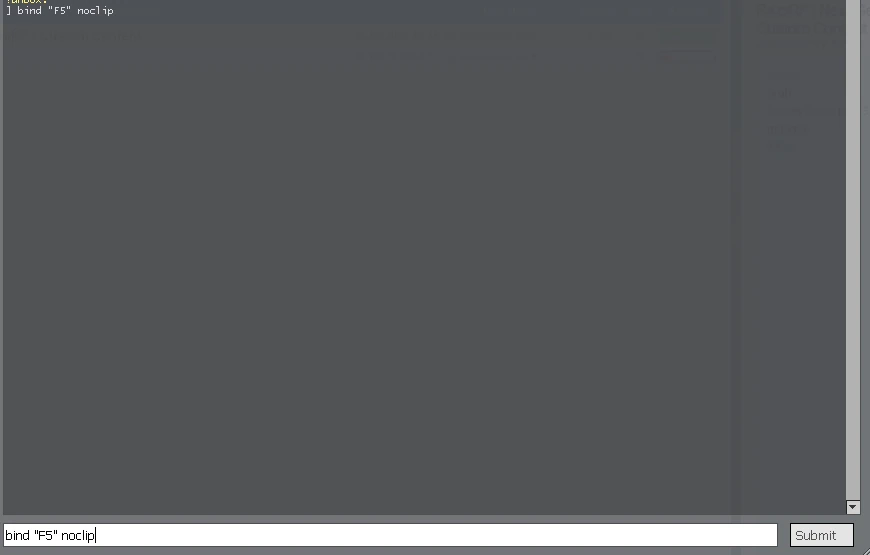
If you prefer a different key or want a quick toggle on a mouse button, use the Key Bindings menu or type a bind command directly:
bind "F5" "noclip"Replace F5 with any key you like. The bind persists across sessions as long as you don’t overwrite it later.
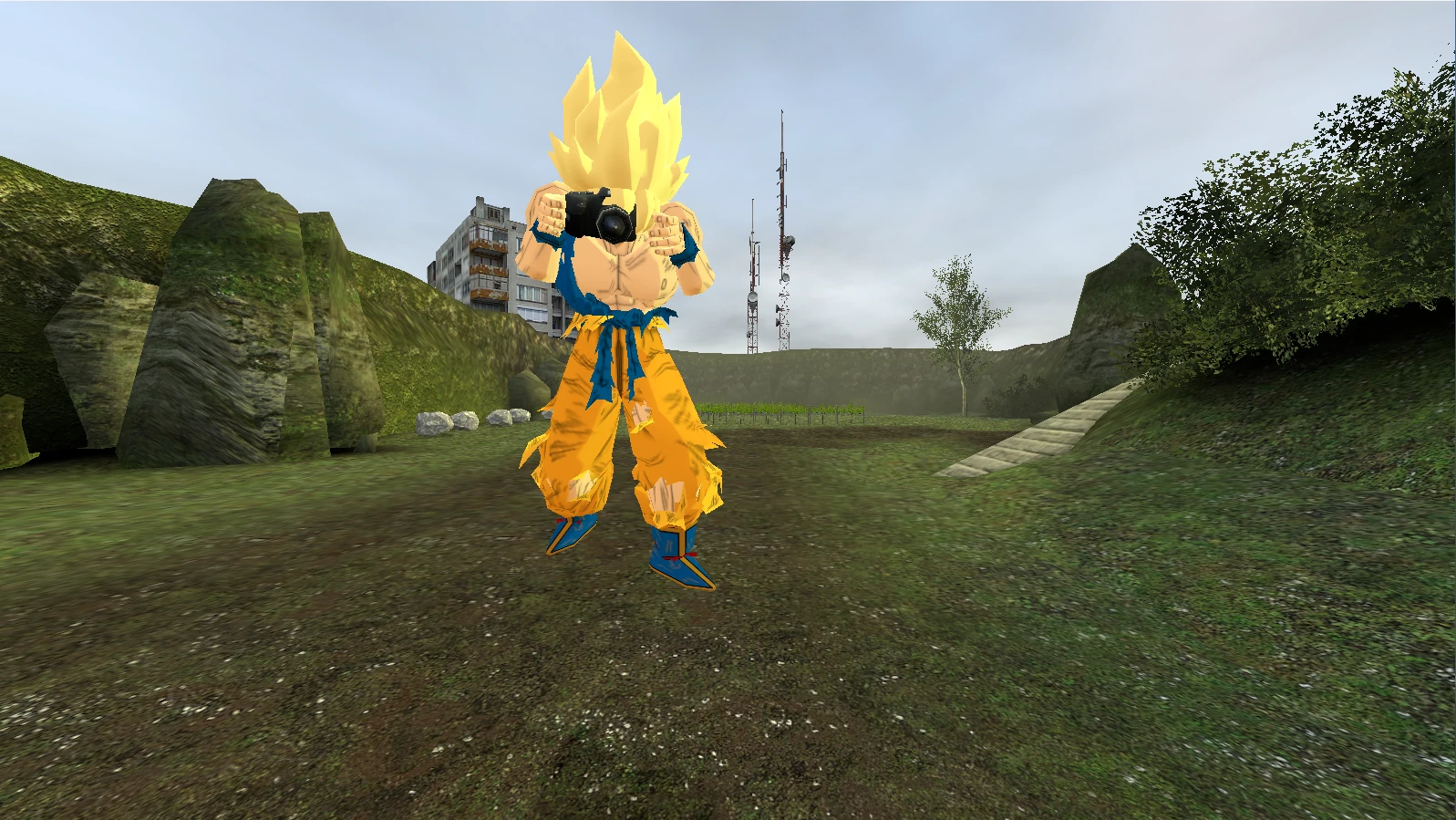
Passing through solid objects in Garry’s Mod
Noclip’s main attraction is its ability to ignore collision. Under the hood it flips a few console variables:
sv_cheats 1          // enables cheat commands
sbox_noclip 1        // tells the engine noclip is allowed
When those are active, the player’s collision hull is set to “no clip,” meaning the physics engine never registers a hit.
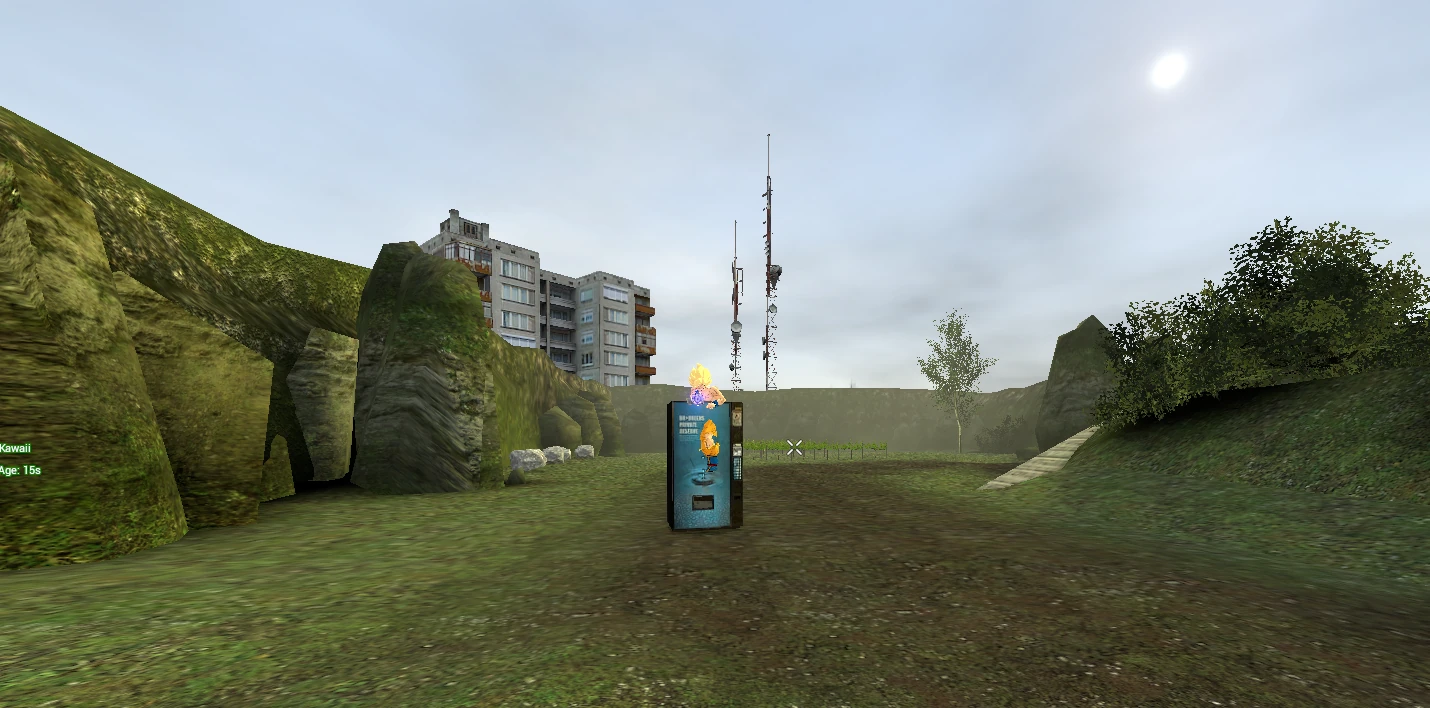
Warning: Some maps contain invisible barriers that are not true solid geometry. Noclip will still pass through them, which can let you explore areas the map creator never intended. Use responsibly; exploiting hidden zones may be considered cheating on certain servers.
Admin tools that grant noclip
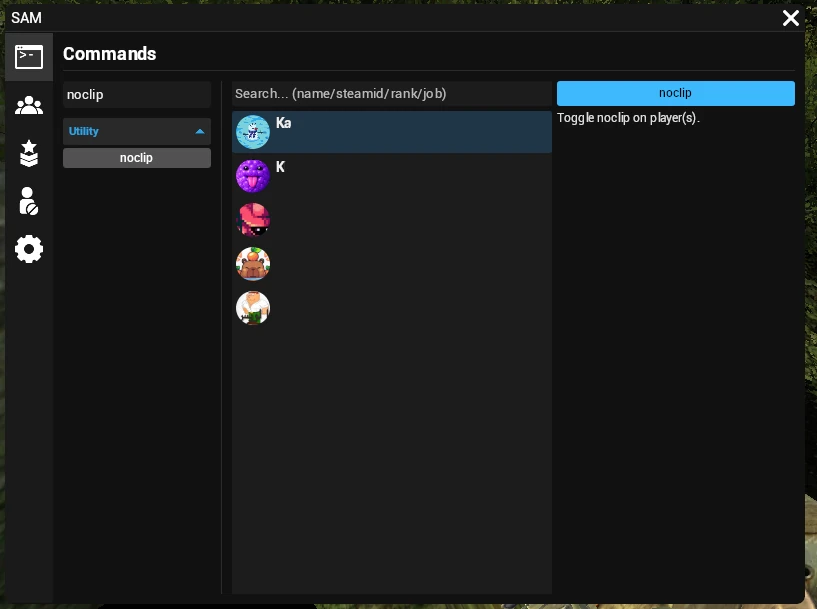
On multiplayer servers, admins often rely on ULX or SAM to manage permissions without giving everyone cheat access.
On servers with admin systems like ULX or SAM, players can use commands such as ‘!noclip’ or ‘ulx noclip’ to activate noclip mode. ULX also allows admins to use commands to trigger effects like ragdoll, which simulates a lifeless player model.
ULX
ulx noclip <player>Adds or removes noclip for the specified player. The command itself respects the server’s rank hierarchy, so only users with the “admin” or higher rank can execute it.
SAM (Simple Admin Mod)
sam chat noclip <player>Works similarly, but can be called from the chat window by typing /noclip <player> if the server has enabled chat commands.
Both mods store the permission in a convar (ulx_noclip or sam_noclip) that can be toggled globally for testing.
Flying with addons
If you need a more immersive flight experience (think thrust, fuel, or realistic aircraft) addons from the Workshop fill the gap.
Jetpack addons
-
Jetpack – Zero Gravity – simple upward thrust bound to Space.
-
FlyMod – adds configurable jetpack strength and fuel consumption.
Plane and vehicle addons
-
Airboat – Classic – the default vehicle, but enhanced with better handling via the Vehicle Mod.
-
Simple Planes – low‑poly aircraft that can be spawned with gmod_spawn “simple_plane” and controlled with standard driving keys.
Installing from the Workshop
-
Subscribe to the desired addon on the Steam Workshop page.
-
Launch Garry’s Mod; the game will download the files automatically.
-
Open the spawn menu (Q), navigate to Weapons → Tools → [Addon Name], and place the item.
Note: Some servers disable third‑party addons for balance reasons. Check the server’s rules before spawning a jetpack or plane.
Troubleshooting noclip not working
When you press C and nothing happens, run through this checklist:
-
Console value: sbox_noclip should be 1. If it’s 0, noclip is blocked.
-
Cheats enabled: sv_cheats must be 1 on single‑player or on a server that permits it.
-
Rank check: Verify you belong to a group that the admin has granted noclip rights to (ULX, SAM, etc.).
-
Keybind conflict: Open Key Bindings and make sure no other command overwrites C.
-
Addon interference: Some flight mods replace the default noclip key; disabling them temporarily can reveal the cause.
If everything looks correct but you still can’t fly, try restarting the map or reconnecting to the server. Occasionally a lingering client‑side cache blocks new convar values.
Safety, fall damage, and server etiquette
Leaving noclip and landing from a great height can still trigger fall damage unless the map disables it. To avoid a sudden death:
sv_gravity 0 // disables gravity entirely (cheat only)or simply descend slowly before exiting noclip.
Always glance at a server’s rule list before using flight. Some communities treat any form of unrestricted flying as cheating, even if it’s an approved addon. Respect the host’s policies to keep your account in good standing.
Step‑by‑step quick guide
Toggle noclip with the default key
-
Ensure you’re on a map that allows noclip.
-
Press V once – you might see the “noclip enabled” message.
-
Move with WASD, ascend with Space, descend with Ctrl.
-
Press V again to return to normal physics.
Enable noclip via console (single‑player)
-
Open the console (~).
-
Type sv_cheats 1 and hit Enter.
-
Type noclip and press Enter.
-
Fly using the movement keys; repeat noclip to disable.
Grant noclip with ULX (multiplayer)
-
Ask an admin to run ulx noclip <your_name> in chat or console.
-
Once confirmed, hit C to start flying.
-
To revoke, the admin can run the same command again.
One‑line troubleshooting checklist
sbox_noclip? sv_cheats? rank? keybind? addon conflict?If every answer is “yes” or “clear,” noclip should work.
With the basics covered (default noclip, console toggles, admin tools, and flight‑focused addons) you now have every method needed to soar over any Garry’s Mod map. Fly responsibly, respect server limits, and enjoy the freedom that only a sandbox like GMod can provide.
Was this article helpful?
Thanks for the feedback!