







The summary - tl;dr
(M)y(T)race(r)oute - My Traceroute, otherwise known as MTR, basically combines traceroute and ping for an accurate reading of a network’s health. This tool is extremely useful because you can measure where your packets are going before reaching the server. Packets travel between multiple datacenters (PoPs) in many cases to reach their destination. Sometimes, these PoPs can be unstable, causing packet loss on the way to the destination server. With an MTR reading, we can accurately gauge where the packets went missing.
WinMTR is a third-party software used for taking super-easy MTR readings. As the name implies, it’s for Windows.
You can find the download for WinMTR Here: https://sourceforge.net/projects/winmtr/files/latest/download
How to use WinMTR
This section will go over the extremely easy process of using WinMTR to monitor your network health.
- Getting Started
- Visit https://sourceforge.net/projects/winmtr/files/latest/download
- Simply
Right Clickon the.zipfile and then clickExtract All... - Click the
Extractbutton - Open to the
WinMTR_x64folder - Open
WinMTR.exe
It’s that simple! Now all you simply need to do is put your server IP (without the port) in the Host: box then click StartIf that’s a bit confusing, continue to read below for a more detailed explanation. We’ll be using a Physgun Game Server as an example.
- How to easily use WinMTR (using a Physgun Game Server)
- Visit https://gamecp.physgun.com and navigate to the server you wish to monitor
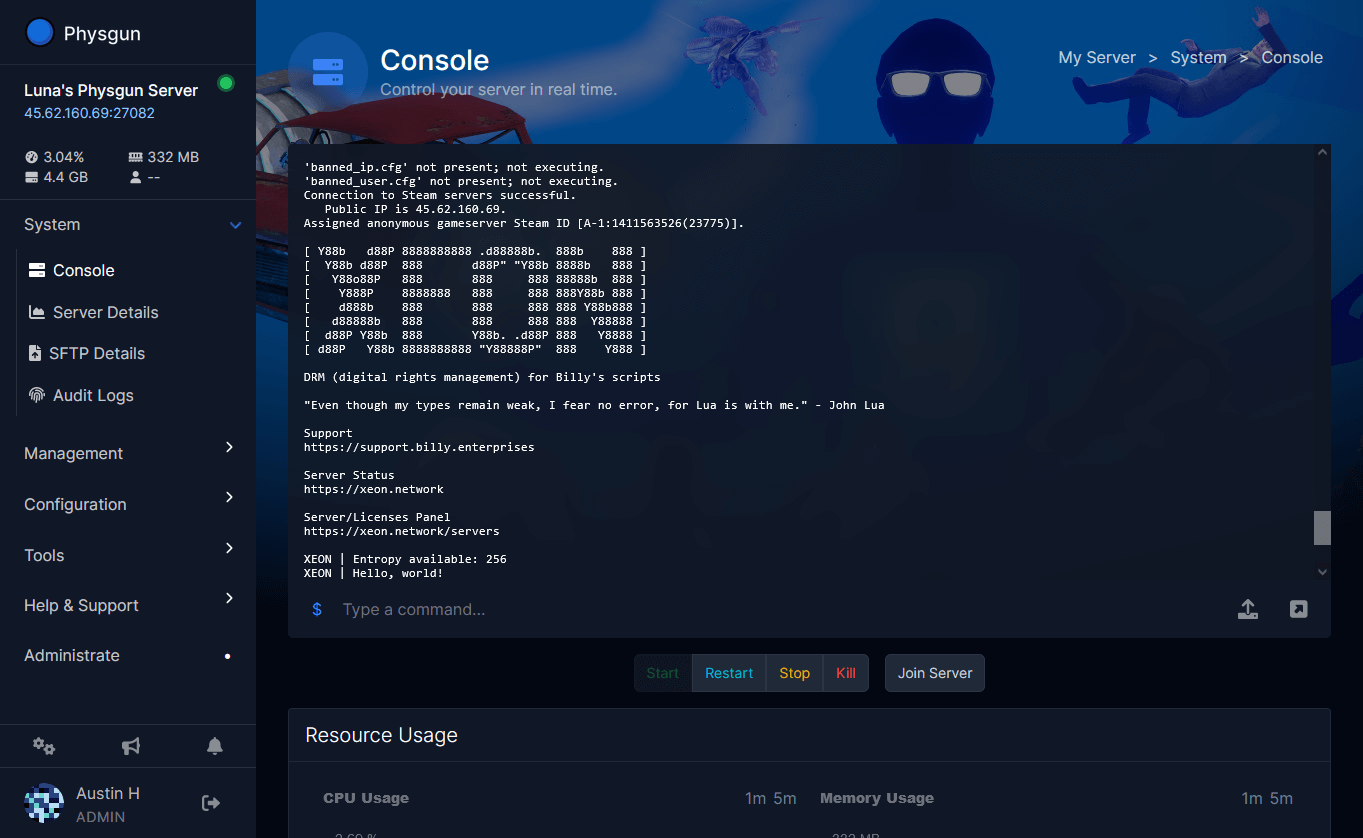
- On the side panel click on the IP Address for your server, this will copy the IP to your clipboard

- Paste the IP Address into the
Host:input on WinMTR (Remove the port and the colon (e.g. 45.62.160.69:27082should look like 45.62.160.69))
- Let this run, while the issue is happening, give it about a minute or until the issue stops, then click
Stop - Once it has stopped, you’ll see a bunch of information. We explain this more in depth below, but if you don’t care about how it works, then continue on!
- Click
Copy Text to clipboard - Paste the text into your ticket along with your IPv4 address, which can be gathered from https://ipv4.icanhazip.com.