Few things make a statement on a Rust server quite like calling in an airstrike. Advanced Air Strike adds powerful strike and nuke mechanics that allow players to designate targets, unleash devastating bombardments, and create memorable moments across the map. Whether you’re running a PvP-focused server or looking to add a new late-game reward system, the plugin provides extensive customization options to fit your gameplay style.
In this guide, we’ll walk through installing Advanced Air Strike, configuring permissions and settings, and showing players how to purchase and use strike designators in-game.
Note: Advanced Air Strike is a paid plugin. You have to purchase it in order to download it!!!
 How to Install Advanced Air Strike
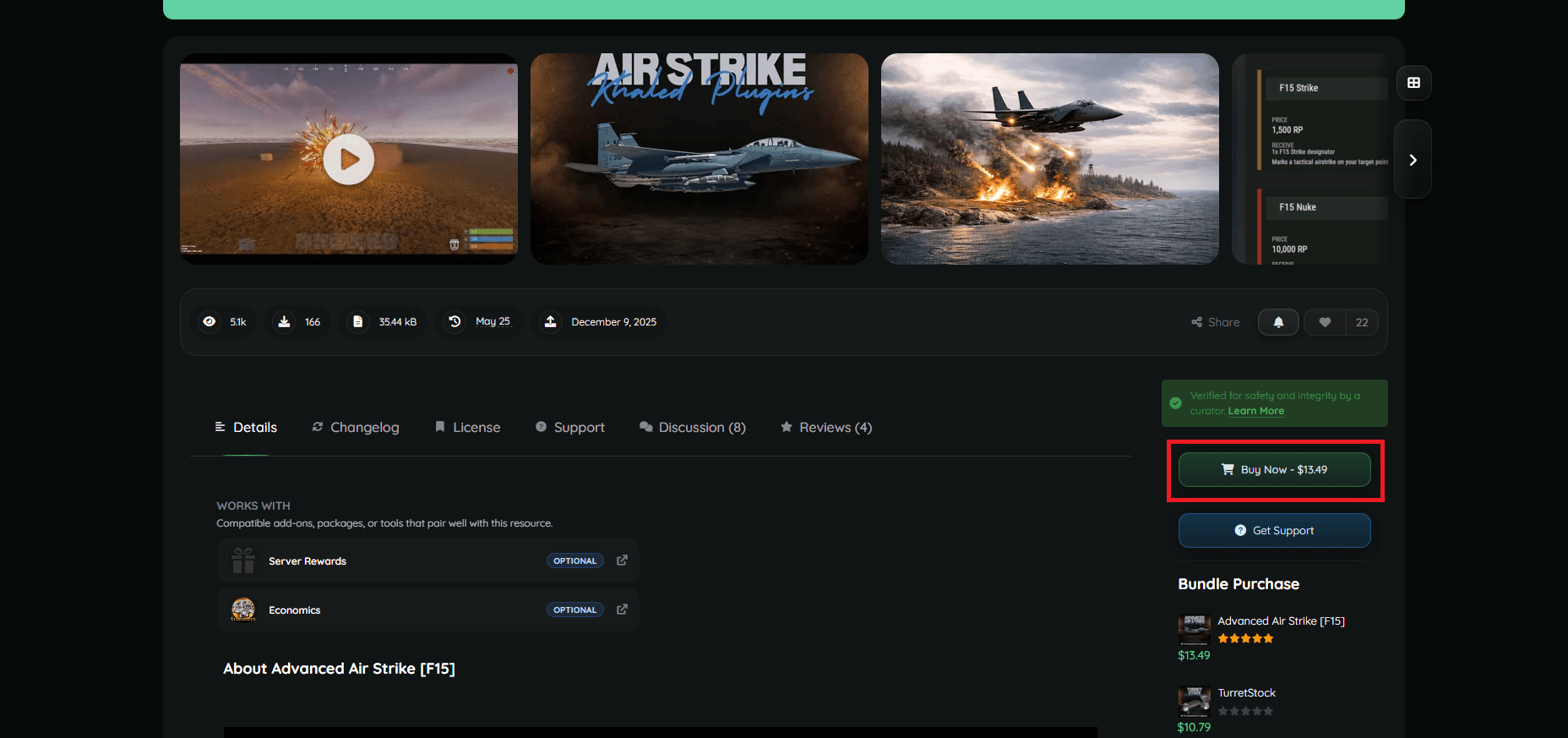
- Visit the plugin’s page on Codefling.
- Click Buy Now to purchase and download the plugin.
- If you’ve already purchased it, just download the latest version of the plugin.
- Upload the CS files to your server’s oxide/plugins folder using the File Manager on Physgun, SFTP/FTP file transfer, or manually in your dedicated server files.
- Restart your server or use the oxide.reload command.
- Your plugins will automatically install their data and configuration folders!
Advanced Air Strike Configuration
Assigning Permissions
To use the Advanced Air Strike plugin in the first place, you need to permit players to do so. You can do so by using the following command:
oxide.grant [user or group] [group name or player Steam ID] [permission]Below is a list of permissions available in the plugin:
f15estrike.strike- Allows the use of strike designators.f15estrike.nuke- Allows the use of nuke designators.f15estrike.strike.give- Allows players to use the “/strike give” command.f15estrike.nuke.give- Allows players to use the “/nuke give” command.f15estrike.admin- Grants full admin access and admin panel access. You can modify the configuration options below in-game using this panel.
For example:
oxide.grant group admin f15estrike.adminIf you want to remove a permission, just replace “grant” with “revoke”.
Modifying the Config File
The next thing you need to set up is the configuration file. Advanced Air Strike splits its configuration into the following categories:
- Commands - Allows you to edit or disable the Strike and Nuke commands.
- Blocked use zones - Allows you to limit target points outside of points of interest.
- Global warnings - Allows you to modify or disable broadcasting when a strike is happening.
- Purchases - Allows you to enable compatibility with Economics and Server Rewards, and edit scrap or currency costs.
- Strike - Edit the speed, rate, damage, spread, and other settings of the air strike.
- Nuke - Edit the speed, rate, spread, and other settings of the nuke.
- Misc - Some settings don’t fall under categories, including designator display name, plane altitude, chat prefixes, etc.
Using Advanced Air Strike In-Game
Chat Commands
Advanced Air Strike has a list of commands that allow you to actually use its features. Admins can also use commands for debugging and settings. Below is a list of chat commands:
/f15- Opens the in-game F15 store. You can access the admin panel here too./strike- Gives the player an F15 Strike designator./nuke- Gives the player an F15 Nuke designator./strike give [name or Steam ID]- Gives another player an F15 Strike designator./nuke give [name or Steam ID]- Gives another player an F15 Nuke designator.
Using the Strike/Nuke Designators
To use the F15 designators:
- Open the in-game store using “/f15”.
- Purchase either the Strike or Nuke designator.
- Select the designator in your hotbar.
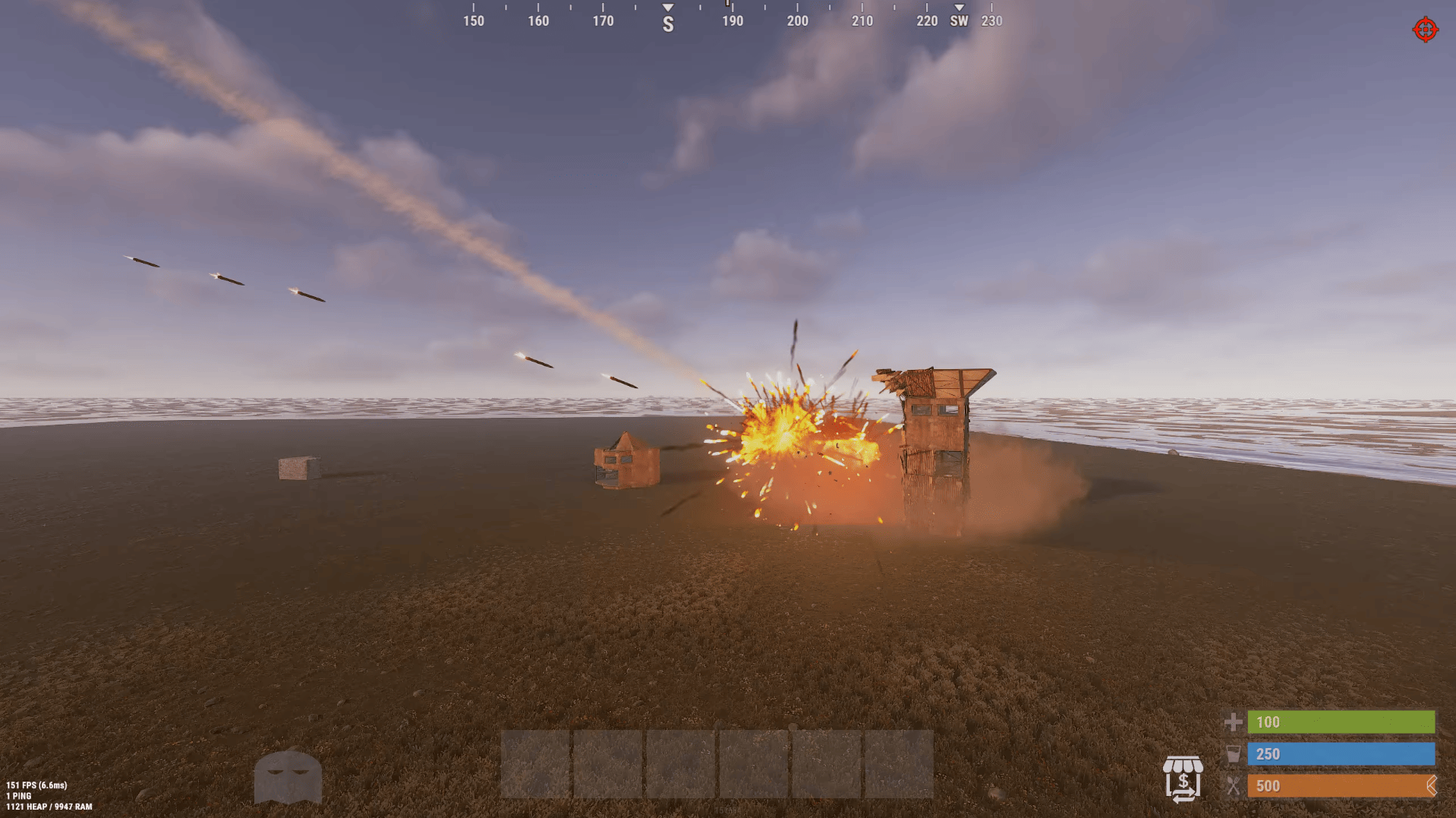
- Aim and left-click to designate a target.
- GET THE HELL OUT OF THERE!!!!
- You can see the blast radius of the strike using the in-game map.
- Wait for the target to be raised to the ground.
Conclusion
Advanced Air Strike is a feature-packed plugin that brings explosive new gameplay opportunities to Rust. With customizable air strikes, nuclear attacks, economy integration, and extensive configuration options, server owners can tailor the experience to match anything from casual events to high-stakes PvP warfare.
Once you’ve configured the plugin and assigned the appropriate permissions, your players will be ready to rain destruction from above with just a few clicks and a well-placed target marker.