Resetting the world removes all progress and buildings on your server, so everyone starts again in a fresh world. Your Owner ID, World Password, Admin Password and other settings stay as they are, because they live in Server Options and not in the world’s save.
Before you start, let your players know the world is about to be wiped. Your server must have run at least once, so there is a world to remove. A deleted world can’t be brought back, so this guide keeps a copy of it first.
Open the save folder
- In the Physgun Gamepanel, open your server and select Stop.
- Select Yes, Stop Server and wait until the status at the top shows Offline. Changing the save while the server runs can corrupt it.
- Select Files in the menu on the left.
- Open the RSDragonwilds folder.
- Open the Saved folder.
- Open the SaveGames folder. This is where your worlds are kept.
Back up and delete the old world
Your world is the .sav file named after your World Name setting. With the default name, it is Physgun World.sav.
- Select the … menu button at the end of your world’s row.
- Select Compress. A file named
archive-followed by the date and ending in.tar.gzappears in the same folder. That is your copy of the old world. - Select the … menu button on your world’s row again.
- Select Delete.
- Check that the dialog lists only your
.savfile, then select Delete.
If SaveGames holds more than one .sav file, delete each of them the same way. A save left in the folder can load instead of a new world. Keep the SaveGames folder itself, and keep the archive if you may want the old world back.
You can also make a full backup from Backups under Management before you delete anything. That backup copies the whole game install, so it takes far more space than the single world file.
Start the new world
- Select Start. With no world to load, the server makes a new one. This takes about a minute.
- Wait until the status at the top shows Online.
- Select Saved in the folder path at the top of the file manager. The list does not update by itself, so this step reloads it.
- Open the SaveGames folder again.
- Check that a new
.savfile with your World Name is back, with a fresh time in the Modified column.
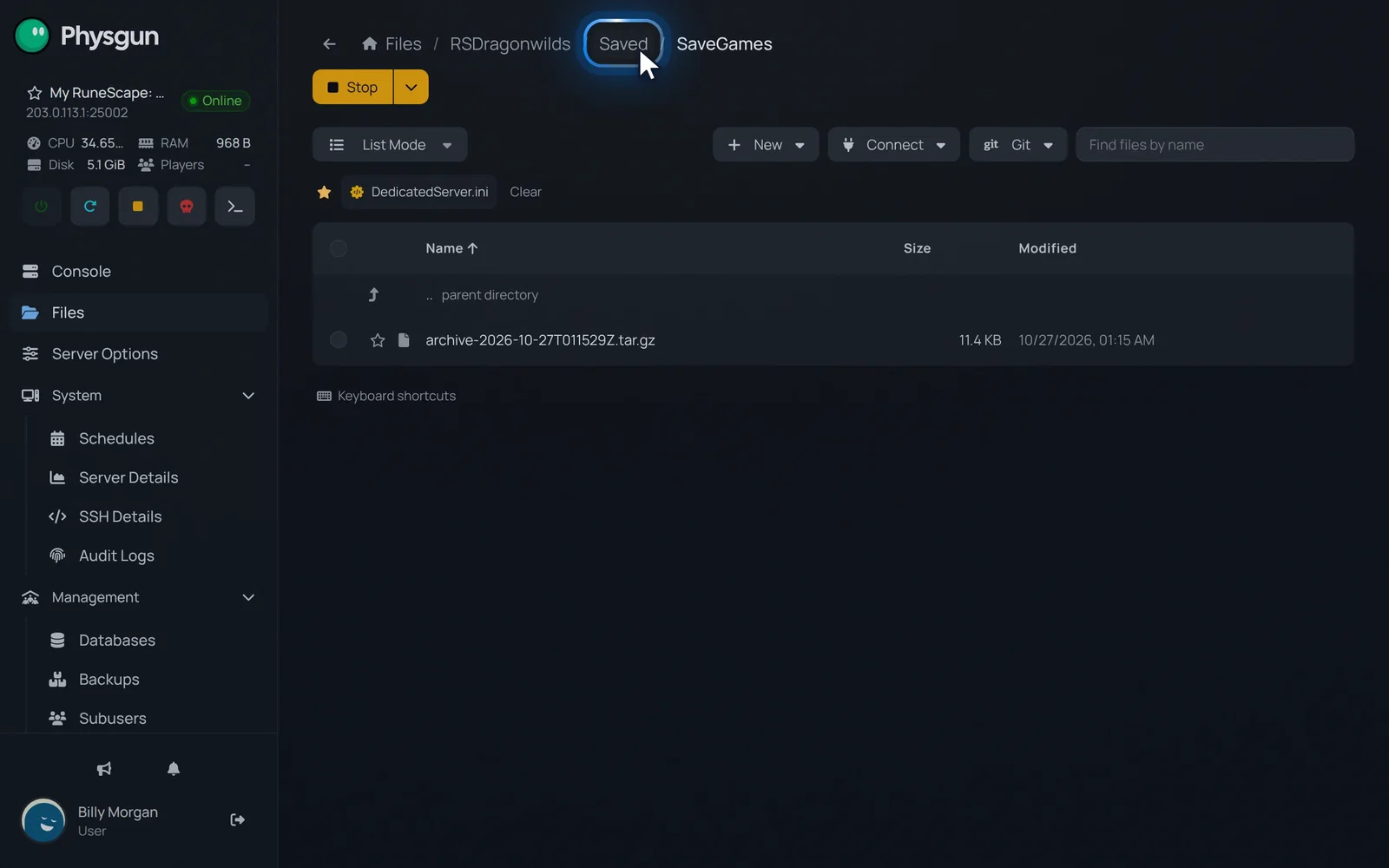 Go back to SavedOnce the server shows Online, select Saved at the top.
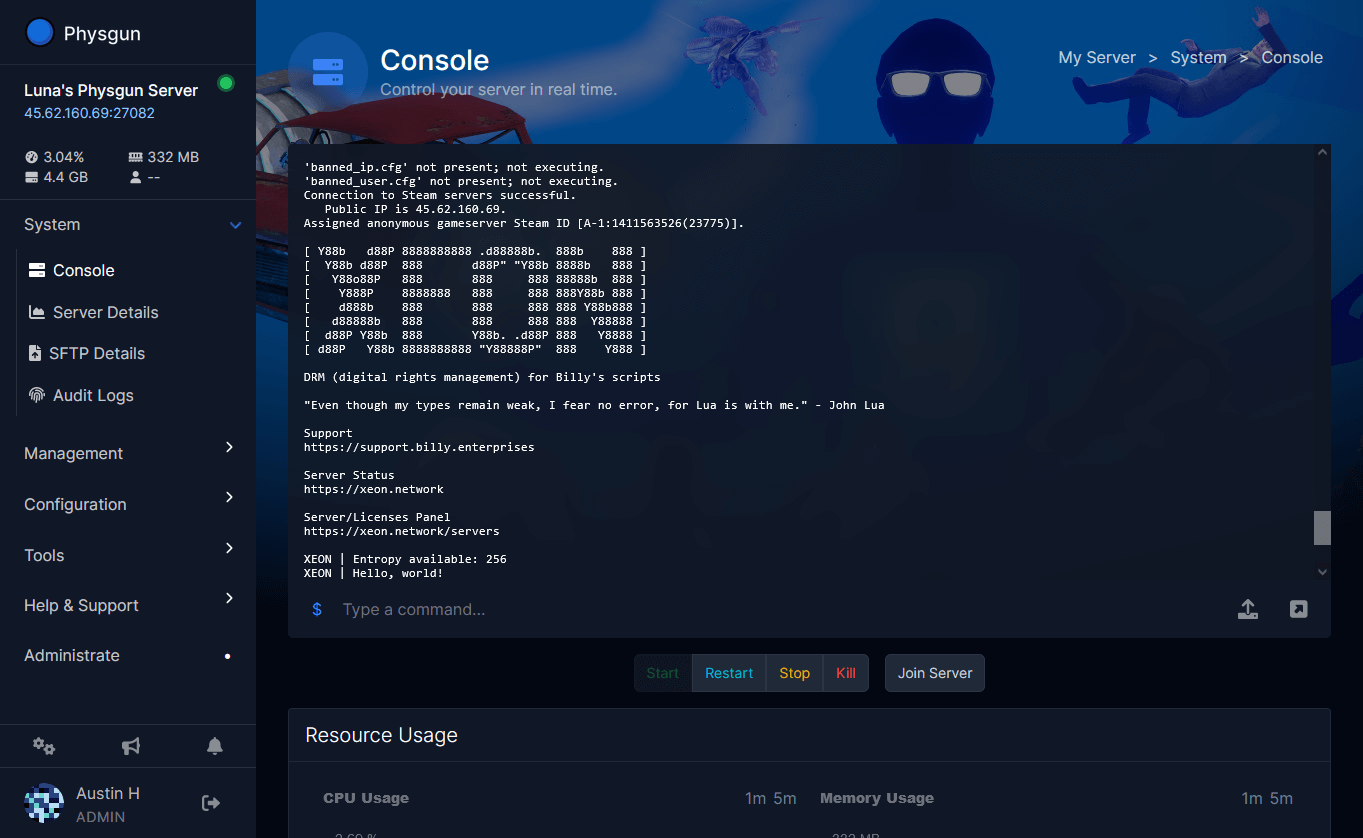
On the Console page, the startup log shows a line like this, with your own World Name:
No save found for configured world [Physgun World]; creating itTo check it in the game, open the Public tab of the server list, search for your World Name and join. You start in a fresh world with no earlier progress or buildings.
Keep the old world under a new name
If you want to keep the old world on the server and start a new one next to it, give the new world a different name instead of deleting the save:
- Stop the server.
- Select Server Options in the menu on the left.
- Change World Name to a name you have not used before.
- Start the server.
The server creates a new world with the new name. The old .sav file stays in SaveGames under its old name.
If something goes wrong
- The old world loads again. Another save was left in SaveGames. Delete every
.savfile in the folder, as in the steps above. - The server was still running when you deleted the save. It can write the world back as it shuts down, so delete the save again once it shows Offline.
- You want the old world back. Stop the server, delete the new
.savfile, unpack the archive you made into SaveGames so the old.savfile is back under your World Name, then start the server. - Your friends can’t find the server. Search the Public tab for the exact World Name set in Server Options, and check that the server shows Online.