
Hosting a modded Palworld server is one of the best ways to create a unique experience for you and your friends. Whether you want quality-of-life improvements, new gameplay mechanics, or completely different ways to play, installing mods is a quick process once you know where the files belong. This guide will walk you through downloading, installing, and playing with mods on your Palworld server.
 Where to Find Palworld Mods
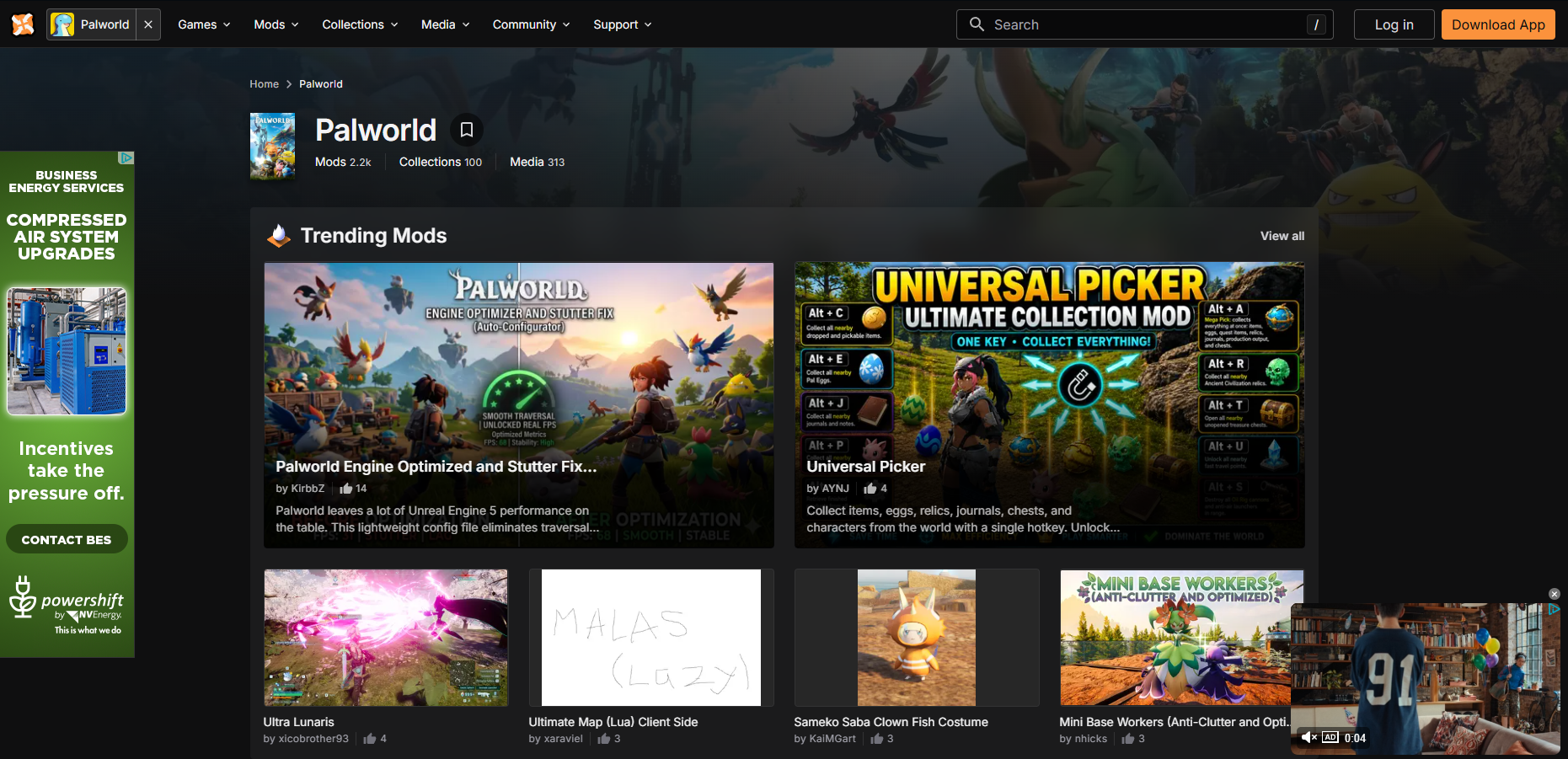
The vast majority of Palworld mods can be found on Nexus Mods. As of writing this article, there are over 2,000 mods that you can download from Nexus and put into your Palworld server.
You can also find mods on Curse Forge, though in lesser quantities, but they are installed in roughly the same manner as listed below.
Lastly, you can find all sorts of mods on the Steam Workshop. The installation process is much different than Nexus or CurseForge.
How to Install Mods on Your Server
Nexus Mods (Also Works For CurseForge)
To install mods on your Palworld server:
-
Visit Nexus Mods.
-
Search and find the mod or mods you want.
-
Click download and extract the ZIP file.
-
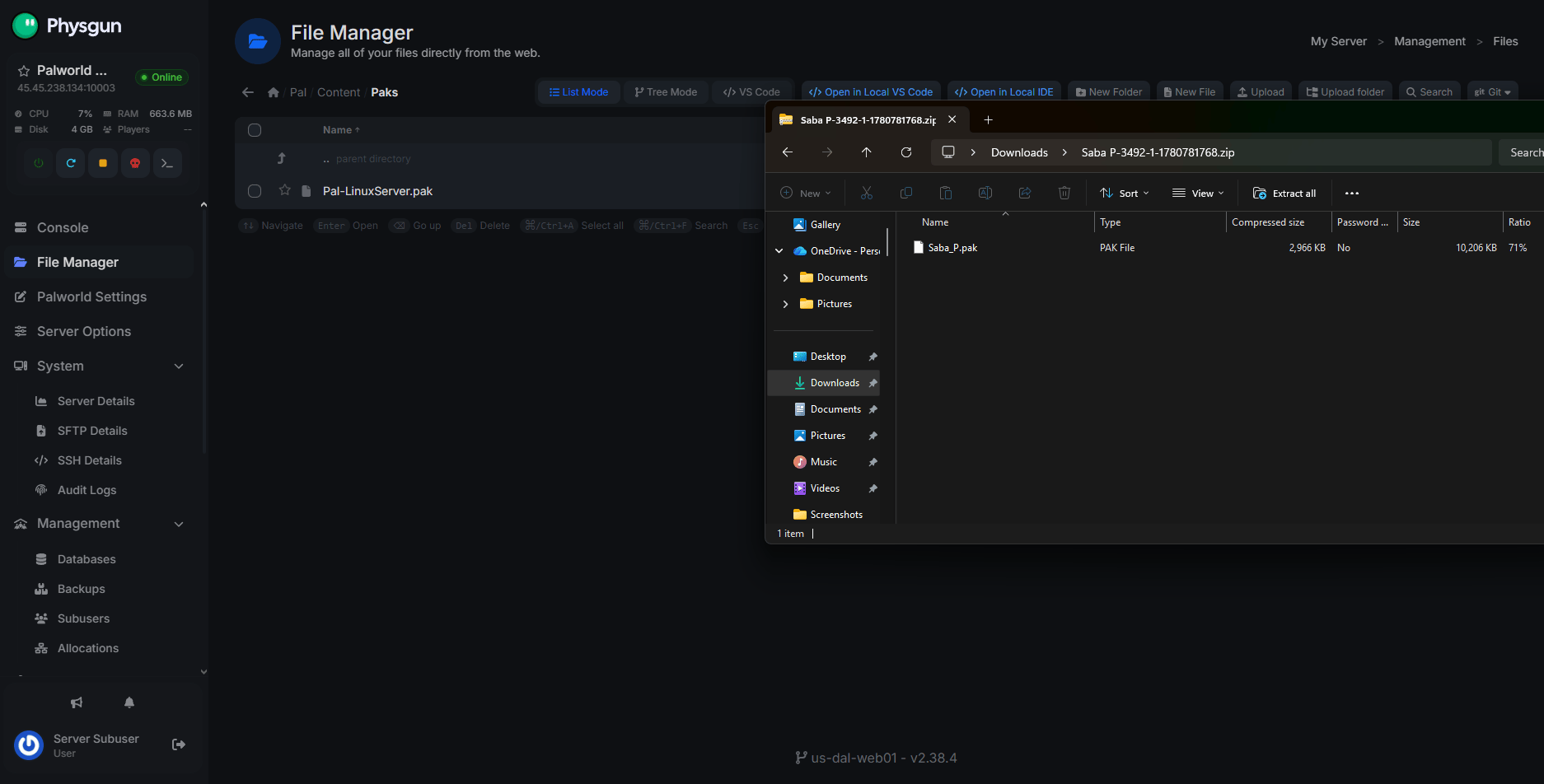
Open your server files using the Physgun File Manager, SFTP/FTP, or your computer’s file explorer, depending on how your server is hosted.
-
Navigate to Pal/Content/Paks and drop the ~mods or LogicMods folders into the directory. Usually, you won’t need to put your PAK mods in these folders if they aren’t included in the mod’s file structure on download. If that’s the case, just upload them directly to the Paks folder.
- Some mods might depend on other mods or require special instructions. Make sure to check specific installation instructions in the mod description.
-
Restart your server to apply the mods.
Steam Workshop
To install workshop mods on your Palworld Server:
-
Open Steam and find Palworld in your Steam Library.
-
Select Workshop in the middle navbar.
-
Subscribe to the mods you want to add to your server.
-
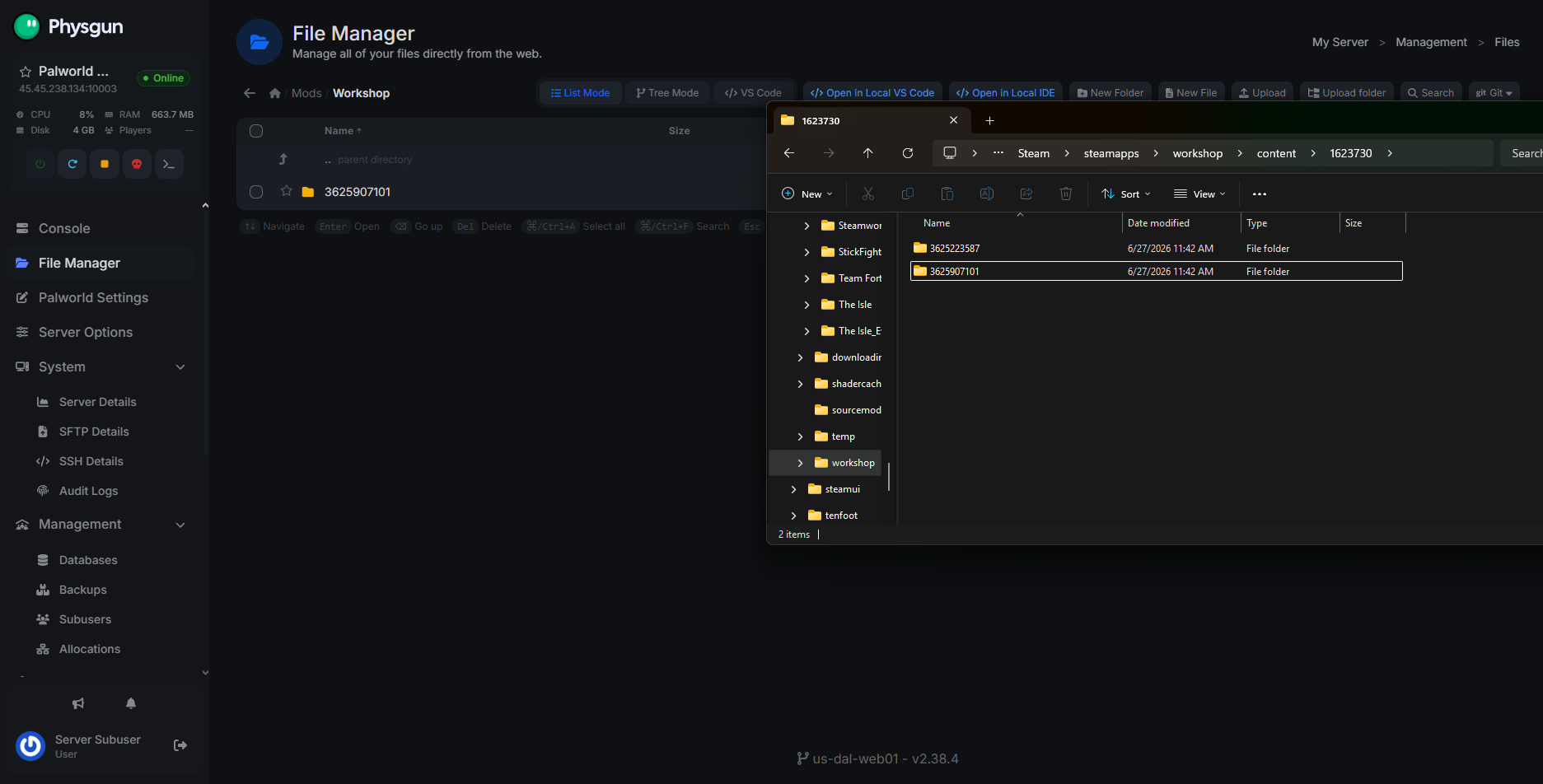
Next, open your Palworld workshop files. This will usually be in a directory like: Steam/steamapps/workshop/content/1623730. That number at the end is the Palworld app ID. That’s the folder you want to be looking in.
-
Copy all of the numbered folders. These are your mods.
-
Drop them into your server’s Mods/Workshop directory.
- If you don’t have one, just create the directory.
-
Restart your server to apply the mods.
How to Play on Modded Servers
Note: If the server is using Steam Workshop mods, you just need to be subscribed to them. The instructions below are for CurseForge or Nexus Mods.
There is one more thing you need to know about playing modded servers. Server-side mods DO NOT automatically download as client mods. If you’re joining a server that’s using mods, you will have to install the same PAK files to your own Pal/Content/Paks folder. You can easily navigate to this in Steam by right-clicking Palworld and clicking Browse Local Files.
Conclusion
Adding mods to your Palworld server only takes a few minutes and opens the door to thousands of community-made additions that can completely change the game. Just remember that every player joining your server will also need the required client-side mods installed, otherwise they won’t be able to connect or experience the modded content correctly.