Hardcore mode turns Minecraft into a completely different game — one death and you’re locked out, dropped into spectator mode with no respawn. On a server, that tension is even better with friends. Enabling it isn’t a simple toggle though. It requires editing your server.properties file, setting the right difficulty, and generating a new world since the hardcore flag gets baked into world files on creation. Applying it to an existing world takes a few extra steps with NBTExplorer. This guide covers both.
Need a server to run your hardcore world on? Physgun’s Minecraft server hosting gives you full access to server.properties and a built-in file manager so you can get this configured in minutes.
Method 1: Enable Hardcore Mode With a New World
This method works for both Java Edition and Bedrock Edition servers.
- Log in to your server panel and open the File Manager (or Windows File Explorer if hosting locally).
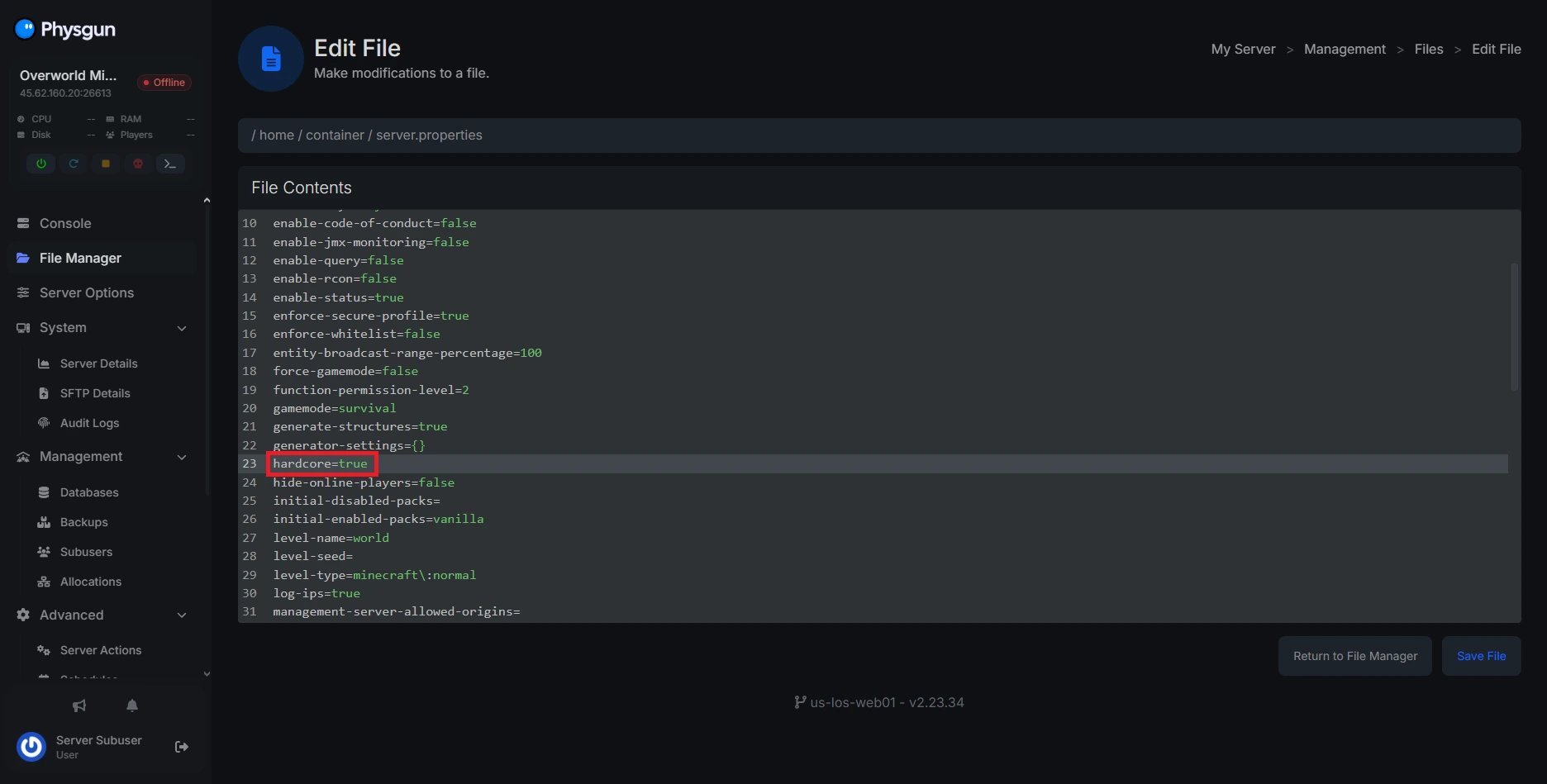
- Open server.properties.
- Find the
hardcoreoption and change it fromfalsetotrue. You can also setdifficulty=hardfor good measure. - Save the file and delete your existing world folder.
- Restart your server — it will generate a fresh hardcore world on startup.
Method 2: Enable Hardcore Mode on an Existing World
You don’t need to start a new world to enable hardcore mode — it just requires editing the world’s level.dat file directly using NBTExplorer.
Install NBTExplorer
-
Visit the NBTExplorer GitHub releases page and download the MSI installer (Windows) or ZIP archive (Linux).
-
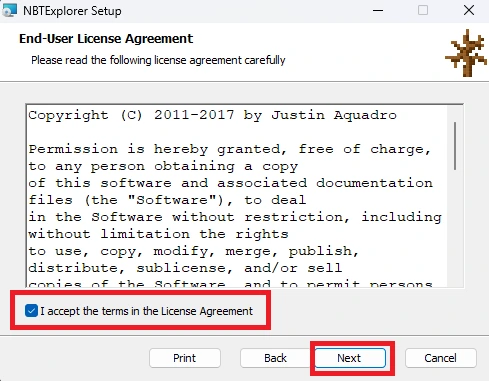
Open the installer and accept the EULA.
-
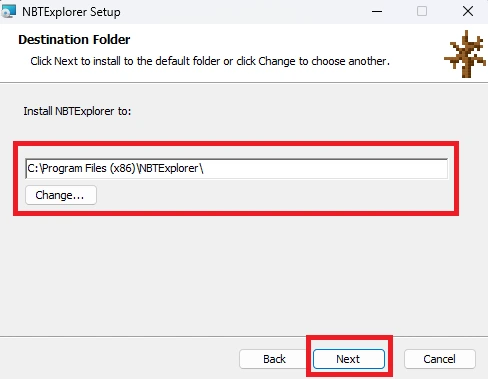
Set your install destination and click Next.
-
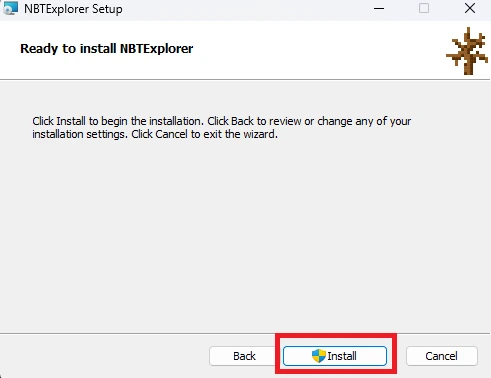
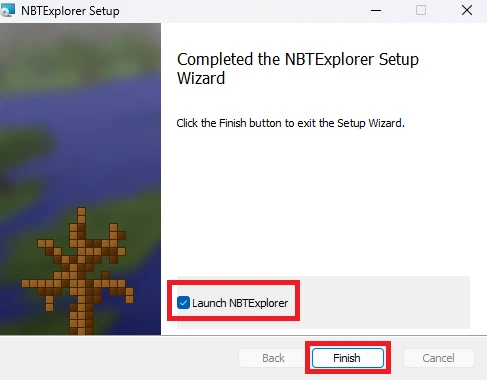
Click Install, then Finish with the Open NBTExplorer box checked.
Edit the World File
-
In NBTExplorer, click Open Folder in the top-left and navigate to your world folder.
-
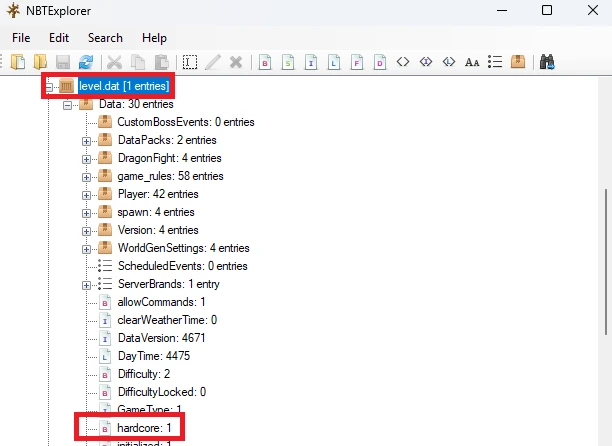
Open the level.dat file. If you’re on a server host, download it to your PC first.
-
Locate the
hardcoretag and set its value to1. -
Save the file and close NBTExplorer.
-
If using a server host, re-upload
level.datand replace the old file. -
Restart your server.
Your world will now run in hardcore mode — one life, no second chances.