







What Is The Gibs Command In Rust
Learn what the Gibs command is in Rust, along with other settings you can toggle to reduce violence.
Rust’s gibs system controls the debris chunks that scatter across the ground whenever something gets destroyed, whether that’s a wall blown apart by C4, a Bradley APC reduced to wreckage, a patrol helicopter shot out of the sky, or a player killed in combat. The setting that governs this is a single console command, effects.maxgibs, and understanding what it actually does matters whether you’re chasing frames in a firefight, trying to keep your game smooth during a big raid, or just curious what that slider in the options menu is for.
What Gibs Actually Are in Rust
“Gibs” is Rust’s general term for the physics-enabled debris objects that spawn when something in the world is destroyed. This covers a lot more ground than most players expect. Blow up a stone wall and chunks of it tumble away as gibs. Down a patrol helicopter or a Bradley APC and the wreckage that scatters across the ground, including the parts you can later loot for scrap, are gibs too. Demolish a large base in one go with admin tools or a wipe, and every piece of that base that breaks apart generates its own debris object. Player deaths can produce gibs as well, but they’re one source among several, not the defining use case.
This matters because a lot of guides online frame gibs purely as gore, dismembered limbs and blood spray tied to a violence setting. That’s a narrower and less accurate picture than what the system actually does. The real complaints from players and server admins about gibs, the ones that show up in plugin reviews and settings guides, are almost always about destruction debris during raids and vehicle kills, not about corpses specifically. One plugin developer’s review of a debris-suppression tool put it plainly: gibs become “obnoxious” specifically “when a large base is destroyed all at once,” which is a structural collapse scenario, not a combat gore scenario.
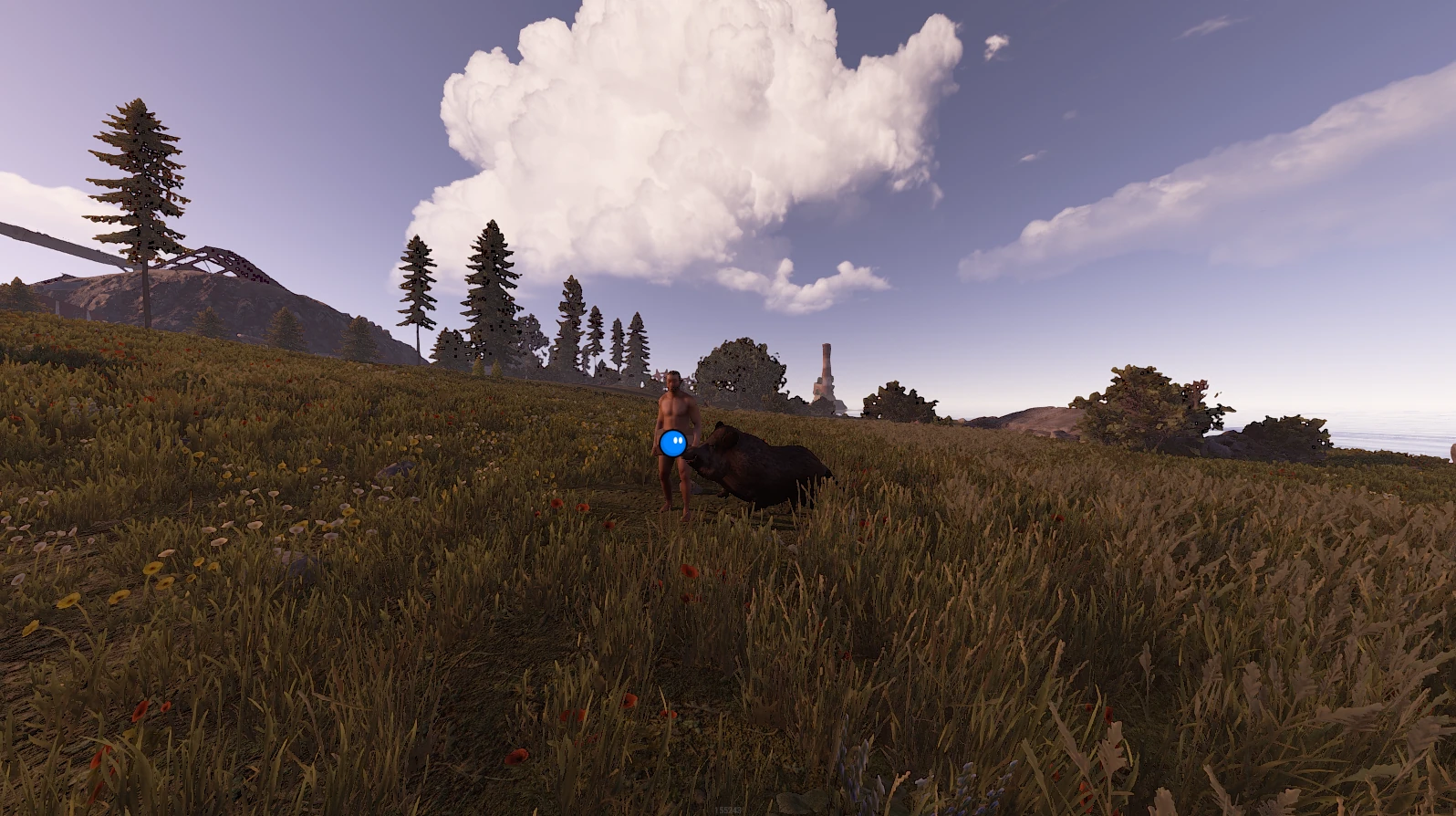
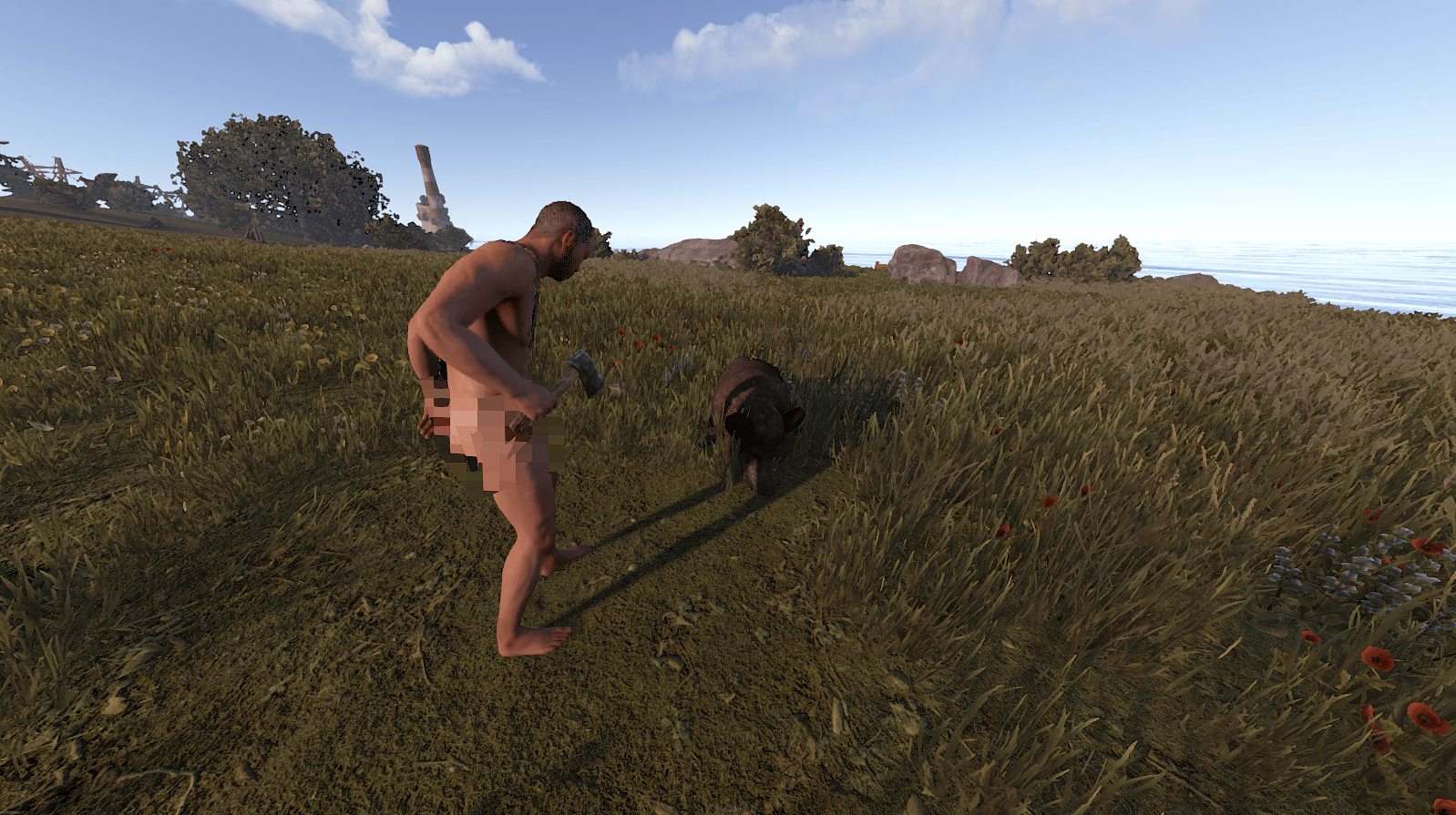
Rust does still darken your screen with blood and does still allow nudity to display on player models, and both of those are separately toggleable in the options menu. But they’re handled by their own settings, distinct from the gibs system, and conflating the two leads to confusion about what each control actually changes.
Technical Behavior: Gibs vs. Ragdolls
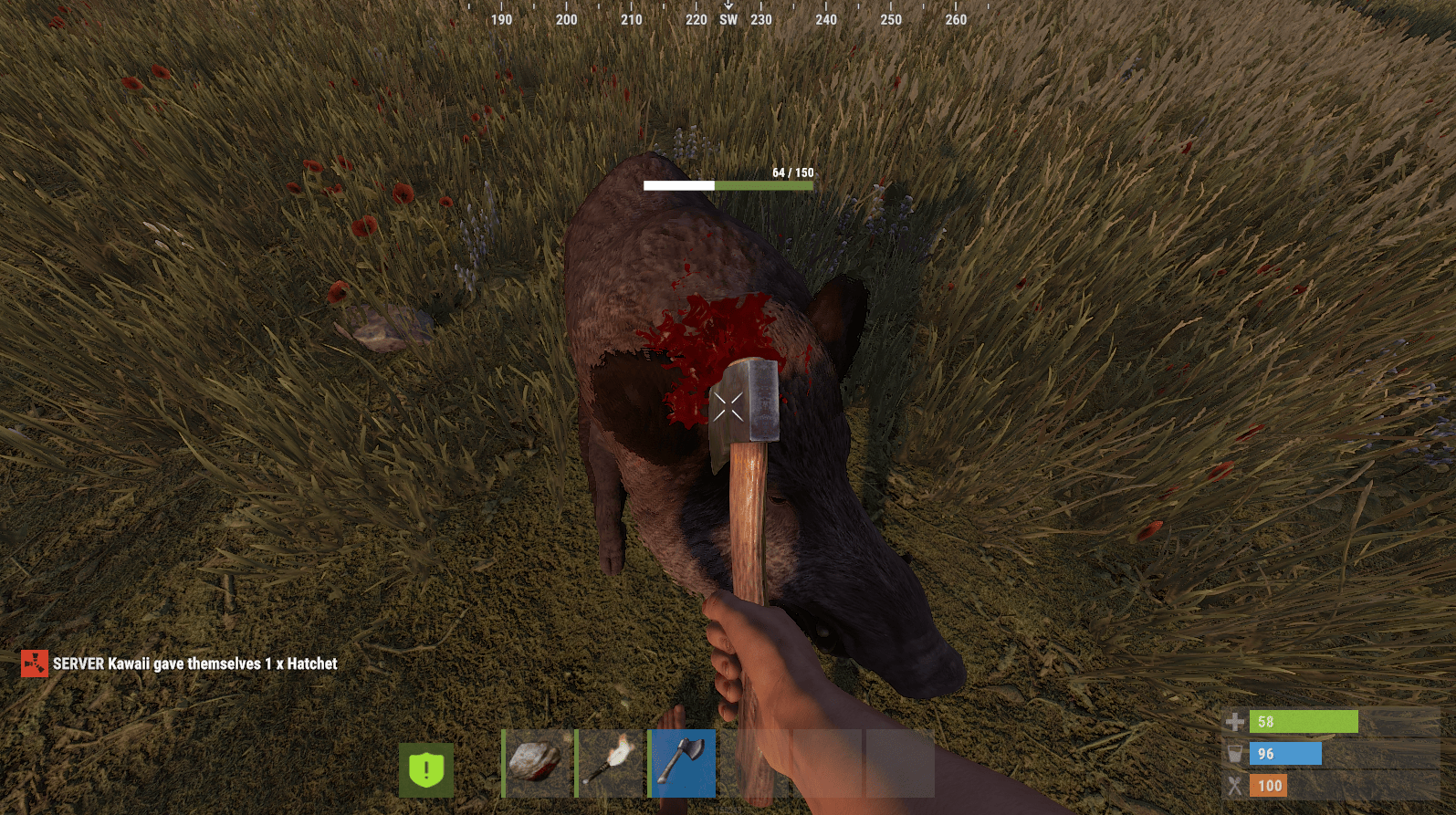
A gib in Rust is a temporary, physics-enabled object spawned when an entity, whether that’s a building piece, a vehicle, a deployable, or a body, takes destroying damage. Each one gets its own mesh and collision so it can tumble and settle realistically, and each one eventually despawns after some time to keep the world from filling up with permanent clutter.
This is a different system from ragdolls. A ragdoll is the intact body (or structure) collapsing under physics as a single object. Gibs are the separated pieces that result from something being blown apart rather than simply falling over. In a firefight, a body dropping to the ground from gunfire is largely a ragdoll event. An explosive kill or a demolished structure produces gibs on top of or instead of that.
The Real Control: effects.maxgibs
The setting that actually governs this system is effects.maxgibs, found in the options menu under the performance or graphics settings, and adjustable directly through the console as well. It’s a numeric value, not a simple on-off toggle, and it sets the maximum number of gib objects that are allowed to exist in the game world at once. The default value has actually been lowered by Facepunch over time. It originally sat at 10,000 in the options menu’s higher-end presets, and a past patch reduced that default to 2,000, specifically as a performance adjustment.
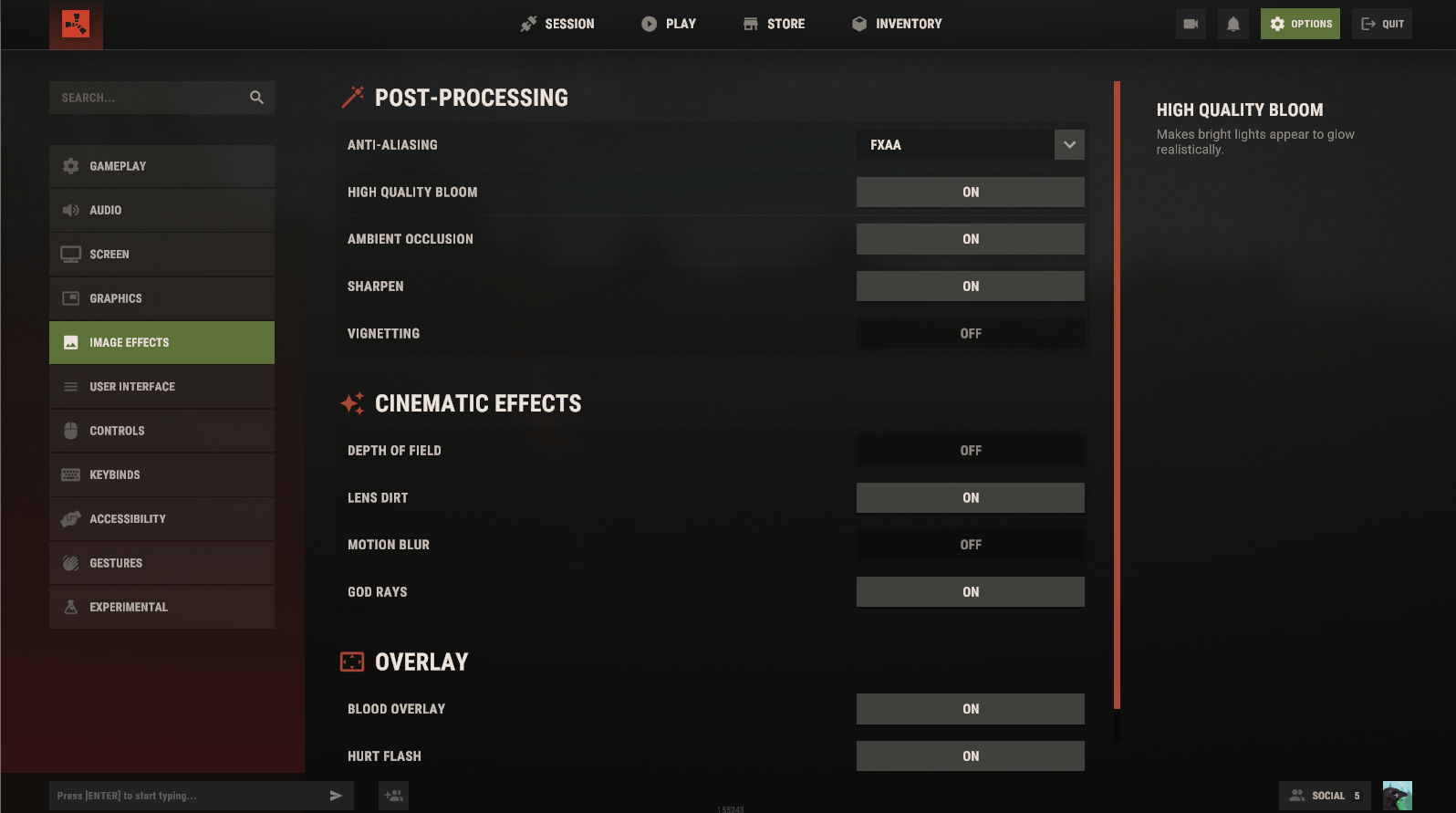
To change it, open the console with F1 and type effects.maxgibs followed by a number between 0 and 10,000. Setting it to 0 effectively disables gibs, since the game is no longer allowed to spawn any. Anything above that raises the ceiling on how much debris can exist simultaneously before older pieces start getting cleared to make room for new ones. You can also just drag the corresponding slider in the options menu if you’d rather not touch the console at all.
This is a purely client-side setting. It controls what your own game renders and simulates locally. I found no evidence that Rust servers can force this value onto connected players the way some games enforce graphics settings server-side. Each player’s effects.maxgibs value is theirs to set, and it stays in their local configuration regardless of which server they join.
Gibs and Performance
The performance case for lowering this setting is real and well documented. During heavy destruction, a large base wipe, a Bradley or helicopter kill, or a chaotic multi-kill fight, the game can spawn a large number of debris objects in a short window. Each one carries its own mesh, collision, and often an associated particle effect, and the GPU and CPU both have to keep up with rendering and simulating all of it at once. Community settings guides specifically flag this as a place where competitive players lose frames, and note that toppling a large base with explosives is one of the more demanding moments for this system.
The frame drops tend to show up as sudden hitches rather than a steady decline, since the load spikes exactly when a lot of destruction resolves at the same instant rather than building up gradually. Lowering effects.maxgibs, or setting it to 0 outright, is a common recommendation specifically for players who prioritize a stable frame rate during exactly those chaotic moments, since a stutter at the wrong second in a gunfight is often worse than losing a bit of visual detail permanently.
Competitive and performance-focused players commonly reduce this setting alongside other similar options like particle density, shadow quality, and object draw distance, since all of them scale with how much visual detail the game tries to render during intensive combat or destruction events. None of these are unique to gibs specifically, but they compound with it, and players chasing maximum stable framerate typically turn down several of them together rather than just one.
Blood, Nudity, and Other Separate Toggles
It’s worth being clear that gibs and gore are not quite the same system in Rust, even though they’re related in spirit. Rust’s own store page notes that in-game nudity, blood, player-made signs, voice chat, and text chat can each be disabled independently from the options menu. These are separate toggles from effects.maxgibs, controlling whether blood decals and nudity textures render at all, rather than how much destruction debris the game allows to exist.
I couldn’t confirm the existence of a tiered “Violence Filter” with distinct Low, Medium, and High settings gating gibs specifically, and would treat any guide claiming a specific console variable name for that kind of system with some skepticism unless you can verify it yourself with the find command in the F1 console. Rust’s actual convar list changes across updates, and the most reliable way to check what exists in your current version is to type find gib, find blood, or find violence directly into the console and see what comes back, rather than trusting a fixed list from an older guide.
Server-Side Options for Admins
Because effects.maxgibs is a client-side setting, server admins running a vanilla install don’t have a built-in way to force it on connected players. What server owners can do instead is install community plugins built for exactly this purpose. A plugin called “No Gibs,” available through community modding platforms, lets admins suppress debris creation specifically from admin actions like remove or entity-kill commands, and from natural decay, demolition, or structural collapse. Reviews of the plugin specifically praise it for helping local frame rate when a large base is destroyed all at once or when many entities get cleared through admin tools, which lines up with the same performance concern individual players face with the base game’s own gib settings.
Separately, plugins built around helicopter and Bradley behavior sometimes include their own gib-related options, such as adjusting how long destroyed vehicle wreckage stays harvestable before despawning, or the health of the resulting debris pieces that players can salvage scrap from. These are plugin-specific settings tied to whichever mod a server happens to be running, not native Rust convars, so their exact names and defaults vary depending on which plugin a given server has installed.
For admins who want to reduce visual clutter and improve performance for everyone on their server without relying on a plugin, the more reliable native lever is reducing the overall scale of destruction events themselves (limiting how many helicopters or Bradleys can be active at once, for instance) rather than trying to force a client-side rendering setting that Rust doesn’t appear to expose for server-wide enforcement.
Related Settings Worth Knowing
A handful of other graphics settings interact with the same kind of load that gibs create, even though they’re separate convars. Particle quality affects how dense blood spray and explosion effects render. Shadow quality determines whether debris objects cast shadows, which adds a small but real rendering cost per object. Draw distance controls how far away gibs and other detailed objects render at full fidelity rather than being culled or simplified. Lowering these together with effects.maxgibs tends to produce a more noticeable performance gain than adjusting any single one of them in isolation, particularly for players on older or lower-end hardware who feel the impact of a chaotic fight or a base wipe most acutely.
Since Facepunch doesn’t maintain a fixed, permanent list of every console variable and their names do occasionally change or get deprecated across updates, the find command remains the most dependable way to confirm what’s actually available in whatever version of Rust you’re currently running, rather than relying purely on a guide that may be describing an older build.
Bringing It Together
Gibs in Rust are best understood as the game’s general system for destruction debris, covering everything from blown-apart walls to downed helicopters to the aftermath of a firefight, rather than a system built purely around gore. The setting that actually governs it, effects.maxgibs, is a numeric cap on how many of these physics objects can exist at once, adjustable through the options menu or directly via console, and set to 0 it removes the debris entirely. It’s a client-side choice each player makes for themselves, most often in the interest of a steadier frame rate during the exact moments when a fight or a raid gets the most chaotic, and it sits alongside separate, unrelated toggles for blood and nudity that control Rust’s gore presentation more directly. Whether you’re trying to squeeze out extra frames during a base wipe or just want a clearer picture of what that slider in your settings menu actually controls, effects.maxgibs is the command that matters, and checking it yourself with the console’s find tool is the most reliable way to confirm it still works the way this guide describes by the time you read it.
Was this article helpful?
Thanks for the feedback!