How to See at Night in Rust
Learn how to see at night in Rust and the best settings you can change right now to make the nighttime in Rust your territory.
Few parts of Rust change the pace of the game as dramatically as nightfall, and if you’re wondering how to see at night in Rust, the answer is to combine artificial light sources, such as torches, mining helmets, weapon flashlights, campfires, and electric lighting, with smart brightness and monitor adjustments. A landscape that felt open and familiar during the day can become difficult to navigate within minutes. Landmarks disappear into darkness, players become harder to spot, and even experienced survivors can lose their bearings.
For new players, nighttime often feels frustrating. For experienced players, however, darkness is simply another mechanic to learn. Knowing when to use light, how to tune brightness and graphics settings, and when to stay hidden instead of pushing a fight can make a significant difference in survival, travel, and combat.
This guide is for Rust players at any skill level, along with server owners managing nighttime gameplay. It explains how nighttime visibility works in Rust, how weather affects what you can see, which items and base-defense setups provide reliable light, what mistakes reduce visibility, and how to troubleshoot common nighttime problems so you can move, fight, and defend more effectively after dark.
How Night Works in Rust
Rust uses a dynamic day and night cycle that affects every player on the server. Unlike many survival games, nighttime is intentionally dark. The developers designed it this way to encourage different styles of gameplay rather than allowing players to treat the game exactly the same regardless of the time of day.
During the night cycle, natural light is primarily provided by the moon and stars. Depending on the weather and your surroundings, visibility can vary considerably. Open fields under a clear sky are often much easier to see than forests, valleys, or dense monument interiors.
The darkness affects everyone equally. There is no hidden client setting or official feature that allows players to ignore nighttime altogether.
Understanding this design philosophy is important because many old guides still recommend tricks that no longer work or describe features that have been removed from the game.
Monitor Settings Matter More Than Many Players Realize
Many visibility problems are actually caused by monitor settings rather than the game itself.
If your display is overly dark, nighttime in Rust can become much harder than intended.
Before changing anything inside the game, check your monitor’s built-in menu.
Common settings worth reviewing include:
-
Brightness
-
Contrast
-
Black Equalizer (available on many gaming monitors)
-
Shadow Control
-
HDR settings
-
Local Dimming
Many gaming monitors include features specifically designed to improve visibility in darker scenes. Manufacturers use different names, but they all work toward a similar goal by making shadow detail easier to distinguish.
Be careful not to overdo these adjustments. Increasing shadow detail too aggressively often causes gray-looking blacks and reduces overall image quality.
Graphics Driver Settings
Your graphics driver can also influence how Rust appears on your display.
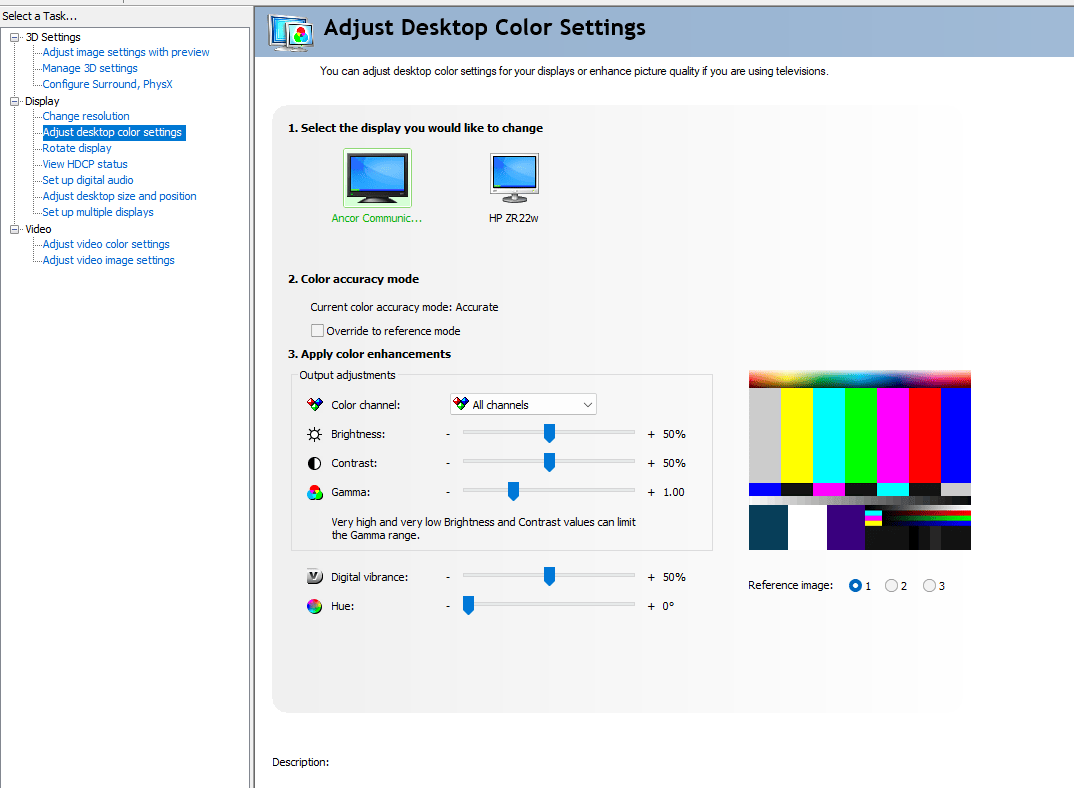
For NVIDIA users, desktop color settings allow adjustments such as:
-
Gamma
-
Brightness
-
Contrast
-
Digital Vibrance
AMD Radeon Software provides similar controls.
Intel Graphics Command Center also includes display adjustments on supported hardware.
These settings affect your entire desktop rather than only Rust, so make small changes and verify that other applications still appear normal.
Modern versions of Rust intentionally limit how much advantage these adjustments provide. While they may improve comfort slightly depending on your monitor, they will not suddenly make midnight look like daylight.
Why Old Gamma Exploits No Longer Work
If you’ve watched older Rust videos or read forum posts from several years ago, you’ve probably seen players recommend setting gamma extremely high.
Those methods largely stopped working after multiple lighting updates.
Earlier versions of Rust allowed players to gain a substantial visibility advantage through monitor gamma or graphics driver settings. Today, the game’s lighting pipeline is significantly more resistant to those tricks.
Some players still claim they have “secret settings” that completely remove darkness.
In reality, most of those claims fall into one of three categories:
-
Outdated information.
-
Edited video footage.
-
Monitor-specific adjustments that provide only a modest improvement.
There is no official graphics setting that completely removes nighttime darkness.
Artificial Light Sources
The most reliable way to improve visibility is to use actual light sources.
Rust offers several options, each with different strengths and weaknesses.
Torch
The torch is usually the first light source available to new players.
Advantages:
-
Extremely cheap
-
Crafted early
-
Good for navigation
-
Useful while gathering resources
Disadvantages:
-
Reveals your position
-
Limited visibility distance
-
Cannot be used effectively during many combat situations
Although the torch attracts attention, it is often better than wandering blindly through unfamiliar terrain.
Mining Helmet
The Mining Helmet remains one of the most practical lighting options in Rust.
Instead of occupying your hands, it provides a forward-facing light while allowing you to continue gathering resources or defending yourself.
This makes it particularly useful for:
-
Mining trips
-
Cave exploration
-
Monument runs
-
Night farming
Because the light points where you’re looking, visibility feels much more natural than carrying a torch.
Remember that other players can also see your light.
Weapon Flashlights
Many firearms can be equipped with a Weapon Flashlight attachment.
These provide excellent visibility during combat but introduce an obvious tradeoff.
Turning on the flashlight makes aiming easier in darkness while simultaneously advertising your location to everyone nearby.
Experienced players often flash the light only briefly to identify targets before switching it off again.
Leaving it on continuously can make you an easy target.
Campfires
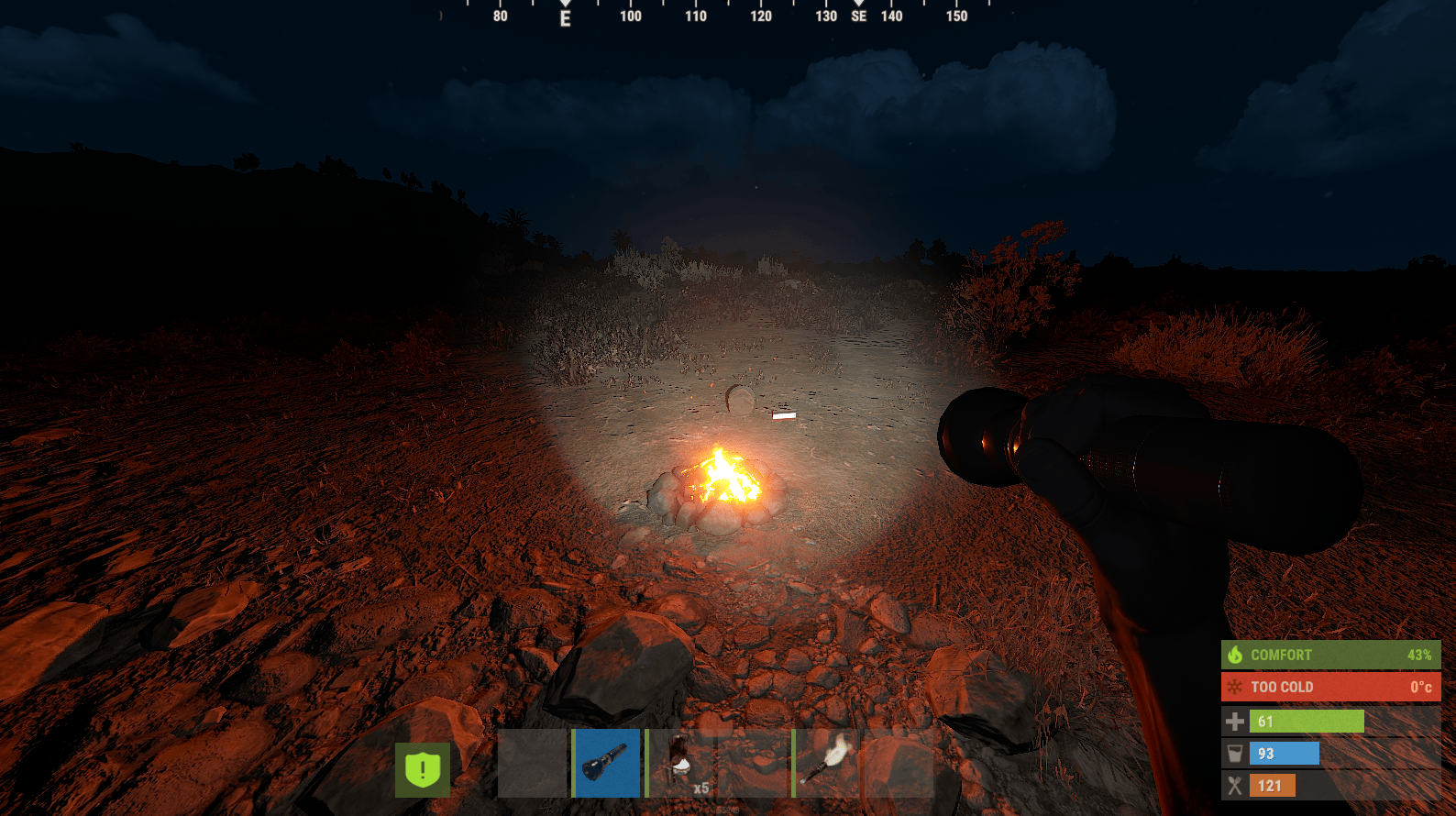
Campfires provide reliable area lighting around your base or temporary campsite.
They are particularly useful during:
-
Cooking food
-
Organizing inventory
-
Waiting out dangerous nights
However, a campfire’s glow can be seen from considerable distances.
If you’re trying to remain hidden, lighting a fire may not be the safest choice.
Lanterns and Electric Lighting
As your base develops, electric lighting becomes far more practical.
Items such as:
-
Ceiling Lights
-
Tuna Can Lamps
-
Industrial Lights
-
Search Lights
allow players to illuminate rooms without relying on temporary handheld light sources.
Electrical lighting is especially valuable for:
-
Large compounds
-
Workshops
-
Garages
-
Indoor farms
-
Storage rooms
A properly lit base is both easier to navigate and safer during nighttime raids.
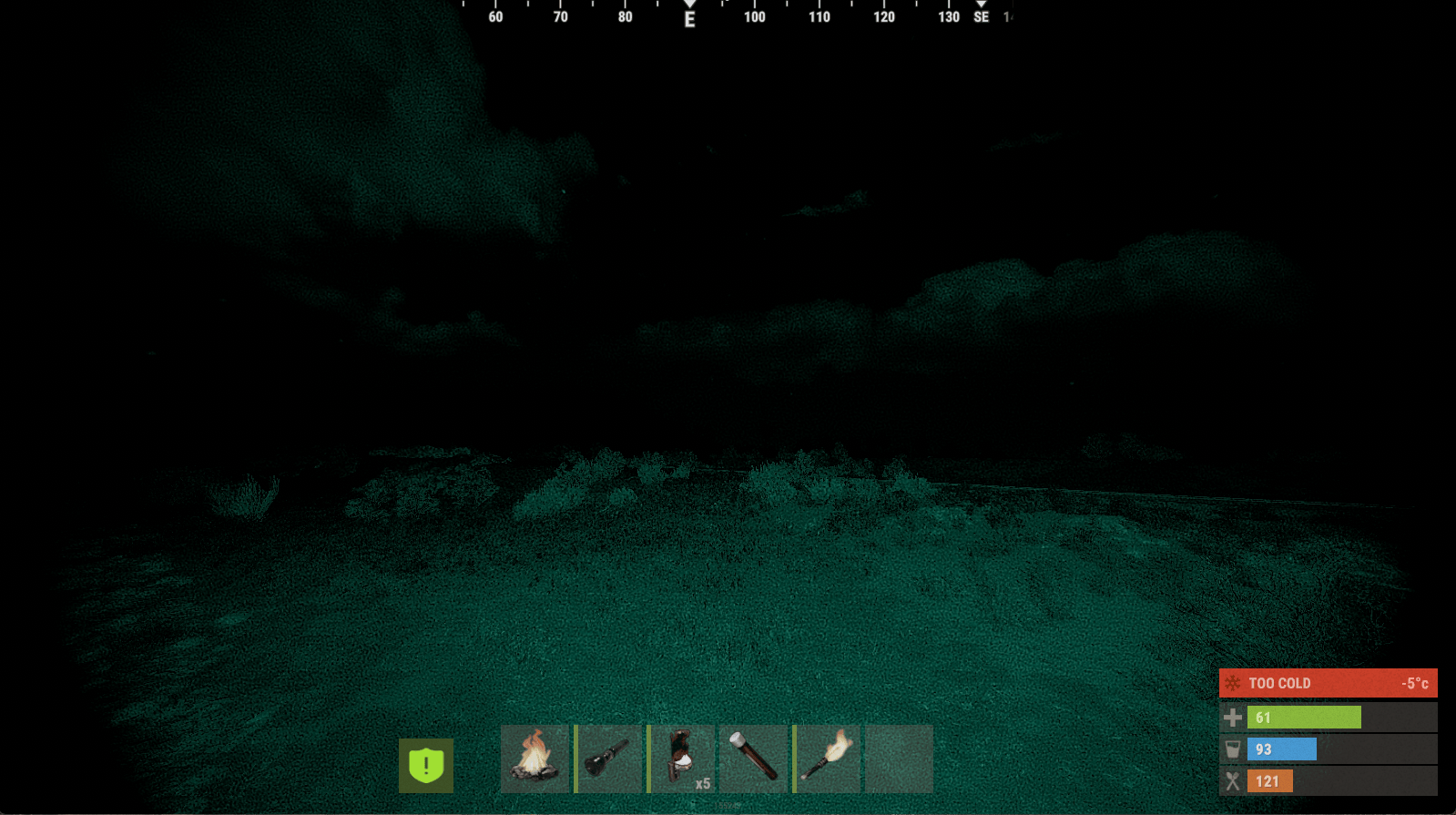
Should You Travel at Night Time?
The answer depends entirely on your objective.
Sometimes nighttime offers advantages.
Other times it significantly increases risk.
Good Times to Travel
Night can be useful when:
-
Sneaking across open terrain
-
Returning from a monument
-
Avoiding heavily populated roads
-
Moving valuable loot quietly
Reduced visibility makes it harder for distant players to identify movement.
Bad Times to Travel
Night becomes much more dangerous when:
-
You’re unfamiliar with the map.
-
You need to cross cliffs.
-
You’re carrying explosive raid equipment.
-
You’re looking for specific resource nodes.
-
You’re playing on a highly populated server.
Navigation mistakes become far more common after dark.
Farming Resources at Night
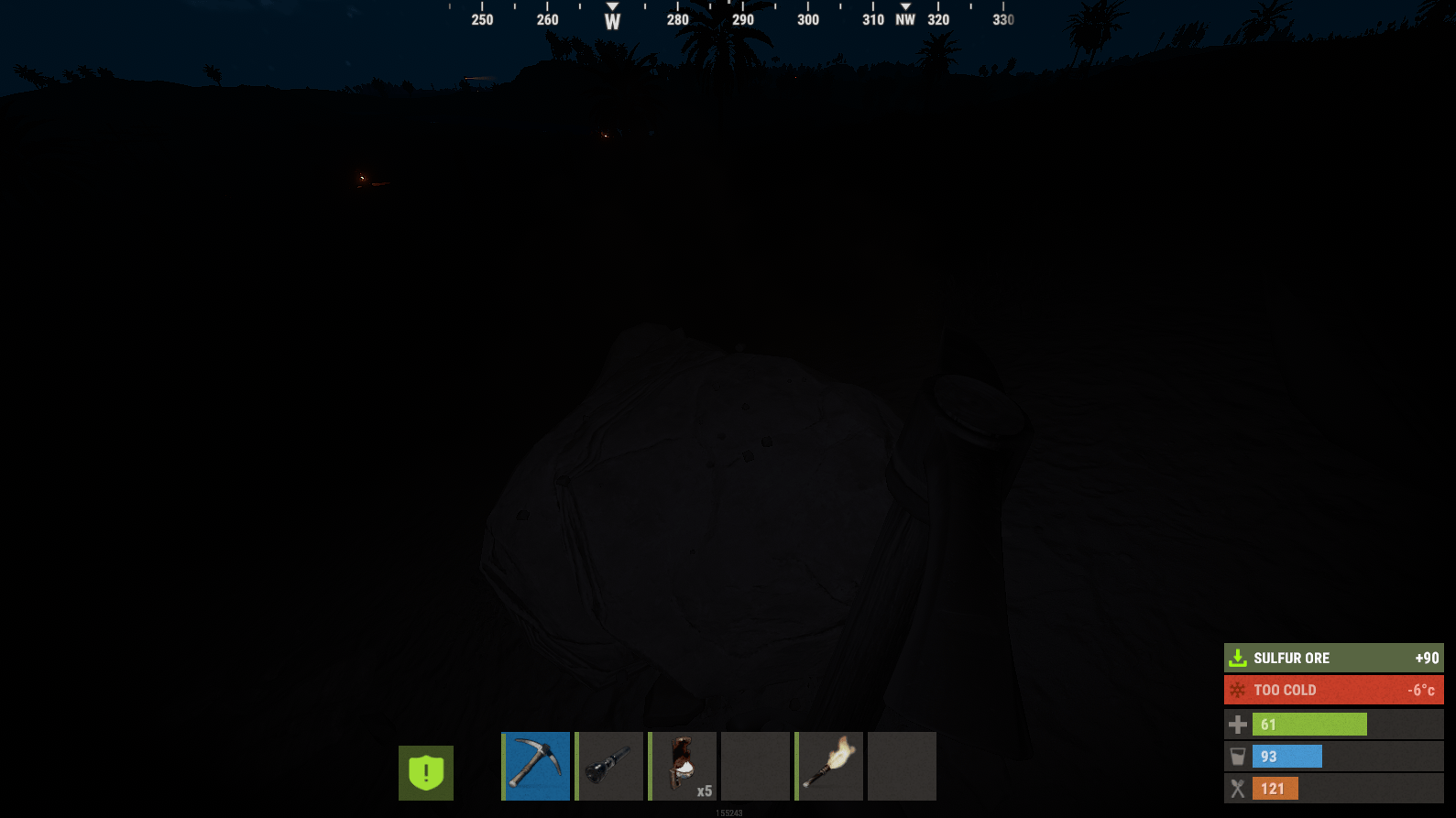
Resource gathering doesn’t stop just because the sun sets.
Many experienced players intentionally gather materials overnight because fewer players are roaming.
To improve efficiency:
Listen carefully for ore node sounds.
Memorize common farming routes during daylight.
Carry medical supplies in case of ambushes.
Bring enough food and water.
Know where your nearest safe shelter is located.
Avoid wandering aimlessly.
Instead, follow planned routes between familiar landmarks.
PvP During Nighttime
Night combat differs dramatically from daytime engagements.
Vision becomes less important than awareness.
Players who rely solely on their eyesight often lose fights they would have won during the day.
Instead, pay attention to:
Footsteps.
Reload sounds.
Doors opening.
Bush movement.
Animals.
Gunfire direction.
Good headphones often provide a larger advantage than any graphics adjustment.
Positioning Becomes Even More Important
Darkness rewards players who control terrain.
High ground generally provides better visibility.
Silhouettes are easier to recognize against the sky than against dense vegetation.
Avoid standing on ridgelines where your own silhouette becomes obvious.
Instead:
Use rocks.
Trees.
Elevation changes.
Natural cover.
Move carefully between shadows without exposing yourself unnecessarily.
Weather Changes Visibility
Weather affects nighttime more than many players realize.
Heavy rain reduces visibility even further.
Fog limits long-distance observation regardless of your graphics settings.
Strong winds can also mask footsteps, allowing nearby players to approach more easily.
Always adapt your strategy to current weather conditions instead of assuming every night behaves the same way.
Common Mistakes Players Make
Constantly Sprinting
Running everywhere creates unnecessary noise.
Walking occasionally allows you to hear approaching players sooner.
Using Lights Continuously
Keeping your flashlight on at all times is one of the easiest ways to reveal your position.
Use light only when needed.
Ignoring Sound
Many players continue relying on vision even after it becomes unreliable.
Night favors careful listening.
Getting Lost
Traveling without recognizable landmarks often leads players in circles.
Learn your surroundings during daylight whenever possible.
Tips for Base Defense at Night
Darkness changes raids just as much as exploration.
Defenders should:
Keep exterior lighting under control.
Avoid creating unnecessary silhouettes.
Use windows carefully.
Listen before opening doors.
Coordinate with teammates.
Electric lighting inside your base helps organization without necessarily exposing the exterior.
Search Lights can illuminate attackers, although they also reveal defensive positions.
Server Owners and Nighttime Gameplay
If you host a Rust server, nighttime settings influence the overall pace of gameplay.
Some communities prefer longer nights that encourage stealth and slower gameplay.
Others shorten nighttime considerably to keep action moving.
Many server owners also install plugins that affect:
Day length.
Night length.
Weather frequency.
Lighting systems.
Quality-of-life improvements.
Before adding any plugin that changes visibility, consider how it affects PvP balance.
Making nights too bright removes much of Rust’s intended atmosphere.
Making them excessively dark can frustrate newer players.
Testing changes with your regular player base usually produces the best results.
Troubleshooting Poor Night Visibility
If Rust appears unusually dark compared to videos or screenshots:
Update your graphics drivers.
Verify your monitor brightness.
Disable unnecessary image filters.
Test fullscreen mode.
Reset your Video settings to their defaults.
Compare results on another monitor if available.
If only Rust appears unusually dark while every other game looks normal, resetting your graphics settings inside the game is often the quickest solution.
Frequently Asked Questions
Can I remove nighttime completely?
Not on official servers. Server owners can customize day and night lengths on their own servers, but standard gameplay includes both.
Is there a hidden night vision setting?
No. Rust does not include a secret night vision mode or console command that lets players ignore darkness.
Does increasing gamma still work?
Only to a limited extent. Modern lighting updates prevent the dramatic visibility improvements that were once possible.
Are monitor settings considered cheating?
Adjusting your monitor’s brightness or contrast is generally treated the same as calibrating any other display. However, third-party software designed to bypass game mechanics or violate server rules may result in penalties depending on the server.
Should I always use a flashlight?
No. Flashlights improve visibility but also make it much easier for other players to locate you.
Final Thoughts
Nighttime in Rust is designed to force players to adapt. Instead of relying on a hidden graphics trick or an outdated gamma exploit, success comes from combining good preparation with smart decision-making.
A properly calibrated monitor, sensible video settings, and appropriate lighting equipment will make the game more comfortable without undermining its intended challenge. More importantly, developing good habits such as navigating familiar routes, using cover effectively, listening for nearby movement, and choosing when to reveal your position will consistently improve your survival rate.
If you’re running your own Rust server, remember that nighttime settings influence far more than visibility. They shape exploration, PvP, raiding, and the overall pace of gameplay. Finding the right balance between challenge and accessibility helps create an experience your community will enjoy over the long term.
Darkness is one of Rust’s defining mechanics. Learning to work with it instead of fighting against it is what separates experienced survivors from players who spend every night waiting for sunrise.
Was this article helpful?
Thanks for the feedback!