If you’re looking up how to crash a Rust server, what you actually need is to understand what causes crashes and how to prevent them. Most server failures come from the same handful of issues: running out of resources, broken plugins, corrupted files, or network abuse. Fix those, and your server stays smooth, your players stay happy, and your content keeps running.
Want a host built to handle crashes gracefully? Physgun’s Rust server hosting includes automatic restart watchdogs and scheduled restarts so a crash turns into a brief hiccup instead of a full outage.
This guide breaks down the real causes of crashes and how to harden your Rust server setup on any machine.
What Actually Crashes a Rust Server?
1. Resource Exhaustion (CPU and RAM)
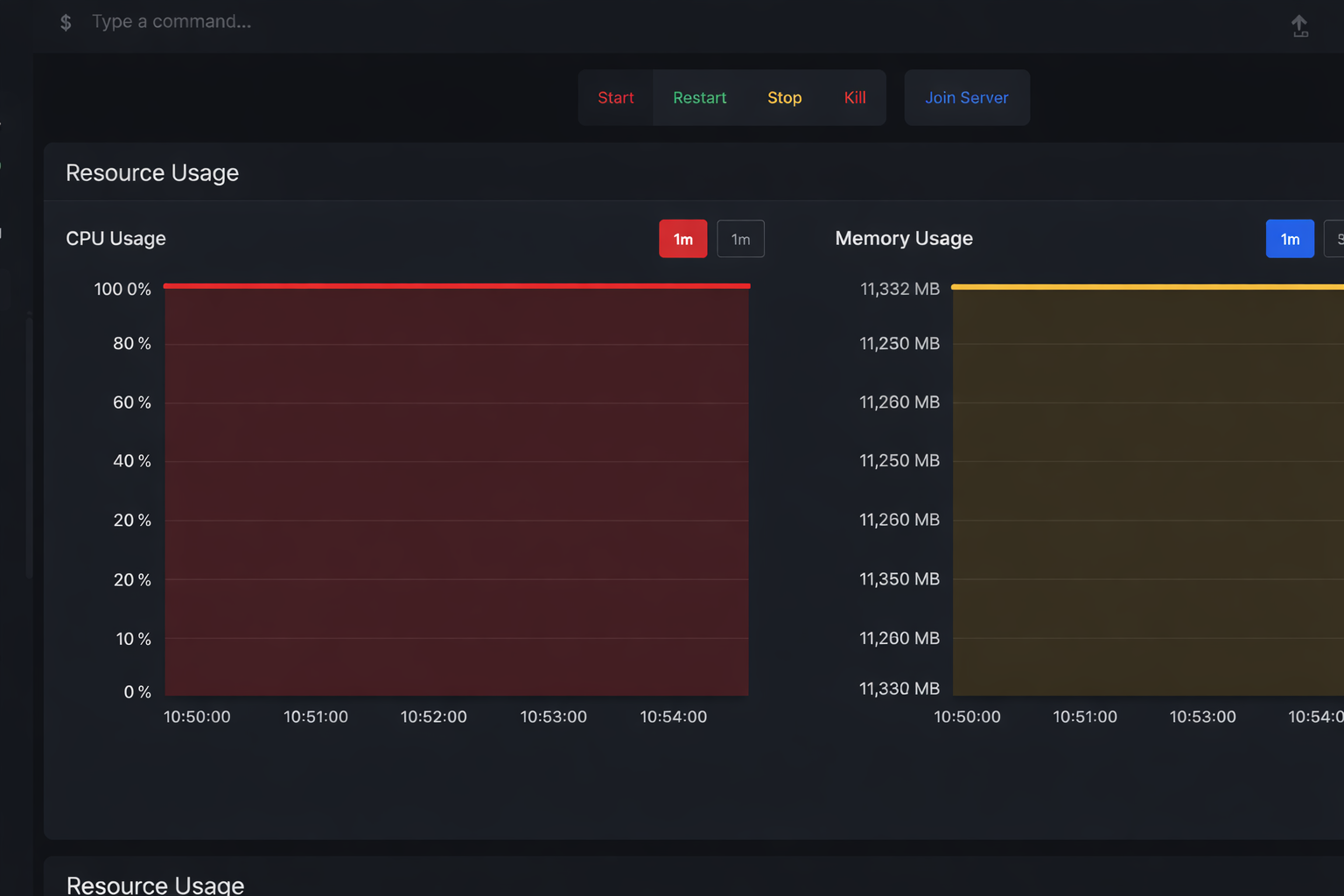
The number one cause of crashes is simple: the server runs out of horsepower.
Common triggers:
-
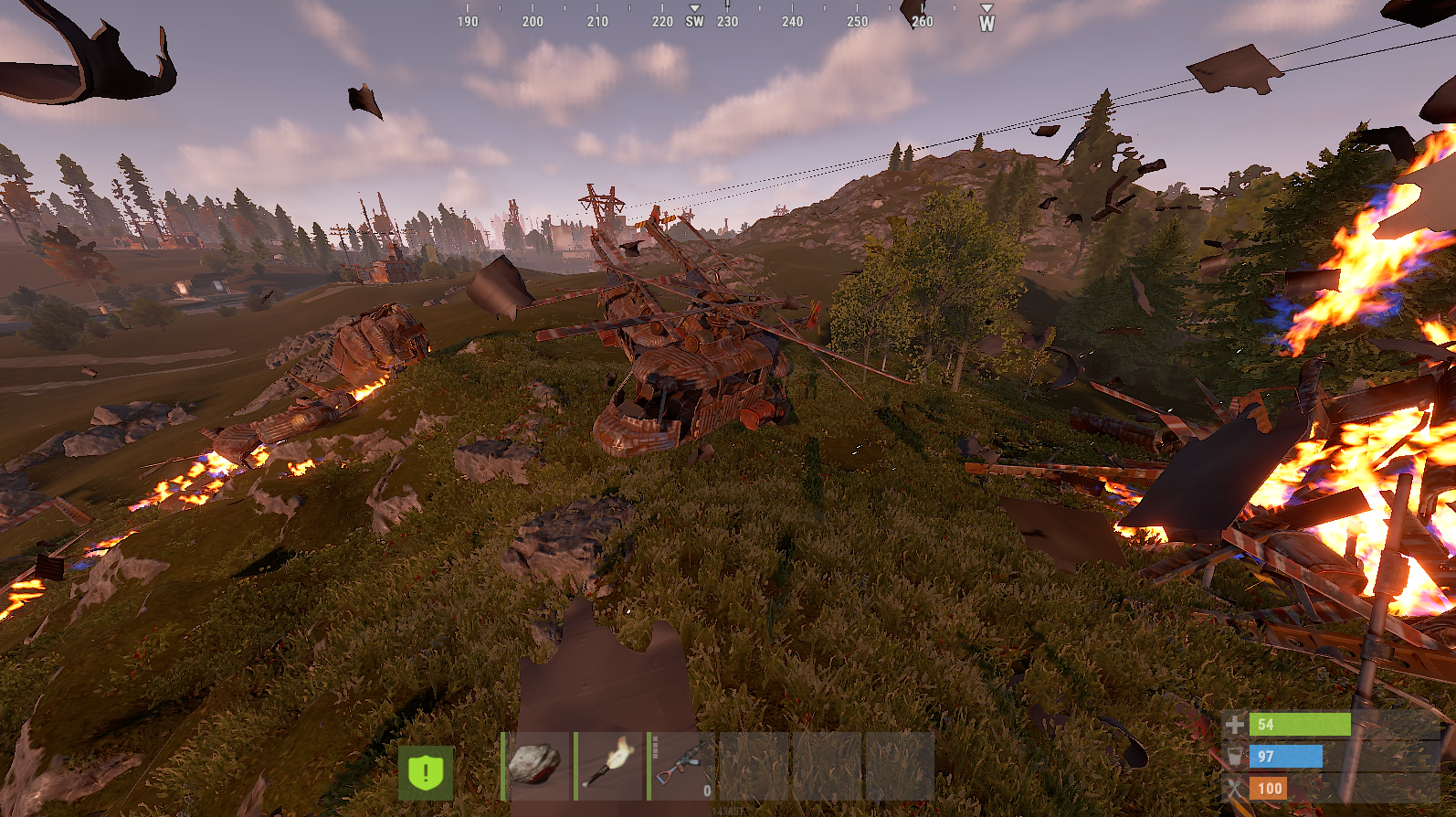
Huge player-built bases with thousands of entities
-
Massive item drops and physics objects
-
Too many active AI calculations
-
High player counts on underpowered hardware
Warning signs:
-
Tick rate starts falling
-
Hit registration feels delayed
-
Players are rubber-banding
-
The server suddenly panics when memory hits its cap
How to fix it:
-
Monitor CPU and RAM through RCON or your hosting panel
-
Set entity limits and faster decay for large builds
-
Schedule regular restarts to clear memory buildup
2. Faulty or Outdated Plugins
Plugins are one of the biggest stability risks. A single bad plugin can leak memory or hard-crash the server.
Typical issues:
-
Plugins not updated after a Rust patch
-
Poor error handling or unsafe patterns
-
Infinite loops or uncontrolled allocations
How to fix it:
-
Keep every plugin up to date
-
Remove anything you’re not actively using
-
Test new plugins on a staging server first
-
Replace plugins that spam logs or constantly grow memory usage
3. Corrupt Game Files
Corrupted data will usually crash the server during startup or world load.
How to fix it:
-
Validate server files with SteamCMD
-
Restore from backups if a save becomes damaged
-
Keep rolling backups before every wipe
4. Network Flooding and DoS
Too many requests from a single source can stall your server even if your hardware is fine.
Protection steps:
-
Add rate limiting to your HTTP endpoints
-
Put a reverse proxy like Caddy or Nginx in front for TLS and IP masking
-
Set per-IP connection limits
5. Player-Created Load Spikes
Some in-game behavior can generate extreme load without being an exploit:
-
Massive structure spam
-
Dumping hundreds of physics items at once
-
Vehicle stacking and entity flooding
How to fix it:
-
Limit deployables per player
-
Increase decay rates for oversized bases
-
Cap vehicles and other dynamic entities
Automatic Recovery Systems
Even well-optimized servers will crash occasionally. The goal is fast recovery.
Use:
-
An external watchdog to restart the server after a panic
-
Scheduled restarts to clear accumulated memory
-
Automated backups for world recovery
This turns a crash into a short hiccup instead of a full outage.
Monitoring Tools You Should Always Run
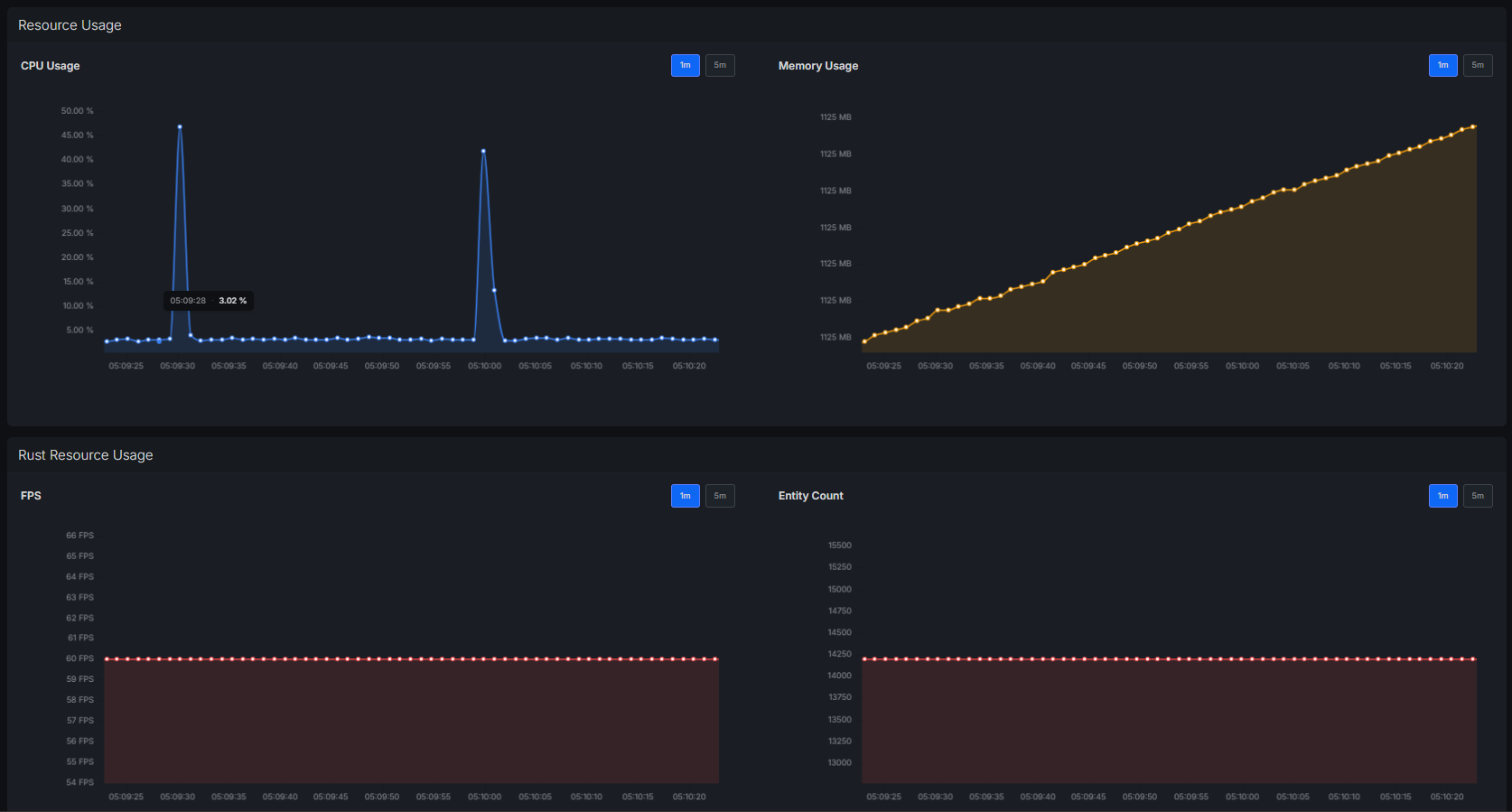
If you’re not watching your metrics, you’re guessing.
Track continuously:
-
CPU usage
-
RAM usage
-
Tick rate
-
Entity count
-
Network throughput
Tools to use:
-
RCON, your hosting panel, or utilities like RustAdmin for live stats
-
System-level monitoring on your host machine
-
Alerts when memory approaches critical levels
Rust Server Stability Checklist
Keep it simple and you’ll avoid most crashes:
-
Update Rust and your plugins
-
Verify server files with SteamCMD
-
Set limits on bases, deployables, and vehicles
-
Watch your CPU and RAM usage
-
Restart the server on a schedule
-
Keep automatic backups before wipes
-
Remove plugins you don’t actually use
Now you know how to keep your Rust server from crashing!