Both hosts cover the Rust basics. Here's where the difference shows up
On paper the two overlap more than they differ. One-click Oxide and Carbon, scheduled wipes, DDoS protection: both hosts do those, and for plenty of servers that genuinely is the whole job. The gap is narrower than most comparison pages pretend, and it opens in specific moments rather than across the board.
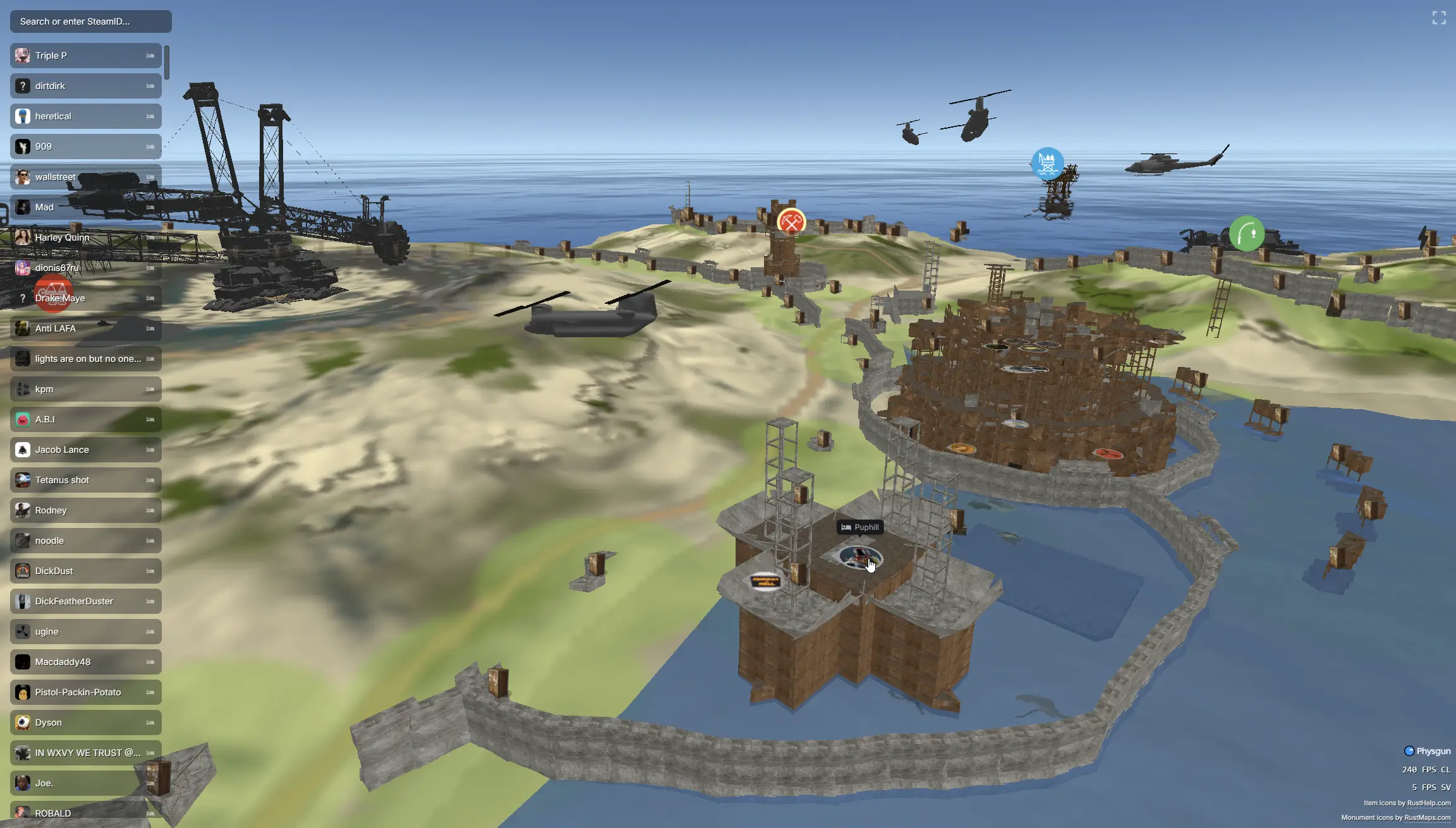
Force-wipe Thursday is the clearest one. Population spikes, a Rust update has just broken half your plugin list, and server FPS is the difference between a full server on Friday and an empty one. Physgun's per-function tick profiler shows which plugin or function is actually eating the frame budget, so you fix the cause instead of pulling plugins until it stops. Rust God Tools puts a live map and player manager in the browser, so you can watch a raid play out and act on it while it's happening. And VS Code with SSH in the panel means a broken config is an edit, not a re-upload. All three are built in-house, and they exist for exactly that night. The gap between Pine's entry price and Physgun's 9950X Starter is about five dollars a month, and Physgun's Micro plan comes in under Pine entirely.
Moving a server from Pine Hosting to Physgun
Migration is rarely the blocker people expect. Physgun has a one-click importer that moves your Rust server from Pine Hosting to Physgun in just a few clicks, pulling your map, config and plugins across for you. Because Physgun runs the same modding frameworks, your Oxide/uMod and Carbon plugins, their config files, and your server.cfg all carry over directly, and the in-panel VS Code + SSH editor gives you full file access to fine-tune anything afterward. The practical advice: import during a wipe so you're starting a fresh map anyway, and the team can walk through it with you beforehand so your community never sees downtime.