

If you’re looking up how to crash a Rust server, what you actually need is to understand what causes crashes and how to prevent them. Most server failures come from the same handful of issues: running out of resources, broken plugins, corrupted files, or network abuse. Fix those, and your server stays smooth, your players stay happy, and your content keeps running.
This guide breaks down the real causes of crashes and how to harden your Rust server setup on any machine.
What Actually Crashes a Rust Server?
1. Resource Exhaustion (CPU and RAM)
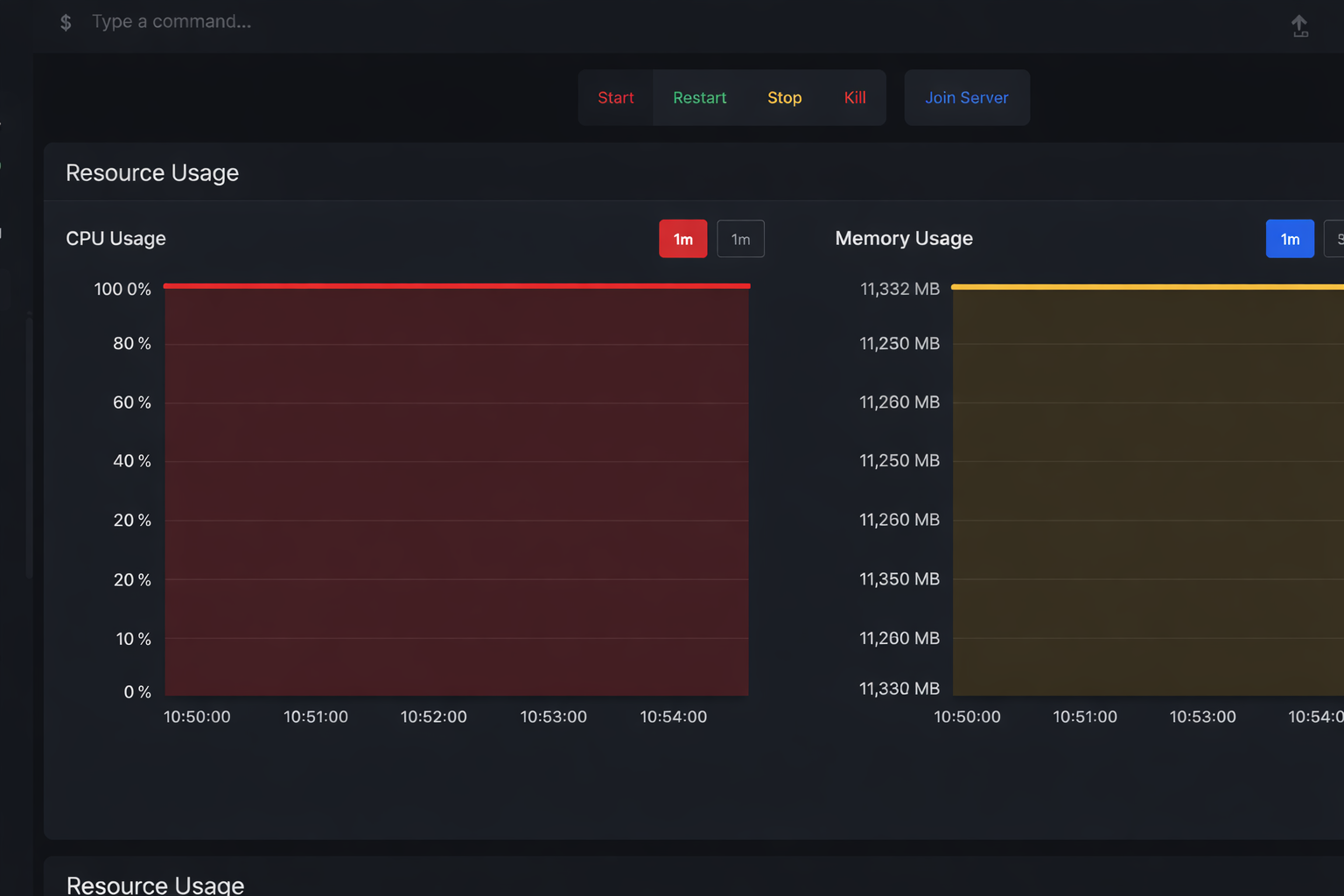
The number one cause of crashes is simple: the server runs out of horsepower.
Common triggers:
-
Huge player-built bases with thousands of entities
-
Massive item drops and physics objects
-
Too many active AI calculations
-
High player counts on underpowered hardware
Warning signs:
-
Tick rate starts falling
-
Hit registration feels delayed
-
Players are rubber-banding
-
The server suddenly panics when memory hits its cap
How to fix it:
-
Monitor CPU and RAM through RCON or your hosting panel
-
Set entity limits and faster decay for large builds
-
Schedule regular restarts to clear memory buildup
2. Faulty or Outdated Plugins
Plugins are one of the biggest stability risks. A single bad plugin can leak memory or hard-crash the server.
Typical issues:
-
Plugins not updated after a Rust patch
-
Poor error handling or unsafe patterns
-
Infinite loops or uncontrolled allocations
How to fix it:
-
Keep every plugin up to date
-
Remove anything you’re not actively using
-
Test new plugins on a staging server first
-
Replace plugins that spam logs or constantly grow memory usage
3. Corrupt Game Files
Corrupted data will usually crash the server during startup or world load.
How to fix it:
-
Validate server files with SteamCMD
-
Restore from backups if a save becomes damaged
-
Keep rolling backups before every wipe
4. Network Flooding and DoS
Too many requests from a single source can stall your server even if your hardware is fine.
Protection steps:
-
Add rate limiting to your HTTP endpoints
-
Put a reverse proxy like Caddy or Nginx in front for TLS and IP masking
-
Set per-IP connection limits
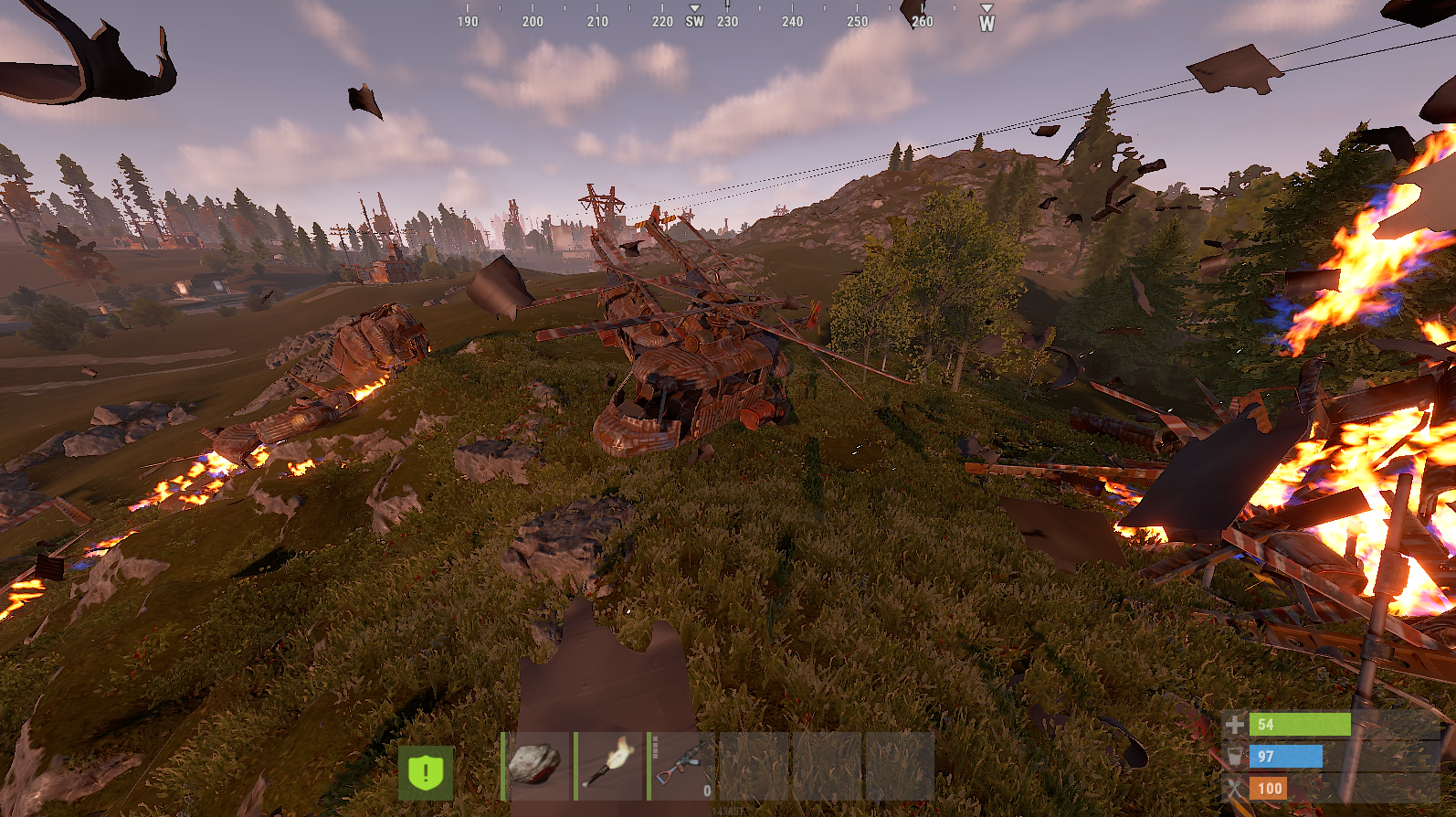
5. Player-Created Load Spikes
Some in-game behavior can generate extreme load without being an exploit:
-
Massive structure spam
-
Dumping hundreds of physics items at once
-
Vehicle stacking and entity flooding
How to fix it:
-
Limit deployables per player
-
Increase decay rates for oversized bases
-
Cap vehicles and other dynamic entities
Automatic Recovery Systems
Even well-optimized servers will crash occasionally. The goal is fast recovery.
Use:
-
An external watchdog to restart the server after a panic
-
Scheduled restarts to clear accumulated memory
-
Automated backups for world recovery
This turns a crash into a short hiccup instead of a full outage.
Monitoring Tools You Should Always Run
If you’re not watching your metrics, you’re guessing.
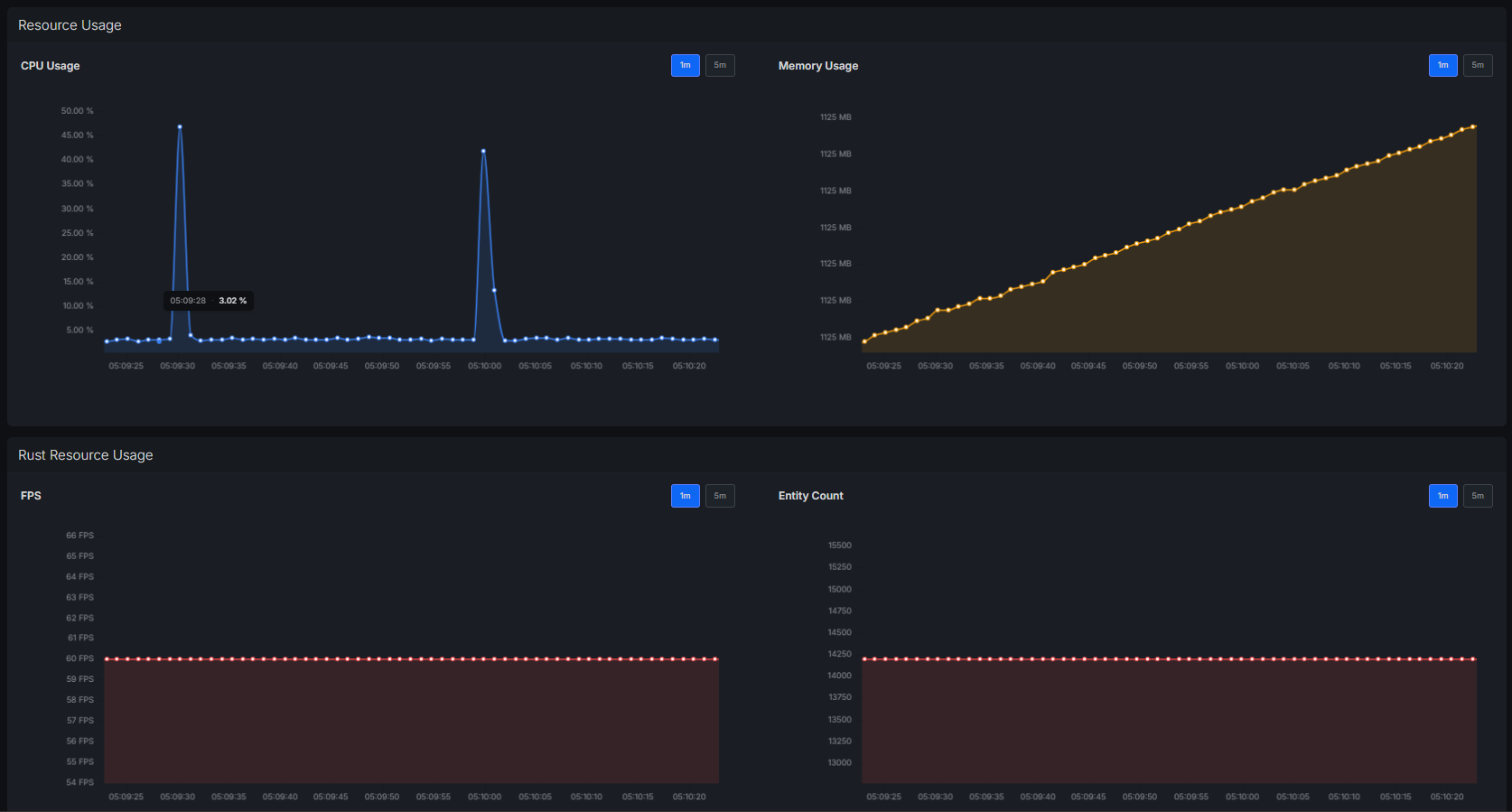
Track continuously:
-
CPU usage
-
RAM usage
-
Tick rate
-
Entity count
-
Network throughput
Tools to use:
-
RCON, your hosting panel, or utilities like RustAdmin for live stats
-
System-level monitoring on your host machine
-
Alerts when memory approaches critical levels
Rust Server Stability Checklist
Keep it simple and you’ll avoid most crashes:
-
Update Rust and your plugins
-
Verify server files with SteamCMD
-
Set limits on bases, deployables, and vehicles
-
Watch your CPU and RAM usage
-
Restart the server on a schedule
-
Keep automatic backups before wipes
-
Remove plugins you don’t actually use
Now you know how to keep your Rust server from crashing!