

If you’re looking to make a Rust server just for yourself, you’re likely looking for full control without random players interrupting your progress. Running a private rust server on Physgun or a VPS lets you enjoy Rust as a true single player experience while still using a powerful dedicated server environment.
With your private server, you can:
-
Create a locked, password-protected Rust solo server
-
Choose your map type, including procedural and barren maps
-
Adjust world size and resources
-
Use console commands to easily customize gameplay
-
Run server updates only when you want
This walkthrough shows how to install, setup, and connect to a local server on your PC so you can play solo with no interruptions.
Making A Solo Server On Rust (Through Physgun)
To make solo server on Rust using Physgun:
Order your server
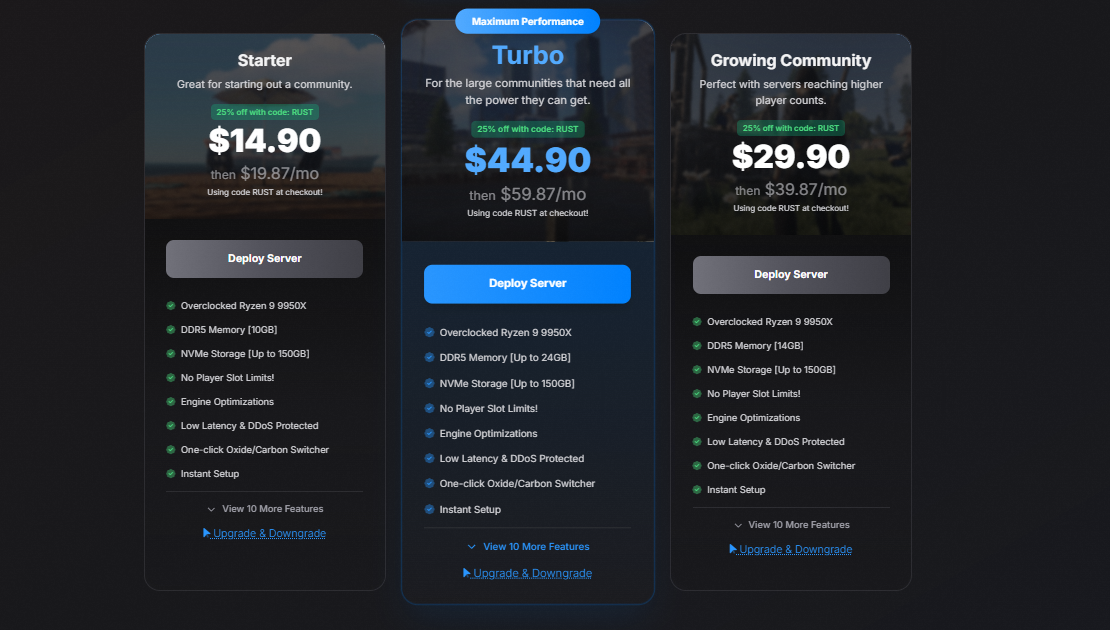
Physgun has a range of options to choose from to accommodate any player size or number of plugins on your server. After checkout, your server will be installed instantly and after initial install, will be ready to use! You can order your server here.
-
Need help? Check out our Rust Server Calculator to find the best fit for you.
Configure your Rust server for single player:
Inside of the Physgun GamePanel, find your Rust server and set it up for single player:
-
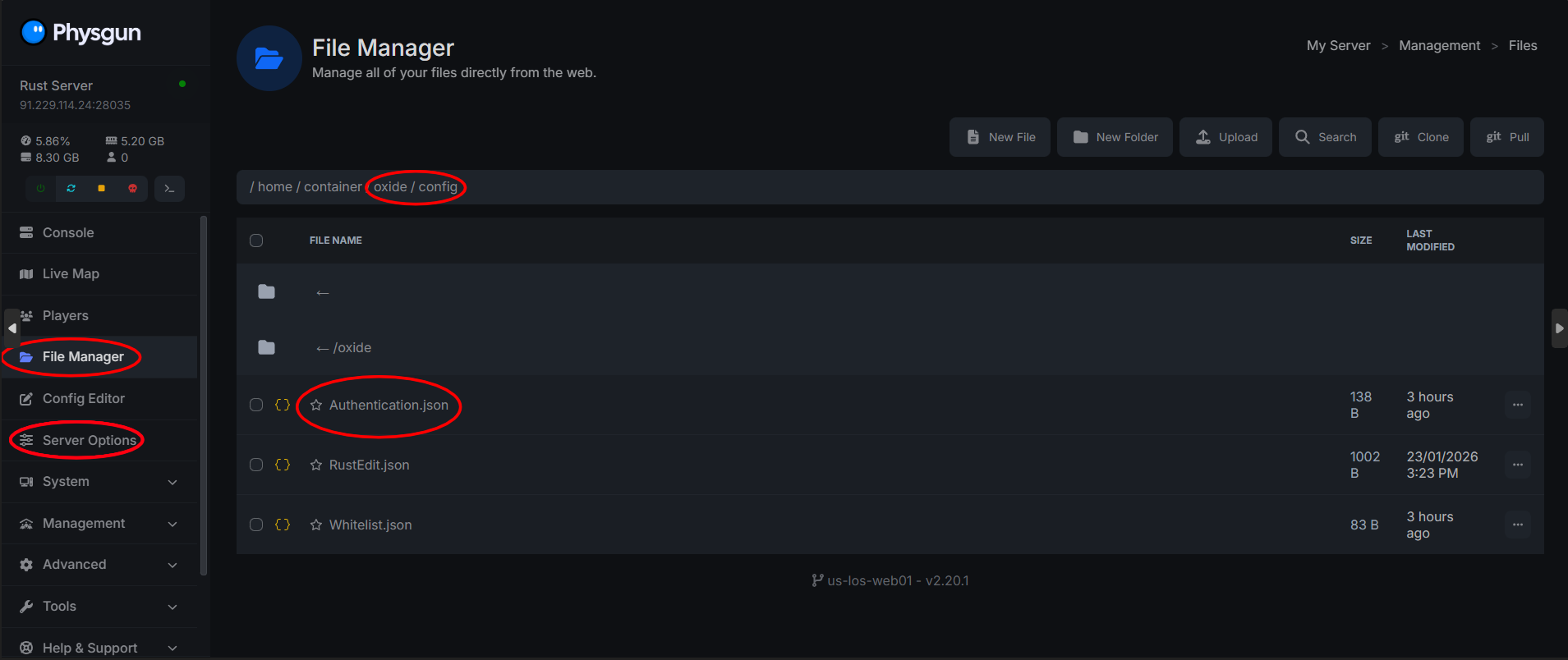
Make sure Oxide is installed and enabled on your server. This allows you to install Rust plugins, such as the whitelist plugin, to enhance and secure your server.
-
Download and configure the Authentication mod on uMod through the Plugin Installer in the gamepanel. You can also install other Rust plugins using the Oxide modding framework to add features and customize gameplay.
-
Navigate to the Config Editor on the left side navbar and set Max Players to 1.
Start your server
Now that your server is properly configured, you can start your server and set yourself as owner with these commands in the game’s server console:
ownerid YOURSTEAMID "YourName"
writecfg
You can now join your Solo rust server and enjoy the peace!
Making a Solo Server On Rust (Through VPS)
To make a solo server on Rust using a VPS or self-hosting:
Prepare your VPS
Use a Linux VPS (Ubuntu recommended) with enough RAM and a stable internet connection.
Connect through SSH and install the required tools:
sudo apt update && sudo apt upgrade -y
sudo apt install steamcmd screen unzip wget -y
Install the Rust dedicated server
Create a folder for your Rust server and run SteamCMD:
mkdir ~/rustserver
cd ~/rustserver
steamcmd
Once SteamCMD is started:
login anonymous
force_install_dir ~/rustserver
app_update 258550 validate
quit
This will download the Rust dedicated server files.
Install Oxide and the Authentication mod from uMod
Download and install Oxide + the Authentication mod from uMod, then configure the Authentication mod to add a password to your server.
With Oxide installed, you can further customize your Rust server by installing Rust plugins using the Oxide modding framework. For example, using a whitelist plugin can help secure your server by limiting access to specific players.
Create the start script
Make a start file for your server:
Before you begin, you need a shell file to launch the server with specific settings.
nano start.shPaste:
./RustDedicated -batchmode \
+server.port 28015 \
+server.level "Procedural Map" \
+server.worldsize 3000 \
+server.maxplayers 1 \
+server.hostname "Private Solo Rust Server" \
+server.description "Single Player Rust" \
+server.identity "solo" \
+server.seed 12345 \
+server.saveinterval 600
Save and make it executable:
chmod +x start.shStart the server
Run the server inside screen so it stays online:
screen -S rust
./start.sh
Wait for the console to show startup is complete.
Set yourself as server owner and connect
Now that your server is properly configured, you can start your server and set yourself as owner with these commands in the game’s server console:
ownerid YOURSTEAMID "YourName"
writecfg
To connect to your server, run the Rust client and press F1 to open the command line console. Type the command client.connect IP:Port and press Enter. If you used a different port for your server, change the port number in the connect command accordingly.
You can now join your Solo rust server and play how you want to!