Knowing how to give yourself items in Rust is a core skill for server owners, admins, and moderators handling server administration or testing gameplay changes.
Rust allows admins to spawn items directly into a player’s inventory using console commands, making it easy to add tools, resources, or weapons without crafting them manually.
In this guide, you will learn how to give yourself items in Rust using the in game console or server console, understand the correct command syntax, specify item IDs and quantities, and ensure items are added to the correct player inventory. We will also cover permission requirements, common mistakes, and how item spawning works on a Rust server so commands run cleanly without errors.
Using the Rust Admin Tools In The Physgun Gamepanel
The Rust Admin Tools in the Physgun Gamepanel makes moderation and administrative tasks as easy as clicking some buttons! Giving a player an item requires no config changes, no needing to look up user info or usernames, and gives access to a state-of-the-art live map that makes moderation easy!
To give a player an item on a Rust server hosted through Physgun:
-
Go to your Rust server in the Physgun Gamepanel.
-
On the left side navbar, find the Players tab.
-
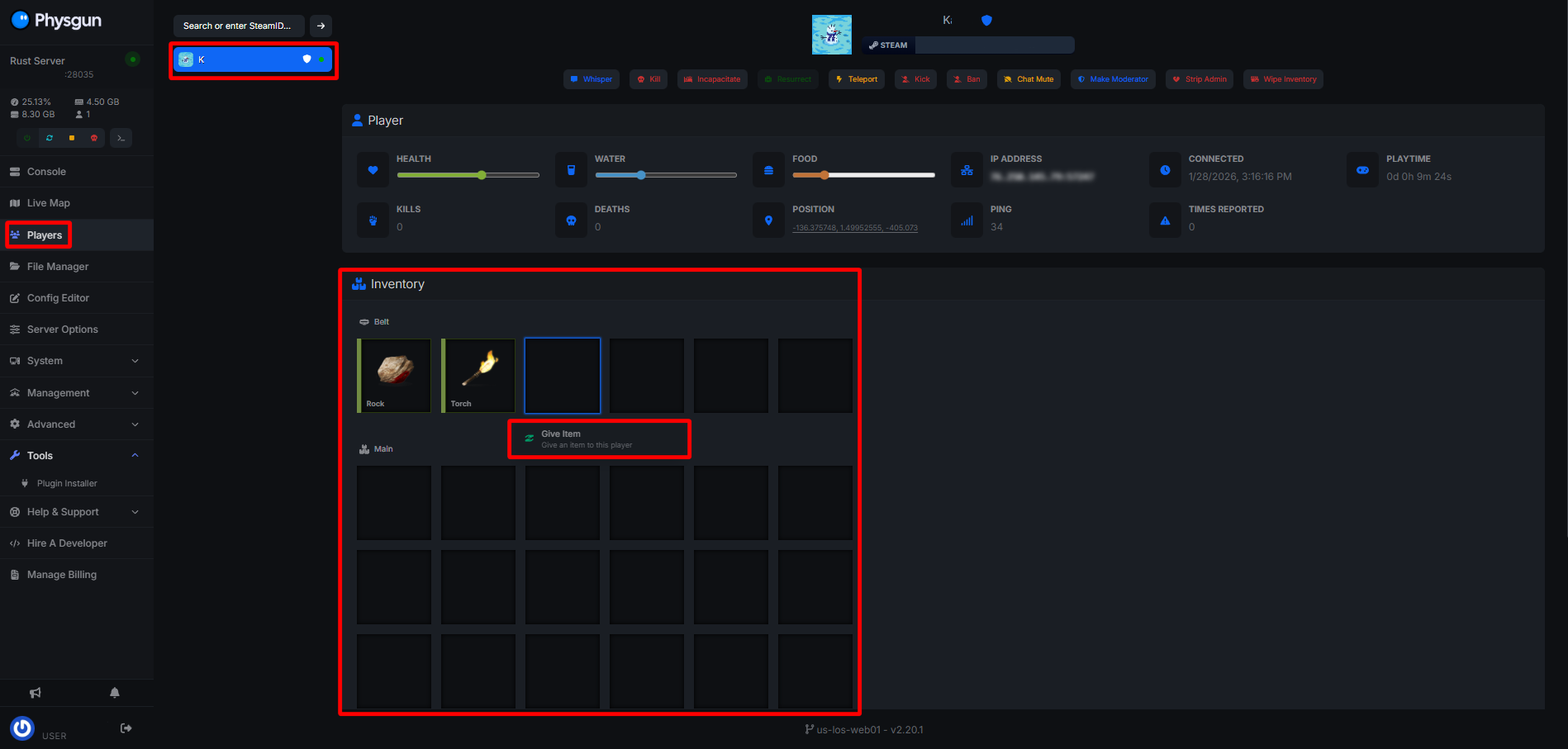
Find the player you would like to give items to and click on their name.
-
Near the bottom, you can find the player’s current inventory. Select one of the open slots and click on it, then click the Give Item popup that appears
-
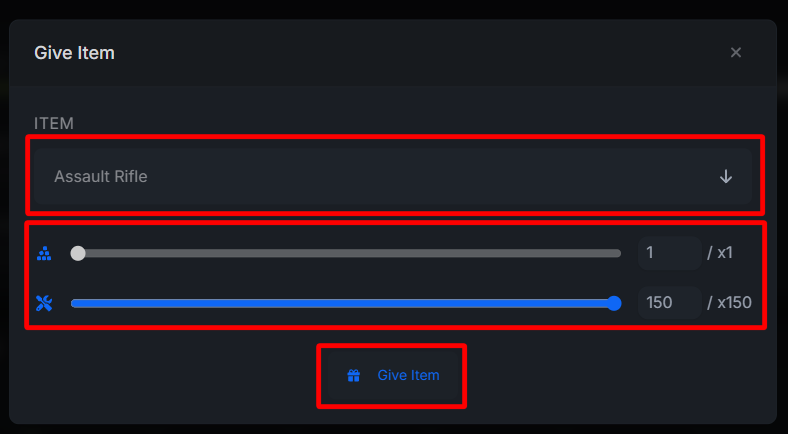
Using the dropdown that says Choose Item…, find the item you would like to give to the player. Use the sliders below to adjust item quantity and item condition.
-
Once you find and select the item. press the Give Item button.
-
That’s it! The player should now have the selected item in game.
Using The Game Console On Your Rust Server
Commands for spawning items only work for users with Admin privileges. Server owners and admins can open the in-game console by pressing the F1 key. If you are not an owner or admin, you can only acquire items through normal gameplay methods such as gathering, looting, and crafting.
-
Join your Rust server.
-
Navigate to your game server console.
-
Find the Item ID for the item you’d like to get. You can do this via external websites such as Rust Item List. You will want to find the Short Name for the item you want.
-
Copy the correct ItemID from the site
-
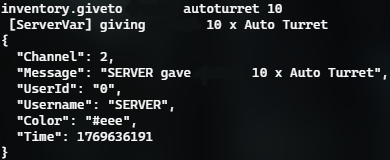
Use the command: inventory.giveto [YourName] ItemID Quantity(Number)
- Example: inventory.giveto [YourName] stones 10000 will give you 10,000 stones in game.
-
Press Enter on your keyboard
The item should now be added directly to your inventory.
You can give items to other players with the same command, just change [YourName] to another player’s name.
- Example: inventory.giveto [PlayersName] stones 10000 will give the person named Player in-game 10,000 stones. You can also use a Steam ID in place of playername.
The give command will work in game as well as the server console.
Spawning Items On Your Rust Server
To give yourself items in Rust, you need administrative privileges on a server or be playing on a server with mods that allow spawning.
-
Open your console with F1.
-
Run the command entity.spawn ItemID Quantity
-
The entity should now spawn at your current position.
- Example: spawn stones 10000 will spawn 10,000 stones on the ground at your location. Be careful, as spawning lots of entities in one location can cause lag.
Spawning All Deployable Items
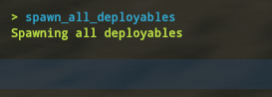
To spawn all deployable entities in front of the player, you can run the command debug.spawn_all_Deployables. This will spawn one of every deployable item/entity nearby in a grid in front of the player who ran the command.
Be careful using this command, as it can cause heavy lag or crash the server if used carelessly