

Hardcore mode in Rust strips away comfort and forces players to survive with limited information, no global chat, and major map information restriction. If you want to enable hardcore mode on your Rust server, you need to adjust the correct Rust server settings and restart the server properly. Once active, the hardcore game mode removes safe zone status indicators, limits communication to local chat range, disables the team system, and alters navigational features across the map.
In this guide, you will learn how to:
-
Enable hardcore mode using your control panel or server file
-
Modify the game mode line correctly
-
Restart the server, so changes save properly
What Is The Hardcore Game Mode?
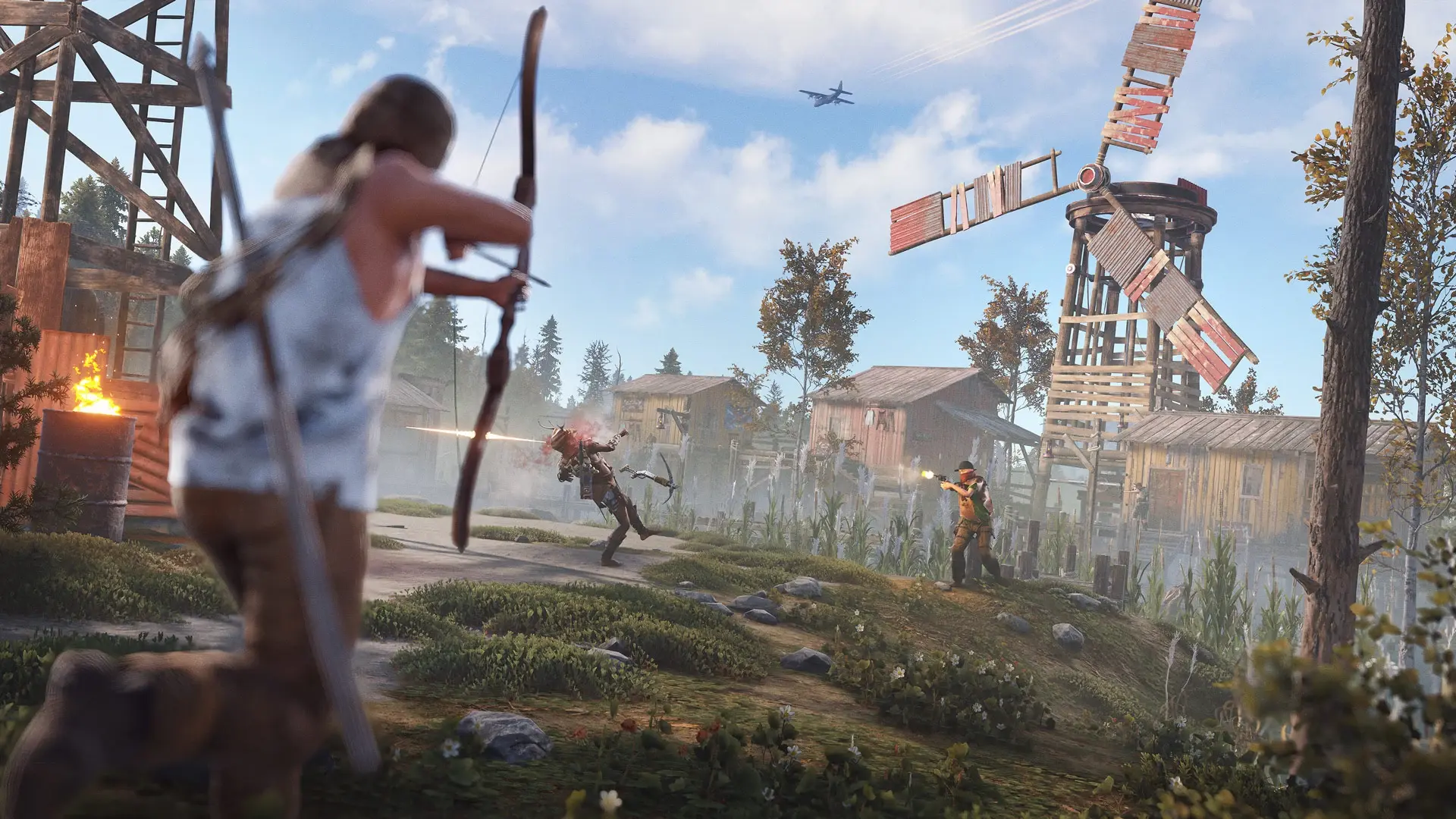
Hardcore is a Rust game mode catered toward veteran players. It strips down the vast majority of the convenience of Vanilla Rust and turns it into a much more challenging and, well, hardcore experience. Play it at your own risk.
Some major changes include:
-
The contact system is removed, preventing you from tracking and identifying friends and enemies as easily.
-
The compass and map are removed, making it a greater difficulty to navigate.
-
The crawling feature when a player’s downed has been removed, leaving you completely prone and vulnerable.
-
Removed global chat and replaced by a local chat of 100 meters.
-
Rust+ compatibility is removed.
-
The entire team system, which makes your teammates more visible, is removed. This forces complete anonymity among your team.
-
Removed Safe zone hostility indicator icon, located in the corner of your screen, and status. Now you’re no longer safe when entering these monuments.
-
Added a force-wipe on unlocked blueprints on the first Thursday of every month.
-
Sleeping bags and beds are limited to 5.
-
Additional restrictions on third-party player resources.
-
Encrypted maps.
-
Death screen transparency has been altered.
-
Redacted seed information.
-
Scrap costs to unlock new blueprints in the tech tree have been increased.
Enabling Hardcore Mode On Your Rust Server
To enable hardcore mode on a Rust server using your Physgun Panel:
-
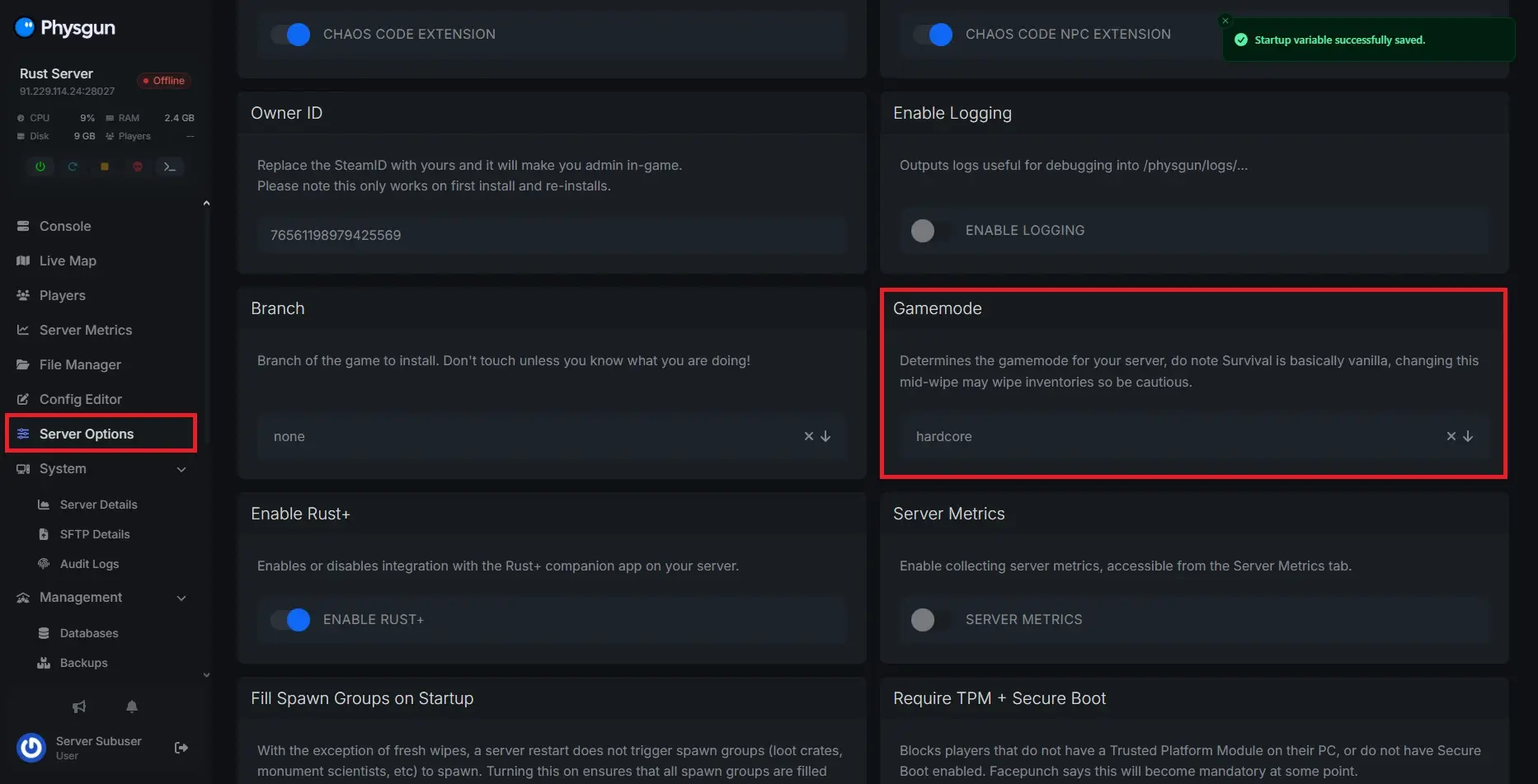
Visit your Physgun server panel and select the Server Options tab.
-
Scroll down to the Gamemode box and select Hardcore in the dropdown menu.
-
Restart your server.
-
Now your server should appear in the server browser under its new game mode.
To enable hardcore mode on a Rust server using the startup file:
-
Navigate to your server’s root folder and open your batch file.
-
Switch the value of +server.gamemode to “hardcore”.
- If you can’t find this value, you might have to create it. Add the option immediately after the server.identity option.
-
Restart your server.
-
There you have it! Your server should now be under the Hardcore tag.
Conclusion
Now you know how to enable Hardcore mode on your Rust server and what changes to expect once it’s active. With additional constraints put on the player, removed navigational features, limited communication, and stricter gameplay rules, this mode creates a much more unforgiving survival experience in the world for every character that joins your server.
If something doesn’t happen after making the changes, double-check the +server.gamemode setting in your startup file, and make sure you fully shut down and restart the server so the changes apply correctly.
Hopefully, you found this answer helpful and have a clear description of how Hardcore mode works. If you still need support or can’t access the correct server settings, feel free to reach out to us. We’re more than happy to help!
This guide can be used for any gamemode! See the Rust Wiki for other gamemode options.