

Managing the max players on your Hytale server is an essential step to ensure smooth player connections and stable server performance. Whether you’re running dedicated servers, production servers, or even self-hosting, adjusting the maximum player count in your server files or configuration files lets you control how many users can join your world at once.
Properly setting the player count helps prevent memory pressure, higher RAM usage, and other performance issues, while giving you full control over your server and game environment. This complete guide will walk you through changing the default settings, updating your config, and optimizing your Hytale server for the expected player count.
Changing The Max Players On A Hytale Server
To change the maximum players on a Hytale server:
-
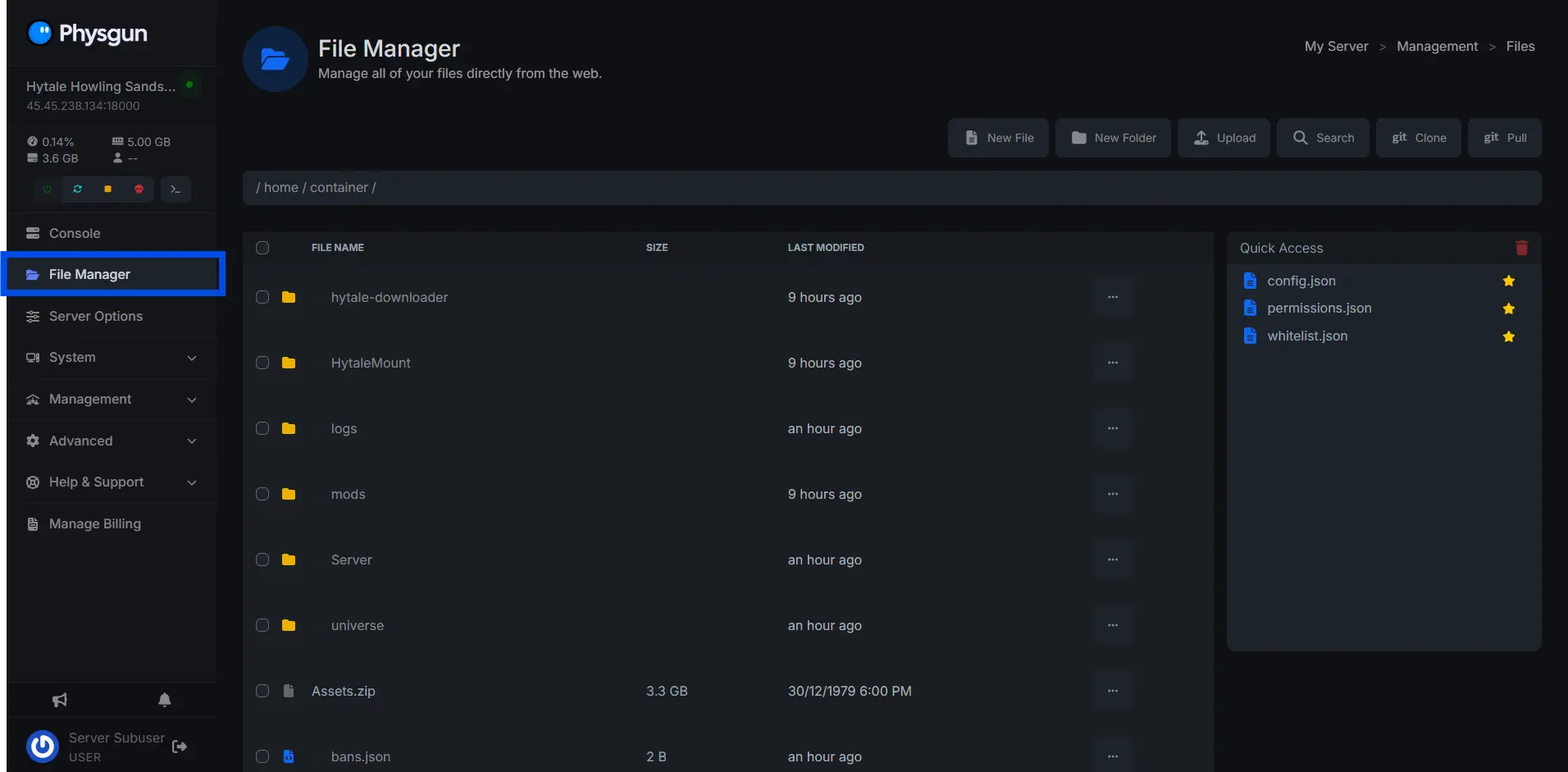
Navigate to the “File Manager”
-
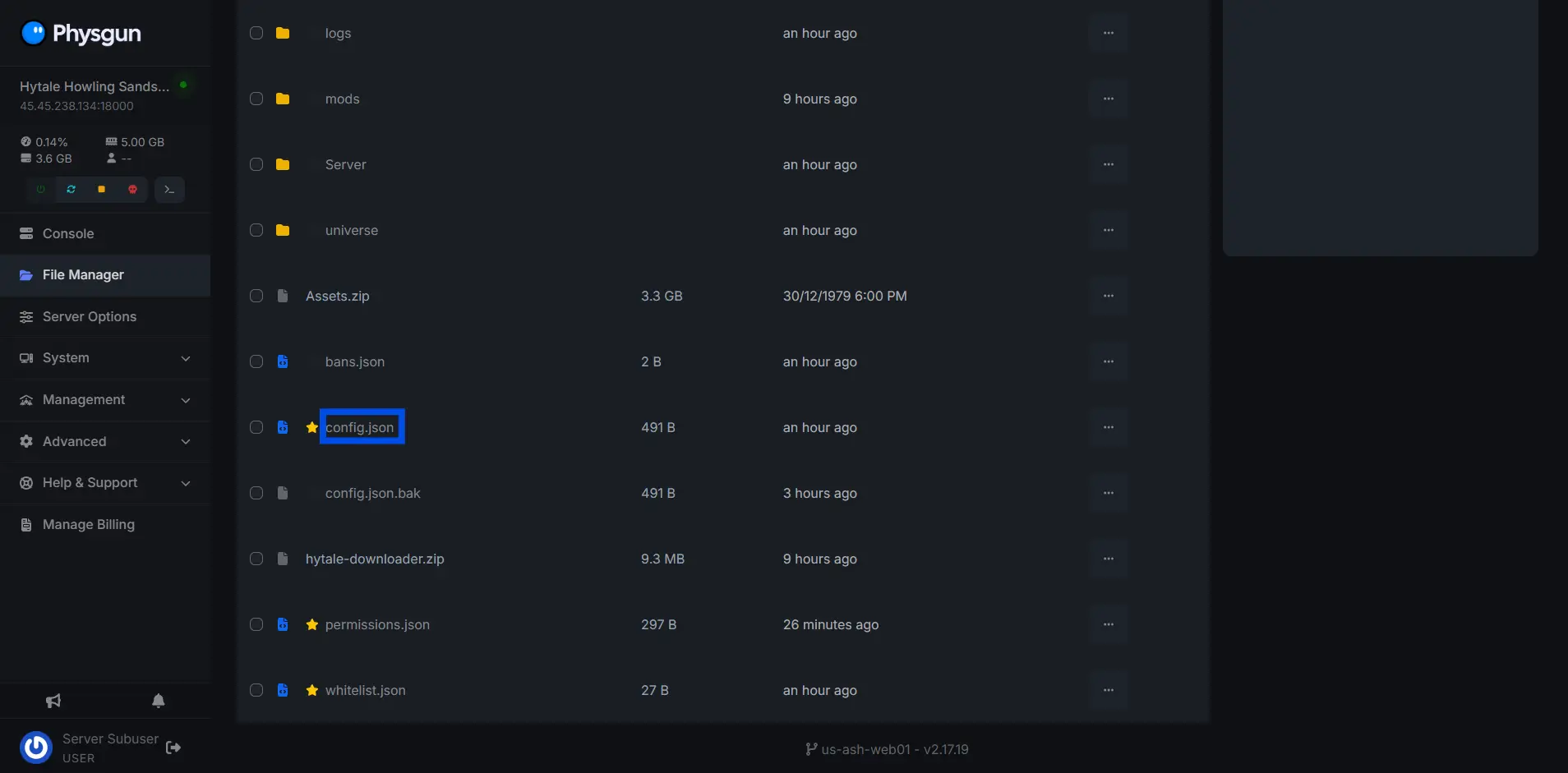
Open the config.json file
-
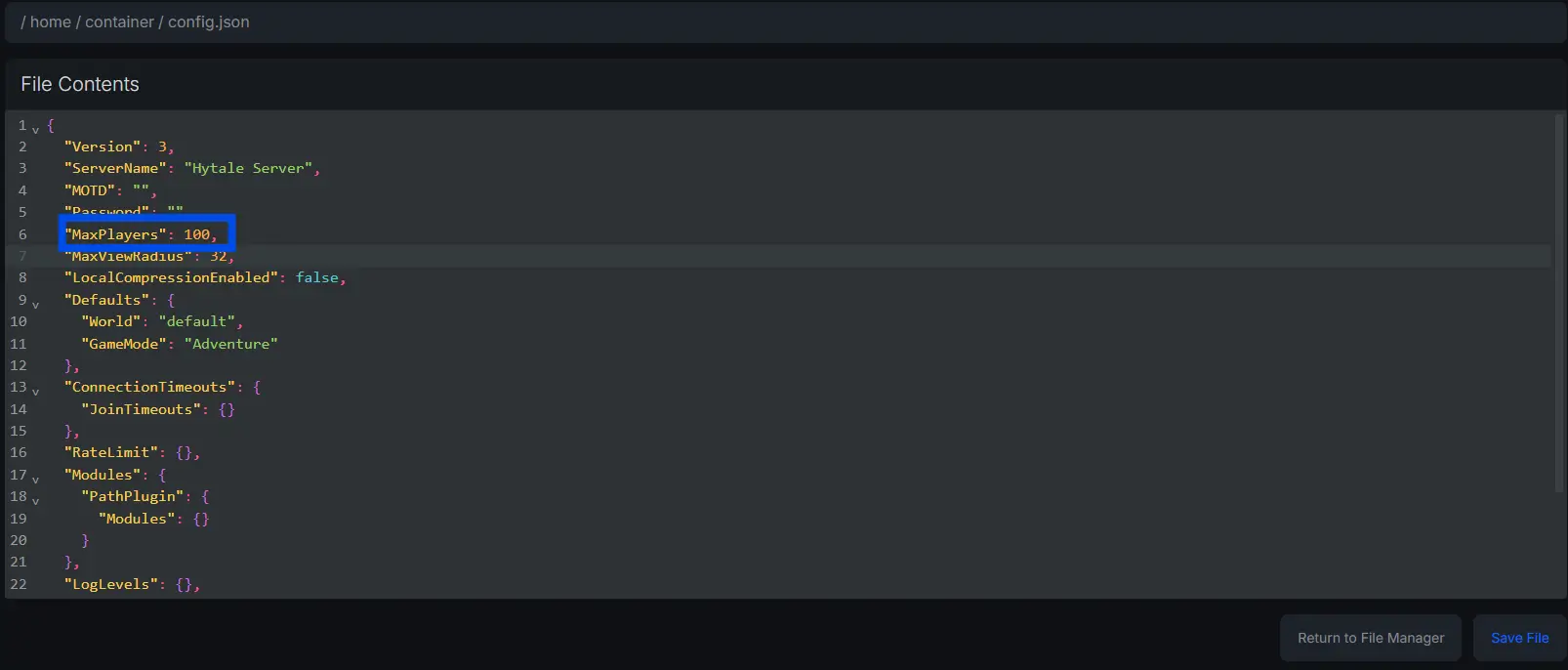
Change the “MaxPlayers” variable, set the value to anywhere between 1-100**.**
What’s The Maximum Players You Can Set On A Hytale Server?
The default maximum player cap for a Hytale server is 100 players as of January 2026. However, in practice, achieving this many players on a Hytale server is currently nearly impossible without heavy optimziations and future updates.
Need Help Changing The Maximum Players On Your Hytale Server?
Contact our support team for 24/7 assistance!