
If you want to play instruments in Rust, there’s more to it than randomly pressing keys and hoping a song comes out right. Rust gives players a surprisingly deep music system, including manual note play, MIDI input, and support for MIDI files, so you can jam solo or put on a full show with friends.
In this guide, you'll learn how to play instruments in Rust, covering the basics and helping you get started with the process of learning music in-game. This guide breaks down how to play instruments in Rust, how to enable MIDI input, how a MIDI keyboard works in-game, and where sheet music fits in. By the end, you’ll have a much clearer path to playing real songs instead of just making noise, with clear and easy steps to follow.

How To Play Instruments Manually
This section will teach you the basics of how to play instruments manually in Rust using your keyboard.
To play instruments manually:
Equip an instrument like a piano, drum, or small tom.
Look at the bottom right side of your screen to see note hints (if enabled).
Press your keyboard keys to play notes.
Each key corresponds to specific note names.
Hold Shift to access higher or alternate notes.
Tap keys in rhythm to create melodies.
Notes:
This is the most basic way to play music.
You don't need any extra tools or software to play manually.
Good for learning how notes map to keys.
Best used for simple songs or practice.
Playing musical instruments in Rust involves equipping an instrument and using the keyboard's Numpad or connecting a MIDI device. Once an instrument is equipped, you can play notes by using the numpad. You can assign numbers from the numeric keypad on the right side of your keyboard for easier playing. Numpad keys 1-7 correspond to the C-major scale (C, D, E, F, G, A, B).
How To Enable MIDI Input
Rust has built-in MIDI support, but you must enable it through the console.
To enable MIDI input:
Launch Rust and load into a server or local game.
Press F1 to open the console.
Enter:
midi.enable 1Plug in your MIDI keyboard to your PC via USB before or after launching the game. You can connect a MIDI device to Rust by plugging it into your PC via USB and enabling MIDI Input in the settings.
Go to the Rust Menu, then Options > Controls, and make sure 'MIDI INPUT' is turned to On.
List available MIDI devices:
midi.listSet your MIDI device using its index (example):
midi.port 0Test input by pressing keys on your MIDI keyboard while holding an instrument.
Notes:
If MIDI won't work, try to close and reopen Rust or your MIDI software, then reconnect your device.
If MIDI won't work, restart the game after plugging in the device.
Make sure no other program is using the MIDI device.
The correct port must be selected or no input will register.
How To Use A MIDI Keyboard In Rust
Using a MIDI keyboard is the easiest way to play real songs with proper timing and notes. For players who want a more authentic or responsive experience, using a MIDI keyboard is the answer.
To use a MIDI keyboard:
Enable MIDI input using the steps above.
Equip an instrument (piano works best).
Press keys on your MIDI keyboard.
Notes will play instantly in-game based on your input.
Use both hands to play chords and melodies.
Playable instruments in Rust should support MIDI input by default.
Optional setup tips:
Some keyboards let you shift octaves if notes sound too high or low.
Velocity (how hard you press keys) may affect volume depending on the instrument.
If nothing plays, recheck your MIDI port setting.
Notes:
Enabling MIDI Input allows equipped instruments to receive notes played on a physical MIDI device.
This method is the most accurate way to play music in Rust.
Great for live performances or playing with friends in a band.
Works well for learning real songs quickly.
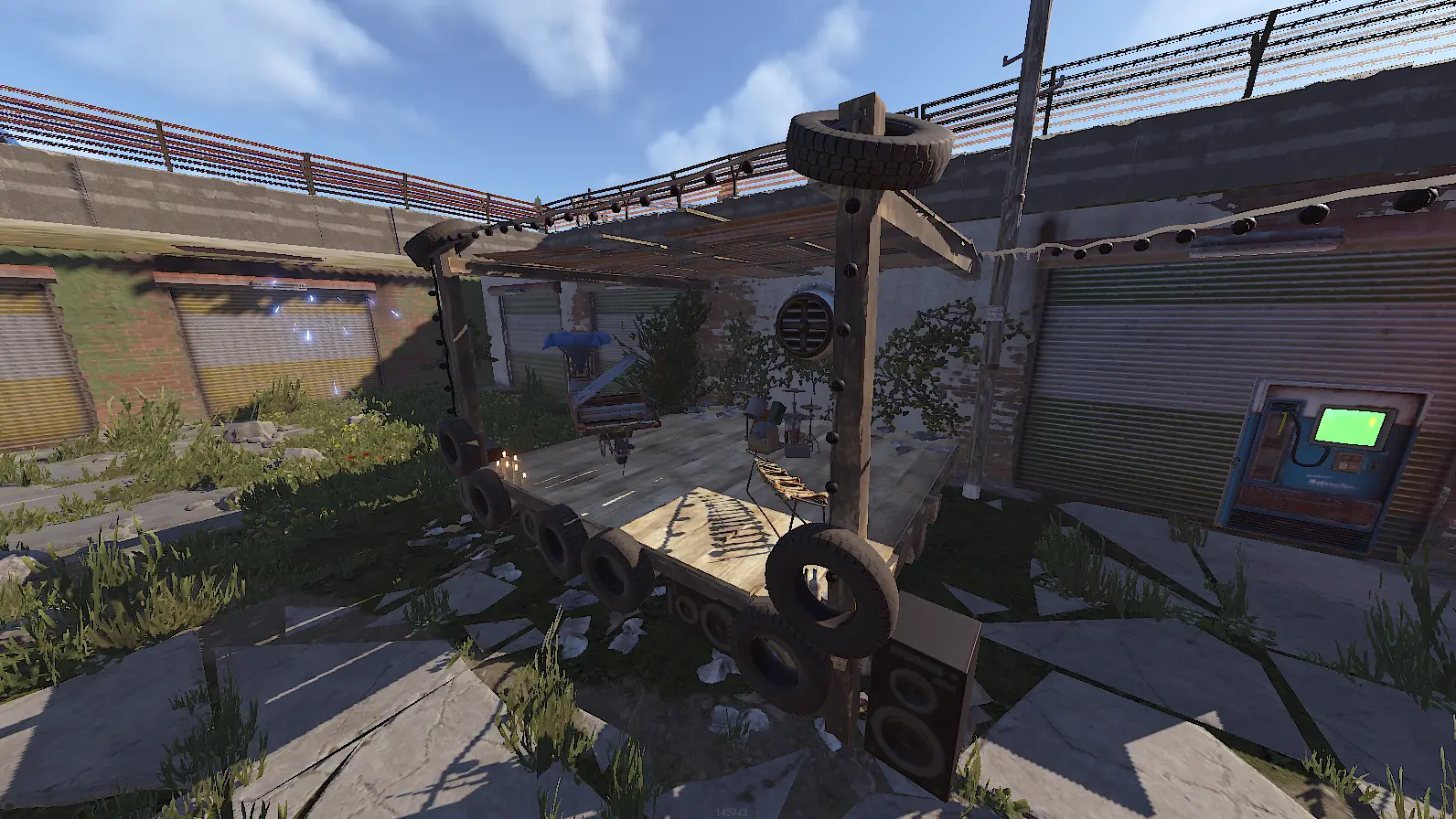
How To Use MIDI Files To Play Songs In Rust
MIDI files let you automatically play full songs without manually pressing keys.
To use MIDI files:
Download MIDI files from trusted community sources or grab a music pack to expand your song library.
The easiest way to locate your Rust 'instruments' folder is to right-click your Rust game in your Steam Library and click Properties.
Navigate to:
Rust/instruments/(If the folder doesn’t exist, create it.) 4. Store your .mid files inside this folder. You can rename your MIDI files to one simple word to avoid complications when using console commands. 5. Launch Rust and equip an instrument. 6. Open the console (F1) and use a MIDI playback command or supported tool/mod. For easy access, you can use the bind command to assign a playback command like instruments.playrecording filename to a key. 7. Select your MIDI file and start playback.
Optional:
Use Loop MIDI if you want the song to repeat. Loop MIDI takes the MIDI signal from MIDI Player and ports it into Rust.
Adjust playback speed if the timing feels off.
Notes:
MIDI files contain note data, not audio.
Complex songs may need slight timing adjustments.
MIDI Player acts like a typical media player for playing music in Rust. MIDI Player and Loop MIDI are recommended software for playing music in Rust.
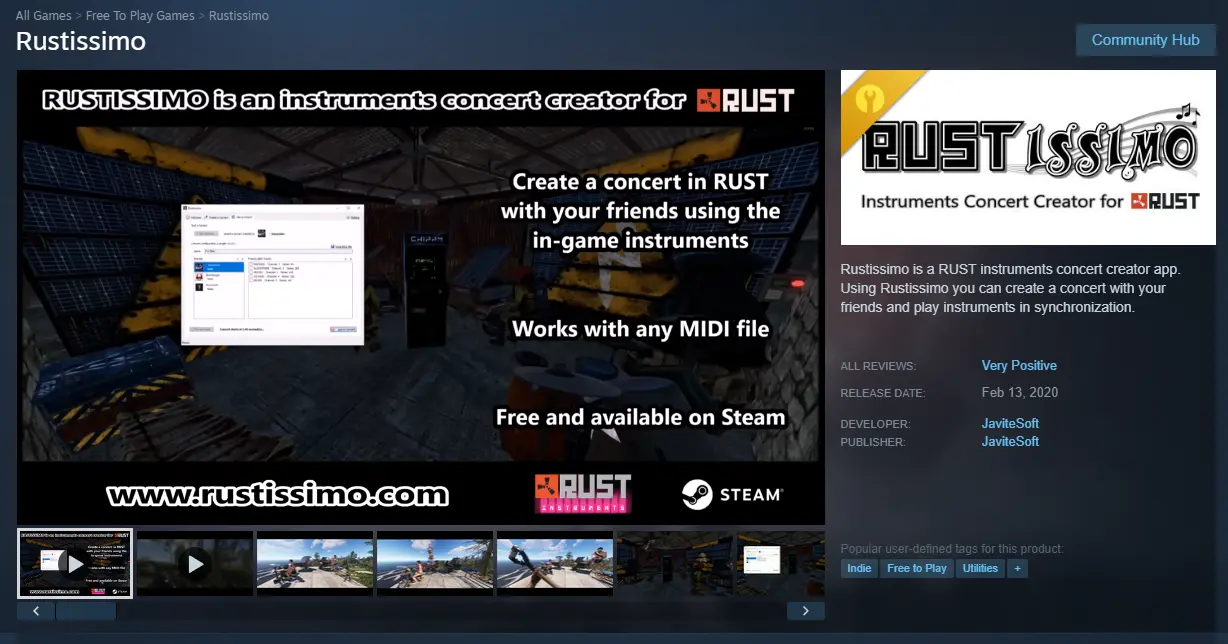
Rustissimo is a program that allows multiple players to play MIDI files together in Rust.
Setting up and playing MIDI files in Rust is easy with the right folder organization and tools.
How Sheet Music Translates To Rust Instruments
Sheet music can help you understand what to play if you prefer reading notes.
To use sheet music:
Read the sheet to identify note names.
Match those notes to your keyboard or MIDI keyboard.
Play notes in the correct order and timing.
Practice repeatedly to improve accuracy.
Notes:
Rust instruments follow standard note patterns.
Learning to read sheet music helps you play more complex songs.
Useful if you want to recreate songs without MIDI files.
Tips for Playing Music in Rust
Start with simple melodies before moving to full songs.
Use MIDI input for better accuracy and easier control.
Practice rhythm and timing, not just note placement.
Play with friends to form a band and improve coordination.
Watch YouTube tutorials or community examples for help.
Common Issues
MIDI won't work:
Make sure MIDI is enabled with midi.enable 1
Check midi.list and confirm the correct port is set
Restart Rust after plugging in your device
No sound:
Ensure you are holding an instrument
Check in-game audio settings
Notes sound wrong:
Adjust octave on your MIDI keyboard
Verify correct instrument is selected
Double check key mapping or bindings
Final Notes
Learning how to play instruments in Rust opens up a completely different side of the game. Whether you play manually, use a MIDI keyboard, or load MIDI files, you can create real music inside the Rust world.
With a bit of practice, you can go from random notes to full songs, join other players, and even perform live in-game.